PowerStore: Pre-Upgrade Heath Check detects an underlying firmware upgrade process is running
Summary: The Pre-Upgrade Health Check (PUHC), in the health check package, detects that an underlying firmware upgrade process is running.
This article applies to
This article does not apply to
This article is not tied to any specific product.
Not all product versions are identified in this article.
Symptoms
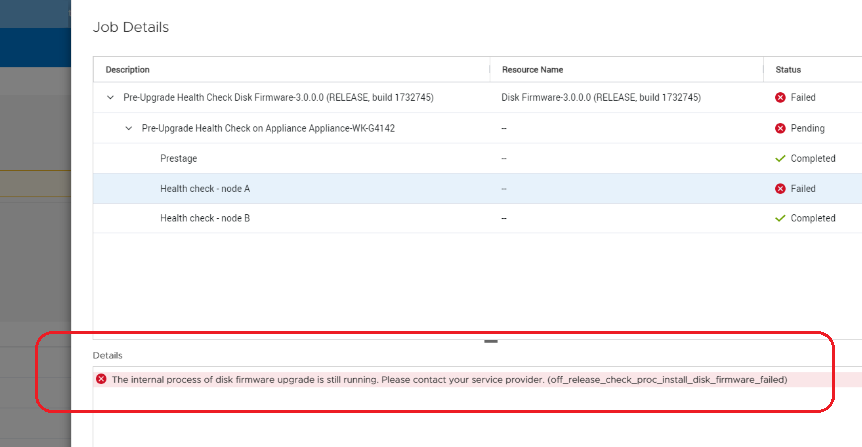
Pre-Upgrade Heath Check (PUHC) may display a message "The internal process of disk firmware upgrade is still running. Please contact your service provider. (off-release_check_proc_install_disk_firmware_failed)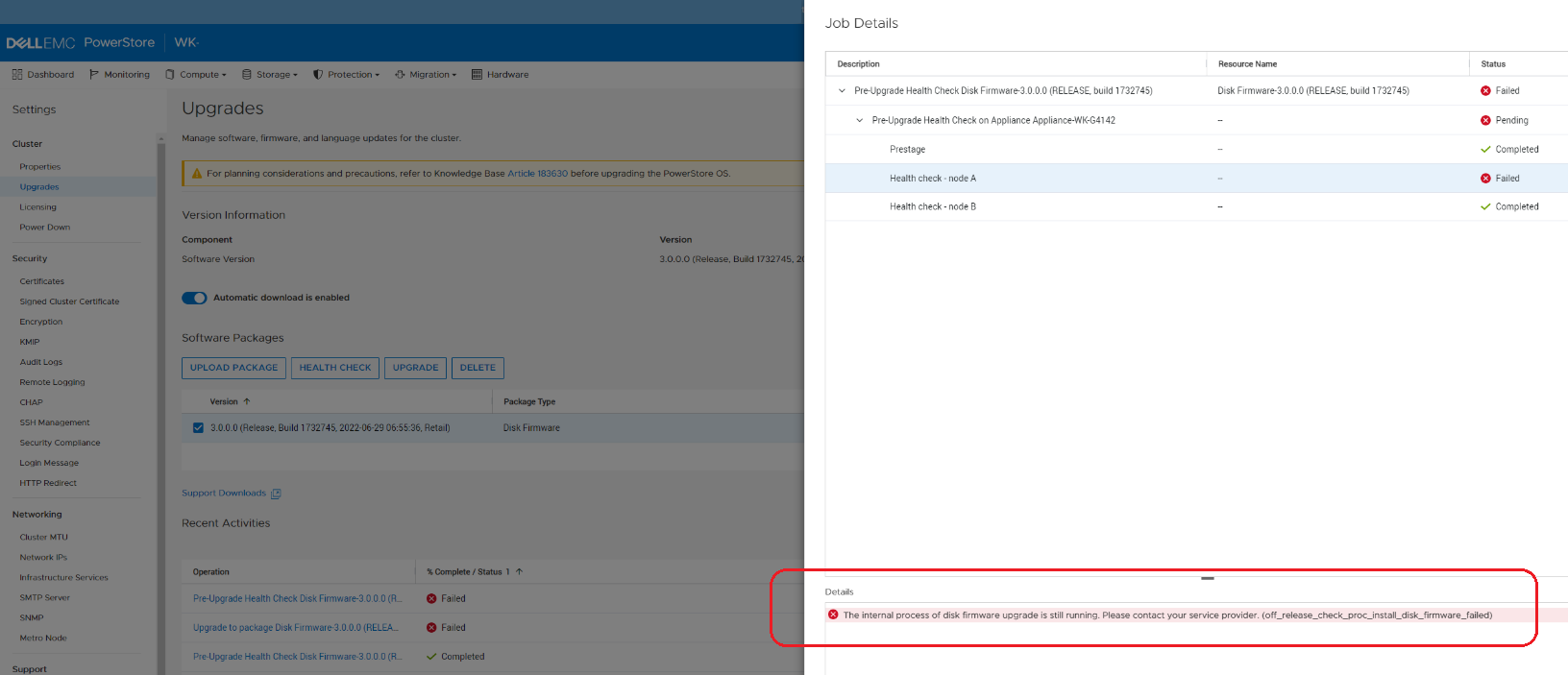
Cause
The PUHC check detects if the previous firmware upgrade process is still running in the background.
If a firmware upgrade was failed due to timeout, there may not be a clean rollback but the previous firmware upgrade process may be left running in the background. In this situation, we should not retry NDU, otherwise some remnants may be incorrectly identified, and prevent successful NDU attempts from then on.
If a firmware upgrade was failed due to timeout, there may not be a clean rollback but the previous firmware upgrade process may be left running in the background. In this situation, we should not retry NDU, otherwise some remnants may be incorrectly identified, and prevent successful NDU attempts from then on.
Resolution
Contact Dell Technical Support to resolve this issue. Reference this KB Article for expedited handling.
Additional Information
KB 000192601 PowerStore: How to Check the Health of the Cluster Before Software Upgrade Using Pre-Upgrade Health Check and System Check.
KB 000214752 PowerStore: Landing Page for In Market (off-release) System Health Checks is a public facing KB with a listing of all the health checks.
KB 000214752 PowerStore: Landing Page for In Market (off-release) System Health Checks is a public facing KB with a listing of all the health checks.
Affected Products
PowerStoreArticle Properties
Article Number: 000218391
Article Type: Solution
Last Modified: 14 Jun 2025
Version: 4
Find answers to your questions from other Dell users
Support Services
Check if your device is covered by Support Services.