

Identity protection and privacy for your digital life
Keep your personal info private, avoid scams, and protect yourself online with the #1 antivirus for PC performance.

Why is a cybersecurity solution important?
Whether shopping, learning, or streaming online, our privacy, security, and identity are exposed to threats. As technology weaves itself into our lives in new and unexpected ways, some of it will get quite personal and close to home.

Protect unlimited devices

24/7 support

Identity Monitoring

Email Scam Detector

Text Scam Detector

Deepfake Detector

Why does Dell recommend McAfee?
McAfee has been recognized by industry leaders for over 35 years.

- Over the years, McAfee has significantly reduced the disk space required, the memory usage, and the processes running, dramatically reducing slowdowns and making systems run fast.
- McAfee+ Premium is more agile with faster scans, quick updates, and uses significantly les space on your PC for performance that won’t slow you down.
- It is better to have peace of mind with security on your system than to be seriously slowed down by spyware and viruses that could be even more harmful.
- McAfee+ Premium is more agile with faster scans, quick updates, and uses significantly les space on your PC for performance that won’t slow you down.
- It is better to have peace of mind with security on your system than to be seriously slowed down by spyware and viruses that could be even more harmful.

Beating out competitors like Microsoft Defender, McAfee earned our best-ever result in the latest AV-Comparatives PC Performance Test
With an overall impact score of only 2.8, McAfee+ Premium proved itself again to be the lightest product in the test, outperforming all other security vendors and performing well under the industry average (13.8). McAfee is therefore again awarded with the highest possible ranking: ADVANCED+ 3 Stars.
McAfee comes preinstalled on most PCs as Dell’s recommended protection
Register your subscription to unlock our comprehensive protection for all your devices, identity, privacy, and life online.
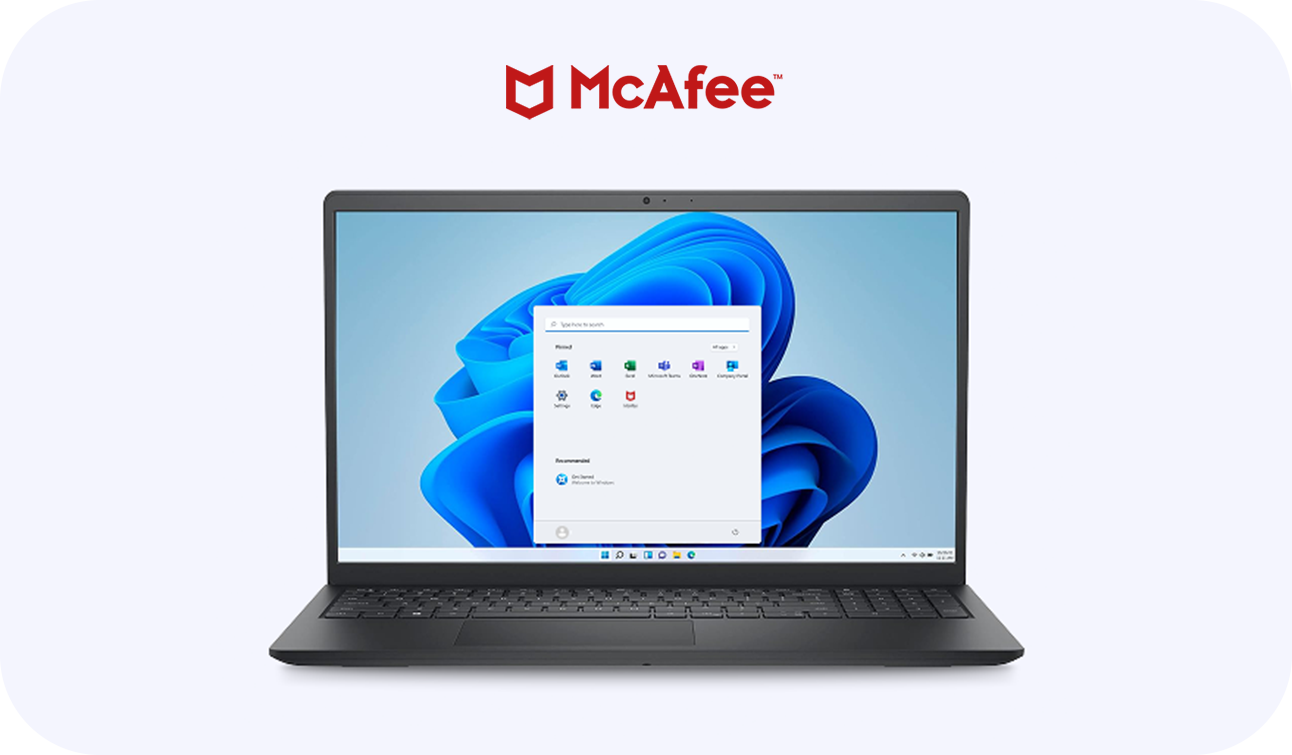
How to register your McAfee solution
Simply look for the McAfee icon or find us in the start menu.
Go to general settings and register.
Congrats! Full benefits have been unlocked.
Go to general settings and register.
Congrats! Full benefits have been unlocked.
How do I know what type of McAfee subscription is preinstalled on my device?
The product preinstalled and the duration of the subscription can vary based on device, operating system, and by country.

Subscription duration: 30-day or 1-year
Operating System: Microsoft Home
PC Brands: Dell, Dell Plus, Alienware, Dell Premium
Available for purchase: 1 and 3-year subscriptions
Operating System: Microsoft Home
PC Brands: Dell, Dell Plus, Alienware, Dell Premium
Available for purchase: 1 and 3-year subscriptions

Subscription duration: 1-year
Operating System: Microsoft Pro
PC Brands: Dell, Dell Plus, Dell Premium
Available for purchase: 1 and 3-year subscriptions on Brands listed above and Dell Pro and Dell Pro Max devices
Operating System: Microsoft Pro
PC Brands: Dell, Dell Plus, Dell Premium
Available for purchase: 1 and 3-year subscriptions on Brands listed above and Dell Pro and Dell Pro Max devices