Microsoft 365 Purchase Instructions

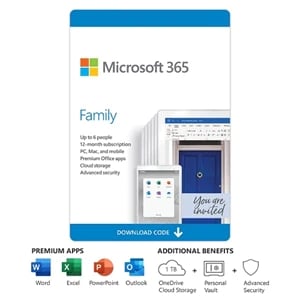
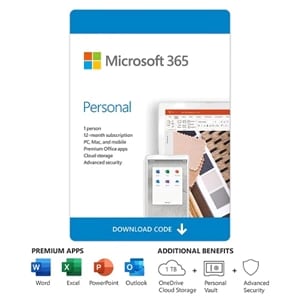
To purchase a new Microsoft 365 subscription, please click the appropriate product below. You will be directed to Dell.com to complete your purchase. If you are extending an existing subscription, please ensure you activate it using the same Microsoft Account.

If you wish to view details of a previous Microsoft 365 Subscription purchase, please click here. You will be directed to your Dell Digital Locker where you can sign in to view your previous purchases.

Already purchased Microsoft 365 with Auto-Renewal from Dell?
Your subscription will be automatically renewed.*

Click here to return to the Dell Digital Locker to:

  • Check subscription status
  • Manage billing information
  • Opt in/opt out/cancel subscription

* You may opt-out of Auto-Renewal at any time. The Dell Digital Locker will allow you to manage your subscription and show the status of your renewal options.

Purchase Microsoft 365