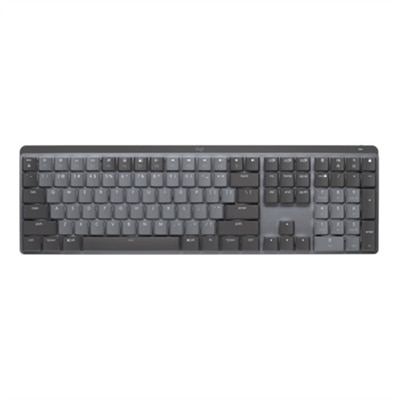
1. Ergonomic Design
2. Wired vs. Wireless
3. Durability and Build Quality
4. Compatibility and Extra Features
Choosing the right keyboard and mouse bundle can help students stay productive, comfortable, and focused during their studies.
1. Ergonomic Design
2. Wired vs. Wireless
3. Durability and Build Quality
4. Compatibility and Extra Features
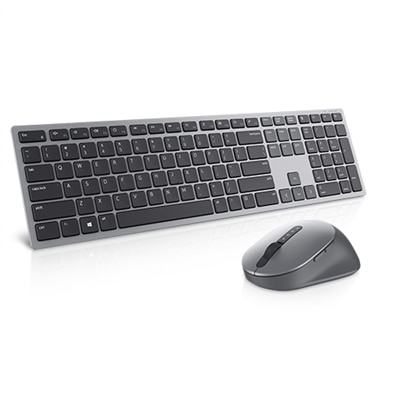
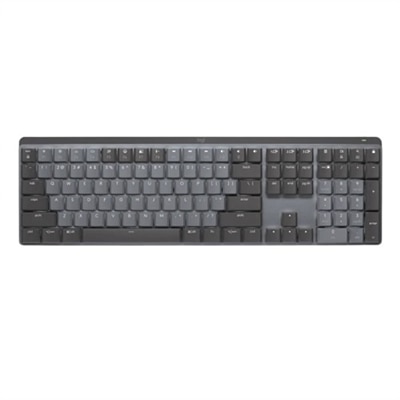
A stylish wireless keyboard and mouse combo offering exceptional multitasking and up to 36 months battery life.
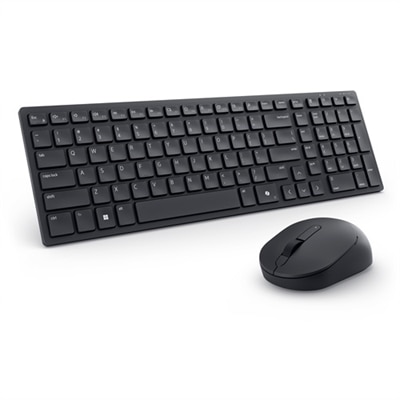
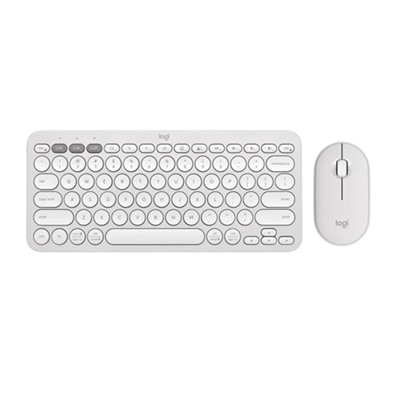
A compact, silent keyboard and mouse combo offering seamless connectivity via RF dongle or Bluetooth.
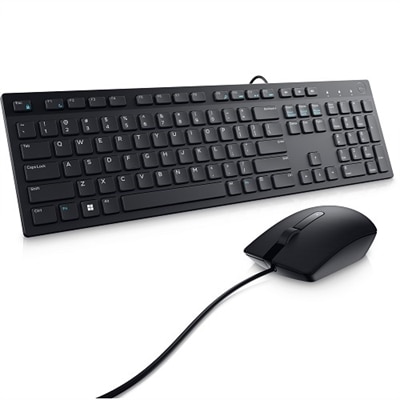
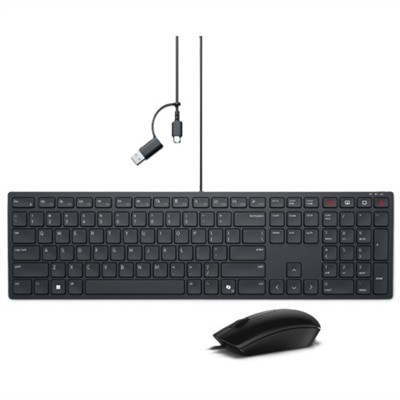
A wired keyboard and mouse combo that connects via USB-A for seamless PC integration.
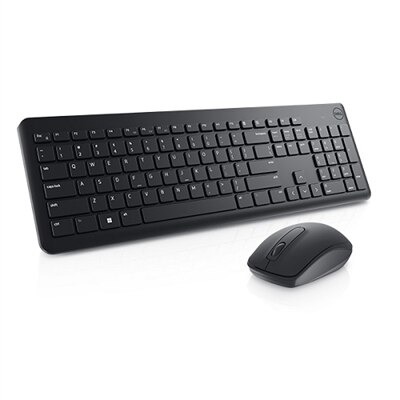
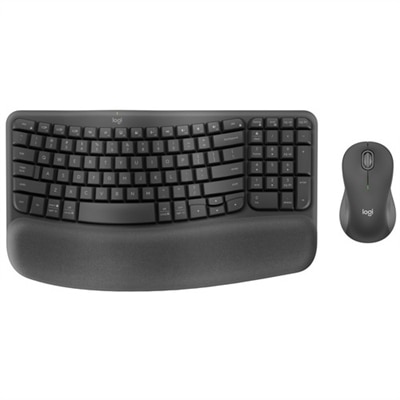
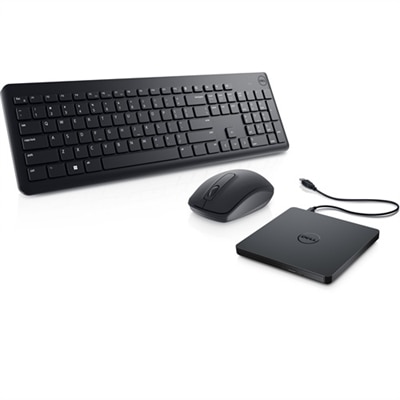
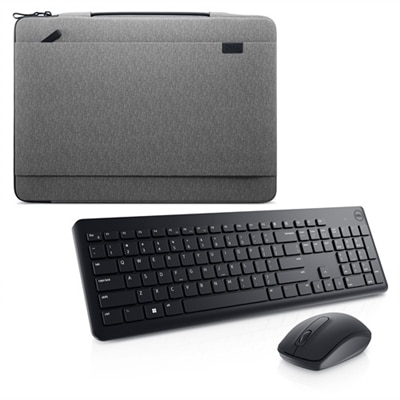
A reliable wireless keyboard and mouse combo designed to enhance everyday productivity.
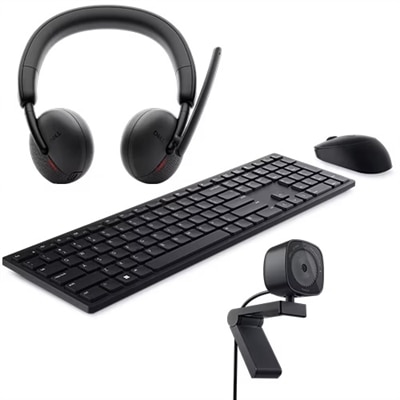
A productivity-enhancing bundle featuring a wireless keyboard, mouse, 2K webcam, and AI noise-canceling headset.

A reliable wireless keyboard, mouse, and AI noise-cancelling headset combo for enhanced home office productivity.
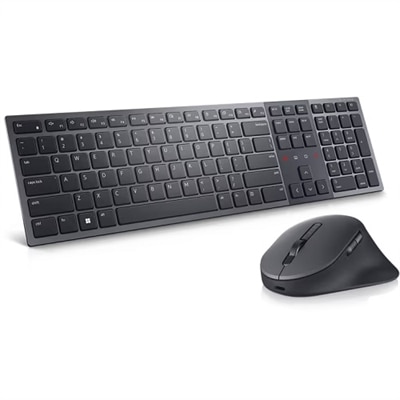
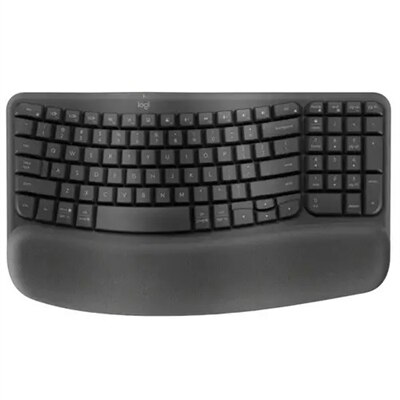
A premium keyboard and mouse combo with quiet typing, collaboration keys, and a rechargeable battery.
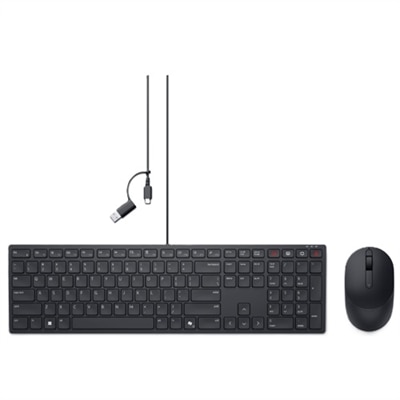
A black silent wired keyboard with collaboration keys, paired with a wireless mouse for productivity and comfort.
Students should consider bundles that offer comfortable ergonomics, quiet keys, reliable wireless connectivity, and long battery life. Additional features like spill-resistant keyboards and adjustable DPI settings on the mouse can also enhance productivity during study sessions.
Many keyboard and mouse bundles are designed for broad compatibility and work seamlessly with both Windows and Mac operating systems. Always check product specifications to confirm compatibility with your device.
Yes, many bundles offer responsive keys and precise mouse tracking suitable for both academic tasks and light gaming. Look for bundles with customizable buttons or adjustable DPI for a versatile experience.
Some bundles are equipped with shortcut keys for quick access to functions like volume control or launching applications. Silent typing and quiet-click mice are also popular features, ideal for shared or quiet environments.
Most keyboard and mouse bundles offer plug-and-play functionality via USB or Bluetooth, making setup quick and straightforward. No additional software is typically required, allowing students to get started right away.
Add the products you would like to compare, and quickly determine which is best for your needs.