card-img

Logitech Ergonomic Keyboards for Office Use

Enhance your workspace with Logitech ergonomic keyboards for office use, designed to support productivity and comfort throughout the workday. These keyboards are crafted to help create a more efficient typing experience, making them a great addition to any professional environment. Discover options that blend modern design with user-friendly layouts, ideal for streamlining your daily tasks and maintaining focus in the office.

Filters

$159.99

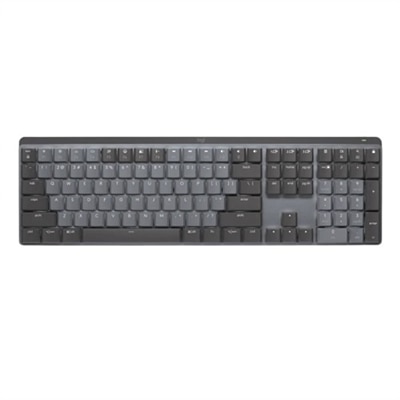
A wireless illuminated keyboard with tactile quiet switches, Bluetooth connectivity, and a graphite finish.

$159.99
$159.99

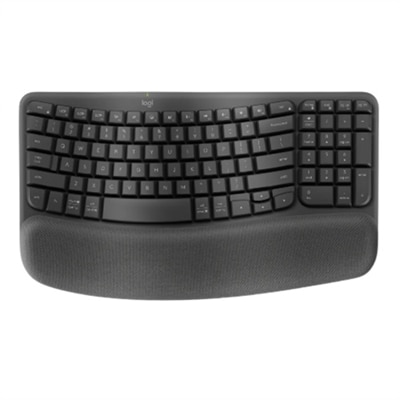
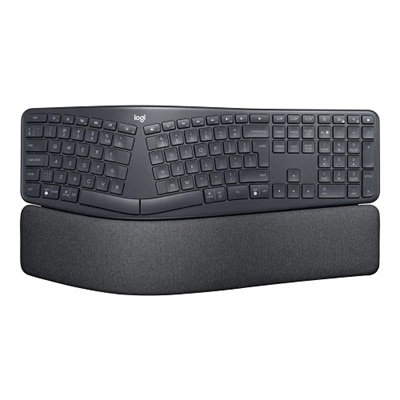
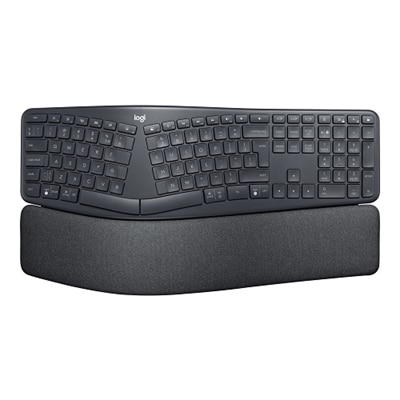
An ergonomic wireless keyboard in graphite featuring a split keyframe, palm rest, and secure Logi Bolt technology.
$159.99
$69.99

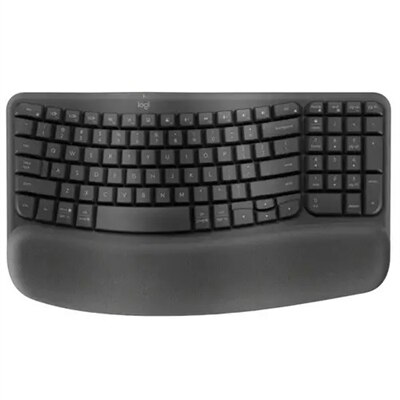
A graphite wave-shaped keyboard with cushioned palm rest for enhanced wrist support and natural typing posture.

$69.99
$79.99

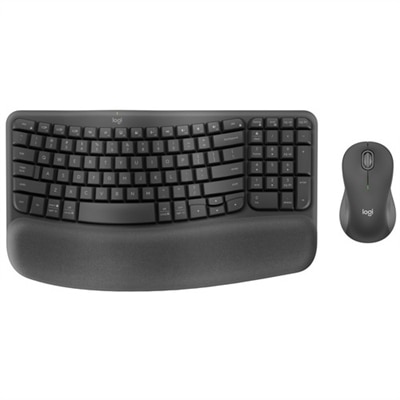
An ergonomic wireless keyboard and mouse combo with recycled plastic, cushioned palm rest, and quiet, sculpted design.

$79.99
$139.99

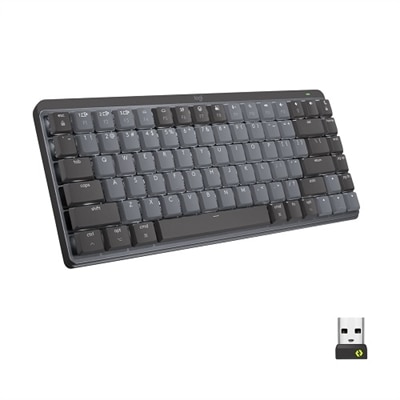
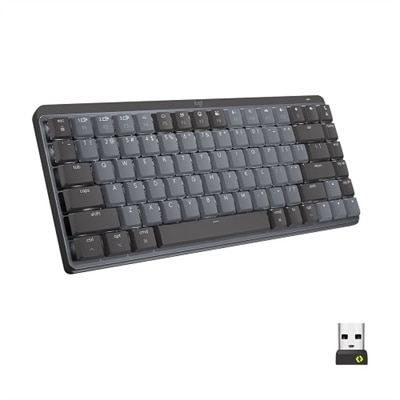
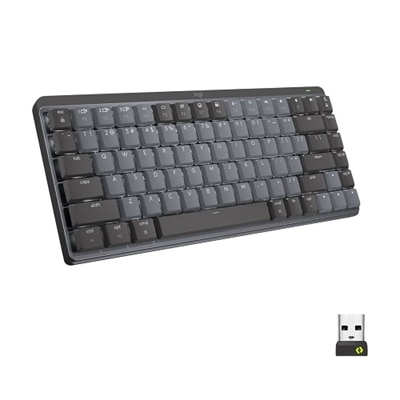
A compact graphite wireless keyboard featuring clicky low-profile mechanical switches, smart backlighting, and multi-device connectivity.

$139.99
$69.99

An ergonomic wireless keyboard in graphite with cushioned palm rest and secure Logi Bolt connectivity.

$69.99
$179.99

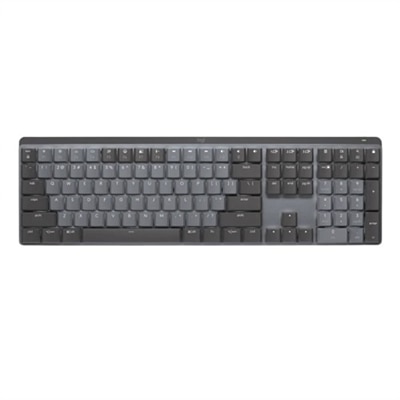
A graphite wireless keyboard featuring clicky low-profile switches, backlit keys, and multi-device Bluetooth connectivity.

$179.99
$139.99

A compact graphite wireless keyboard featuring low-profile linear mechanical switches, smart backlit keys, and multi-device connectivity.

$139.99
$159.99

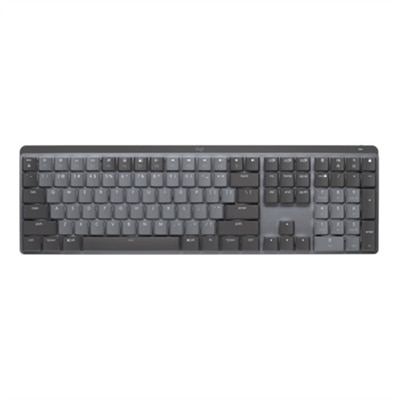
A graphite wireless keyboard featuring linear mechanical switches, smart backlit keys, and multi-device Bluetooth connectivity.

$159.99
$119.99

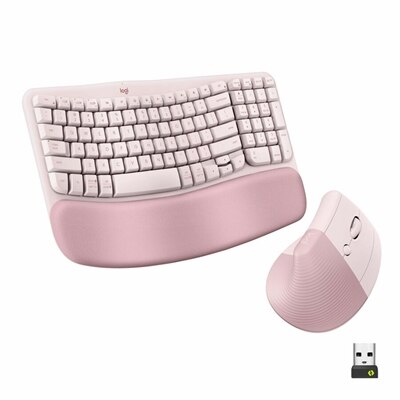
An ergonomic wireless keyboard and vertical mouse combo in graphite with cushioned palm rest and multi-OS support.

$119.99
$129.99

An advanced wireless ergonomic keyboard in graphite with a split keyframe and cushioned wrist rest for comfort.

$129.99
$119.99

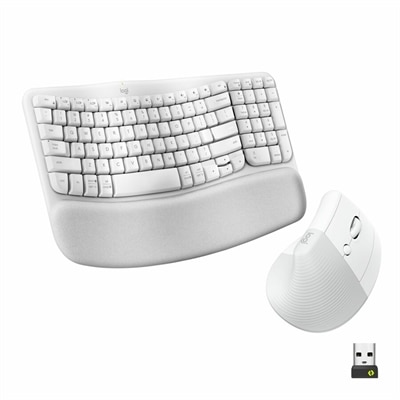
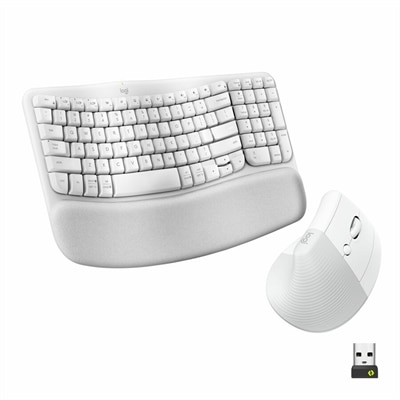
An ergonomic off-white wireless keyboard and vertical mouse combo with cushioned palm rest and multi-OS support.

$119.99
$69.99

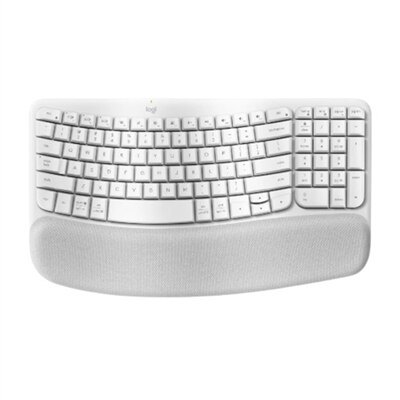
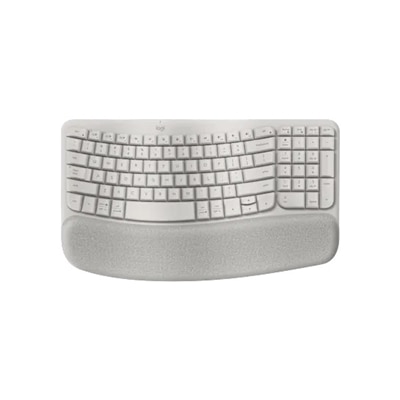
An off-white wave-shaped keyboard with cushioned palm rest for enhanced wrist support and natural typing posture.

$69.99
$139.99

A compact graphite wireless keyboard featuring tactile quiet switches, smart backlit keys, and multi-device connectivity.

$139.99
$69.99

A sleek corded aluminum keyboard with tactile brown switches and five customizable backlighting options for comfortable typing.

$69.99
$69.99

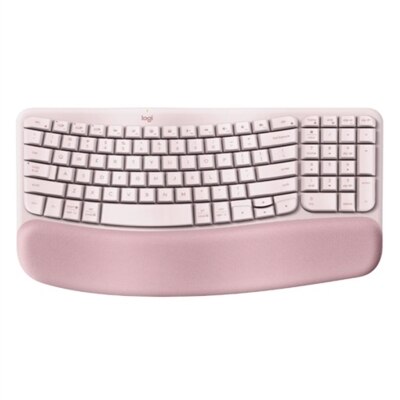
A wireless ergonomic keyboard in rose with memory foam palm rest and customizable shortcuts for comfort.

$69.99
$109.99

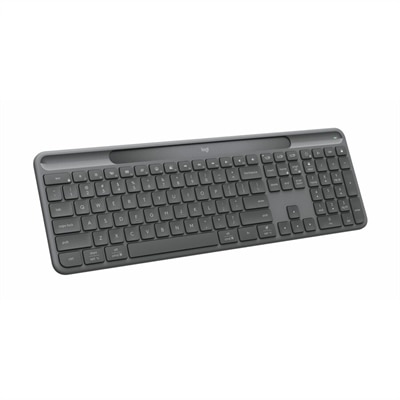
A modern graphite keyboard powered by light, offering self-charging convenience without cables or batteries.

$109.99
$39.99

A slim, tonal white Bluetooth keyboard with quiet keys, customizable shortcuts, and multi-device compatibility.

$39.99

Logitech Ergonomic Keyboards for Office Use

When exploring the world of Logitech ergonomic keyboards for office use, it’s important to consider how these thoughtfully engineered devices can transform daily work experiences. Ergonomics in the workplace is more than a trend; it’s an essential aspect of creating a comfortable and productive environment. Many professionals spend hours at their desks, typing emails, drafting reports, or collaborating virtually with colleagues. Over time, repetitive motions and improper hand positioning can contribute to discomfort or even long-term strain. Ergonomic keyboards are designed to address these challenges by promoting natural wrist alignment, reducing muscle fatigue, and supporting a healthier posture throughout the workday. The carefully contoured shapes, split key layouts, and cushioned palm rests found in many models serve as subtle reminders that comfort doesn’t have to come at the expense of productivity.

Choosing the right Logitech ergonomic keyboard for office use involves considering several factors that go beyond aesthetics. Key layout, tactile feedback, wireless connectivity options, and adjustability all play significant roles in determining which model best suits individual preferences and workspace setups. For those working in open-plan offices or shared environments, quieter keystrokes can help maintain a peaceful atmosphere without sacrificing responsiveness. Professionals who frequently switch between devices may appreciate seamless multi-device connectivity, allowing them to move effortlessly from laptop to tablet without missing a beat. Compact designs are ideal for smaller desks or mobile workstations, while full-size layouts with integrated number pads cater to data entry tasks and spreadsheet management. Some users find that programmable keys or customizable shortcuts streamline their workflow, saving precious seconds during busy days packed with deadlines.

Logitech ergonomic keyboards for office use also make thoughtful gifts for coworkers embarking on new roles or friends setting up home offices. They’re especially appreciated by anyone who values both comfort and efficiency—whether it’s a graphic designer fine-tuning details late into the night or a project manager juggling video conferences and document reviews. The experience of settling into your chair each morning and resting your hands on a supportive keyboard can set a positive tone for the day ahead. Imagine the gentle curve of the keys guiding your fingers naturally as you type out your first memo or respond to urgent messages with ease. These keyboards become trusted tools that blend seamlessly into daily routines while offering subtle yet meaningful improvements in well-being and performance. By paying attention to ergonomic design when selecting office equipment, users invest not only in their immediate comfort but also in long-term health—a decision that resonates through every task accomplished from their workspace.

What are the benefits of using a Logitech ergonomic keyboard in an office setting?

Logitech ergonomic keyboards are designed to promote natural hand and wrist positioning, which can help reduce strain and discomfort during long periods of typing. This can lead to improved comfort, productivity, and overall well-being for office workers.

How do Logitech ergonomic keyboards differ from standard keyboards?

Logitech ergonomic keyboards often feature split key layouts, curved designs, and cushioned palm rests that encourage a more natural typing posture. These features distinguish them from traditional flat keyboards by providing enhanced support and reducing repetitive stress.

Are Logitech ergonomic keyboards compatible with both Windows and Mac computers?

Many Logitech ergonomic keyboards are designed to be compatible with both Windows and Mac operating systems. They typically include easy-switch keys or software support to facilitate seamless use across different platforms.

Can I connect a Logitech ergonomic keyboard wirelessly in my office?

Yes, several Logitech ergonomic keyboards offer wireless connectivity options such as Bluetooth or USB receivers. This allows for a clutter-free workspace and greater flexibility in positioning your keyboard.

Do Logitech ergonomic keyboards have customizable shortcut keys for office productivity?

Many Logitech ergonomic keyboards include programmable keys or dedicated shortcut buttons that can be customized using Logitech's software. This enables users to streamline common office tasks and enhance workflow efficiency.

Add the products you would like to compare, and quickly determine which is best for your needs.

Add the products you would like to compare, and quickly determine which is best for your needs.