card-img

Logitech Mice for Productivity

Logitech mice for productivity offer reliable solutions designed to elevate your workspace and streamline daily tasks. Whether you're working from home or at the office, these devices are crafted to help you maintain efficiency and comfort throughout your day. Explore a range of options that support smooth navigation and effortless control, making Logitech mice for productivity an essential addition to any professional setup.

Filters

$79.99

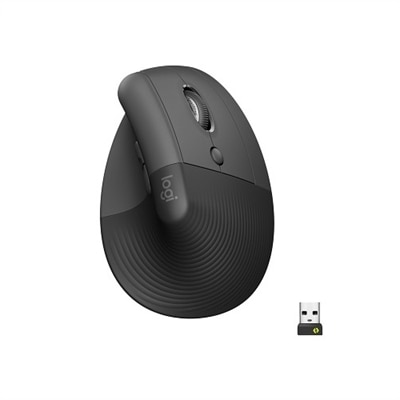
A wireless ergonomic mouse in graphite with quiet clicks, four customizable buttons, and multi-device connectivity.
$79.99
$79.99

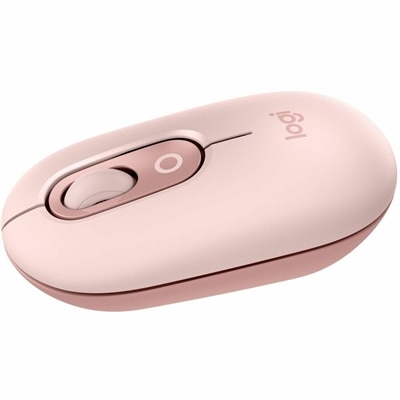
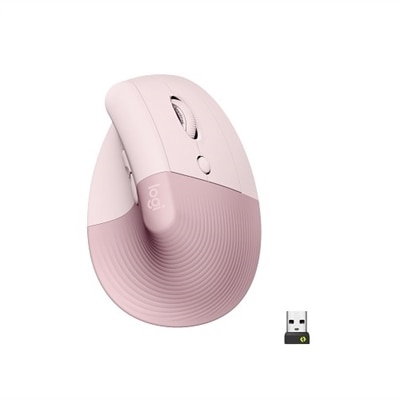
A wireless ergonomic mouse in rose with quiet clicks, four customizable buttons, and Bluetooth or USB connectivity.

$79.99
$79.99

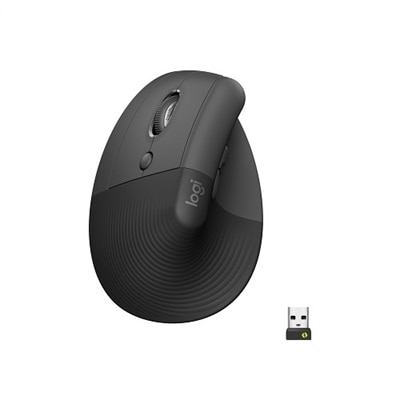
A left-handed wireless ergonomic mouse in graphite with quiet clicks, customizable buttons, and multi-device connectivity.
$79.99
$79.99

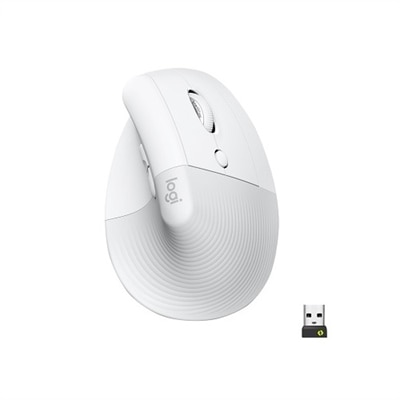
An off-white wireless ergonomic mouse with quiet clicks, Bluetooth or USB connectivity, and four customizable buttons.

$79.99
$22.99

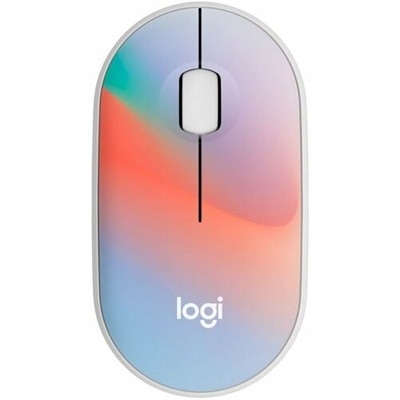
A compact, sheer dream-colored wireless mouse featuring silent clicks, recycled plastic, and an 18-month battery life.

$22.99
$119.99

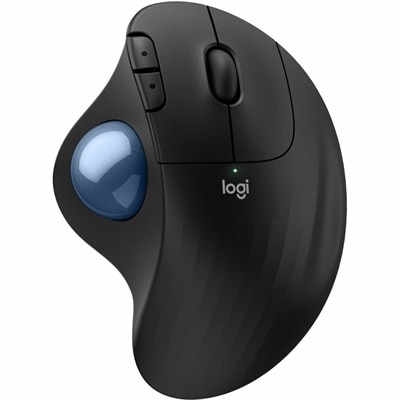
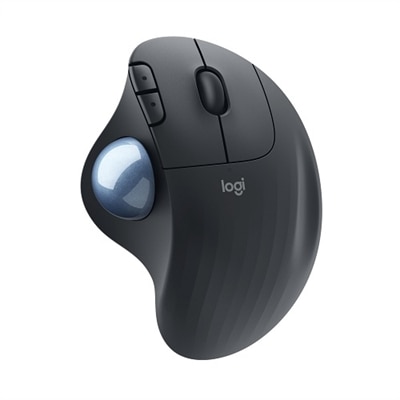
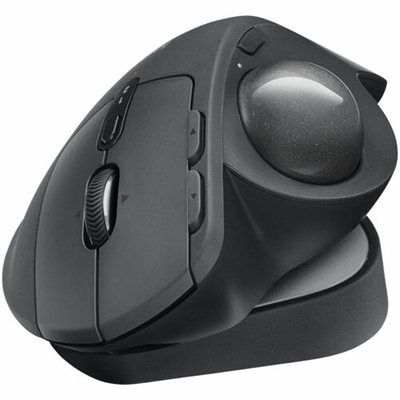
An ergonomic graphite wireless trackball mouse with Bluetooth, USB-C charging, customizable buttons, and quiet clicks.

$119.99
$22.99

A compact wireless mouse in a floral bouquet design, featuring silent clicks and made with recycled plastic.

$22.99
$99.99

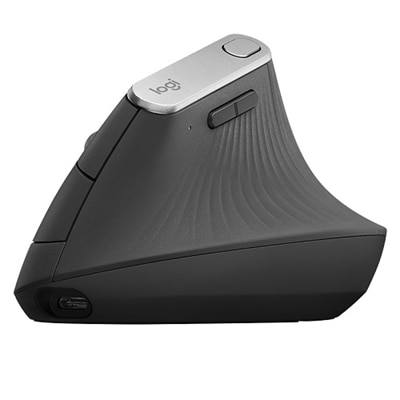
An ergonomic wireless mouse in graphite with a vertical design to reduce muscle strain and improve posture.

$99.99
$119.99

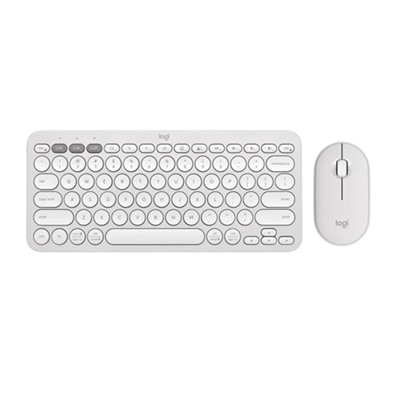
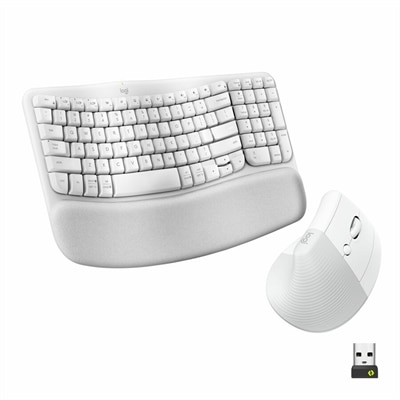
An ergonomic off-white wireless keyboard and vertical mouse combo with cushioned palm rest and multi-OS support.

$119.99
$79.99

A left-handed, wireless ergonomic mouse in graphite with quiet clicks, secure connectivity, and precision Smartwheel scrolling.

$79.99
$22.99

A compact blue galaxy wireless mouse featuring silent clicks, recycled plastic, and an 18-month battery life.

$22.99
$22.99

A compact wireless mouse in speckles color, featuring silent clicks, recycled plastic, and 18-month battery life.

$22.99
$22.99

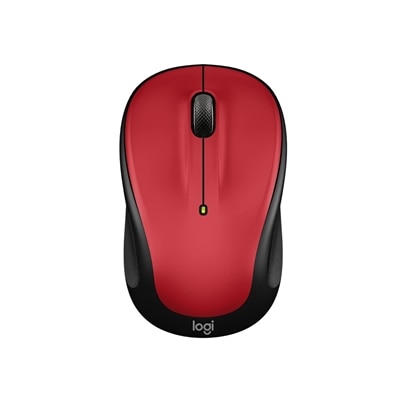
A compact red wireless mouse offering micro-precise scrolling and tilt wheel for enhanced speed and accuracy.

$22.99
$22.99

A compact blue wireless mouse offering micro-precise scrolling, tilt wheel, and broad OS compatibility.

$22.99
$22.99

A compact wireless mouse in celebration black with micro-precise scrolling and tilt wheel for accuracy.

$22.99
$22.99

A compact lilac wireless mouse offering micro-precise scrolling and tilt wheel for enhanced speed and accuracy.

$22.99
$29.99

An off-white wireless mouse featuring Silent Touch Technology, Smartwheel scrolling, and customizable buttons for seamless multitasking.

$29.99
$29.99

A compact rose wireless mouse featuring Silent Touch, Smartwheel scrolling, and easy switching between three devices.

$29.99
$29.99

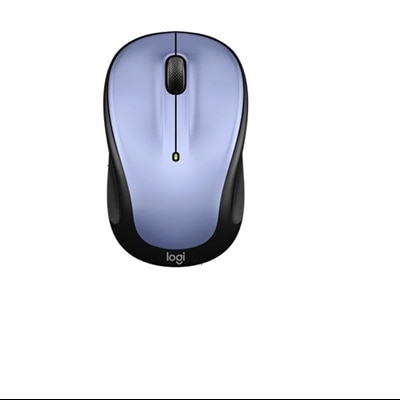
A compact lilac wireless mouse featuring programmable buttons, quiet clicks, and easy Bluetooth device switching.

$29.99
$59.99

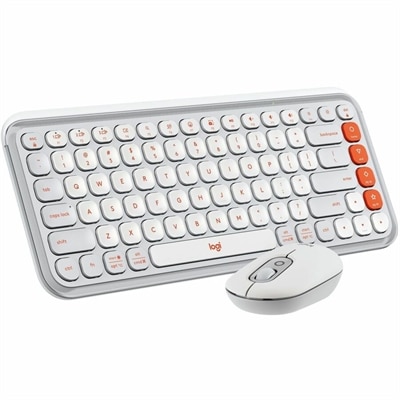
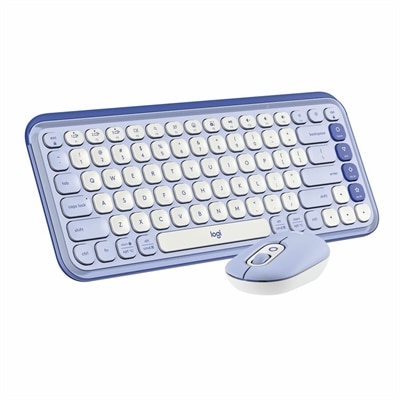
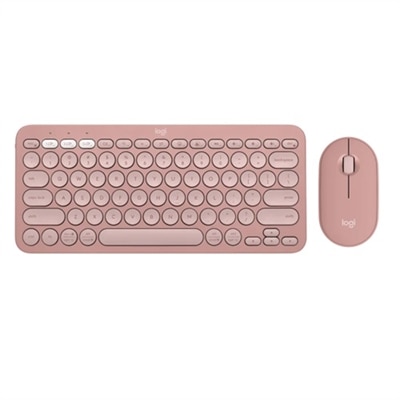
A stylish rose and off-white Bluetooth keyboard and mouse combo with customizable keys and comfortable, quiet typing.

$59.99
$59.99

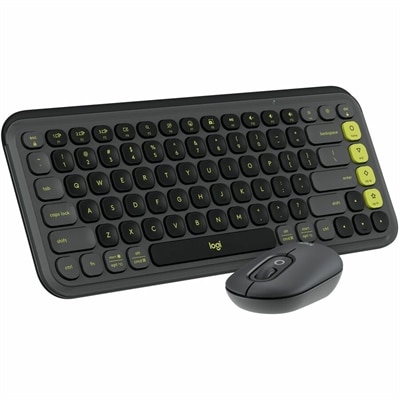
A stylish graphite and green keyboard and mouse combo featuring customizable keys, quiet typing, and smart scrolling.

$59.99
$89.99

An ergonomic wireless keyboard and mouse combo with recycled plastic, cushioned palm rest, and quiet, sculpted design.

$89.99
$29.99

A mint wireless mouse featuring customizable emoji button, silent clicks, smartwheel, and multi-device connectivity.

$29.99
$119.99

An ergonomic wireless keyboard and vertical mouse combo in graphite with cushioned palm rest and multi-OS support.

$119.99

Logitech Mice for Productivity

Enhancing your workspace with the right tools can make a significant difference in your daily productivity, and selecting from a range of Logitech mice for productivity is a practical step toward achieving comfort and efficiency. Whether you’re working from a bustling office, the quiet corner of your home, or on the move between meetings and client sites, the features found in modern productivity mice are designed to streamline every task. Professionals who spend hours navigating spreadsheets, editing documents, or managing creative projects will appreciate the ergonomic shapes that reduce wrist strain and fatigue, while students tackling research assignments or remote workers managing multiple devices will benefit from advanced connectivity options. Many models offer customizable buttons, allowing you to assign shortcuts for repetitive actions like copy-paste or window switching—transforming even the most complex workflows into seamless routines. The addition of high-precision sensors ensures accurate tracking across various surfaces, so whether your desk is glass-topped, cluttered with papers, or covered in a favorite mouse pad, you’ll experience smooth and responsive movement.

Logitech mice for productivity are also an excellent choice for anyone looking to upgrade their technology setup as a thoughtful gift. Picture a family member setting up their first home office or a friend preparing for college—receiving a reliable mouse can be both practical and meaningful. These devices cater to diverse preferences, offering both compact wireless designs ideal for travel and full-sized models that prioritize hand support during long work sessions. For those who juggle multiple devices throughout the day—such as switching between a laptop for work and a tablet for note-taking—select mice feature multi-device pairing capabilities that make transitions effortless. Battery life is another important consideration; many users find peace of mind knowing they won’t need to recharge frequently, thanks to energy-efficient engineering that supports weeks or even months of use on a single charge. With silent click mechanisms available in some models, late-night workers or shared space occupants can maintain focus without disturbing others.

The versatility of Logitech mice for productivity extends beyond traditional office tasks as well. Creative professionals engaged in graphic design, video editing, or digital illustration will find that precision controls help with detailed adjustments and complex navigation within software applications. Meanwhile, educators conducting virtual lessons or presentations can take advantage of intuitive scrolling and gesture support to enhance their teaching experience. Accessibility features—such as ambidextrous designs and adjustable DPI (dots per inch) settings—ensure that everyone can find an option tailored to their comfort level and workflow requirements. Investing in quality accessories like these is more than just adding another piece of hardware; it’s about building an environment where ideas flow freely and tasks are completed efficiently. When browsing through our curated selection of Logitech mice for productivity, consider how each feature aligns with your unique needs—whether it’s maximizing desk space, minimizing hand strain during marathon workdays, or simply enjoying the tactile satisfaction of smooth clicks and scrolls throughout your routine.

What features make Logitech mice ideal for productivity tasks?

Logitech mice designed for productivity often include features such as ergonomic designs, customizable buttons, high-precision sensors, and multi-device connectivity. These features help users work more efficiently and comfortably during long hours at the computer.
Can Logitech productivity mice be used with both Windows and Mac computers?

Yes, most Logitech productivity mice are compatible with both Windows and Mac operating systems. Many models also support additional platforms like Linux or Chrome OS, making them versatile options for various work environments.

How does multi-device connectivity work on Logitech productivity mice?

Many Logitech productivity mice feature Easy-Switch technology or Bluetooth connectivity, allowing users to pair the mouse with multiple devices and switch between them seamlessly with the press of a button.

Are there customizable buttons on Logitech mice for productivity?

Yes, several Logitech productivity mice offer programmable buttons that can be customized using Logitech's software. This allows users to assign shortcuts or specific functions to enhance workflow efficiency.

Do Logitech productivity mice require special software for customization?

While basic functionality works out of the box, installing Logitech Options or Logi Options+ software enables advanced customization of buttons, gestures, and pointer settings for supported models.

Add the products you would like to compare, and quickly determine which is best for your needs.

Add the products you would like to compare, and quickly determine which is best for your needs.