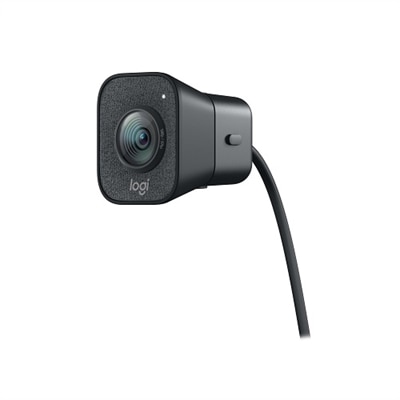
A graphite webcam delivering smooth 1080p HD video at 60fps with AI facial tracking and USB-C connectivity.
Logitech Webcams for Video Calls
Enhance your virtual communication experience with Logitech webcams for video calls. Designed to deliver clear visuals and reliable performance, these webcams are ideal for connecting with colleagues, friends, and family from anywhere. Whether you’re working remotely or catching up with loved ones, Logitech webcams for video calls provide a seamless way to stay in touch. Explore a range of options to find the perfect fit for your home or office setup.
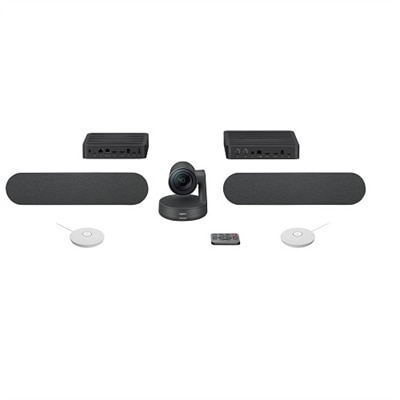
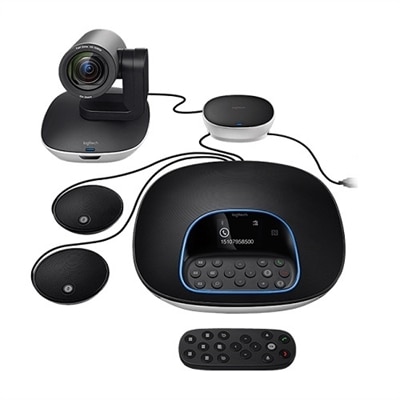
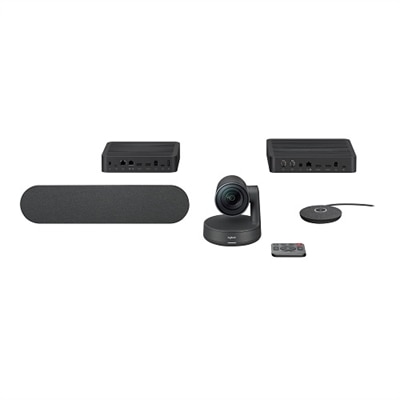
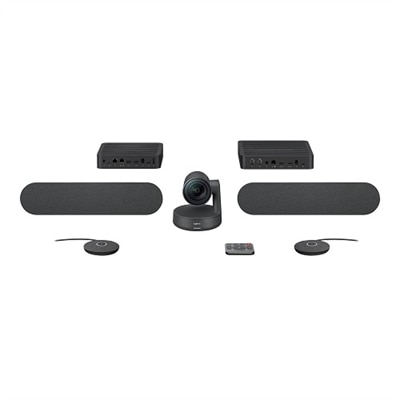
A studio-quality videoconferencing kit with white mic pods, ideal for medium to large meeting rooms.
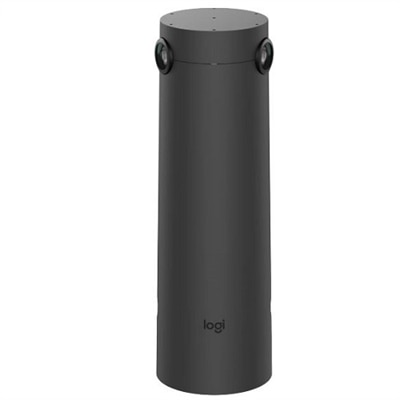
A graphite video conferencing camera offering AI-driven insights, seamless connectivity, and advanced audio engineering.
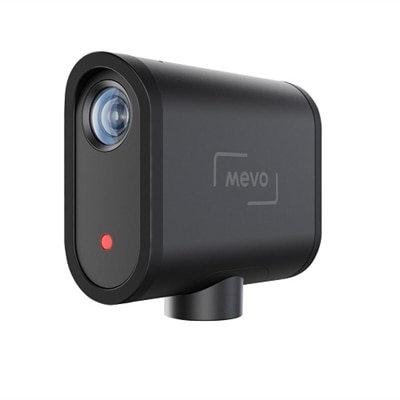
A wireless streaming camera offering 1080p HD video, real-time editing, and six-hour battery life.
A USB 3.1 Type C video conferencing camera with AI features for small meeting rooms.
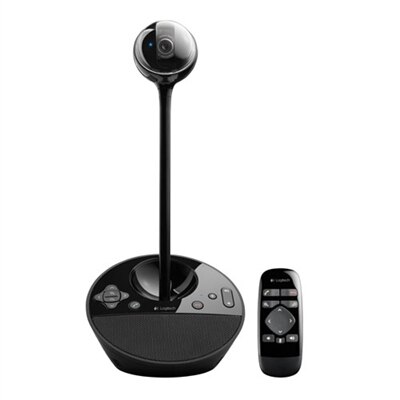
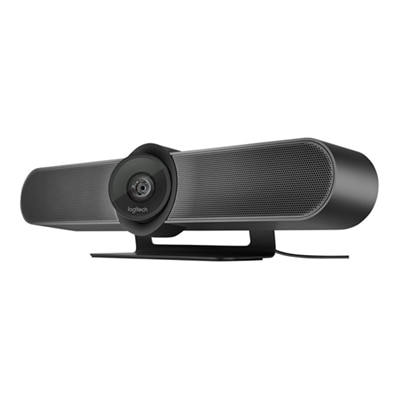
A black video conferencing camera offering HD 1080p video and superior speakerphone audio for small groups.
A 4K video conferencing camera with 120-degree FOV and optimized audio for small rooms.
A sleek, portable conference camera offering HD video, 360-degree sound, and wireless screen-mirroring.
A sleek videoconferencing kit with 4K optics, graphite mic pods, and modular audio components for natural meetings.
A sleek videoconferencing kit with 4K optics, modular audio, and automation for natural meetings.
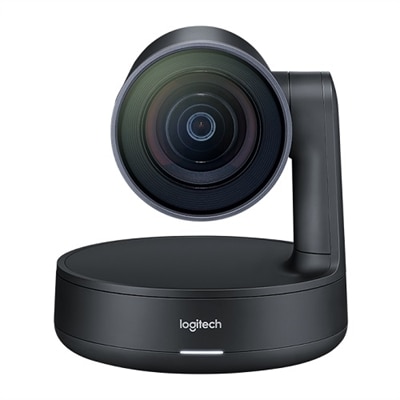
A matte black slate gray camera with 4K sensor, 15X HD zoom, and automated framing technology.
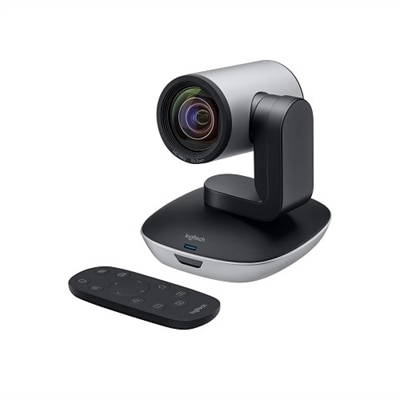
A high-definition video camera with 10x zoom, 260-degree pan, and USB connectivity for seamless conferencing.
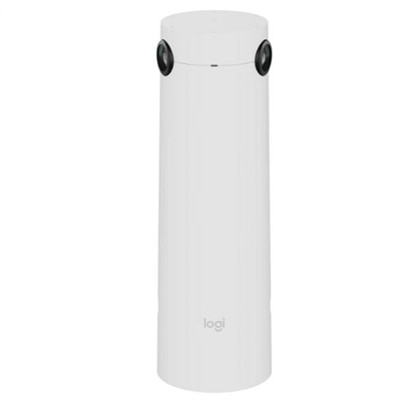
A white AI-powered camera with 4K resolution and 7 mics for enhanced hybrid meetings.
A graphite AI-powered camera with 4K resolution and 7 mics for enhanced hybrid meeting experiences.
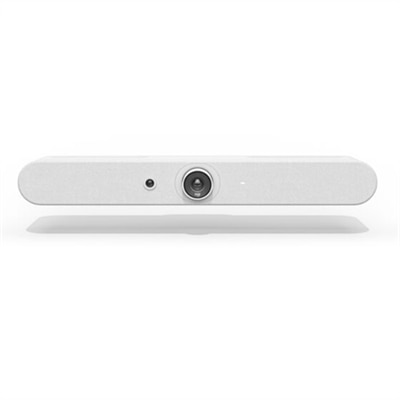
A white all-in-one video bar with AI-driven performance, ideal for small meeting rooms.
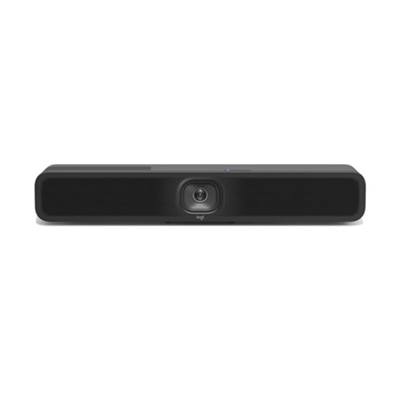
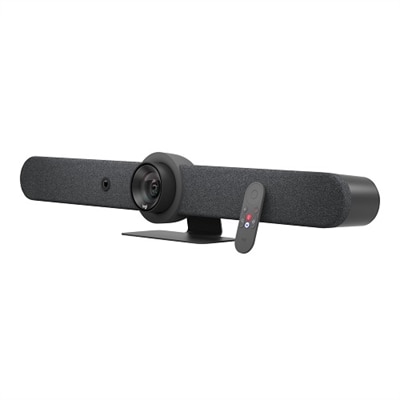
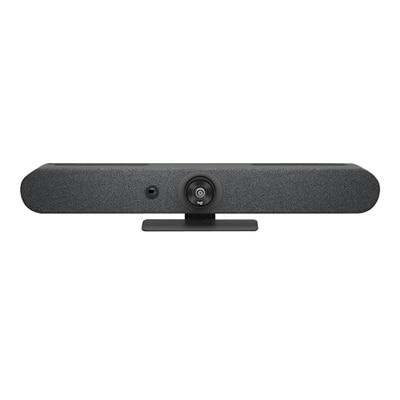
A compact graphite video bar with studio-quality audio, AI-driven performance, and versatile mounting options.
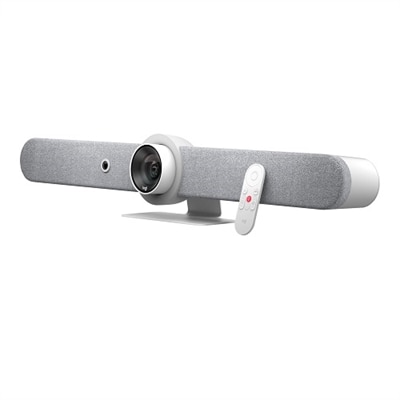
A sleek white all-in-one video bar offering cinema-quality video and audio for midsize meeting rooms.
A graphite all-in-one video bar with automated PTZ and high-performance audio for midsize meeting rooms.
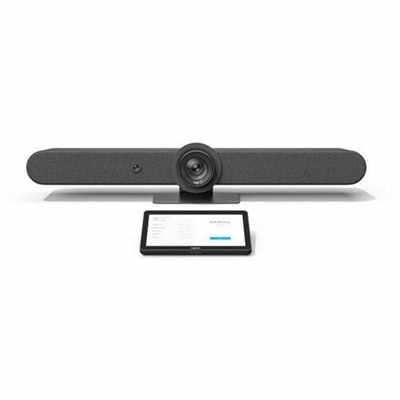
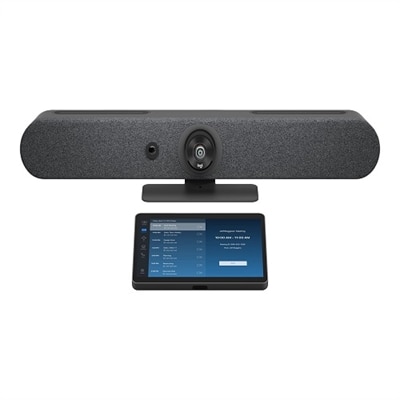
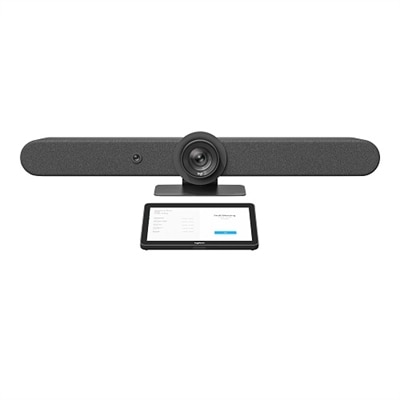
A versatile video conferencing solution for small rooms, featuring a 4K camera and 10.1" touch controller.
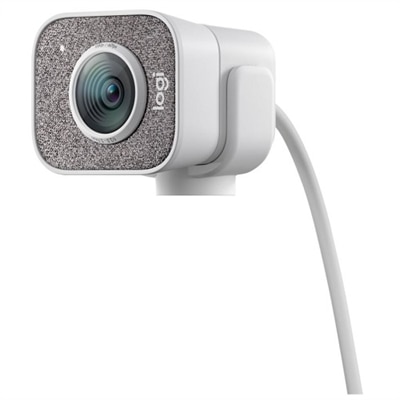
A white streaming camera with dual microphones, AI autofocus, USB-C connectivity, and full HD 1080p at 60fps.
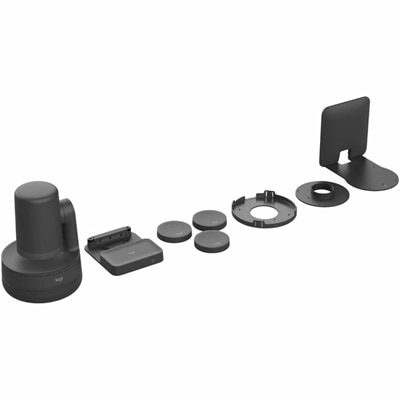
A comprehensive black USB PTZ video kit with wireless preset buttons, ceiling or wall mount, and easy management.
A graphite video conferencing kit with 4K camera, 15x zoom, and 10.1" touch controller.
A versatile video conferencing kit with a 4K camera, touch controller, and AI auto-framing features.
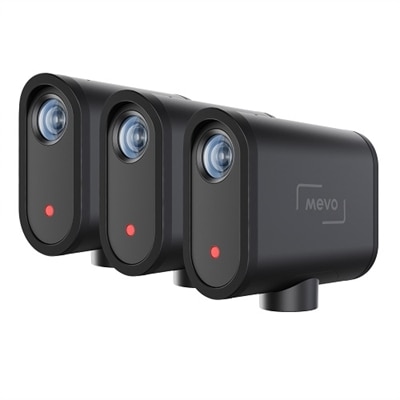
A wireless live streaming camera set enabling multicamera content creation via the Mevo Multicam App.
Logitech Webcams for Video Calls
When choosing a Logitech webcam for video calls, consider features such as high-definition resolution (1080p or higher), built-in microphones with noise reduction, autofocus, wide field of view, and compatibility with popular video conferencing platforms.
Yes, most Logitech webcams are designed to be compatible with both Windows and Mac operating systems. Always check the specific model's compatibility details to ensure it meets your requirements.
Many Logitech webcams work as plug-and-play devices and do not require additional software for basic functionality. However, installing Logitech's optional software can unlock advanced features like background removal or camera settings customization.
Yes, Logitech webcams are widely supported by major video conferencing applications such as Zoom, Microsoft Teams, Skype, Google Meet, and others. Simply select the webcam as your preferred camera within the app's settings.
To enhance video quality, ensure you have good lighting in your environment, keep the camera lens clean, position the webcam at eye level, and use any available software controls to adjust brightness or focus settings.