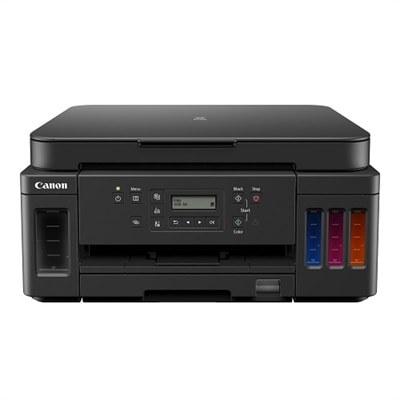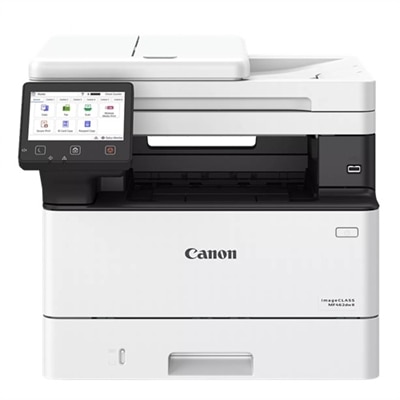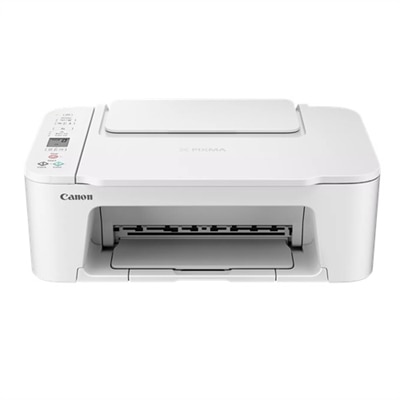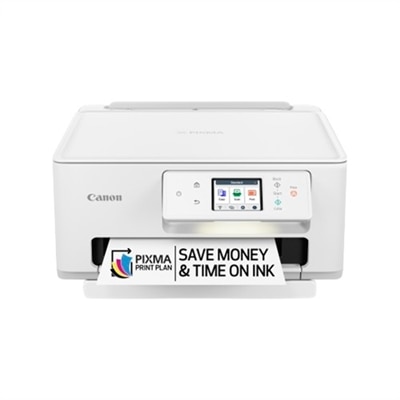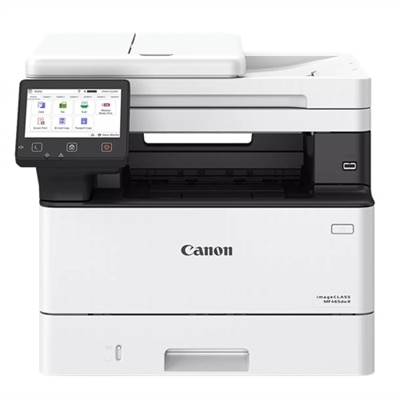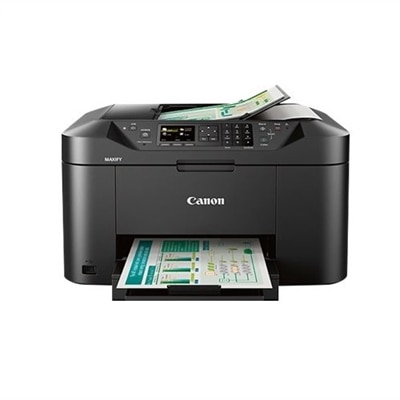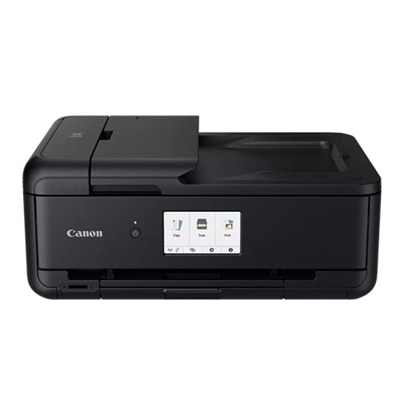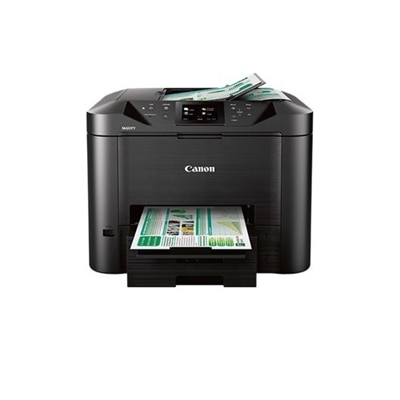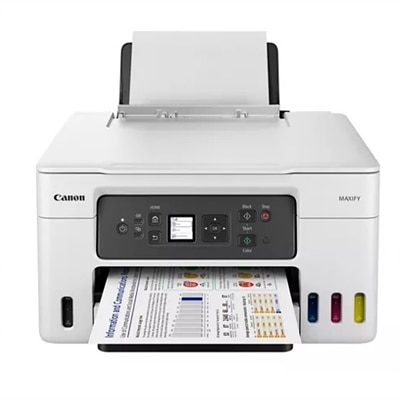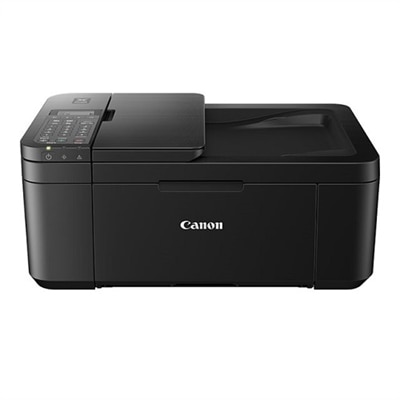
A compact black all-in-one printer with wireless connectivity, auto 2-sided printing, and built-in fax.
Canon Wireless Printers for Everyday Printing
Canon wireless printers for everyday printing offer a convenient solution for home and office tasks alike. With easy connectivity and user-friendly designs, these printers fit seamlessly into a variety of workspaces. Whether you need to print documents, photos, or creative projects, Canon wireless printers for everyday printing help streamline your workflow and support productivity throughout your day. Explore options that complement your needs and enjoy reliable performance for all your printing essentials.
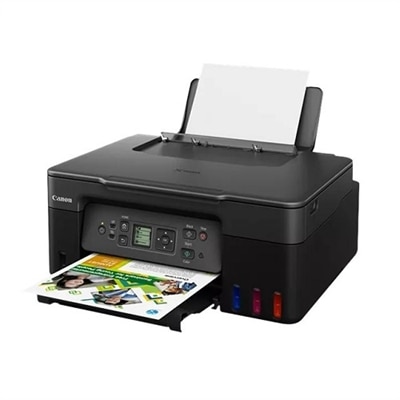
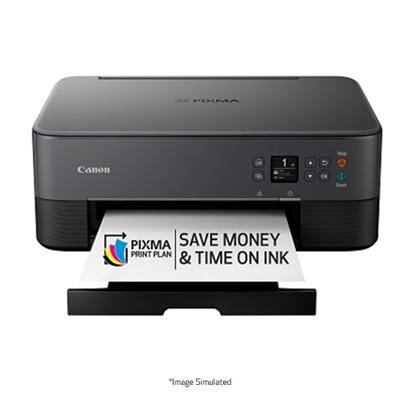
A sleek black all-in-one printer with wireless connectivity and a 1.44" OLED display.
A versatile all-in-one printer offering high page yield, wireless connectivity, and significant ink savings.
A black all-in-one printer with high-capacity ink tanks, wireless connectivity, and vivid photo printing.
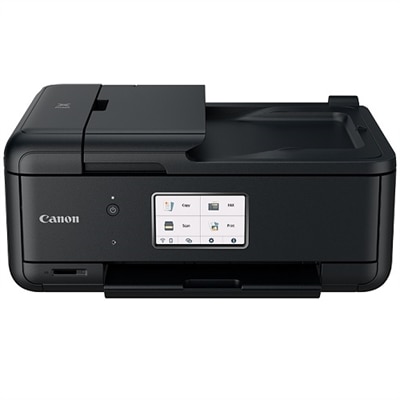
A compact all-in-one printer with wireless connectivity, 5-ink system, and 4.3" touchscreen.
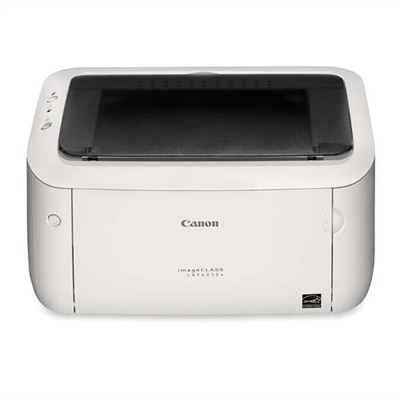
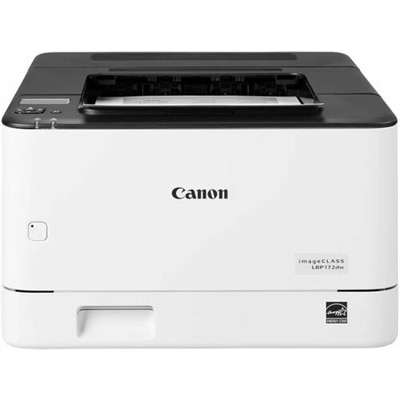
A compact white laser printer offering speedy performance and minimal maintenance for home use.
A monochrome wireless laser printer with auto 2-sided printing and a 5-line LCD screen.
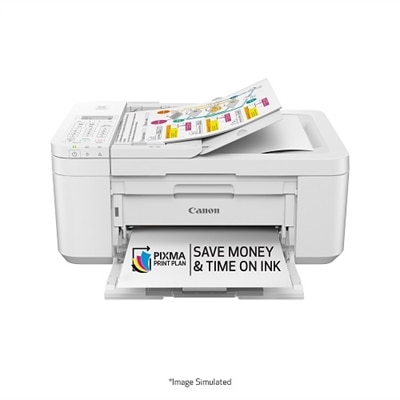
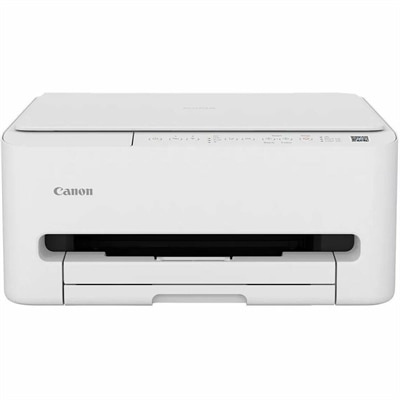
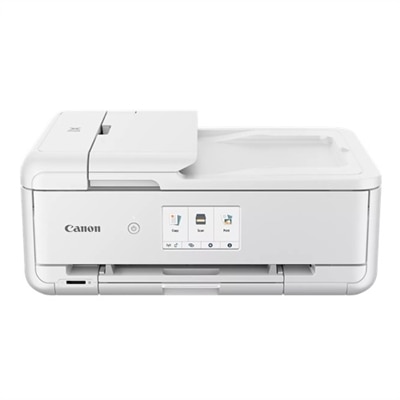
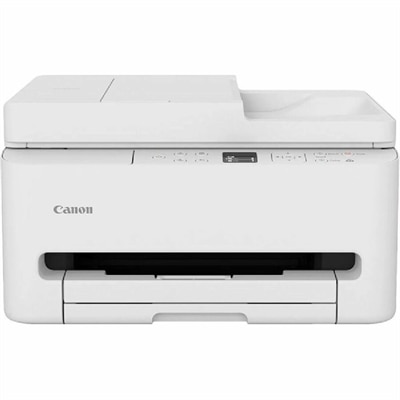
A compact white all-in-one printer with wireless connectivity, auto 2-sided printing, and fax functionality.
A compact color inkjet printer offering wireless connectivity, auto 2-sided printing, and basic scan/copy functions.
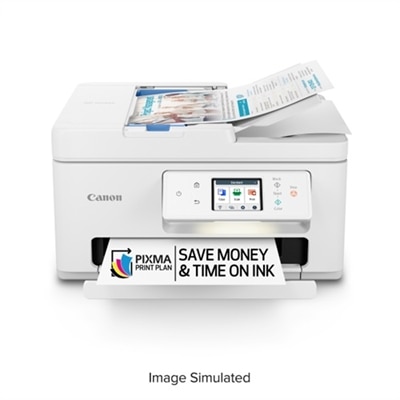
An all-in-one wireless inkjet printer with a 2.70-inch touchscreen and automatic document feeder for efficiency.
A fast, wireless duplex laser printer with a 5" color touchscreen and intuitive, all-in-one functionality.
A compact wireless all-in-one printer with FINE Hybrid Ink System and versatile mobile printing options.
A versatile wireless inkjet printer with a 2.7-inch touchscreen and auto duplex printing.
A fast, wireless duplex laser printer with a 5" touchscreen and automatic two-sided scanning for efficient workflows.
A wireless all-in-one inkjet printer with fast print speeds and high-capacity ink tanks for home businesses.
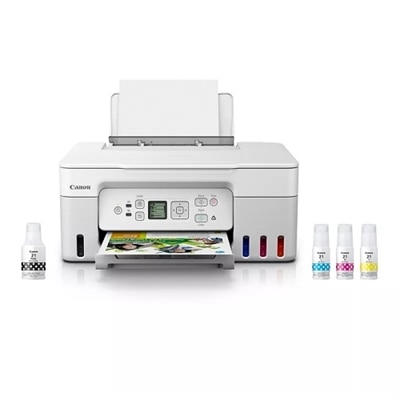
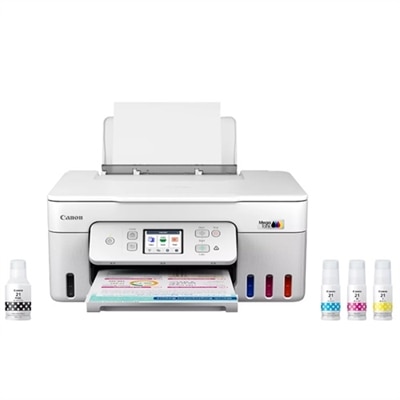
A white all-in-one printer with high-capacity ink tanks, wireless connectivity, and vivid photo printing.
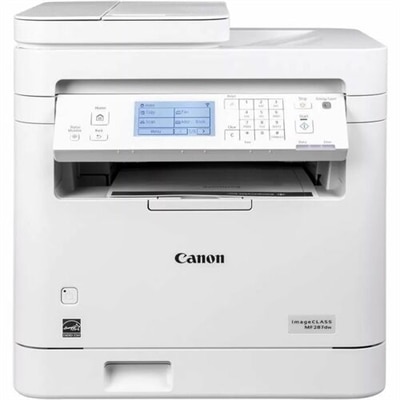
A white monochrome all-in-one printer with wireless connectivity, touchscreen, and auto 2-sided printing.
An all-in-one inkjet printer with 4.3" touchscreen, auto 2-sided printing, and seamless wireless connectivity.
An all-in-one wireless printer with 4.3" touchscreen, auto 2-sided printing, and seamless mobile connectivity.
A white all-in-one printer with mobile printing and a 35-page auto document feeder.
A versatile color inkjet printer with ADF, duplex printing, OLED display, and robust wired and wireless connectivity.
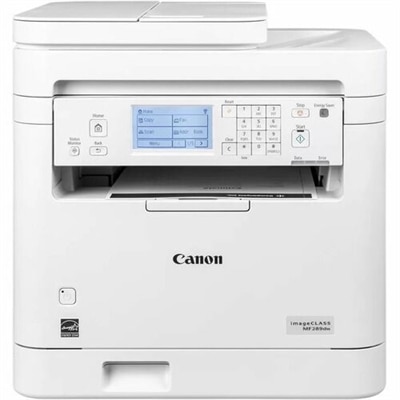
A white monochrome all-in-one printer with wireless connectivity, 6-line touchscreen, and auto 2-sided printing.
A wireless all-in-one inkjet printer with a 3.5-inch touchscreen, ideal for boosting business productivity.
A versatile wireless 3-in-1 printer with integrated ink tanks, auto 2-sided printing, and a 3-year warranty.
Canon Wireless Printers for Everyday Printing
Canon wireless printers offer the convenience of printing from multiple devices without the need for physical cables. They support easy connectivity with smartphones, tablets, and laptops, making them ideal for home or small office use. Additionally, they often include features like mobile app integration and cloud printing for enhanced flexibility.
Most Canon wireless printers can be connected to your Wi-Fi network using the printer’s control panel or a dedicated setup app. Once connected, you can print from any device on the same network by installing the appropriate Canon drivers or using mobile printing apps such as Canon PRINT Inkjet/SELPHY.
Yes, Canon wireless printers typically support direct printing from smartphones and tablets. You can use apps like Canon PRINT Inkjet/SELPHY, Apple AirPrint, or Google Cloud Print to send documents and photos directly to your printer without needing a computer.
Canon wireless printers are versatile and can handle a variety of everyday printing needs, including text documents, color photos, school assignments, web pages, and even some creative projects like greeting cards or labels.
Regular maintenance such as cleaning print heads, updating firmware, and replacing ink cartridges when needed will help ensure your Canon wireless printer continues to perform well. Most models provide on-screen prompts or notifications to guide you through routine upkeep.