card-img

Logitech Ergonomic Mice for Design Work

Logitech ergonomic mice for design work are thoughtfully crafted to support creative professionals who spend hours perfecting their projects. These mice are designed with comfort in mind, helping to promote a more natural hand position during extended sessions. Whether you’re editing images, creating illustrations, or managing complex layouts, Logitech ergonomic mice for design work can contribute to a smoother and more enjoyable workflow. Discover options that align with your needs and enhance your creative experience.

Filters

$79.99

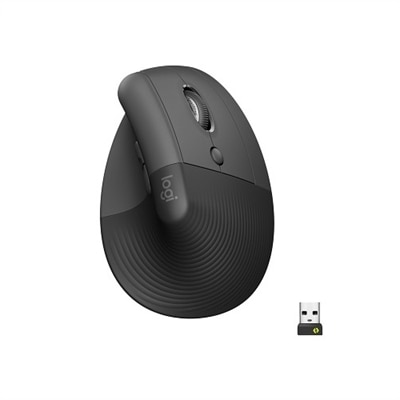
A wireless ergonomic mouse in graphite with quiet clicks, four customizable buttons, and multi-device connectivity.
$79.99
$79.99

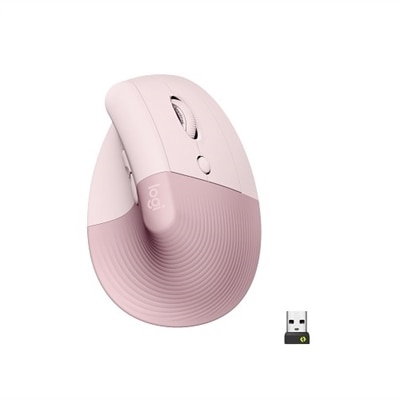
A wireless ergonomic mouse in rose with quiet clicks, four customizable buttons, and Bluetooth or USB connectivity.

$79.99
$79.99

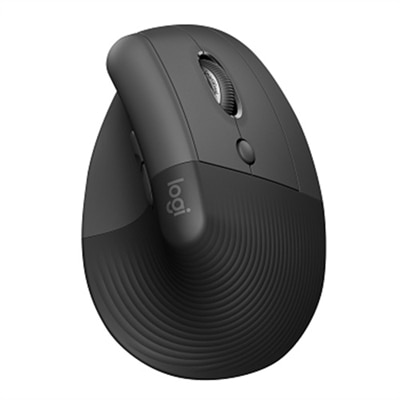
A wireless vertical ergonomic mouse in graphite with quiet clicks, high-precision sensor, and secure Bluetooth connectivity.

$79.99
$79.99

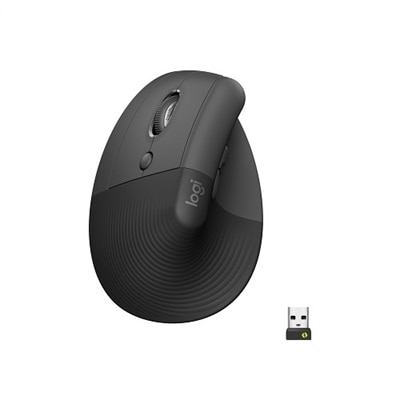
A left-handed wireless ergonomic mouse in graphite with quiet clicks, customizable buttons, and multi-device connectivity.
$79.99
$79.99

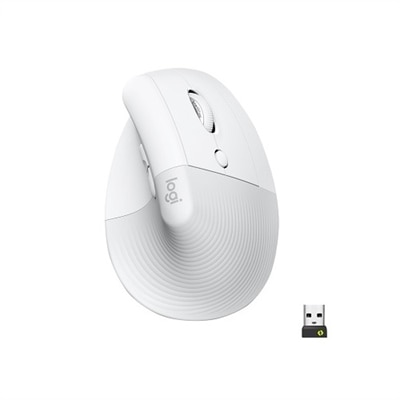
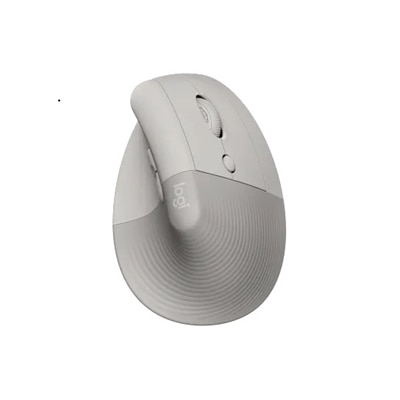
An off-white wireless ergonomic mouse with quiet clicks, Bluetooth or USB connectivity, and four customizable buttons.

$79.99
$49.99

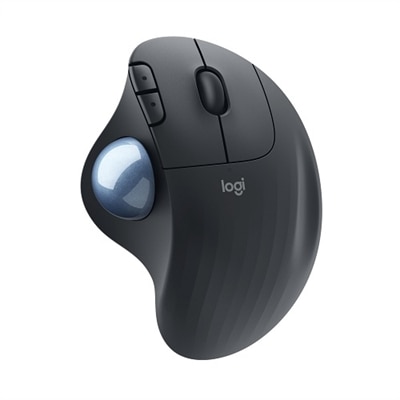
An ergonomic graphite wireless trackball mouse with smooth thumb control, customizable buttons, and secure Logi Bolt connectivity.

$49.99
$99.99

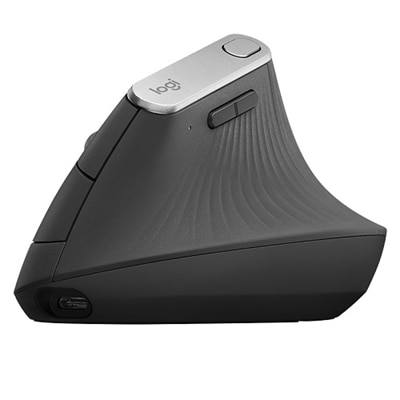
An ergonomic wireless mouse in graphite with a vertical design to reduce muscle strain and improve posture.

$99.99
$89.99

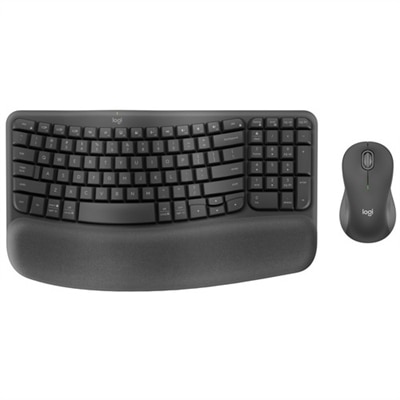
An ergonomic wireless keyboard and mouse combo with recycled plastic, cushioned palm rest, and quiet, sculpted design.

$89.99
$49.99

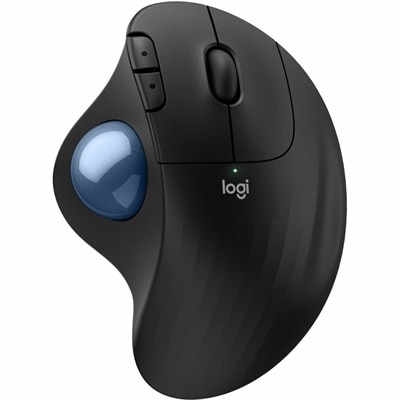
An ergonomic wireless trackball mouse in black with a blue ball, featuring quiet clicks for comfort.

$49.99
$119.99

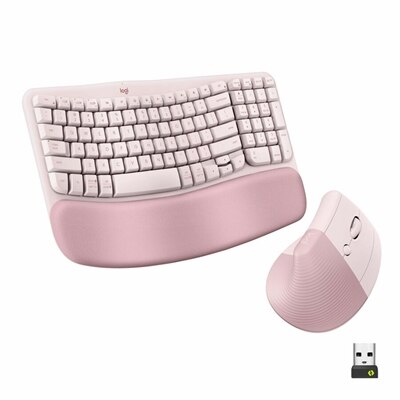
An ergonomic wireless keyboard and vertical mouse combo in rose, featuring a cushioned palm rest and Bluetooth connectivity.

$119.99
$109.99

An ergonomic wireless keyboard and vertical mouse combo in graphite with cushioned palm rest and multi-OS support.

$109.99
$119.99

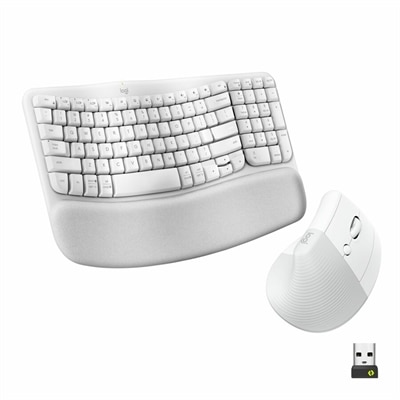
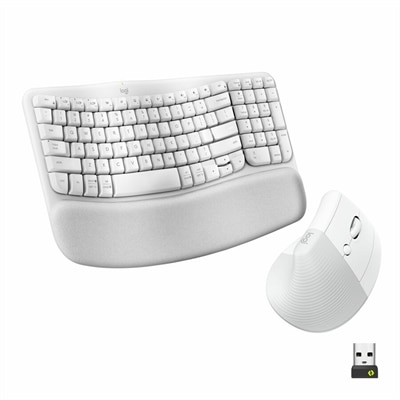
An ergonomic off-white wireless keyboard and vertical mouse combo with cushioned palm rest and multi-OS support.

$119.99
$49.99

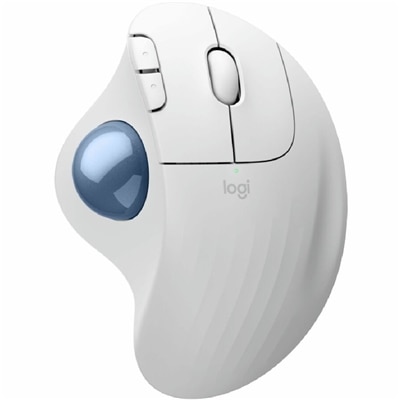
An ergonomic wireless trackball mouse in off-white with a blue ball, featuring quiet clicks for comfort.

$49.99
$79.99

A vertical ergonomic mouse in sand color with a soft rubber grip, cozy thumb rest, and multi-device connectivity.
$79.99

Logitech Ergonomic Mice for Design Work

When considering the best tools for creative professionals, the importance of comfort and precision cannot be overstated. For designers who spend countless hours bringing their visions to life, the right mouse can make all the difference in both productivity and well-being. The selection of Logitech ergonomic mice for design work featured on this page offers a thoughtfully curated range of options tailored to meet the unique demands of digital artists, architects, illustrators, and anyone whose workflow relies on meticulous cursor control. Ergonomic mice are specifically engineered to support natural hand positions, reduce muscle strain, and promote healthy posture during extended periods of use. Features such as contoured shapes, customizable buttons, and advanced tracking technologies come together to create a seamless experience that feels like an extension of your own hand—ideal for navigating complex design software or fine-tuning intricate details.

Choosing among Logitech ergonomic mice for design work involves weighing several factors that go beyond simple comfort. Many creative professionals look for devices that offer programmable buttons to streamline repetitive tasks, enabling quick access to frequently used tools or shortcuts within design applications. High-precision sensors ensure smooth and accurate tracking across a variety of surfaces, which is essential when working with high-resolution images or engaging in pixel-perfect editing. Wireless connectivity is another popular consideration, providing freedom of movement without cluttering your workspace with extra cables. Battery life also plays a significant role; some designers recall late-night deadlines where a long-lasting mouse kept them focused on their projects rather than searching for charging cables. Whether you’re setting up a home studio or upgrading your office setup, these ergonomic mice are designed to adapt to different environments and usage patterns.

Logitech ergonomic mice for design work make thoughtful gifts for students entering graphic design programs, seasoned professionals looking to alleviate wrist fatigue, or anyone passionate about digital creativity. They are equally appreciated by remote workers seeking greater comfort during back-to-back video calls or by hobbyists who enjoy editing photos and videos in their spare time. The tactile feedback of well-placed buttons and the gentle curve of an ergonomically designed shell can transform daily routines into more enjoyable experiences. When selecting the right model from this collection, consider how each feature aligns with personal workflow preferences—whether it’s sculpted grips for left or right-handed users, silent clicking mechanisms for shared spaces, or easy-switch technology for managing multiple devices at once. Investing in an ergonomic mouse not only enhances immediate comfort but also supports long-term health by minimizing repetitive strain injuries associated with prolonged computer use. With these carefully chosen options at your fingertips, you can approach every creative challenge with confidence and ease.

What features make Logitech ergonomic mice suitable for design work?

Logitech ergonomic mice are designed with sculpted shapes, customizable buttons, and precision tracking to reduce hand strain and enhance productivity during long design sessions. Many models also offer advanced scroll wheels and high DPI sensors for accurate control in graphic design applications.

How do ergonomic mice improve comfort during extended design sessions?

Ergonomic mice from Logitech support the natural position of your hand and wrist, minimizing muscle fatigue and discomfort. This allows designers to work comfortably for longer periods without experiencing common issues like wrist pain or repetitive strain injuries.

Are Logitech ergonomic mice compatible with popular design software?

Yes, most Logitech ergonomic mice are compatible with major operating systems and popular design software such as Adobe Creative Suite, AutoCAD, and Sketch. They often include programmable buttons that can be customized for specific functions within these programs.

Can I customize the buttons on a Logitech ergonomic mouse for my workflow?

Many Logitech ergonomic mice feature programmable buttons that can be tailored to your workflow using Logitech Options or Logi Options+ software. This allows designers to assign shortcuts or frequently used commands for increased efficiency.

What connectivity options are available for Logitech ergonomic mice used in design work?

Logitech offers both wired and wireless ergonomic mice. Wireless models typically connect via Bluetooth or a USB receiver, providing flexibility and reducing cable clutter on your workspace—an advantage for creative professionals.

Add the products you would like to compare, and quickly determine which is best for your needs.

Add the products you would like to compare, and quickly determine which is best for your needs.