SupportAssist Asking to Re-Install During Automated Driver Scan
Summary: Learn what to do when being asked to re-install SupportAssist during an automated driver scan.
This article applies to
This article does not apply to
This article is not tied to any specific product.
Not all product versions are identified in this article.
Symptoms
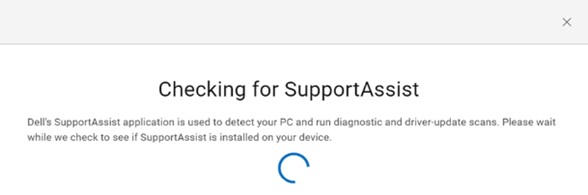
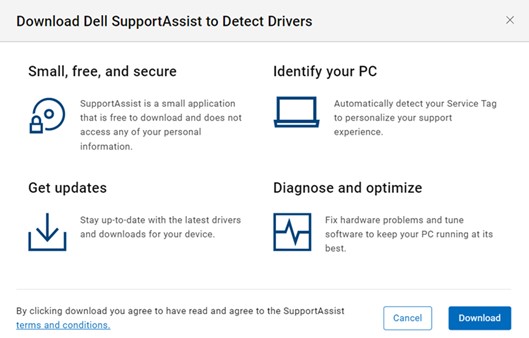
To install the latest drivers from Dell Drivers & Downloads website. Once your computer is identified, click Check for Updates. It checks if SupportAssist is already installed on your computer. You must agree to End User License Agreement (EULA) in order to download SupportAssist for Home PCs.
SupportAssist attempts to reinstall by automatically finding driver updates.
Cause
SupportAssist service has not initialized after computer has been rebooted or restarted. This is because SupportAssist services are default-delayed start.
Resolution
Give the computer 5 minutes after reboot/restart before checking for driver updates. For computers older than 5 years, wait 7 minutes.
Affected Products
SupportAssist for Home PCsArticle Properties
Article Number: 000200054
Article Type: Solution
Last Modified: 22 Apr 2025
Version: 3
Find answers to your questions from other Dell users
Support Services
Check if your device is covered by Support Services.