Intermittent Critical Error Reported on Computers Using an SSSTC CA6 SSD
Summary: The following article provides information about a solid state drive (SSD) related error on your Dell computer. It is specific to the Solid-State Storage Technology Corporation (SSSTC) CA6 series of SSD. ...
This article applies to
This article does not apply to
This article is not tied to any specific product.
Not all product versions are identified in this article.
Symptoms
Intermittent CRITICAL_PROCESS_DIED Errors
Owners of Dell computers using an SSSTC CA6 SSD may encounter the following intermittent error:
Windows critical error code: CRITICAL_PROCESS_DIED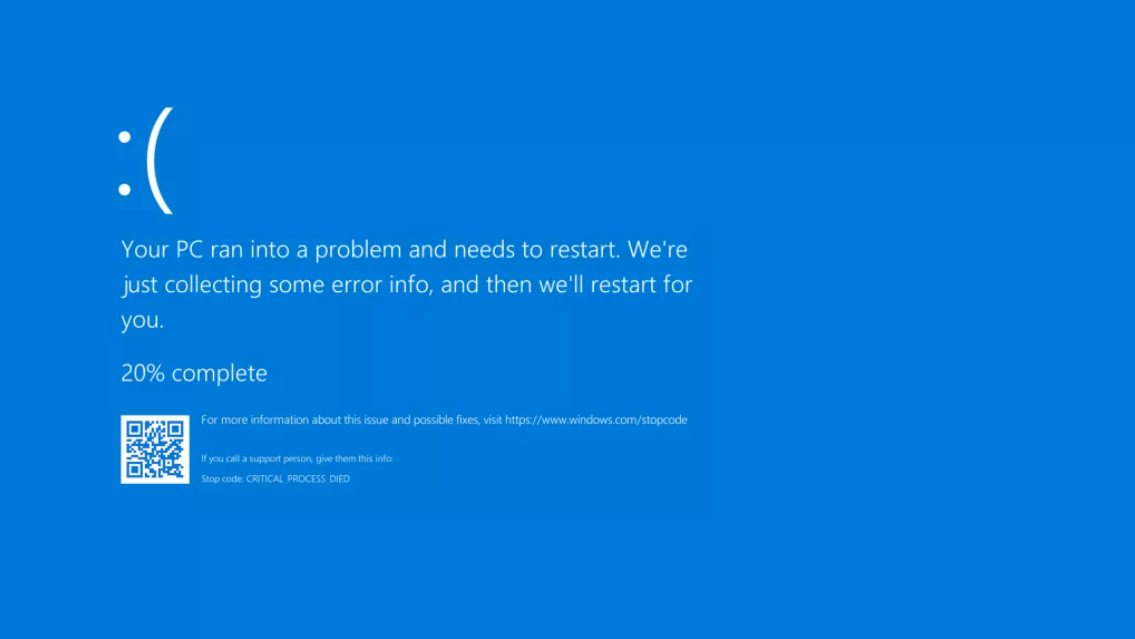
The computer may intermittently stop responding and display the error on-screen before restarting. This is being reported on Dell products with an SSSTC CA6 SSD installed.
Rebooting the computer can return it to normal operation for a time.
Cause
The Dell Engineering team identified an SSD firmware error with those drives.
Resolution
Update the storage firmware update to SSSTC Solid State Drive Firmware Update for CA6-8D512-Q11, CA6-8D1024-Q11, CA6-8D2048-Q11, version 2420.1114 or later. To download and install the SSSTC-Solid-State-Drive-Firmware-Update-for-CA6-8D512-Q11-CA6-8D1024-Q11-CA6-8D2048-Q11_9HYX9_WIN_2420.1114_A00_01.exe see:
- Dell Knowledge Base Article: How to Download and Install Dell Drivers
Affected Products
Alienware x15 R1, Alienware x15 R2, Alienware x17 R1, Alienware x17 R2, Precision 5560, Precision 7560, Precision 7760Article Properties
Article Number: 000197313
Article Type: Solution
Last Modified: 29 Oct 2024
Version: 4
Find answers to your questions from other Dell users
Support Services
Check if your device is covered by Support Services.