Dell Premier Virtual Assistant
Summary: This article explains the Dell Premier virtual assistance for products, quotes, orders, and more.
This article applies to
This article does not apply to
This article is not tied to any specific product.
Not all product versions are identified in this article.
Instructions

This article provides instructions on how to leverage the Dell Virtual Assistant in Premier to get immediate assistance with high-level product-related inquiries, technical support, MyAccount, Order Care, and Quote questions. This includes the ability to transition to seller assistance using our 'Workspaces' (formerly 'Connect') platform if needed.
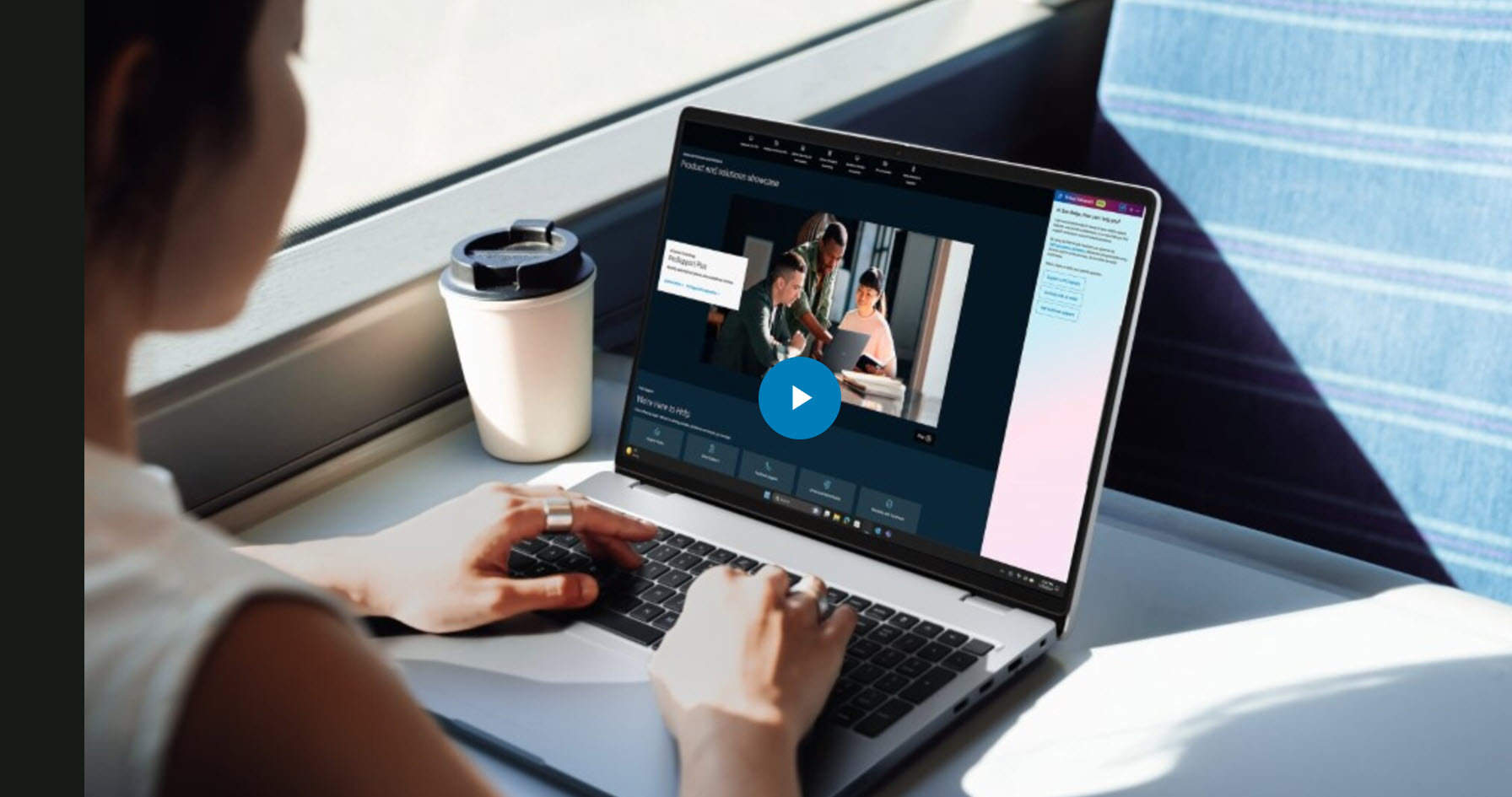
Duration: 00:01:40 (hh:mm:ss)
When available, closed caption (subtitles) language settings can be chosen using the Settings or CC icon on this video player.
Table of Contents
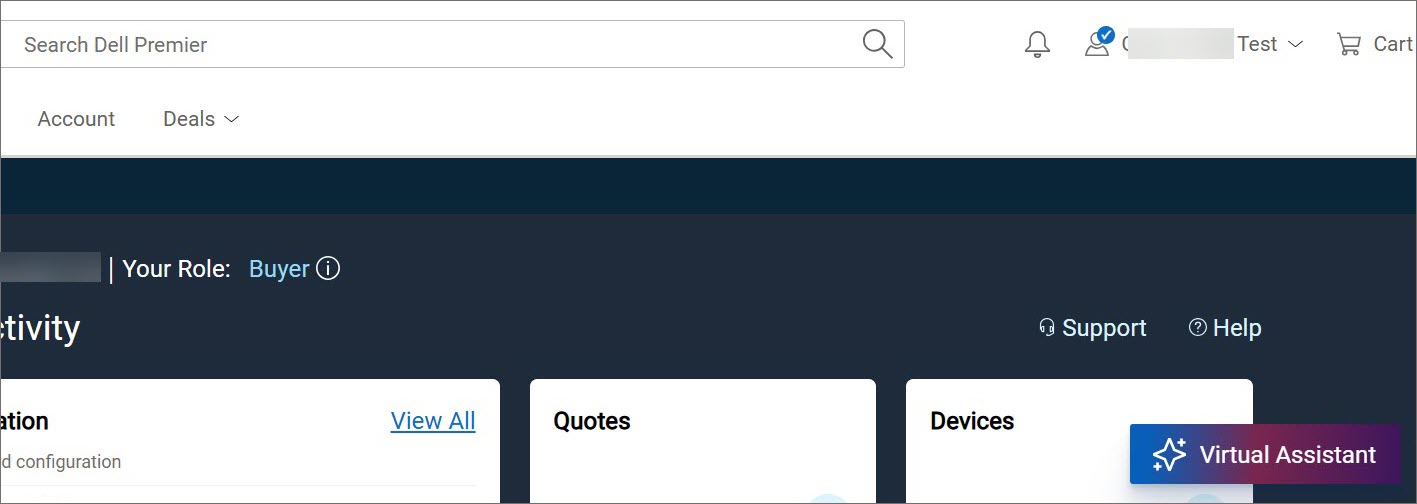
Image 1: Virtual Assistant on the Premier page
The Dell Premier Virtual Assistant is designed to provide our customers with an efficient way to find answers to their questions and engage with Dell.
The Virtual Assistant is available store-wide, including home page, Shop and Quote pages as well as Cart, and Account pages. To start using our virtual assistance, simply open it and ask your question or provide a topic you would like to discuss.
The Virtual Assistant can assist with high-level inquiries about products, technical support, Account, Order Care, and Quotes.
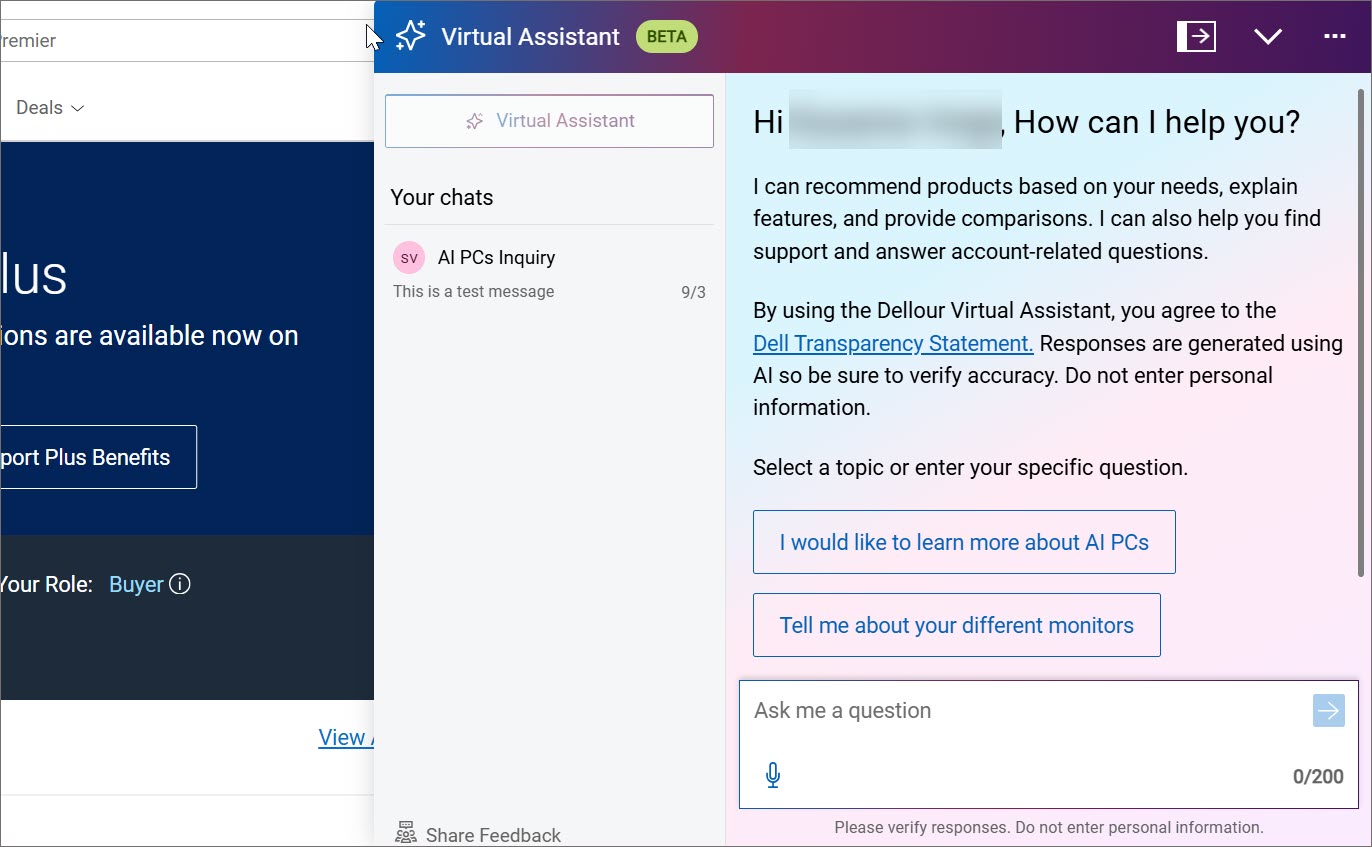
Image 2: Chat with the Virtual Assistant
The Virtual Assistant is here to help you with:
-
Products: Learn about our Computers and Accessories, IT infrastructure including Servers, and even compare features to find the best system for you. (Currently available in the United States only*)
-
Quotes: Get answers for general how-to queries about quotes in Premier (Currently available in the United States only*)
-
Account: Gain insights on how to best use your Premier Account features, making it easy to manage your store and understand self-service options. (Currently available in the United States only*)
-
Order Care: Receive immediate and personalized support for all your order-related questions and concerns like order status, documents (invoices, packing slips), order holds and cancellations, Missing, Wrong and Damaged, and more. If you need further assistance, our Virtual Assistant will guide you to submit a request, and a Customer Care agent will contact you to help resolve your issue.
Watch The Video (00:00:46 - To access closed captions (subtitles) in your preferred language, simply click the CC icon located on the video player. )
-
Technical Support: For your technical queries, the Virtual Assistant will guide you to virtual technical support, with troubleshooting, step-by-step tutorials, instant visual solutions, and dispatching of replacement parts. (Currently available in the United States only*)
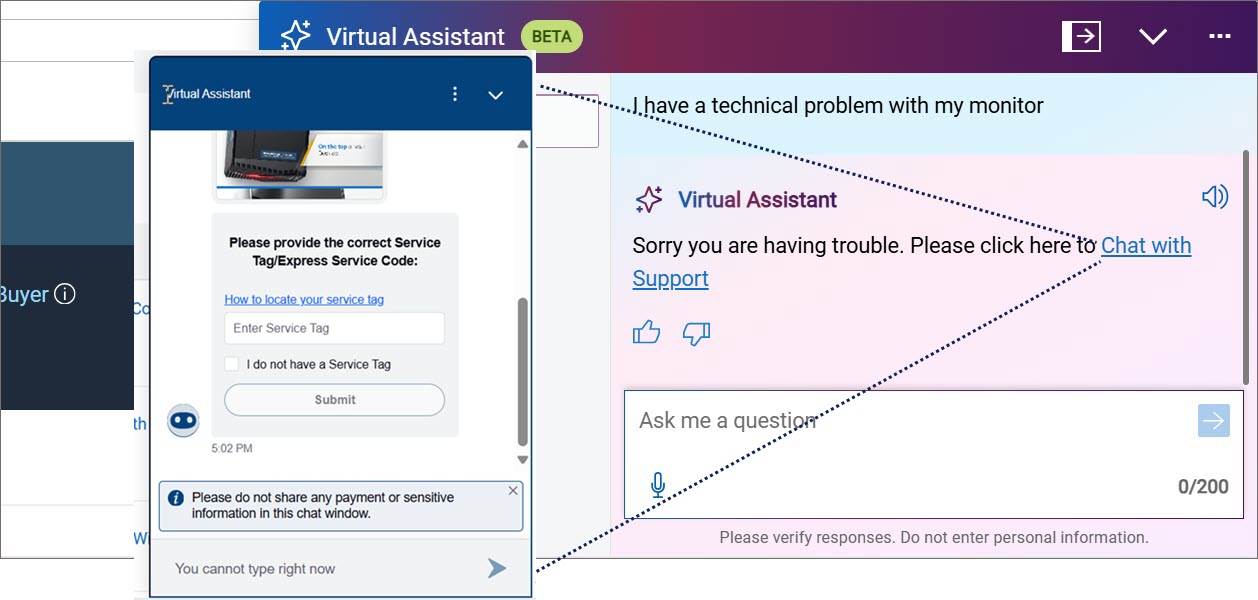
If you need more assistance or have questions that our Virtual Assistant cannot answer, you can seamlessly collaborate with your dedicated Sales Representative using the "Message Sales Team" prompt that appears during a conversation.
A chat summary is sent to your Sales Representative. The seller can then respond to you when available and provide additional information.
In the 'Workspaces' Chat with your Sales Rep, you can:
-
Initiate a chat and add other participants to the conversation
-
Share documents, add links to pages or quotes, and more
-
Receive notifications when sellers respond
-
Access and download conversation history and return to conversations even after logging out
-
Share feedback about the Virtual Assistant tool
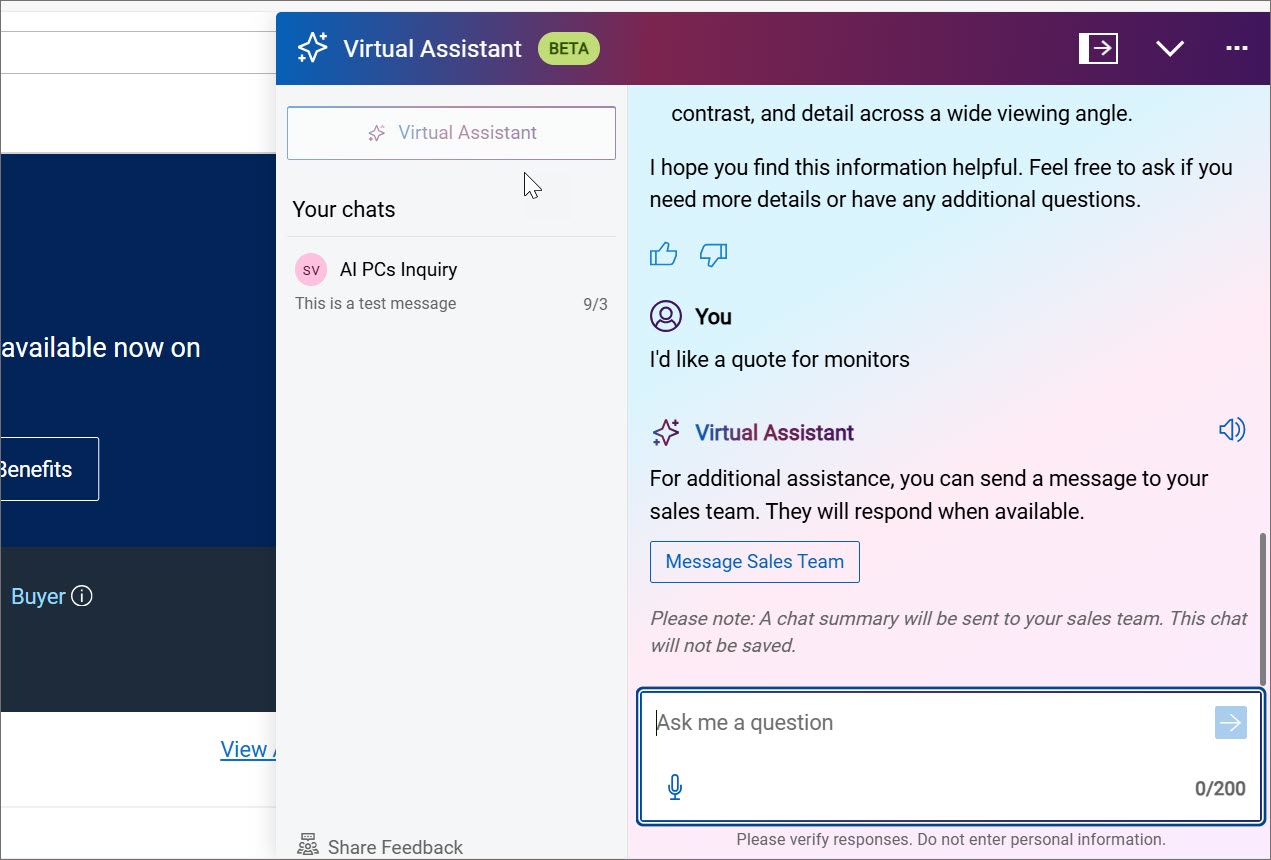
Image 4: Message Sales Team
Leverage the Virtual Assistant to get efficient and effective support and engage the right expert if needed. The features and functionalities of our Virtual Assistant are constantly being expanded, watch this space for further enhancements!
Notes
*Currently not available in US Federal, Channel, and Global Portal. Selected countries are excluded.
Please be sure to verify the accuracy of responses by the Virtual Assistant. Do not enter sensitive personal information.
Article Properties
Article Number: 000365592
Article Type: How To
Last Modified: 28 Jul 2026
Version: 7
Find answers to your questions from other Dell users
Support Services
Check if your device is covered by Support Services.