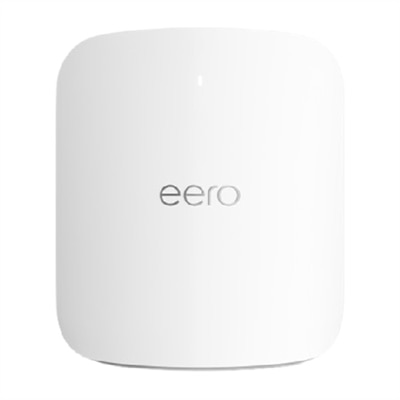
$29.99
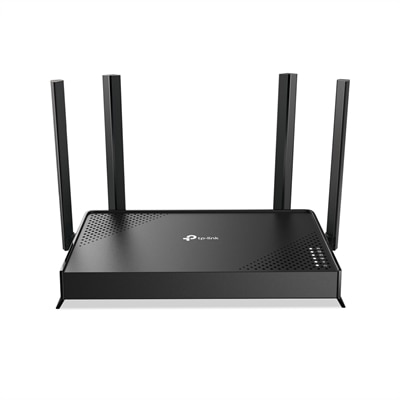
A dual-band wireless router with MU-MIMO technology and four high-performance antennas for stable connections.
2.4 GHz routers deliver reliable wireless connectivity for homes and offices, making them a popular choice for everyday internet use. Designed to support a wide range of devices, 2.4 GHz routers offer consistent performance for browsing, streaming, and online communication. Explore options that help keep your network running smoothly, whether you’re setting up a new connection or upgrading your current setup. Find the right 2.4 GHz router to meet your connectivity needs and enjoy seamless wireless coverage throughout your space.
A dual-band wireless router with MU-MIMO technology and four high-performance antennas for stable connections.
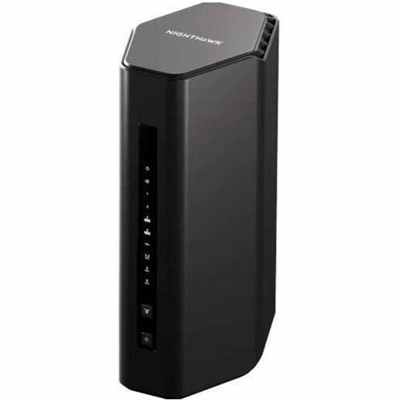
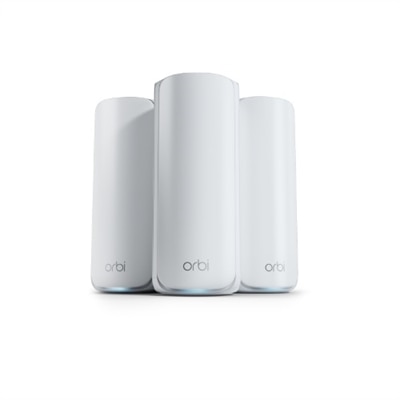
A tri-band router offering WiFi 7 speeds up to 9.3Gbps and coverage for 100 devices.
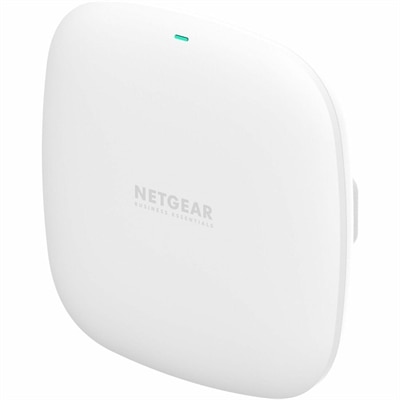
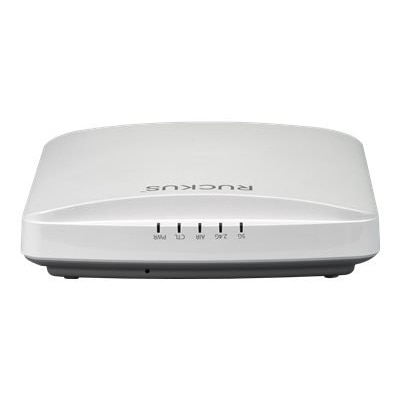
A dual-band indoor wireless access point offering Wi-Fi 6 performance and flexible ceiling or wall mounting.
A dual-band Wi-Fi 7 router delivering up to 3.2 Gbps speeds, broad coverage, and advanced security features.
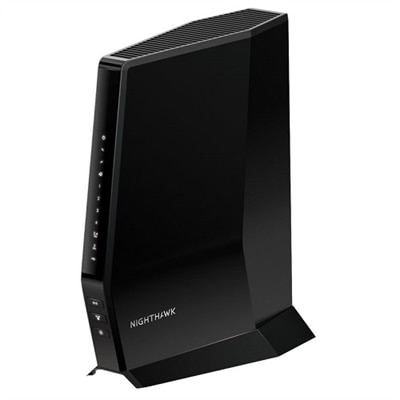
A high-performance WiFi 6 router with built-in DOCSIS 3.1 modem for ultra-fast, multi-device connectivity.
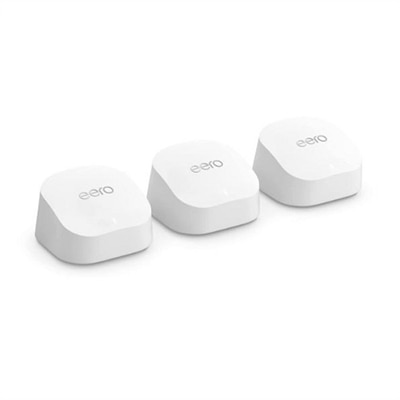
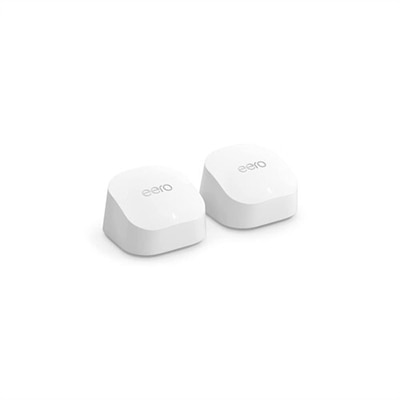
A reliable mesh Wi-Fi system offering gigabit speeds, enhanced bandwidth, and built-in smart home hub.
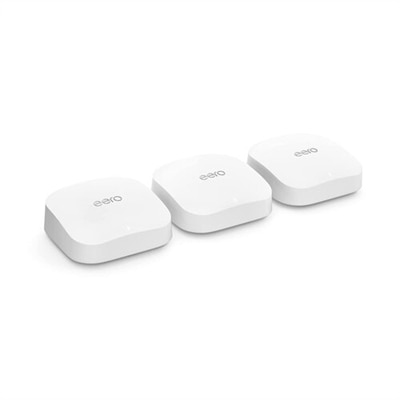
A powerful mesh Wi-Fi system offering 6,000 sq ft coverage, 2.3 Gbps speeds, and smart home integration.
An indoor dual-band wireless access point with Wi-Fi 6 technology, supporting up to 512 connections.
An advanced WiFi 7 router offering 27Gbps speeds and 360° coverage for seamless connectivity.
A dual-band router offering 6.5Gbps speeds, 2,500 sq. ft. coverage, and protection for 80 devices.
A sleek WiFi 7 router offering up to 19Gbps speeds, 10GbE port, and coverage for 200 devices.
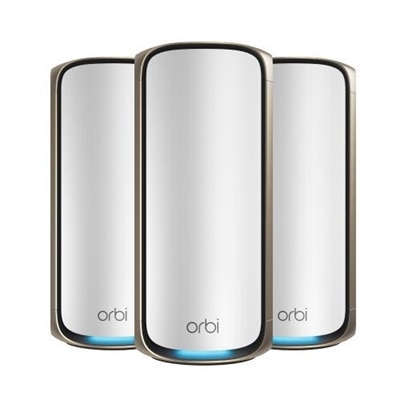
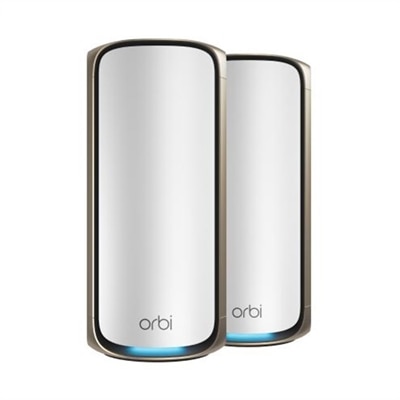
A mesh Wi-Fi system delivering ultra-fast Wi-Fi 7 speeds, AI-driven roaming, and advanced HomeShield security.
An advanced WiFi 7 router offering up to 11Gbps speeds and comprehensive 360° home coverage.
A high-performance tri-band router offering 18Gbps speeds and 3,300 sq. ft. WiFi coverage.
A high-performance WiFi 7 router offering 11Gbps speeds and 360° coverage for seamless connectivity.
An advanced quad-band router offering up to 27Gbps speed and 6,600 sq. ft. coverage for seamless connectivity.
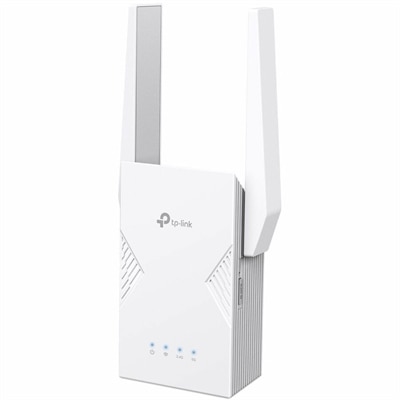
A dual-band Wi-Fi 7 range extender delivering 3.2 Gbps speeds, low latency, and whole-home mesh coverage.
A 2.4 GHz router can be a practical choice for homes, apartments and small workspaces where dependable coverage matters as much as top wireless speed. The 2.4 GHz band uses a lower radio frequency than 5 GHz and 6 GHz connections, allowing its signal to travel farther and pass through walls, floors and furniture more effectively. That broader reach can be useful when a router sits in a home office, living room or hallway and connected devices are spread across several rooms. A laptop in a bedroom, a desktop in a back room, a smart television across the house or a printer tucked away near a workspace may all benefit from the added range. This band is also commonly used by smart home products, including smart plugs, light bulbs, thermostats, doorbells, cameras and voice assistants. For everyday activities such as email, web browsing, online banking, recipe searches and controlling connected home devices, a stable 2.4 GHz connection can be more valuable than maximum throughput. It can also help maintain connectivity in older homes with thicker walls or layouts that make it difficult to place a router in a central location. When comparing options, check the router’s stated wireless standards, coverage guidance, antenna design, security features and number of available Ethernet ports. A model with current security support, automatic firmware updates and straightforward setup tools can make a noticeable difference over the life of the equipment. Families may appreciate parental controls and guest network access, while people working from home may look for reliable connections for video calls, cloud applications and wireless peripherals. A guest network can keep visitors’ devices separate from computers, printers and smart home equipment, and a dedicated management app may make it easier to review connected devices or adjust settings from a phone. For shoppers replacing an older router, it is worth checking compatibility with the internet service plan and the modem or gateway already in use. A router cannot create faster service than the connection entering the home, but it can improve how that connection is distributed among devices.
Range is one of the main strengths of 2.4 GHz wireless, though the band also has limitations that should be considered before choosing a router. Because many homes, neighboring networks and everyday electronics use 2.4 GHz, the band can experience congestion or interference. Microwave ovens, Bluetooth accessories, cordless equipment and nearby routers may contribute to brief slowdowns or an inconsistent connection, particularly in closely spaced apartments or busy neighborhoods. Wireless performance also depends on building materials, router placement, connected-device distance and the number of devices sharing the network. Place the router in an open, elevated location near the center of the coverage area rather than inside a cabinet, behind a television or on the floor. Keep it away from large metal objects and appliances, and allow space around the device for ventilation. If a router supports both 2.4 GHz and a higher-frequency band, the arrangement can be especially flexible: use 2.4 GHz for devices that are farther away or need steady, low-bandwidth access, and use the faster band for nearby laptops, desktops, monitors with wireless functions, streaming devices and large downloads. Shoppers who want to compare related wireless standards can also explore 802.11ac Routers. Before completing a purchase, consider the size and shape of the home, the location of walls and floors, the number of connected products and the type of activities taking place online. A small household with a few smart lights may need different capabilities than a busy home with several people attending video meetings, playing online games and streaming high-resolution content at the same time. A 2.4 GHz router can make a thoughtful technology gift for someone setting up a first apartment, improving a home office or adding connected lighting and security devices, especially when simple installation and broad coverage are priorities. During the cooler months, when more time is often spent indoors, a well-placed router can quietly support the laptops, desktops, phones, printers and smart devices that keep a household connected. Evaluate coverage, security, compatibility and everyday needs together to find a 2.4 GHz networking option that fits naturally into the way the space is used.
Add the products you would like to compare, and quickly determine which is best for your needs.