1. Ergonomics and Comfort
2. DPI and Sensitivity
3. Durability and Build Quality
4. Price and Value
When it comes to finding the best gaming mice for students, it's essential to consider factors such as comfort, precision, and durability. Whether you're a casual gamer or a dedicated esports enthusiast, having the right gaming mouse can greatly enhance your gaming experience. This curated list of top-rated gaming mice is based on user reviews, ensuring that you'll find a reliable and high-performing option that suits your needs as a student gamer. From customizable buttons to ergonomic designs, these gaming mice are designed to help you excel in your gaming endeavors while maintaining focus on your studies.
Choosing the right gaming mouse can enhance both your gaming performance and productivity as a student. Here are some key aspects to consider when shopping for a gaming mouse.
1. Ergonomics and Comfort
2. DPI and Sensitivity
3. Durability and Build Quality
4. Price and Value
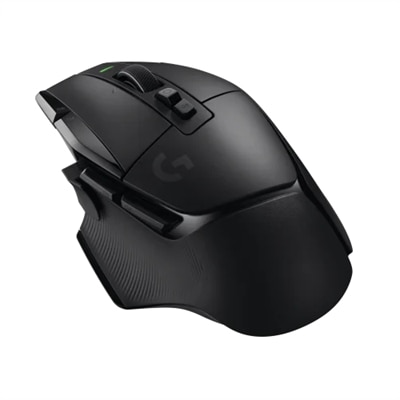
A wireless gaming mouse in black featuring hybrid optical-mechanical switches and ultra-fast LIGHTSPEED technology.
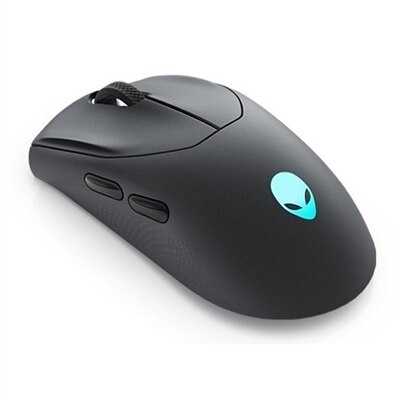
A competition-ready wireless gaming mouse with 26,000 DPI, ambidextrous design, and fast magnetic charging.
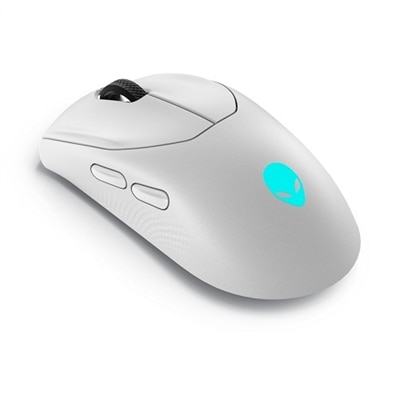
A competition-ready wireless gaming mouse with 26,000 DPI, ambidextrous design, and magnetic-snap fast charging.
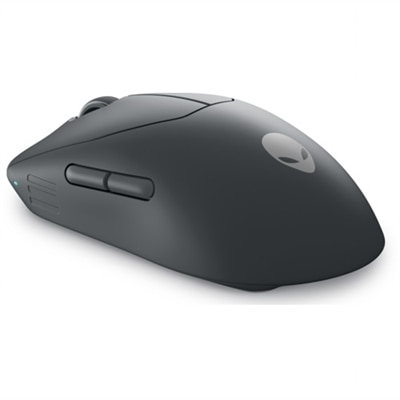
An ultra-lightweight gaming mouse with 6 programmable buttons and detachable nylon braided cord.
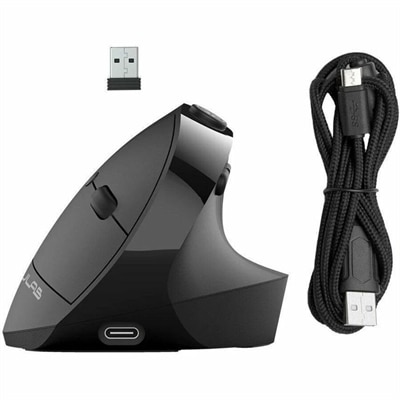
An ergonomic black wireless mouse with seven silent buttons, vertical design, and multi-device Bluetooth or USB connectivity.
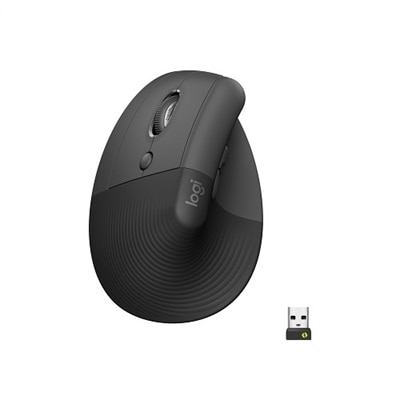
A left-handed wireless ergonomic mouse in graphite with quiet clicks, customizable buttons, and multi-device connectivity.
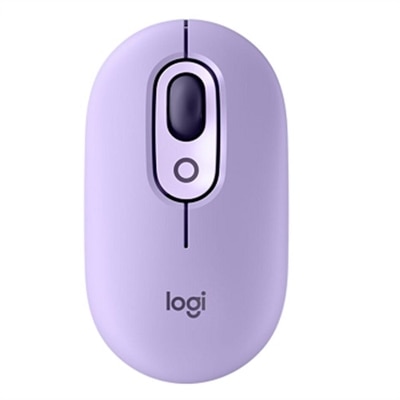
A playful wireless mouse in Cosmos color with customizable emojis, silent clicks, and multi-device connectivity.
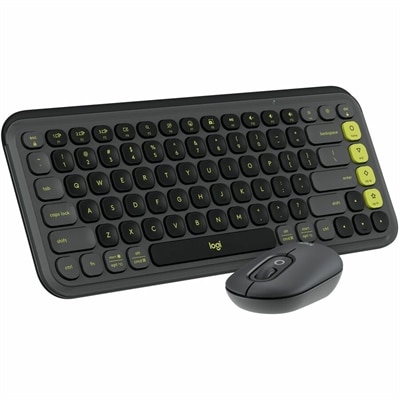
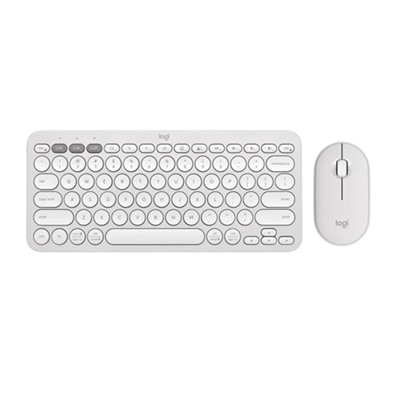
A stylish graphite and green keyboard and mouse combo featuring customizable keys, quiet typing, and smart scrolling.
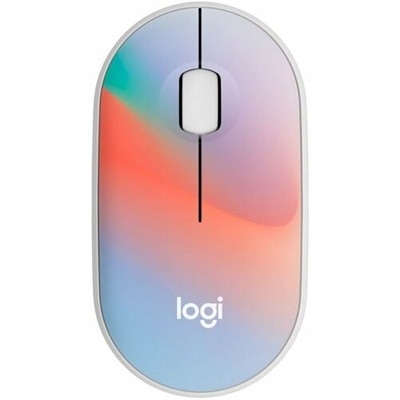
A compact, sheer dream-colored wireless mouse featuring silent clicks, recycled plastic, and an 18-month battery life.
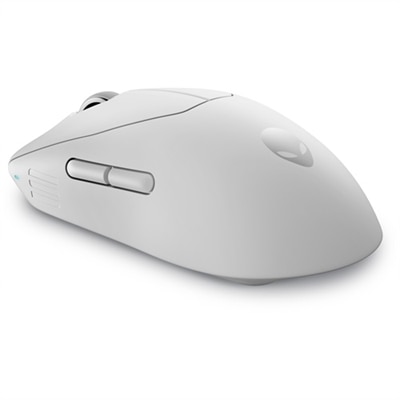
An ultra-lightweight gaming mouse with 8KHz wired polling, 6 programmable buttons, and detachable nylon cord.
Students should consider features such as ergonomic design for comfortable use during long study or gaming sessions, customizable buttons for quick access to shortcuts, adjustable DPI for precise control, and reliable connectivity options. Lightweight construction and durable build quality are also important for daily use.
Yes, gaming mice are versatile and can be used for both studying and gaming. Their high precision and customizable buttons make them ideal for productivity tasks like graphic design, coding, and document editing, as well as for immersive gaming experiences.
Many brands offer ambidextrous or left-handed gaming mice, providing comfortable and efficient use for left-handed students. These models typically feature symmetrical designs and programmable buttons accessible from either hand.
DPI (dots per inch) adjustment allows users to change the sensitivity of the mouse for different tasks. For students, this means smoother navigation during both fast-paced gaming and precise tasks like photo editing or spreadsheet management.
Many gaming mice come with dedicated software that allows students to customize button functions, lighting effects, and sensitivity settings. While not always required, using the software can enhance the overall user experience and productivity.
Add the products you would like to compare, and quickly determine which is best for your needs.