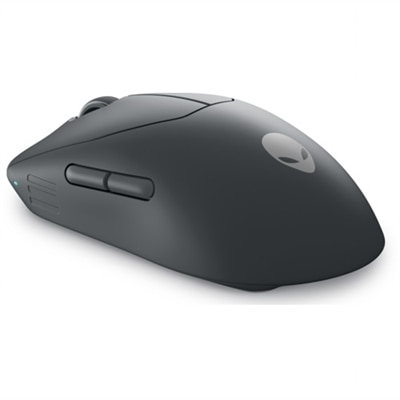
$129.99
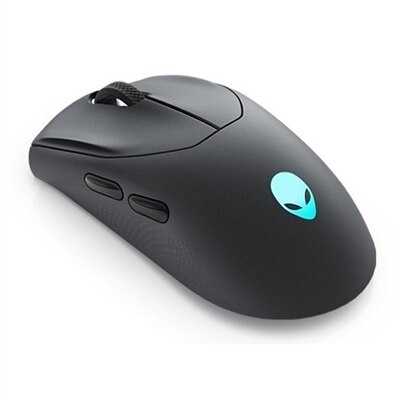
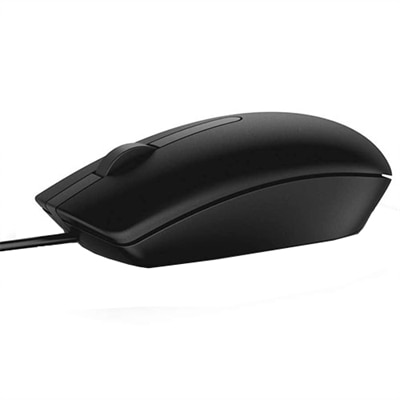
An ultra-lightweight gaming mouse with 6 programmable buttons and detachable nylon braided cord.
Choosing the right accessories can make a big difference for students balancing schoolwork and gaming. If you’re searching for what are the best alienware mouse for students, it’s important to consider options that support both productivity and play. The ideal choice should offer comfort during long study sessions and reliable performance for gaming breaks, helping students stay efficient and entertained throughout their busy days.
An ultra-lightweight gaming mouse with 6 programmable buttons and detachable nylon braided cord.
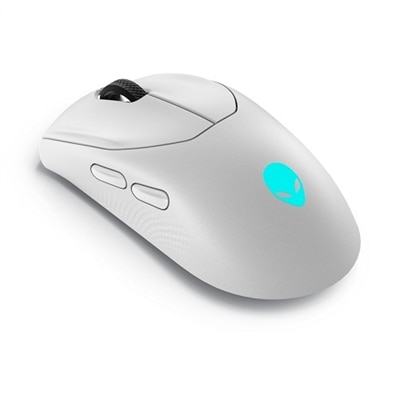
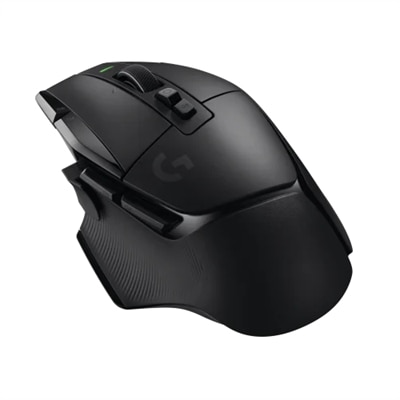
A competition-ready wireless gaming mouse with 26,000 DPI, ambidextrous design, and fast magnetic charging.
A competition-ready wireless gaming mouse with 26,000 DPI, ambidextrous design, and magnetic-snap fast charging.
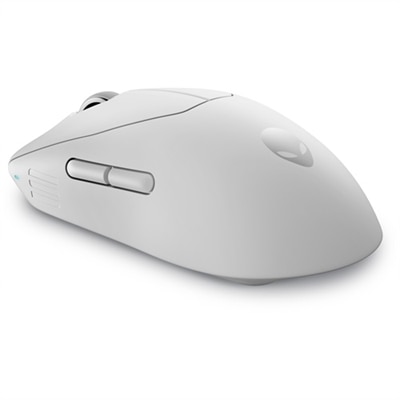
An ultra-lightweight gaming mouse with 8KHz wired polling, 6 programmable buttons, and detachable nylon cord.
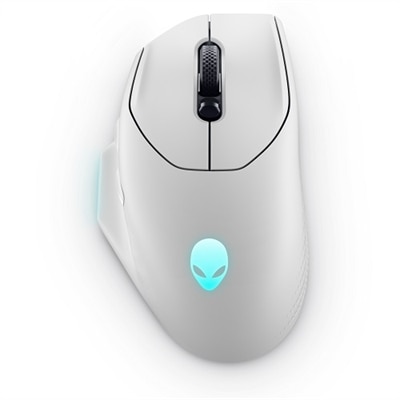
A wireless gaming mouse with 26,000 DPI, 7 programmable buttons, and 16.8 million lighting options.
Choosing a gaming mouse for student life involves more than looking for the highest sensitivity rating or the most illuminated design. The right option should feel comfortable during a long research session, respond precisely during a quick match, and fit easily into the rhythm of classes, study spaces, and shared living areas. Students often move between a laptop at a library table, a desktop in a residence hall, and a compact workstation at home, so portability is a practical consideration. A lightweight mouse can slip into a backpack beside a notebook without adding much bulk, while a durable shell and well-constructed buttons can stand up to the daily movement between rooms and campuses. Wireless models offer a clean setup and freedom from a cable crossing the desk, with Bluetooth connectivity often useful for laptops and 2.4GHz wireless connections providing a responsive link through a small receiver. Wired options remain dependable for students who prefer a direct connection and do not want to monitor battery levels. For more guidance across different designs and use cases, browse Best Gaming Mice For Students. A student who spends mornings taking notes, afternoons editing presentations, and evenings gaming may appreciate a mouse that can transition naturally between these tasks without feeling overly specialized. Battery life is especially important for wireless use: extended runtime can reduce interruptions during a busy stretch of assignments, while fast charging can be helpful when a mouse needs a quick boost before an evening of play. A rechargeable design may also be convenient for students who share limited desk space, since it avoids the need to keep spare disposable batteries in a drawer or backpack.
Comfort should receive equal attention. A right-handed ergonomic shape may suit students who use a palm grip and prefer generous support beneath the hand, while an ambidextrous shape can work well for left-handed users or anyone who frequently changes hand position. A lower-profile body may be easier to pack and can feel nimble for quick cursor movements, whereas a fuller contour can provide reassuring support during extended writing, spreadsheets, creative projects, and gaming sessions. Button placement matters as well. Two primary buttons and a clickable scroll wheel are enough for everyday coursework, but additional programmable buttons can provide convenient shortcuts for applications, browser navigation, media controls, or game commands. Students who work with design software, coding environments, or large documents may value the ability to customize those controls around their own routines. Sensitivity, commonly expressed in DPI, describes how far the pointer travels in response to physical movement. Higher settings can help users cover a wide screen with a small wrist motion, while lower settings may offer more deliberate control for aiming or detailed creative work. Adjustable sensitivity is often more useful than a single extreme rating because it lets the mouse adapt to different tasks. A student might use a moderate setting for selecting text and arranging slides, then switch to a more responsive profile for fast-paced play. Surface compatibility is another practical detail: a mouse should glide smoothly on the desk or on a mouse pad without excessive friction, wobbling, or distracting tracking skips. Quiet or softened clicks can be considerate in a library, shared apartment, or late-night study environment, while a textured scroll wheel can make moving through long articles and digital textbooks feel more controlled.
These mice can be useful gifts for students heading into a new academic term, upgrading a home study area, or building a more capable setup around an existing laptop or desktop. They may appeal to casual players who want a more precise alternative to a basic office mouse, as well as dedicated gamers who need responsive tracking and customizable controls after coursework is finished. A thoughtful choice should reflect the recipient’s habits rather than focusing only on appearance. Consider whether the student carries a computer between locations, whether their desk has room for a charging cable, whether they use the mouse primarily for productivity or gaming, and whether they favor a palm, claw, or fingertip grip. It is also worth checking operating-system compatibility, receiver storage, charging method, onboard profile support, and the dimensions of the mouse before purchasing. A compact model may be ideal for a small desk or frequent travel, while a larger design may feel steadier for someone with bigger hands. During the cooler months, when more time may be spent indoors studying, gaming, or working on personal projects, dependable comfort becomes particularly noticeable: a smooth glide, consistent tracking, and buttons that remain easy to reach can make a long evening at the desk feel less tiring. The best choice is one that balances responsive performance with everyday practicality, giving students a reliable tool for navigating assignments, creative work, online classes, and entertainment without demanding constant adjustment.
Add the products you would like to compare, and quickly determine which is best for your needs.