card-img

Logitech Keyboard And Mouse Combos

Enhance your workspace with the convenience and efficiency of Logitech keyboard and mouse combos. Designed to streamline your daily tasks, these versatile sets offer seamless connectivity and reliable performance for both home and office environments. Whether you're upgrading your desktop setup or looking for a comfortable solution for everyday computing, Logitech keyboard and mouse combos provide an easy way to stay productive. Explore a range of options to find the perfect match for your needs.

Filters

$79.99

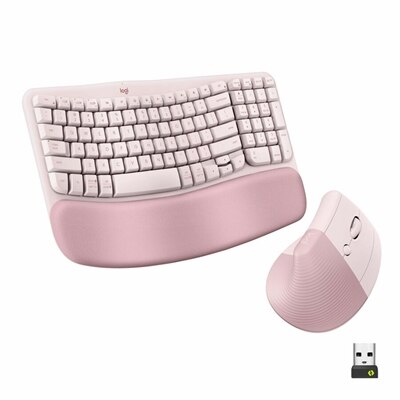
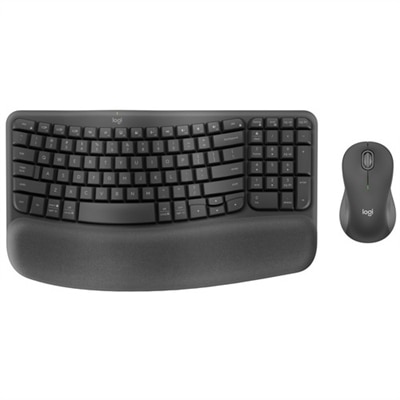
An ergonomic wireless keyboard and mouse combo with recycled plastic, cushioned palm rest, and quiet, sculpted design.
$79.99
$89.99

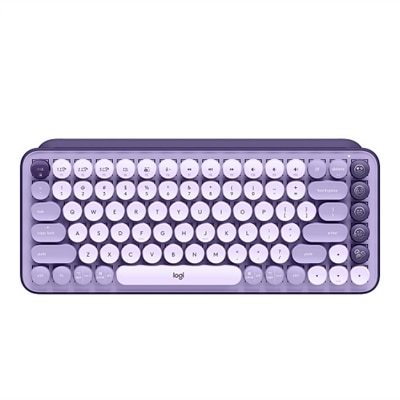
A wireless mechanical keyboard featuring customizable emoji keys in a stylish Cosmos color.

$89.99
$119.99

An ergonomic wireless keyboard and vertical mouse combo in graphite with cushioned palm rest and multi-OS support.

$119.99
$119.99

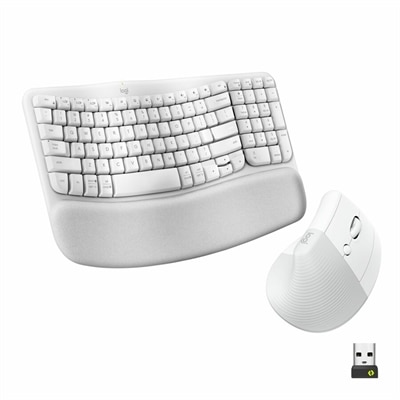
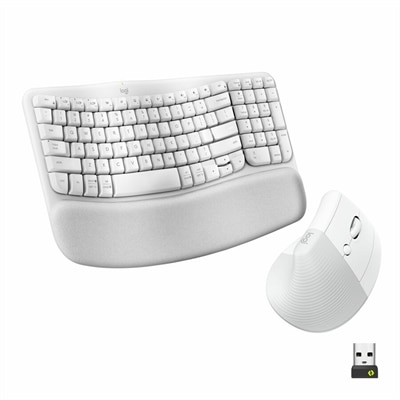
An ergonomic off-white wireless keyboard and vertical mouse combo with cushioned palm rest and multi-OS support.

$119.99
$69.99

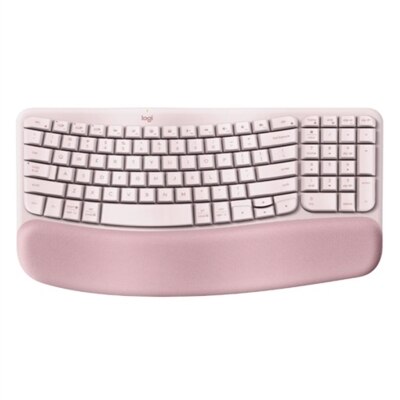
A wireless ergonomic keyboard in rose with memory foam palm rest and customizable shortcuts for comfort.

$69.99
$59.99

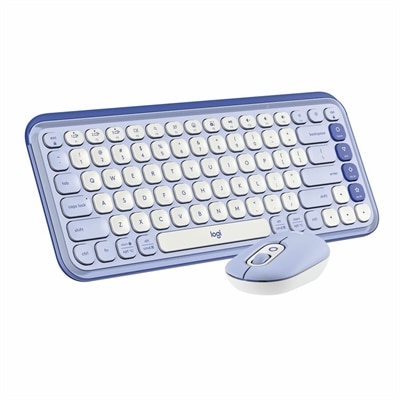
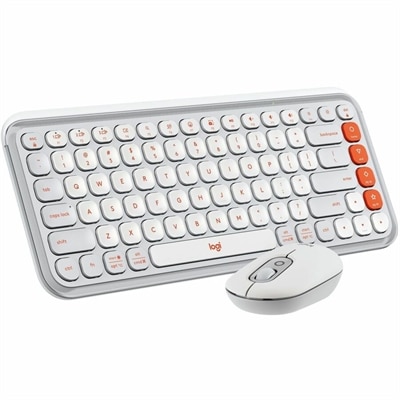
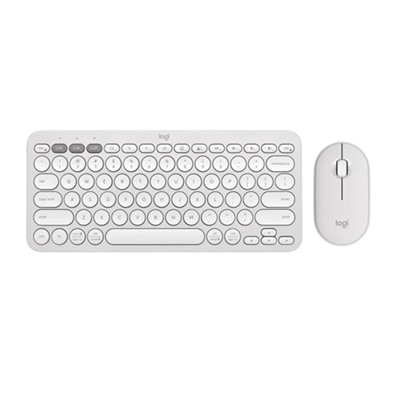
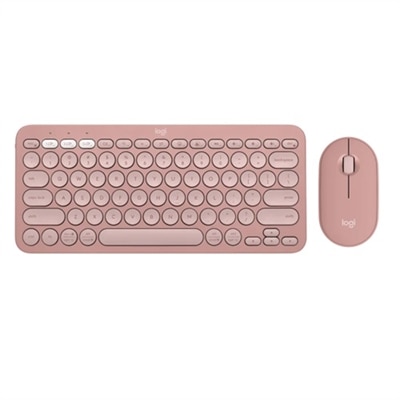
A stylish rose and off-white Bluetooth keyboard and mouse combo with customizable keys and comfortable, quiet typing.

$59.99
$59.99

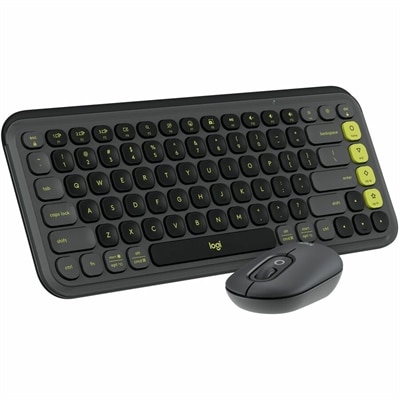
A stylish graphite and green keyboard and mouse combo featuring customizable keys, quiet typing, and smart scrolling.

$59.99
$59.99

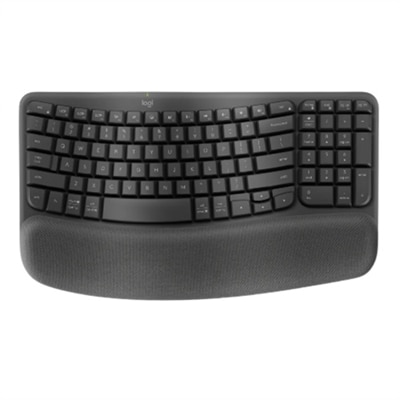
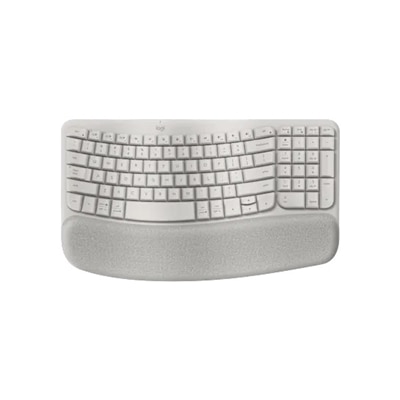
A graphite wave-shaped keyboard with cushioned palm rest for enhanced wrist support and natural typing posture.

$59.99
$69.99

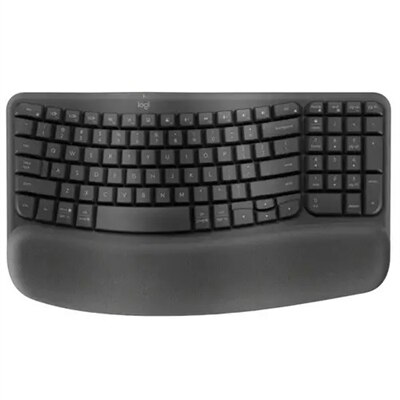
An ergonomic wireless keyboard in graphite with cushioned palm rest and secure Logi Bolt connectivity.

$69.99
$179.99

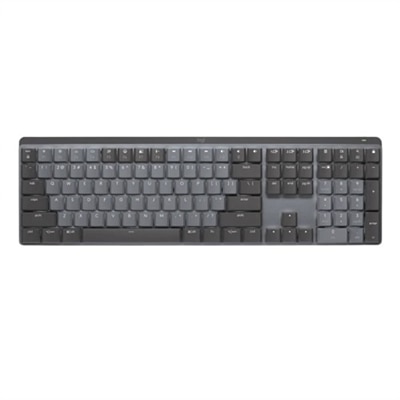
A graphite wireless keyboard featuring clicky low-profile switches, backlit keys, and multi-device Bluetooth connectivity.

$179.99
$89.99

A wireless mechanical keyboard in rose with customizable emoji keys for a fun, expressive typing experience.

$89.99
$33.99

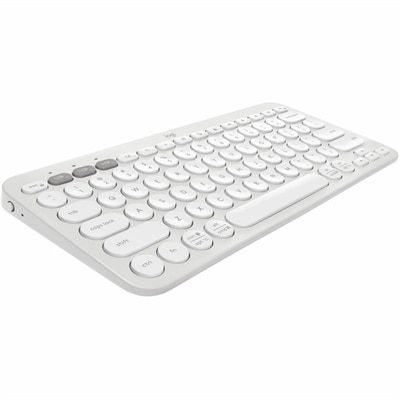
A slim, tonal white Bluetooth keyboard with quiet keys, customizable shortcuts, and multi-device compatibility.

$33.99
$29.99

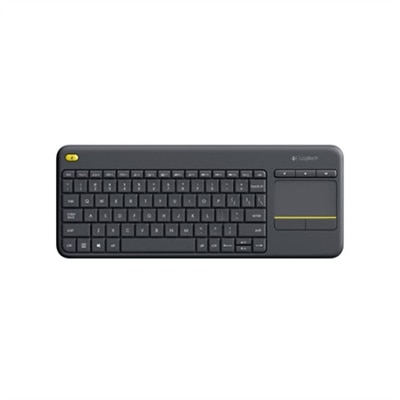
A compact black wireless keyboard with integrated touchpad, comfortable keys, and easy-access media controls.

$29.99

Logitech Keyboard And Mouse Combos

When exploring the world of Logitech keyboard and mouse combos, you’ll discover a seamless blend of comfort, functionality, and style designed to elevate any workspace. These thoughtfully paired sets are engineered for those who value both efficiency and aesthetics, whether you’re setting up a home office, upgrading your professional environment, or creating a reliable workstation for remote learning. The integrated design ensures that every keystroke and mouse movement feels natural, reducing hand fatigue during long sessions of typing or navigation. Many users appreciate how these combos bring order to their desk—no more mismatched devices or tangled wires—just a cohesive look that complements modern monitors and desktops. For anyone who spends significant time at their computer, from creative professionals editing photos to students completing assignments, the difference a well-matched keyboard and mouse can make is immediately noticeable in daily productivity.

When considering Logitech keyboard and mouse combos, it’s important to think about your unique needs and preferences. Some individuals prioritize wireless connectivity for a clutter-free setup, making it easy to move between workstations or adjust their position throughout the day. Others might focus on tactile feedback from keys or the ergonomic shape of the mouse to ensure lasting comfort during extended use. Programmable keys and customizable buttons can be especially helpful for those who multitask frequently or use specialized software—think designers switching between tools with a single press or gamers mapping commands for quick reactions. Battery life is another factor; reliable power management means fewer interruptions, allowing you to focus on what matters most. Gifting one of these combos can be a thoughtful gesture for students heading off to college, professionals upgrading their workspace, or friends who love to stay organized and efficient. The versatility makes them suitable for nearly any environment—from bustling family rooms where multiple people share devices to quiet offices where precision and speed are essential.

The appeal of Logitech keyboard and mouse combos extends beyond performance into everyday convenience. Quiet typing is appreciated in shared spaces, while responsive tracking ensures smooth navigation across various surfaces—even if you’re working from your kitchen table or cozying up on the couch with your laptop. Compact options fit easily into backpacks for those constantly on the move, while full-sized versions offer dedicated media controls and number pads for enhanced productivity at your main desk. These combos often feature intuitive plug-and-play setups that minimize downtime; within moments of unboxing you’ll be ready to dive into work or leisure activities without fussing over complicated installations. Whether you’re managing spreadsheets, crafting emails, gaming late into the night, or simply browsing your favorite websites, choosing the right combo helps create an environment where technology adapts effortlessly to your lifestyle. With attention paid to both form and function, these sets offer an inviting gateway into smoother digital experiences—making every interaction with your computer just a little more enjoyable and efficient each day.

What are the benefits of using a Logitech keyboard and mouse combo?

A Logitech keyboard and mouse combo offers seamless compatibility, reliable wireless connectivity, and a unified receiver for both devices. These combos are designed for comfort, productivity, and ease of setup, making them ideal for both home and office use.

Are Logitech keyboard and mouse combos compatible with multiple operating systems?

Yes, most Logitech keyboard and mouse combos are compatible with popular operating systems such as Windows, macOS, and Chrome OS. Always check the product specifications to confirm compatibility with your specific device.

How do I connect a Logitech keyboard and mouse combo to my computer?

Logitech combos typically connect via a USB receiver or Bluetooth. For USB models, simply plug the receiver into your computer's USB port. For Bluetooth models, enable Bluetooth on your device and follow the pairing instructions provided by Logitech.

Can I customize the buttons on my Logitech keyboard or mouse?

Many Logitech keyboards and mice support customization through the Logitech Options or Logi Options+ software. This allows you to assign functions or shortcuts to specific keys or buttons for enhanced productivity.

Do Logitech keyboard and mouse combos require batteries?

Most wireless Logitech combos use AA or AAA batteries, while some premium models feature built-in rechargeable batteries. Battery life varies depending on usage and model; consult the product details for more information.

Add the products you would like to compare, and quickly determine which is best for your needs.

Add the products you would like to compare, and quickly determine which is best for your needs.