$565.99
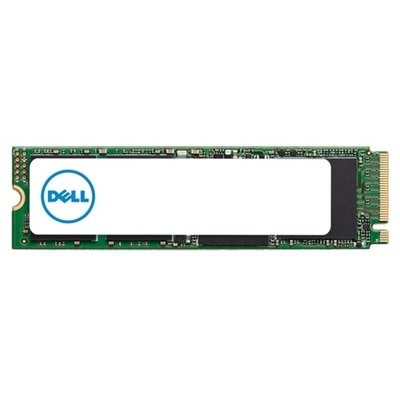
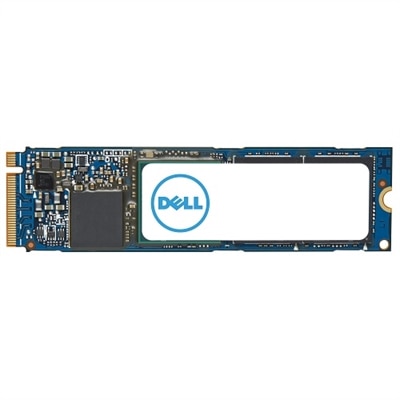
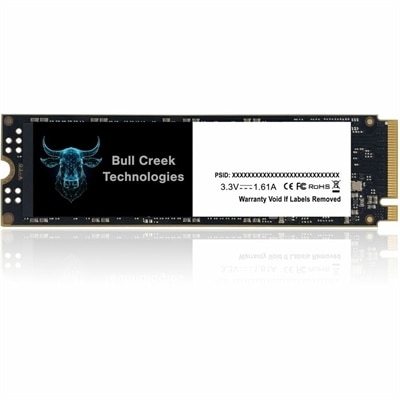
A high-performance 1TB M.2 PCIe Gen3 x4 SSD designed for reliable, enterprise-level data integrity.
Upgrade your storage capacity and streamline your workflow with internal 1 TB hard drives. Perfect for desktops, laptops, and workstations, these drives offer ample space for important files, applications, and media collections. Whether you’re expanding your system’s capabilities or replacing an existing drive, internal 1 TB hard drives provide a reliable solution to meet everyday computing needs. Find the right option to boost performance and keep your data organized and accessible.
A high-performance 1TB M.2 PCIe Gen3 x4 SSD designed for reliable, enterprise-level data integrity.
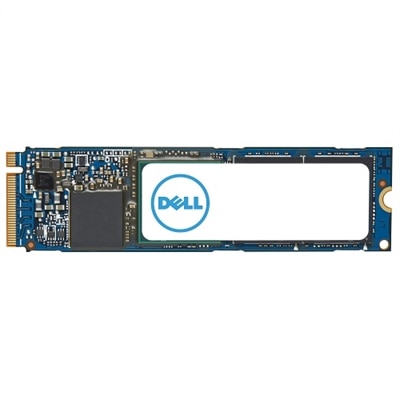
A high-speed 1TB NVME SSD offering enhanced data transfer and storage capacity in M.2 2280 form factor.
An M.2 PCIe NVME Gen 4x4 SSD offering 1TB storage and enhanced data transfer speeds.
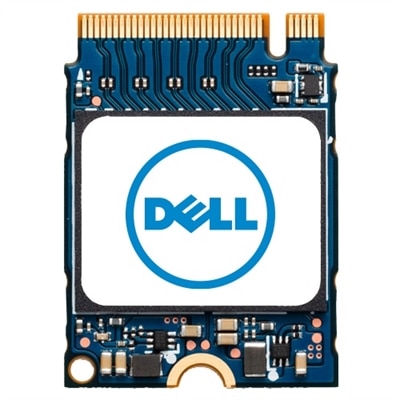
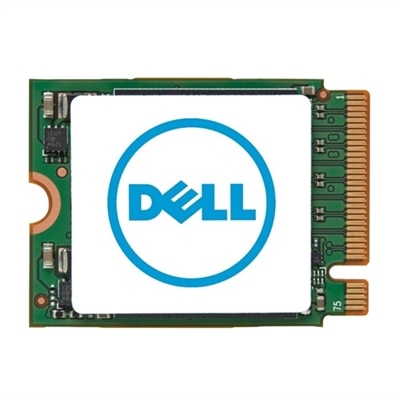
A compact M.2 2230 SSD offering 1TB storage capacity for efficient data management.
A 1TB M.2 PCIe NVME Gen 4x4 SSD offering enhanced data transfer speeds and ample storage capacity.
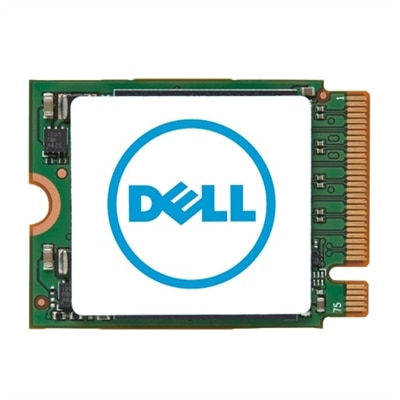
A high-capacity 1TB M.2 NVMe SSD for expanding your system's storage efficiently.
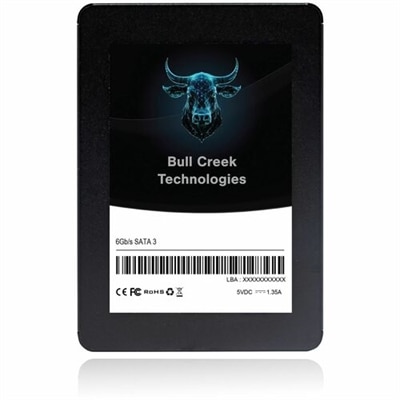
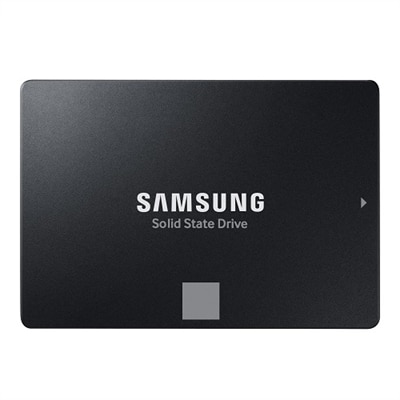
A high-performance 1TB 2.5" SATA 3 SSD designed for reliable, stable business operations.
Internal 1 TB hard drives provide a practical way to expand the capacity of a compatible desktop PC or laptop while keeping commonly used files close at hand. A 1 TB drive offers approximately 1,000 gigabytes of raw capacity, although the usable amount will be somewhat lower after formatting and system requirements. That space can accommodate a broad collection of documents, photographs, music, downloaded videos, applications, and personal projects. For a family desktop, it may provide room for years of scanned documents and vacation photos; for a work computer, it can hold large presentations, design files, spreadsheets, and local project folders without constantly moving files to an external device. Internal drives are installed inside the computer, where they connect directly to the system board and power supply. Before choosing one, check the computer’s available bay or slot, the supported interface, the physical dimensions, and whether installation requires a mounting bracket or cable. Traditional hard disk drives, commonly called HDDs, use spinning magnetic platters and are often available in 3.5-inch sizes for desktop computers or 2.5-inch sizes for laptops and compact PCs. A 3.5-inch HDD is generally designed for a desktop drive bay, while a 2.5-inch model is more likely to fit a laptop or slim enclosure. Many standard internal drives use a SATA connection, and SATA III is a widely supported version for compatible systems. A computer’s manual or manufacturer specifications can help confirm compatibility before purchase. For desktop owners comparing available capacity options, the selection of 1 TB Desktop Hard Drives can be a useful place to review drives intended for desktop installations.
The choice between a traditional HDD and a solid-state drive, or SSD, usually comes down to the balance between capacity, speed, noise, durability, and budget. HDD performance is commonly described by rotational speed, measured in revolutions per minute, or RPM. A 7,200 RPM drive generally accesses files more quickly than a 5,400 RPM model, although the actual experience also depends on the computer, interface, cache, and workload. A cache, often listed in megabytes, acts as a temporary memory buffer that can help manage frequently accessed information. HDDs contain moving parts, so they may produce a soft hum or faint vibration while operating, and they can be more sensitive to shocks while active. An SSD has no spinning platters or mechanical read/write heads, which usually allows faster boot times, quicker application launches, quieter operation, and better resistance to everyday movement. A 2.5-inch SATA SSD can fit in the same general form factor as many 2.5-inch HDDs, making it a convenient option for some laptops and compact desktops. Newer M.2 NVMe SSDs are shaped like small circuit boards and connect directly to an M.2 slot on the motherboard through PCIe, but they are not interchangeable with every SATA drive or every computer. NVMe models can deliver substantially higher transfer speeds than SATA devices when the system supports the required slot and protocol. Capacity alone should not determine the purchase: a drive that physically fits but uses an unsupported connector will not provide a straightforward upgrade. It is also wise to review operating system requirements, available mounting space, cable compatibility, and whether the computer has an open bay or slot before beginning installation.
Internal 1 TB hard drives can suit students, home-office users, photographers, gamers, and anyone whose computer has begun to feel crowded. A student may use the capacity for research materials, recorded lectures, creative assignments, and a growing photo library. A home-office worker might keep invoices, presentations, scanned paperwork, and locally available work files organized in clearly labeled folders. Families can use an upgraded desktop to keep household records and memorable images accessible, while a hobbyist may appreciate the room for music projects, digital artwork, video clips, or game installations. These drives can also make thoughtful gifts for someone refreshing an older compatible computer, especially when a slow or nearly full drive has become a daily frustration. Installation should be approached carefully: shut down and unplug the computer, follow the system manufacturer’s instructions, ground yourself to reduce static risk, secure the drive firmly, and connect both the data and power cables when required. After installation, the operating system may need to initialize, partition, and format the drive before it appears as an available volume. Always keep important files backed up in more than one location; an internal drive is not a substitute for a separate backup plan. For everyday organization, divide folders by household member, project, school year, or type of file, and leave some free capacity so the computer can continue working comfortably. Whether the priority is affordable space for a desktop, a quieter and faster upgrade for a laptop, or a compact drive for a compatible PC, comparing form factor, interface, RPM or transfer speed, cache, and system support helps match a 1 TB drive to the way the computer is actually used.
A 1 TB HDD (hard disk drive) uses spinning platters to store data and is known for offering large storage capacity at a lower cost, making it ideal for storing media files, backups, and documents. A 1 TB SSD (solid state drive), on the other hand, has no moving parts and delivers significantly faster read/write speeds, quicker boot times, and greater durability. SSDs are often preferred for running operating systems, gaming, and applications that require high-speed data access.
Upgrading to an internal 1 TB hard drive is especially beneficial for students who need space for coursework and projects, creative professionals working with large files, gamers seeking room for new titles, and families looking to organize photos and videos. It’s also a practical upgrade for anyone with aging hardware that needs more storage for everyday computing tasks.
To ensure compatibility, check your computer’s documentation or motherboard specifications for supported drive form factors (such as 2.5-inch, 3.5-inch, or M.2) and interfaces (like SATA or NVMe). Most desktops use 3.5-inch SATA drives, while laptops commonly use 2.5-inch SATA or M.2 drives. Confirming these details helps you choose a drive that fits and functions properly in your system.
Yes, many users install a 1 TB internal hard drive as a secondary storage device alongside an existing drive. This setup allows you to run your operating system and frequently used programs on a faster primary drive (such as an SSD), while using the 1 TB drive for storing files, games, backups, and media. Most desktop PCs and some laptops support multiple internal drives.
Installing an internal 1 TB hard drive typically involves powering down your computer, opening the case, securing the drive in an available bay, connecting it to the motherboard and power supply using the appropriate cables, and then closing the case. Once installed, you’ll need to initialize, partition, and format the drive using your operating system’s disk management tools before it’s ready for use.
Add the products you would like to compare, and quickly determine which is best for your needs.