card-img

Logitech Wireless Keyboards for Work From Home

Logitech wireless keyboards for work from home offer a convenient way to enhance your productivity and create a comfortable workspace. With a focus on seamless connectivity and user-friendly design, these keyboards are ideal for anyone looking to optimize their home office setup. Enjoy the freedom of wireless technology while maintaining a tidy desk environment, making it easier to stay focused throughout your workday. Explore options that fit your style and workflow, and experience the benefits of reliable performance with Logitech wireless keyboards for work from home.

Filters

$149.99

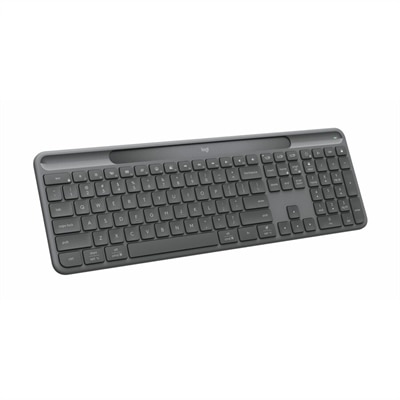
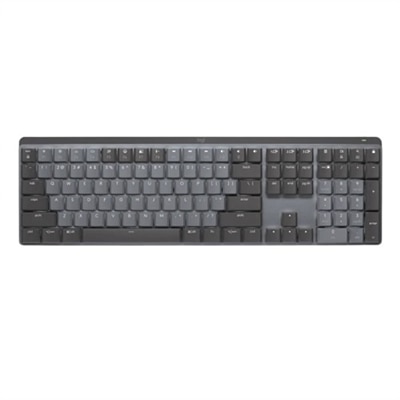
A wireless illuminated keyboard with tactile quiet switches, Bluetooth connectivity, and a graphite finish.
$149.99
$159.99

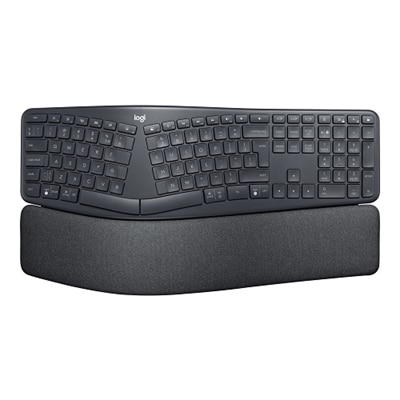
An ergonomic wireless keyboard in graphite featuring a split keyframe, palm rest, and secure Logi Bolt technology.

$159.99
$69.99

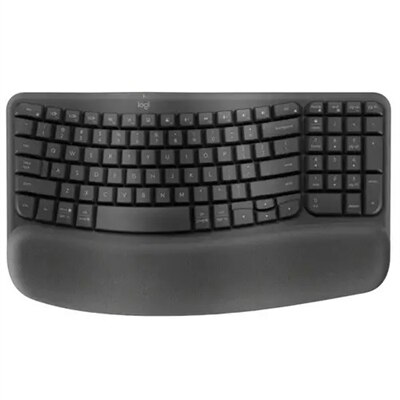
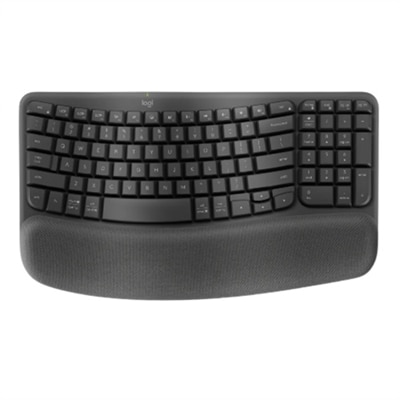
A graphite wave-shaped keyboard with cushioned palm rest for enhanced wrist support and natural typing posture.

$69.99
$69.99

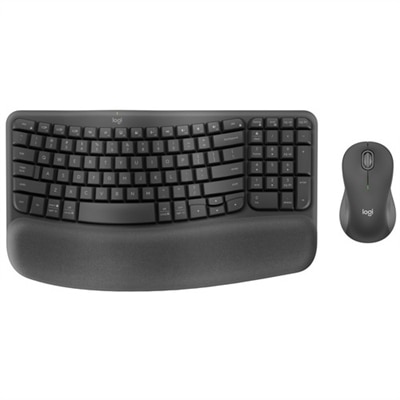
An ergonomic wireless keyboard and mouse combo with recycled plastic, cushioned palm rest, and quiet, sculpted design.

$69.99
$69.99

An ergonomic wireless keyboard in graphite with cushioned palm rest and secure Logi Bolt connectivity.

$69.99
$179.99

A graphite wireless keyboard featuring clicky low-profile switches, backlit keys, and multi-device Bluetooth connectivity.

$179.99
$159.99

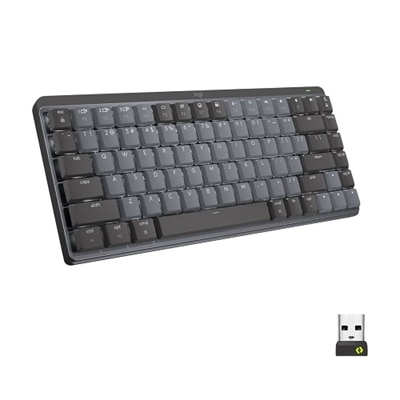
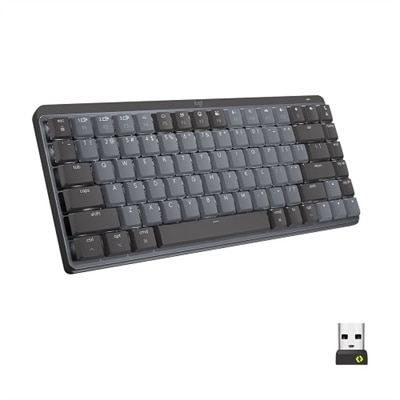
A compact graphite wireless keyboard featuring tactile quiet switches, smart backlit keys, and multi-device connectivity.

$159.99
$159.99

A compact graphite wireless keyboard featuring low-profile linear mechanical switches, smart backlit keys, and multi-device connectivity.

$159.99
$179.99

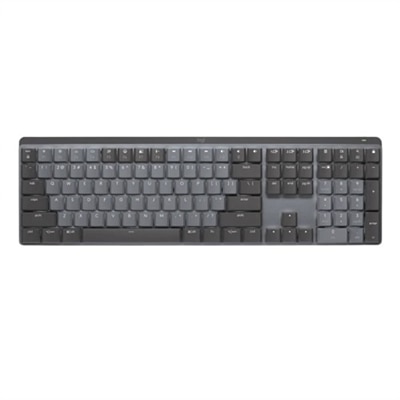
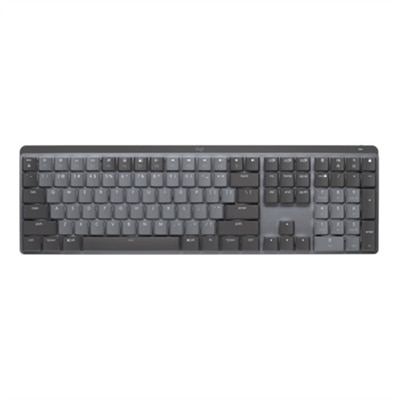
A graphite wireless keyboard featuring linear mechanical switches, smart backlit keys, and multi-device Bluetooth connectivity.

$179.99
$59.99

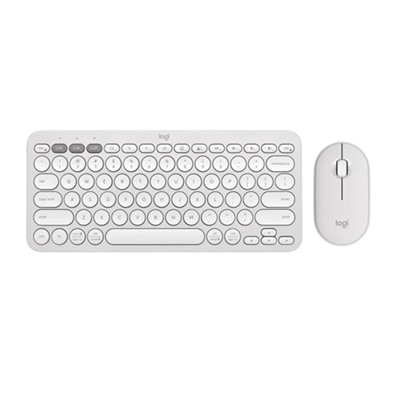
A quiet, portable wireless keyboard and mouse combo in tonal white, featuring customizable shortcuts and eco-friendly materials.

$59.99
$59.99

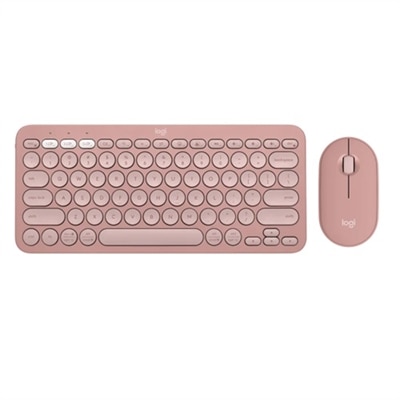
A slim, rose-colored wireless keyboard and mouse set with Bluetooth connectivity and customizable keys.

$59.99
$119.99

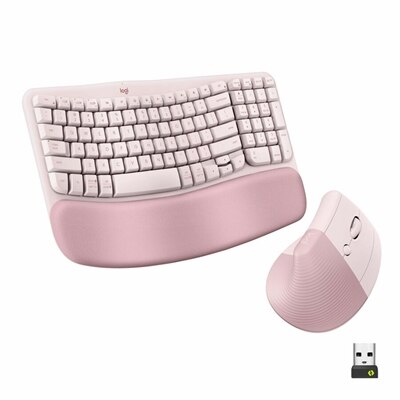
An ergonomic wireless keyboard and vertical mouse combo in rose, featuring a cushioned palm rest and Bluetooth connectivity.

$119.99
$119.99

An ergonomic wireless keyboard and vertical mouse combo in graphite with cushioned palm rest and multi-OS support.

$119.99
$69.99

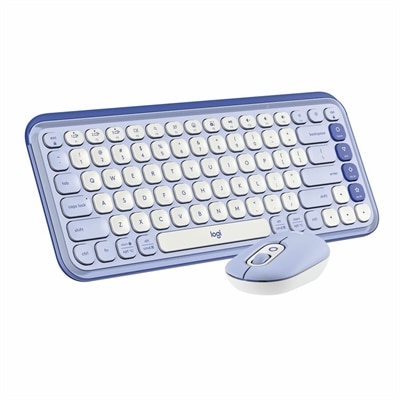
A stylish lilac and off-white Bluetooth keyboard and mouse combo with customizable keys and comfortable typing.

$69.99
$39.99

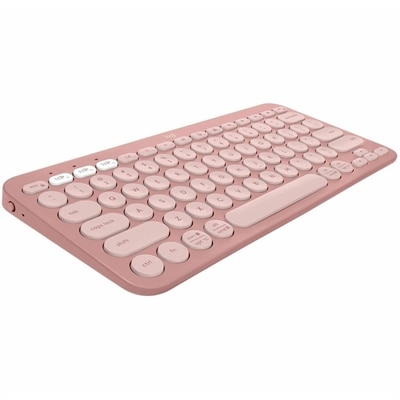
A slim, minimalist Bluetooth keyboard in tonal rose with quiet keys, customizable shortcuts, and multi-device support.

$39.99
$69.99

A stylish rose and off-white Bluetooth keyboard and mouse combo with customizable keys and comfortable, quiet typing.

$69.99
$109.99

A modern graphite keyboard powered by light, offering self-charging convenience without cables or batteries.

$109.99
$34.99

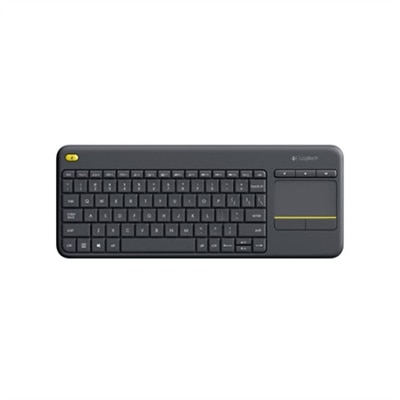
A compact black wireless keyboard with integrated touchpad, comfortable keys, and easy-access media controls.

$34.99
$119.99

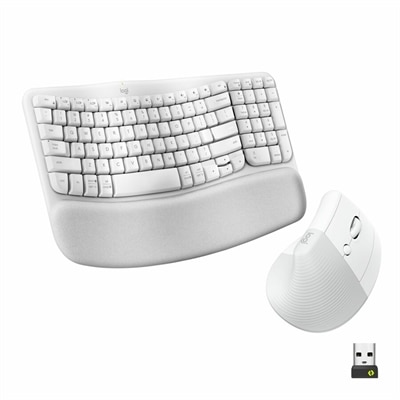
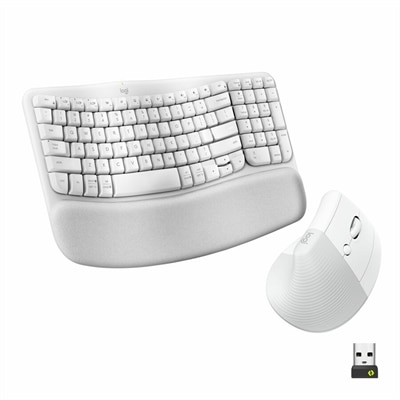
An ergonomic off-white wireless keyboard and vertical mouse combo with cushioned palm rest and multi-OS support.

$119.99
$39.99

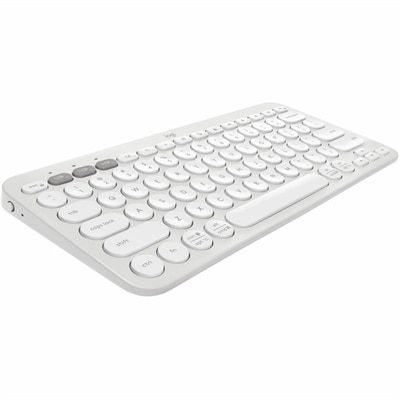
A slim, tonal white Bluetooth keyboard with quiet keys, customizable shortcuts, and multi-device compatibility.

$39.99
$69.99

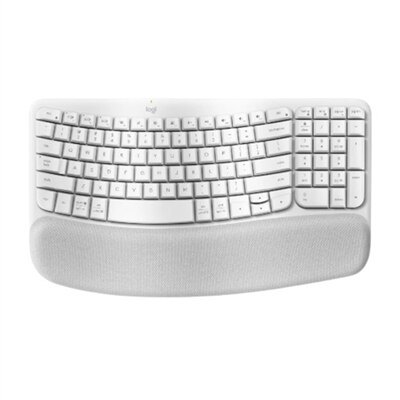
An off-white wave-shaped keyboard with cushioned palm rest for enhanced wrist support and natural typing posture.

$69.99
$69.99

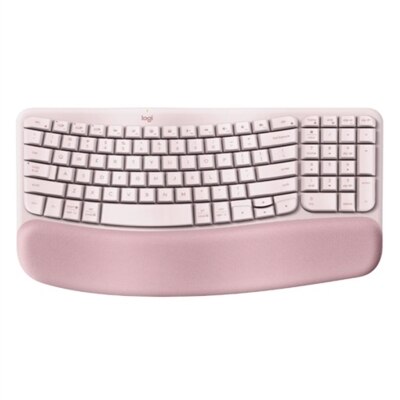
A wireless ergonomic keyboard in rose with memory foam palm rest and customizable shortcuts for comfort.

$69.99
$49.99

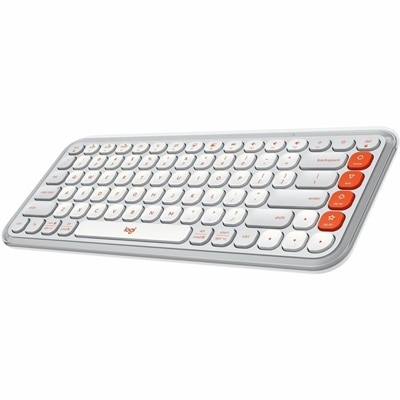
An off-white and orange wireless Bluetooth keyboard featuring comfortable typing, programmable keys, and easy device switching.

$49.99
$69.99

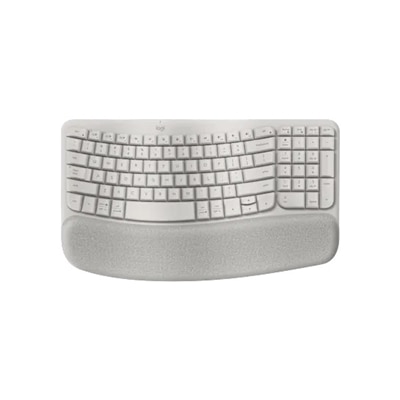
A compact sand-colored wireless ergonomic keyboard with memory foam palm rest and multi-device connectivity.

$69.99

Logitech Wireless Keyboards for Work From Home

Choosing the right wireless keyboard can make a remarkable difference in your work-from-home experience, especially when you spend long hours typing, attending virtual meetings, or managing multiple devices throughout the day. With the rise of remote and hybrid work environments, many professionals are reimagining their home office setups to maximize comfort and productivity. The demand for reliable, ergonomic accessories has never been greater, and among these, wireless keyboards stand out as essential tools for modern workflows. When browsing a curated selection of Logitech wireless keyboards for work from home, it’s important to consider how each model might fit into your daily routine—whether you’re balancing spreadsheets at the kitchen table, drafting reports from a dedicated office nook, or joining video calls from a cozy corner by the window. Features like quiet keys, adjustable tilt legs, and long battery life can transform routine tasks into seamless experiences, helping you stay focused and comfortable as you move through your day.

The versatility of Logitech wireless keyboards makes them an excellent choice not only for established professionals but also for students attending online classes, freelancers collaborating on creative projects, or anyone looking to upgrade their home technology setup. These keyboards are often designed with thoughtful touches such as compact footprints that save desk space or full-sized layouts that include number pads for data entry tasks. Wireless connectivity means fewer cables cluttering your workspace and more flexibility to position your keyboard exactly where you need it—on your lap during a brainstorming session or across the room while controlling a presentation on a big screen. For those who frequently switch between devices like laptops, tablets, and desktops, certain models offer easy toggling between multiple connections with just the press of a button. This adaptability is especially valuable in shared households or multi-tasking environments where efficiency is key.

Logitech wireless keyboards for work from home also make thoughtful gifts for colleagues starting new roles, recent graduates setting up their first apartments, or family members adjusting to remote work lifestyles. The intuitive designs cater to a wide range of preferences—some prioritize ultra-slim profiles for portability while others focus on tactile feedback and durability. Many people find that investing in high-quality peripherals like these helps reduce strain over time; soft-touch keys can ease finger fatigue during marathon typing sessions and spill-resistant coatings provide peace of mind during busy mornings with coffee close at hand. As you explore different options on this page, think about how each feature aligns with your unique working style—whether you value silent operation during early-morning calls or customizable shortcut keys to streamline repetitive tasks. With the right keyboard as part of your setup, even ordinary days at home can feel more organized and inspired.

What are the benefits of using a Logitech wireless keyboard for work from home setups?

Logitech wireless keyboards offer flexibility, reduce desk clutter by eliminating cables, and often feature ergonomic designs that enhance comfort during long work sessions. Many models also provide reliable connectivity and long battery life, making them ideal for remote work environments.

How do Logitech wireless keyboards connect to my computer?

Most Logitech wireless keyboards connect via Bluetooth or a USB receiver (often called a Unifying Receiver). This allows for quick and easy pairing with laptops, desktops, and even some tablets without the need for additional software.

Can I use a Logitech wireless keyboard with multiple devices?

Yes, many Logitech wireless keyboards support multi-device connectivity. With features like Easy-Switch buttons, you can seamlessly switch between your computer, tablet, and smartphone with just a press of a button.

Are Logitech wireless keyboards compatible with both Windows and Mac operating systems?

Most Logitech wireless keyboards are designed to be compatible with both Windows and Mac OS. Some models even include dual-layout keys to make it easier to use common shortcuts on either operating system.

What features should I look for in a Logitech wireless keyboard for working from home?

Key features to consider include comfortable key layout, quiet typing experience, long battery life, multi-device support, integrated palm rest, and customizable shortcut keys. These features can help improve productivity and comfort during extended periods of remote work.

Add the products you would like to compare, and quickly determine which is best for your needs.

Add the products you would like to compare, and quickly determine which is best for your needs.