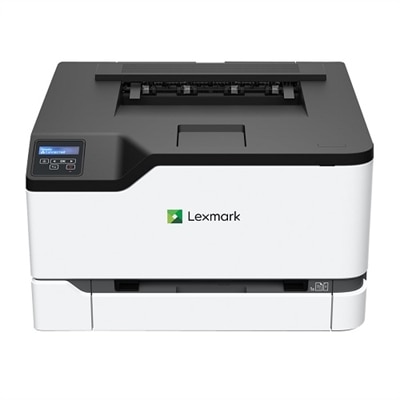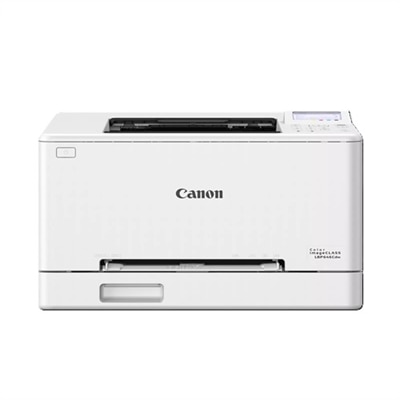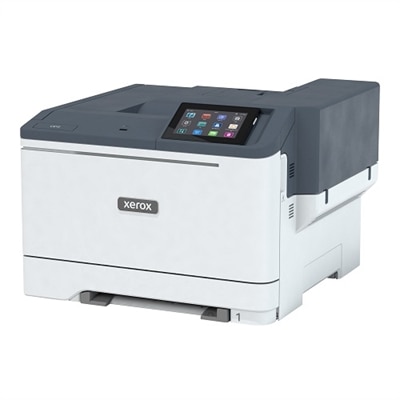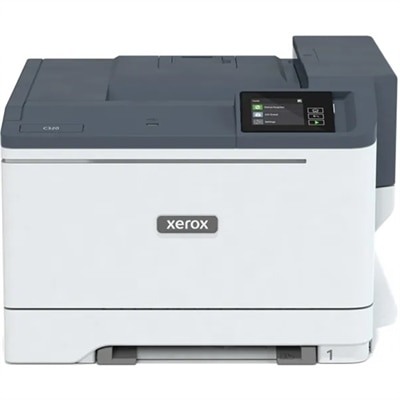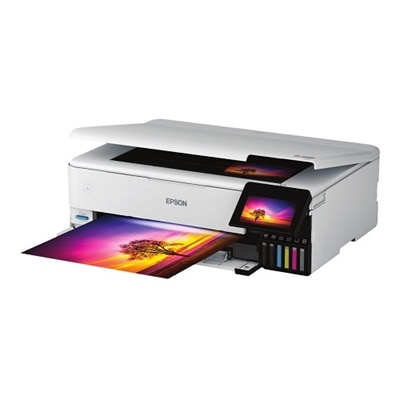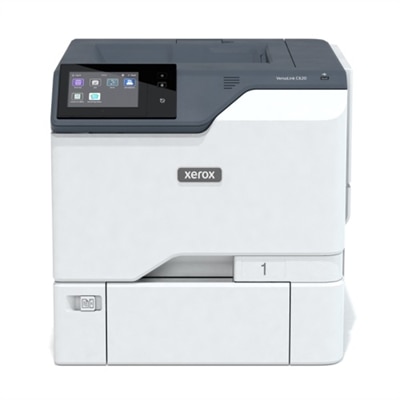
$1099.00
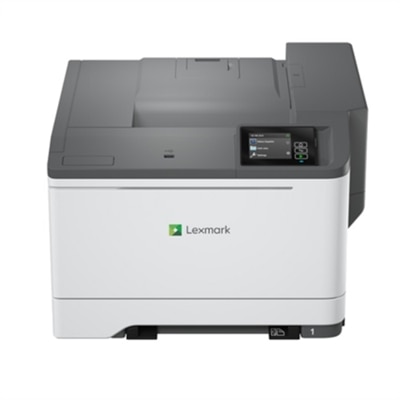
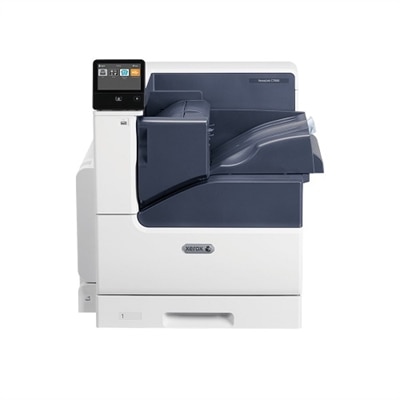
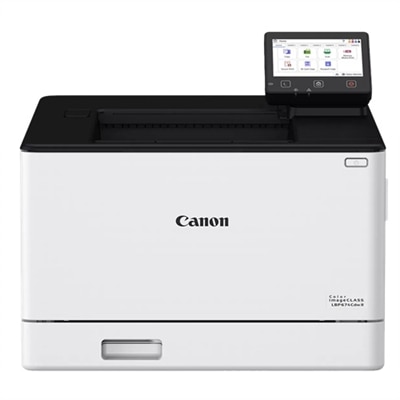
A desktop color laser printer offering up to 52ppm and duplex printing capabilities.
Professional color laser printers offer the perfect solution for businesses and home offices seeking high-quality, vibrant printing with efficiency and reliability. Designed to handle demanding workloads and produce professional-grade documents, these printers help elevate presentations, marketing materials, and everyday reports. Explore a wide selection of professional color laser printers to find the ideal match for your workspace needs, whether you’re focused on speed, print volume, or crisp color accuracy.
A desktop color laser printer offering up to 52ppm and duplex printing capabilities.
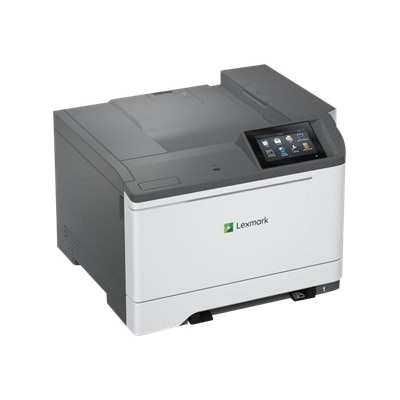
A high-performance color laser printer with a secure design, touchscreen, and fast 35 pages per minute output.
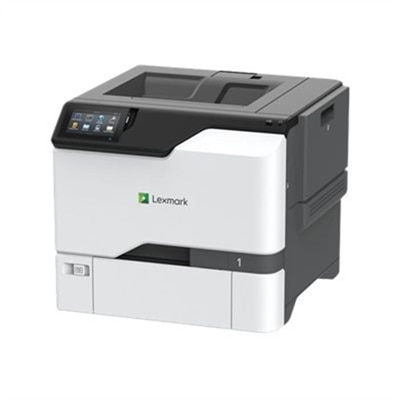
A versatile desktop color laser printer with a 5-inch touchscreen and mobile-ready capabilities.
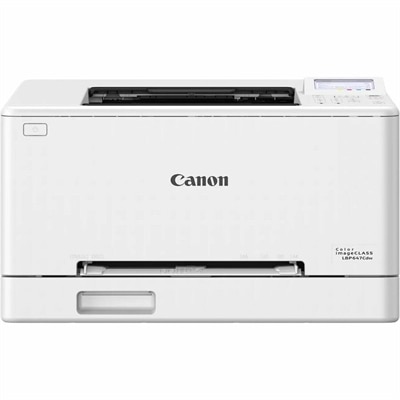
A color laser printer offering fast 26 ppm output, wireless connectivity, and a user-friendly 5-line LCD screen.
A compact wireless color laser printer with a 1 GHz processor and 256 MB memory.
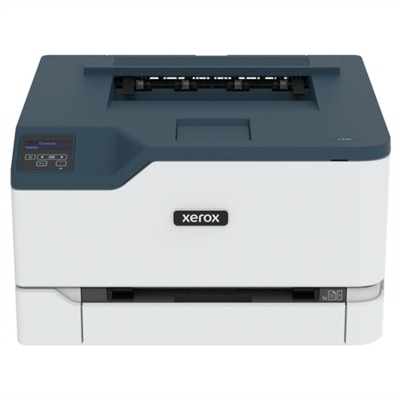
A compact color laser printer offering 26 ppm, Wi-Fi, Ethernet, and 250-page tray capacity.
A color laser printer delivering fast, high-quality prints with wireless connectivity and a user-friendly 5-line LCD screen.
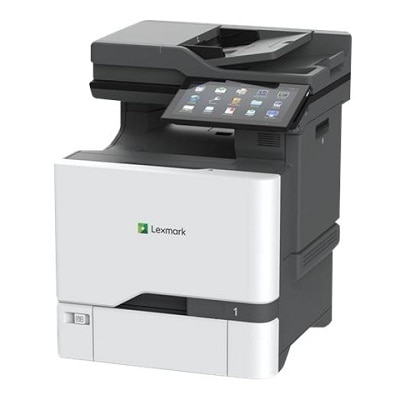
An all-in-one laser printer with a 5-inch touchscreen, delivering vibrant colors and sharp text.
A versatile color laser printer with wired/wireless connectivity, duplex printing, and up to 35ppm speed.
A compact color laser printer offering wireless connectivity, 26 ppm output, and a 2.8-inch touchscreen.
A wireless duplex laser printer with a 5" color touchscreen and fast, high-quality color printing.
A high-performance color laser printer with 42 ppm speed, 4.3" touchscreen, and robust security features.
A wired color laser printer with a 1.20 GHz processor and durable steel frame for lasting use.
A high-speed color laser printer with a customizable touchscreen, robust security, and sustainable features.
Professional color laser printers are built for workplaces where clear, consistent documents need to move from screen to paper without slowing down the day. They are a practical fit for marketing teams, schools, medical offices, real estate firms, legal practices, retailers, design departments and home offices that handle a steady flow of proposals, presentations, invoices, brochures, charts and client handouts. Unlike an occasional-use printer, a professional model is designed to maintain dependable output across larger print runs, with color that remains crisp from the first page to the last. Print speed is one of the clearest points of comparison: many high-volume color laser printers operate in the range of 45 to 56 pages per minute for both black-and-white and color documents, although actual speed can vary with page coverage, paper size, print resolution and finishing settings. Resolution also matters. A printer rated up to 1200 x 1200 dpi can produce fine text, smooth graphics and clean edges on charts, logos and promotional materials, while automatic color adjustment helps keep pages looking consistent across repeated jobs. Laser printing is especially useful when documents need to be handled immediately, since toner output is generally smudge-resistant and dries as it prints. That benefit is easy to appreciate in a busy reception area, where freshly printed forms may be stacked, sorted and passed along within minutes. When comparing options, consider the kind of work your organization actually produces rather than focusing on a single headline specification. A compact desktop unit may be appropriate for a small team with moderate volume, while a larger floor-standing printer can better support multiple departments and thousands of pages each week. Monthly duty cycle provides a useful indication of the workload a printer is designed to handle; professional models may support rated volumes well above 200,000 pages, but the recommended monthly volume is often a more realistic measure for everyday planning. Choosing a printer with comfortable capacity above your normal workload can help reduce wear, interruptions and the need to divide large jobs into smaller batches.
Paper handling can make an equally noticeable difference in daily productivity. Look for input trays that match the documents you print most often, along with expandable capacity when several people share the device. Multiple trays can keep letter-size paper, legal-size sheets, letterhead, envelopes or specialty media ready without constant swapping. Automatic duplex printing helps reduce paper use and is useful for reports, training packets and internal documents that need a polished, easy-to-read format. If your workflow includes scanning, copying or distributing paperwork, a multifunction color laser printer with an automatic document feeder can bring those tasks together, while print-only models may be preferable when copying and scanning are handled elsewhere. Media compatibility deserves a close look as well: check supported paper weights, glossy or matte finishes, labels, envelopes and larger formats before committing to a purchase. For teams that produce charts, product sheets or client-facing collateral, reliable color management is important. A printer with adjustable settings, strong color consistency and profiles suited to the chosen paper can help preserve the intended appearance of photographs, brand graphics and shaded data visualizations. Connectivity should fit the way your workplace operates. Ethernet can provide a dependable shared connection for an office, while Wi-Fi and mobile printing can be convenient for flexible workspaces, guest users or employees moving between rooms. Cloud workflow support may simplify printing from approved online storage and business applications, but compatibility with existing software, operating systems and user permissions should be confirmed in advance. Security is another essential consideration for professional equipment that may process confidential financial records, customer information, employee documents or proprietary plans. Look for features such as user authentication, secure release printing, encrypted communication, access controls, activity tracking and automatic data protection. Firmware updates and attack-detection capabilities can help maintain a stronger security posture over the printer’s useful life, particularly when the device is connected to a shared office network.
The best choice also reflects the real cost and effort of ownership. Compare toner yields, replacement intervals, maintenance requirements, energy-saving modes and the availability of service or support, not just the purchase price. High-yield toner can be helpful for teams with regular color workloads because it reduces the frequency of replacements, while separate color cartridges may allow one color to be changed without replacing supplies that still have capacity. A clear front panel, straightforward driver software and accessible paper paths can save time when several employees rely on the same printer. Before installation, measure the intended space and allow room for ventilation, tray extension, cable access and maintenance. Larger professional printers can be substantial pieces of office equipment, so a stable surface or suitable floor location is important. It is also worth planning the printer’s position around workflow: placing it near the people who use it most can reduce unnecessary trips, while a central location may make sense for a shared department. As the weather warms or the cooler months bring more indoor planning and reporting, a dependable color laser printer can support everything from refreshed training materials to polished presentations and end-of-year documentation without changing the rhythm of the workday. For smaller workgroups that need professional color output in a more space-conscious format, explore Desktop Color Laser Printers as another category to consider. Whether the printer serves a growing business, a community organization, a school office or a home-based professional, the most satisfying choice is one that balances speed, color quality, paper flexibility, security and long-term operating costs. A well-matched printer should feel less like a bottleneck and more like a quiet, dependable partner—ready when a proposal needs one final page, a presentation needs color that carries across the room, or a busy team needs a long document finished cleanly and on schedule.
Add the products you would like to compare, and quickly determine which is best for your needs.