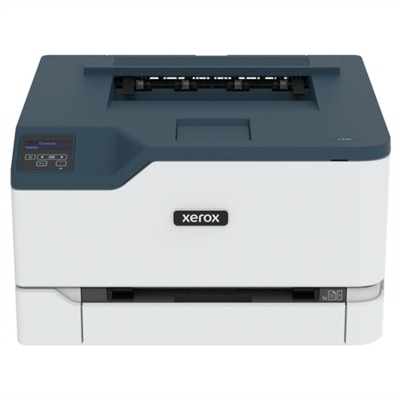
$299.99
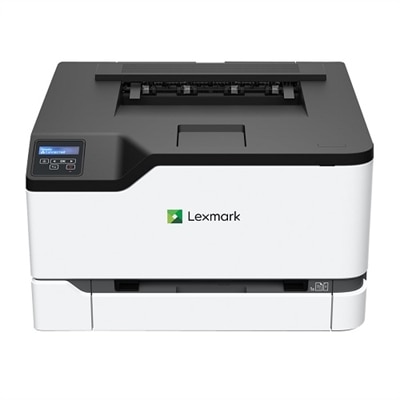
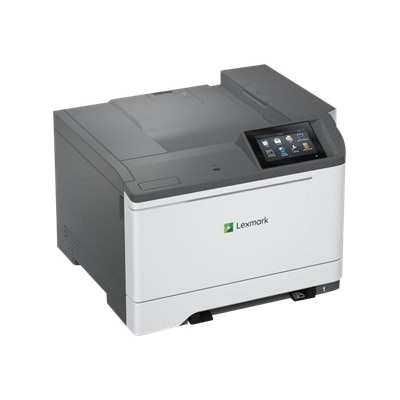
A compact wireless color laser printer with a 1 GHz processor and 256 MB memory.
Desktop color laser printers deliver vibrant prints and efficient performance, making them an excellent choice for home offices, small businesses, and creative workspaces. With their compact size and reliable output, desktop color laser printers help streamline daily tasks while producing professional-quality documents and graphics. Explore a wide range of options designed to fit your workspace and printing needs, all while enjoying the convenience and versatility that desktop color laser printers provide.
A compact wireless color laser printer with a 1 GHz processor and 256 MB memory.
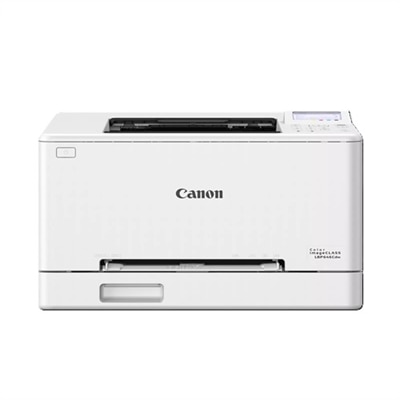
A compact color laser printer offering 26 ppm, Wi-Fi, Ethernet, and 250-page tray capacity.
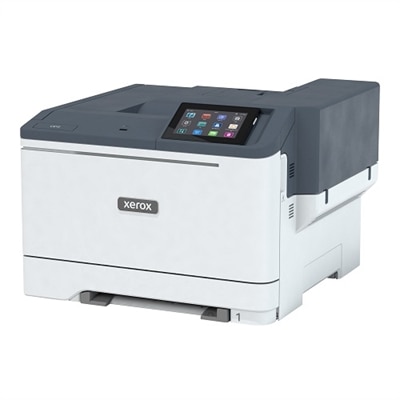
A versatile desktop color laser printer with a 5-inch touchscreen and mobile-ready capabilities.
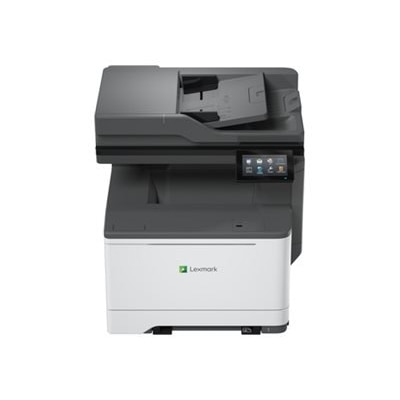
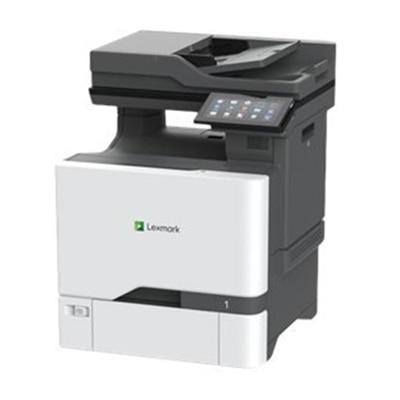
An all-in-one laser printer offering fast, secure, and sustainable performance with wireless and wired connectivity.
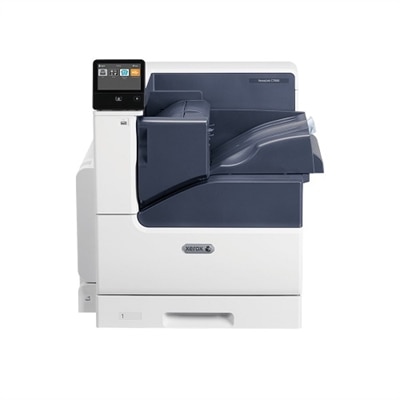
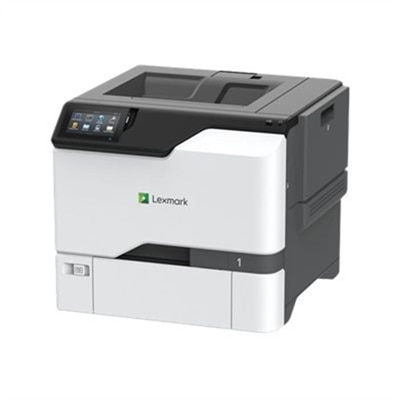
A desktop color laser printer offering up to 52ppm and duplex printing capabilities.
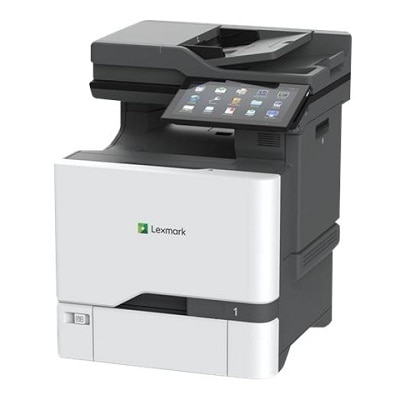
A high-performance all-in-one laser printer with a 10-inch touchscreen, ideal for secure, sustainable printing.
An all-in-one laser printer with a 5-inch touchscreen, delivering vibrant colors and sharp text.
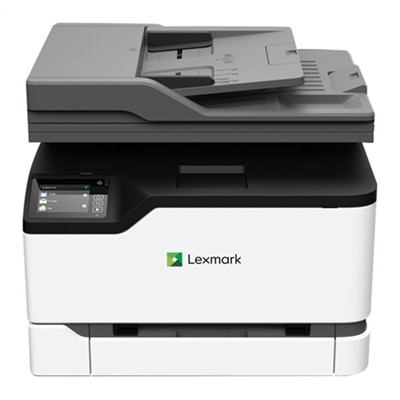
A compact all-in-one laser printer offering 26 ppm color output, touchscreen, and automatic scanning.
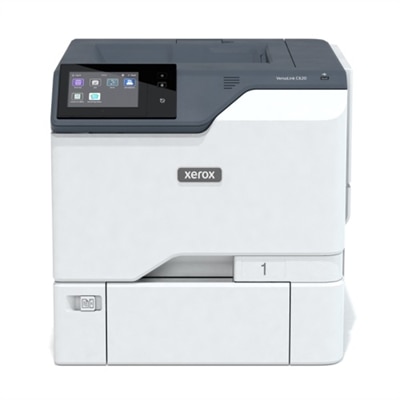
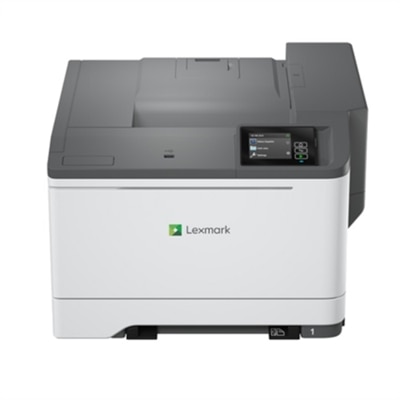
A high-performance color laser printer with a secure design, touchscreen, and fast 35 pages per minute output.
An all-in-one laser printer offering fast, secure, and sustainable performance with wireless and wired connectivity.
A compact color laser printer offering wireless connectivity, 26 ppm output, and a 2.8-inch touchscreen.
A high-performance color laser printer with 42 ppm speed, 4.3" touchscreen, and robust security features.
A wired color laser printer with a 1.20 GHz processor and durable steel frame for lasting use.
A high-speed color laser printer with a customizable touchscreen, robust security, and sustainable features.
An all-in-one laser printer with IoT capabilities, energy-saving modes, and robust security features.
Desktop color laser printers bring crisp text, clean graphics, and dependable color output to workspaces where speed and consistency matter. Designed to fit on or beside a desk, these printers are well suited to home offices, small businesses, classrooms, reception areas, and shared workspaces that need more than occasional black-and-white pages. A laser printer uses toner rather than liquid ink, which can help produce sharp lettering, smooth lines, and professional-looking charts, forms, presentations, invoices, labels, and handouts. Color capability adds flexibility for presentations, branded documents, diagrams, schedules, and materials where visual organization makes information easier to follow. When comparing models, begin with the way your workspace handles documents. A print-only model may be the right choice for an office that already has a scanner or primarily produces digital records, while an all-in-one color laser printer can print, scan, and copy from one compact location. Multifunction designs are especially useful for remote work, small offices, and households that regularly need to digitize signed forms, copy identification documents, or send paper records electronically. Consider print speed in pages per minute when several people share the printer or when a long report needs to be ready without a lengthy wait. A faster model can keep everyday tasks moving, while a more modest speed may be perfectly practical for occasional home-office printing. Automatic two-sided printing can reduce paper use and make longer documents easier to manage, and a printer with a generous paper tray means fewer interruptions for reloading. If several paper sizes or media types are part of your routine, look for flexible input options that can accommodate standard letter paper, legal-size documents, envelopes, or specialty sheets according to the manufacturer’s specifications. Wireless connectivity can make placement easier by allowing computers, tablets, and phones to print without a direct cable connection. Wi-Fi, Ethernet, and USB support each serve a different kind of setup: wireless printing helps a shared household or small office, wired networking can provide a stable connection in a busy workspace, and USB is useful when a single computer will handle most printing. Compatibility with mobile printing services and common operating systems also deserves attention, particularly when a household or office uses a mixture of computers and mobile devices. A color touchscreen or clearly arranged control panel can simplify setup, paper selection, and maintenance, while an automatic document feeder is valuable for scanning or copying multi-page documents without placing each sheet on the glass by hand.
Print quality and long-term operating habits deserve just as much attention as headline speed. Resolution, toner formulation, and the printer’s image-processing system all influence how sharply small type appears and how evenly color fills a page. For text-heavy work, look for strong detail and consistent letter edges; for charts and presentations, consider color accuracy, smooth shading, and the ability to handle graphics without visible banding. Toner cartridges may have different page yields, so compare expected yield and replacement frequency rather than focusing only on the printer’s initial specifications. A printer with high-yield toner can be convenient for a busy office, while standard-yield cartridges may suit lighter use. It is also helpful to review the recommended monthly volume or duty cycle. These figures provide context for whether a printer is intended for occasional personal use, regular home-office work, or a shared professional environment; they should not be treated as a requirement to print a set number of pages. Think about the physical design as well. Measure the available surface, leave room for trays and access panels to open fully, and allow ventilation around the unit. Desktop color laser printers can be substantial compared with compact inkjet models, particularly when they include multiple paper trays, scanning hardware, or an automatic document feeder. Noise level, warm-up time, and energy-saving features can affect comfort in a quiet room, especially when the printer sits close to a desk. Security features may matter for small businesses, financial paperwork, health-related records, and other sensitive documents. Look for options such as user authentication, secure print release, encrypted connections, and administrator controls when documents should not remain unattended in an output tray. Easy access to toner, clear maintenance instructions, and automatic notifications can make ownership less frustrating during busy periods. These printers can support a wide range of routines: a consultant may use color charts to make a client presentation more readable, a teacher may prepare classroom materials, a property manager may print notices and forms, and a household may create organized packets for appointments, travel, or home projects during the cooler months. For offices with heavier document demands or a need for expanded workflow features, explore Professional Color Laser Printers as another category to consider. The best desktop color laser printer is ultimately the one that fits the space, connects with the devices already in use, handles the expected volume, and delivers the right balance of speed, color quality, convenience, and ongoing toner costs.
Add the products you would like to compare, and quickly determine which is best for your needs.