VNX Family: Add LUN to the storage group
Summary: VNX Family: Add LUN to the storage group.
This article applies to
This article does not apply to
This article is not tied to any specific product.
Not all product versions are identified in this article.
Instructions
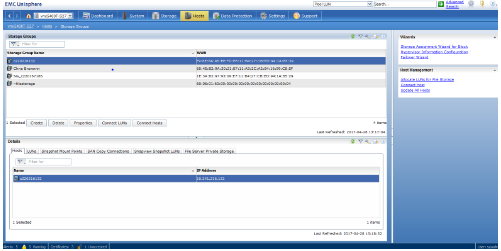
- Under hosts>storage group in Unisphere
- Highlight the storage group name that you want to add the LUN to.
- Click connect LUNs:
- On the storage group properties dialogue box, find the LUN that you are adding to the storage group in the top panel.
- Click add:

- After adding the LUN, it will then appear on the bottom panel.
- Click the Host LUN ID of that LUN and a drop-down appears so you can change it to HLU:

- Click apply.
Affected Products
VNX/VNXeProducts
VNX/VNXeArticle Properties
Article Number: 000022619
Article Type: How To
Last Modified: 22 Oct 2025
Version: 6
Find answers to your questions from other Dell users
Support Services
Check if your device is covered by Support Services.