$827.07
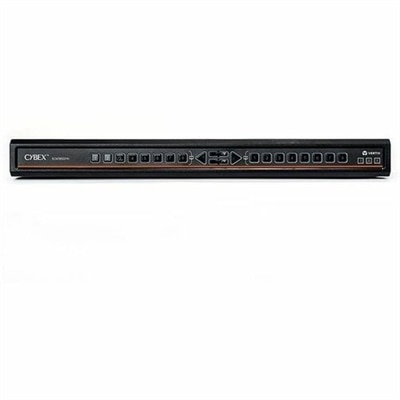
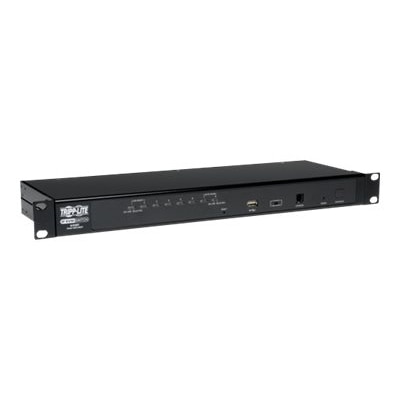
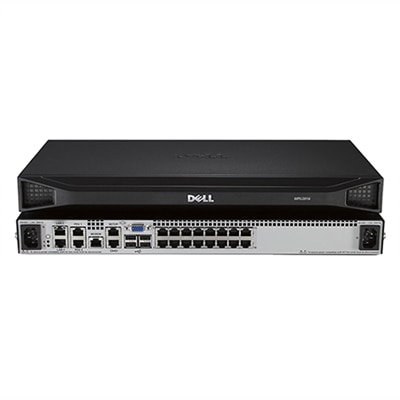
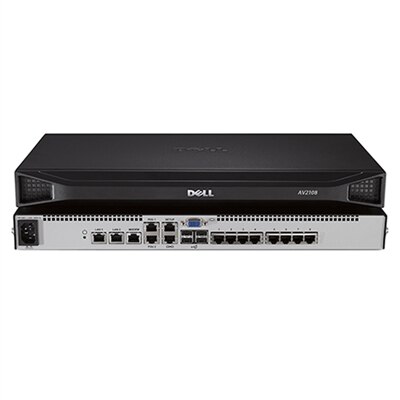
An 8-port KVM switch for secure, local access by two users, TAA compliant.
8 port KVM switches offer a streamlined solution for managing multiple computers from a single console, making them ideal for businesses, IT departments, and server rooms looking to maximize efficiency and organization. With the ability to control up to eight systems at once, these devices help reduce clutter and simplify workflow in multi-system environments. Explore a range of 8 port KVM switches designed to support seamless switching and improved productivity in your workspace.
An 8-port KVM switch for secure, local access by two users, TAA compliant.
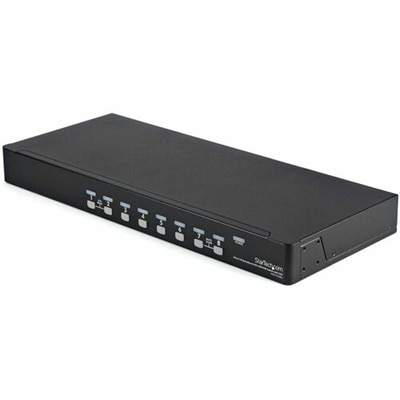
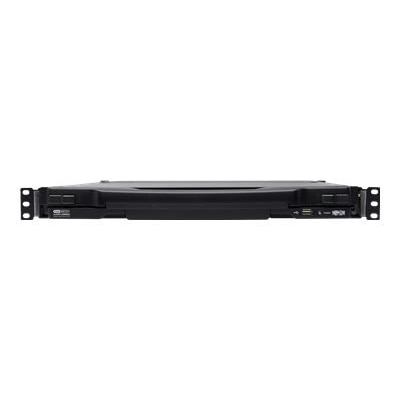
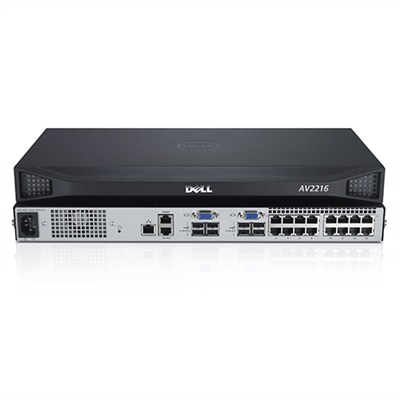
A black rack-mountable switch kit enabling control of up to 8 USB-connected computers with OSD.
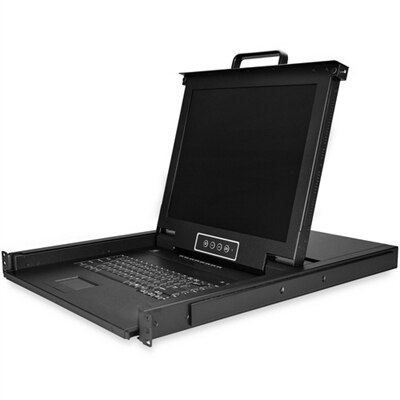
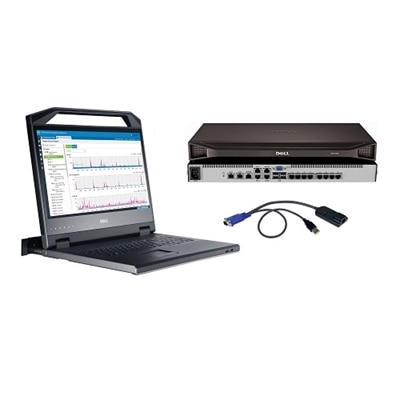
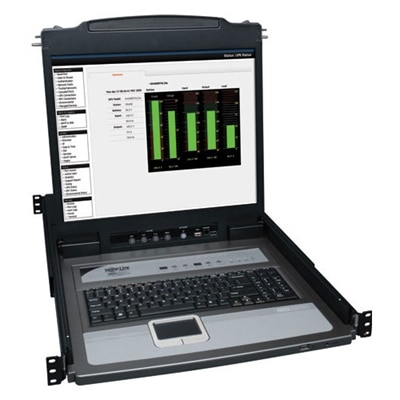
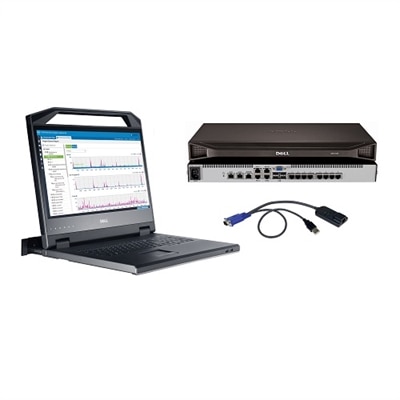
An all-in-one black rackmount console with 17" LCD, keyboard, touchpad, and 8-port USB/VGA KVM switch.
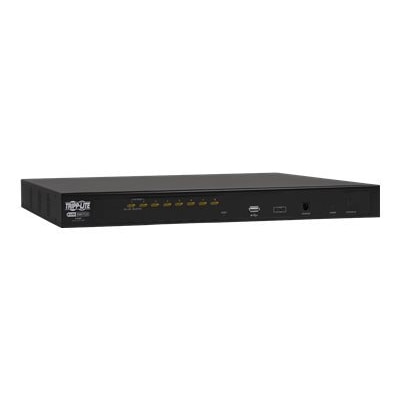
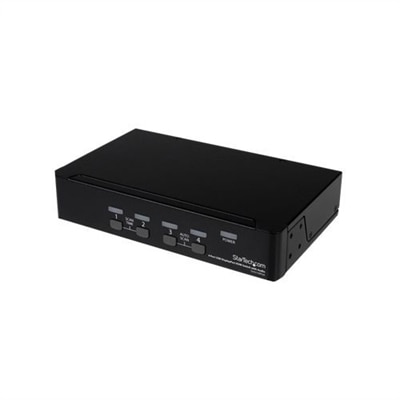
A rack-mountable KVM switch controlling up to eight computers with USB/PS/2 compatibility and multilingual OSD.
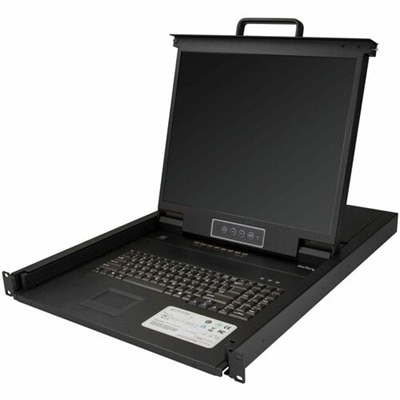
A black 8-port rackmount KVM console with 19" LCD, integrated keyboard, touchpad, USB, and VGA support.
A versatile 8-port desktop matrix switch supporting DP, HDMI, DVI-D, and UHD 4K resolutions.
An 8-port secure desktop KVM switch with touchscreen support, CAC authentication, and UHD 4K video compatibility.
A black 1U rack-mount KVM switch with 17-inch LCD supports remote access for 16 DisplayPort devices.
A comprehensive 8-port KVM switch bundle with an 18.5" LED console and 1U mounting bracket.
A 32-port remote access KVM with 18.5" adjustable monitor, keyboard, and touchpad in 1U space.
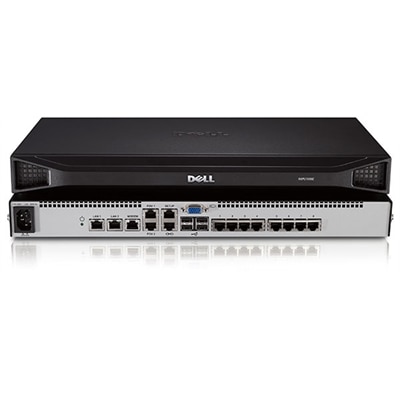
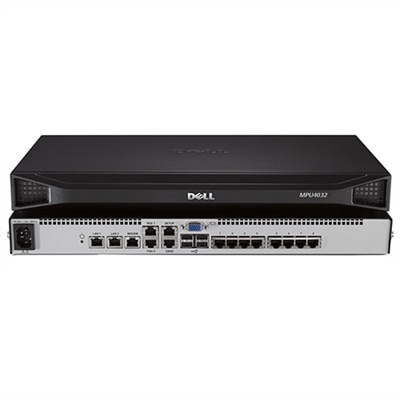
A black, rack-mountable IP KVM switch providing secure access to eight computers from one console.
A 1U rack-mount console with 19" LCD, controlling up to 8 computers with PS/2 and USB support.
A secure 8-port KVM switch with dual display, supporting 4K UHD and NIAP version 4.0 certification.
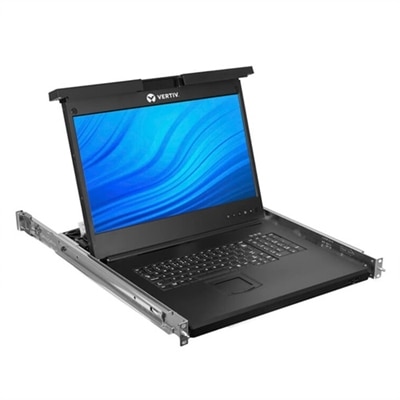
An 18.5" widescreen LCD rack console with an 8-port KVM switch and touchpad keyboard.
A secure MultiViewer KVM switch with eight ports, universal video support, and seamless cursor navigation switching.
A secure KVM switch enabling seamless control of multiple systems for efficient network management.
A comprehensive 16-port KVM solution with 18.5" LED console and complete mounting hardware.
An analog KVM switch offering high security and real-time video response for secure environments.
A TAA-compliant digital KVM switch offering secure remote server management with 128-bit encryption.
When managing multiple computers in a professional or home environment, 8 port KVM switches provide a streamlined solution for seamless control and organization. A KVM (keyboard, video, mouse) switch for 8 computers is designed to let users operate several systems from a single set of peripherals, making it an essential tool for IT professionals, network administrators, and anyone who juggles multiple desktops or servers. These devices are especially useful in server rooms, control centers, video production studios, and even in growing home offices where efficiency and desk space are at a premium. As the weather warms and projects ramp up, having the ability to quickly switch between systems without the clutter of extra keyboards and monitors can make all the difference in productivity and comfort. For those overseeing a busy workspace or supporting tech needs across several machines, an 8 port KVM switch is a practical investment that can help keep operations running smoothly.
Choosing the best analog KVM switch 2024 or a digital alternative depends on several factors, including the types of computers and monitors in use, preferred video interfaces, and the layout of your workspace. Many 8 port KVM switches are rack-mountable, making them ideal for server racks, while some offer desktop controllers for more flexible setups. Video interface compatibility is crucial—whether you need VGA for legacy systems, HDMI or DisplayPort for modern high-resolution screens, or even USB-C for the latest devices. Switching methods also vary: some users prefer the tactile response of front-panel buttons, while others benefit from keyboard hotkeys or on-screen display (OSD) menus for faster toggling. Cable management is another consideration, as certain models require proprietary 2-in-1 or 3-in-1 cables, and many include cable kits to simplify installation. For those managing sensitive data or remote access, security features and IP-based management options can be important, and solutions like a Dell KVM switch often offer robust security protocols and reliable performance for enterprise environments.
Whether upgrading an existing setup or outfitting a new space, 8 port KVM switches offer a blend of flexibility and control that makes them popular across a range of industries. They also make thoughtful gifts for tech enthusiasts, IT professionals, or anyone setting up a multi-computer workspace—especially during seasons of transition, when new projects and upgrades are top of mind. With advancements in display technology and peripheral sharing, today’s KVM switches can support high resolutions, multiple USB devices, and even audio switching, ensuring compatibility with the latest monitors and accessories. If you’re exploring options for a centralized control solution, or simply want to compare features and form factors, you can find a comprehensive selection by visiting the 8 Port Switches page. Here, you’ll discover solutions tailored to diverse workspace needs, helping you create an efficient, clutter-free environment for every season.
An 8 port KVM switch allows users to control up to eight computers from a single keyboard, monitor, and mouse, reducing desktop clutter and streamlining workflow. This setup is ideal for IT professionals, educators, and creative teams who need efficient access to multiple systems without constantly swapping cables or peripherals.
Yes, most 8 port KVM switches are compatible with a variety of operating systems, including Windows, macOS, and Linux. This makes them versatile solutions for mixed-OS environments, such as software development labs or testing facilities.
8 port KVM switches commonly support a range of video connections, including VGA, DVI, HDMI, and DisplayPort. It's important to choose a switch that matches the video outputs of your computers and the input of your monitor for optimal compatibility and performance.
Most 8 port KVM switches offer multiple switching methods, such as front-panel push buttons, keyboard hotkeys, or on-screen display (OSD) menus. These options provide flexible and convenient ways to access each connected system quickly.
Yes, many KVM switches support cascading, which allows you to connect multiple switches together. This enables centralized control of more than eight computers from a single console, making it easy to scale as your needs grow.
Add the products you would like to compare, and quickly determine which is best for your needs.