$555.65
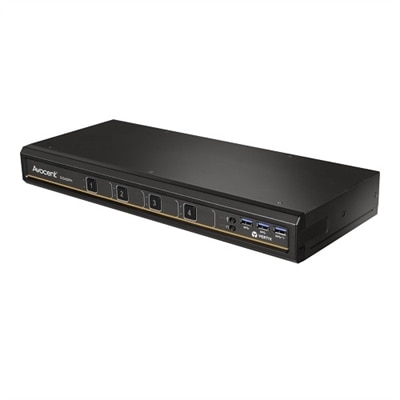
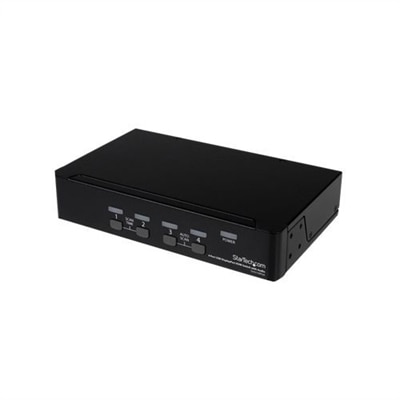
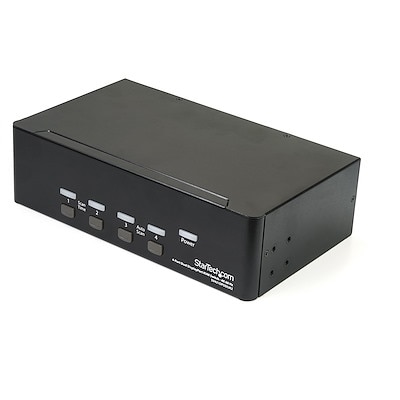
A 4-port KVM switch with audio, USB 3.0 hub, and support for resolutions up to 2560 x 1600.
4 port KVM switches provide an efficient solution for managing multiple computers from a single set of peripherals, streamlining your workspace and enhancing productivity. Ideal for offices, home setups, or IT environments, these devices make it easy to switch between systems without the need for extra monitors, keyboards, or mice. Discover a range of reliable 4 port KVM switches designed to simplify control and organization for any multi-device workstation.
A 4-port KVM switch with audio, USB 3.0 hub, and support for resolutions up to 2560 x 1600.
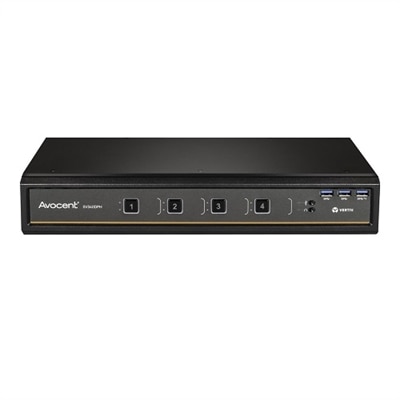
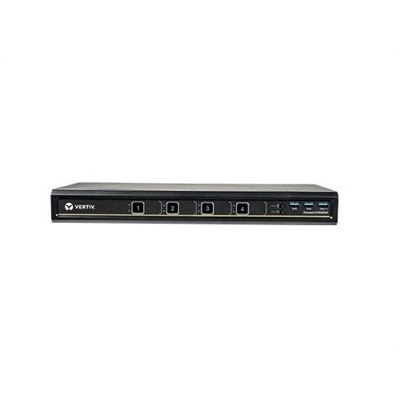
A desktop KVM switch providing seamless control of up to four computers with UHD 4K support.
A desktop KVM switch providing seamless control of up to four computers with dual head support.
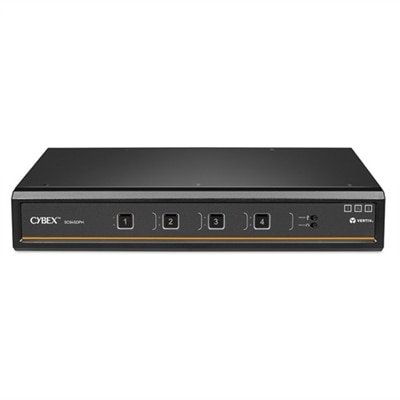
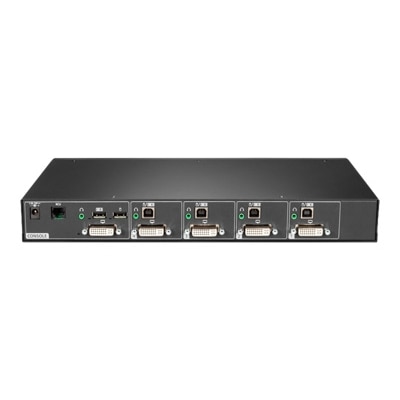
A secure KVM switch with dual-head, 4-port, UHD 4K support, and NIAP version 4.0 certification.
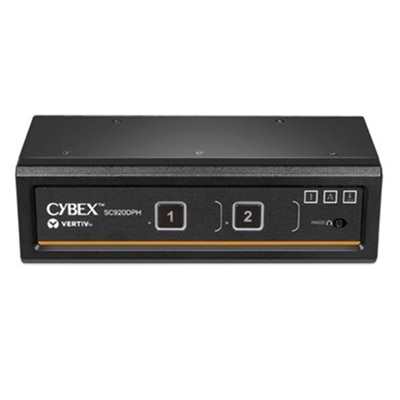
A secure desktop KVM switch offering seamless multi-computer access with UHD 4K compatibility and NIAP certification.
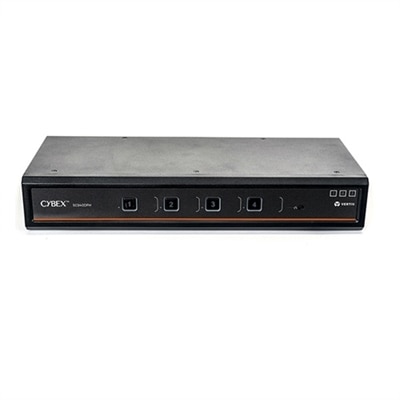
A black desktop KVM switch enabling control of four computers with DisplayPort, USB, and audio support.
A black 4-port USB KVM switch with integrated USB hub, supporting VGA and cross-platform compatibility.
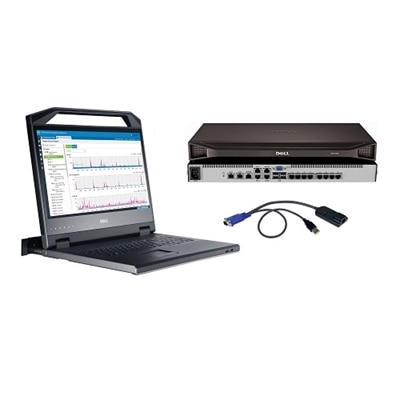
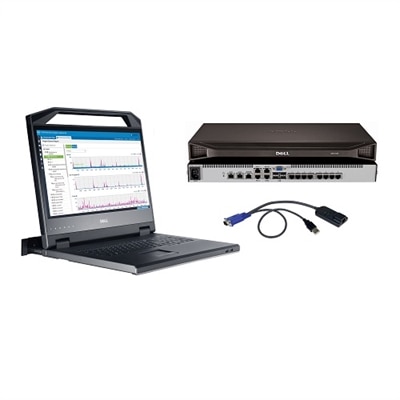
A comprehensive 8-port KVM switch bundle with an 18.5" LED console and 1U mounting bracket.
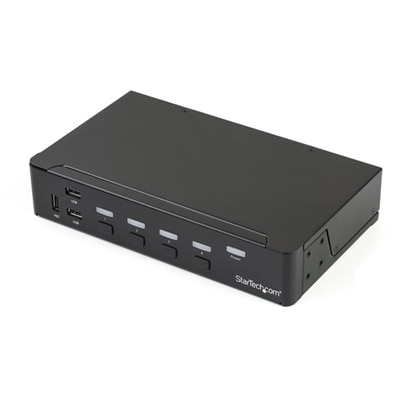
A 4-port DisplayPort KVM switch with built-in USB 3.0 hub, 4K 30Hz support, and 3.5mm audio.
A desktop KM switch enabling seamless interaction with up to four systems and sixteen displays.
A black dual DisplayPort KVM switch supporting 4K 60Hz, audio, and USB peripheral sharing for four computers.
A versatile 8-port desktop matrix switch supporting DP, HDMI, DVI-D, and UHD 4K resolutions.
A versatile 16-port desktop KVM switch offering seamless control and UHD 4K support with universal connectors.
A desktop switch that controls four DisplayPort computers with 4K resolution, USB 3.1 hub, and audio support.
A secure KVM switch with dual-head, 2-port design, offering UHD 4K compatibility and intrusion detection.
A secure KVM switch allowing seamless switching between multiple computers with UHD 4K compatibility.
A versatile desktop matrix switch offering 4-port control with DisplayPort, HDMI, DVI-D, and USB connectivity.
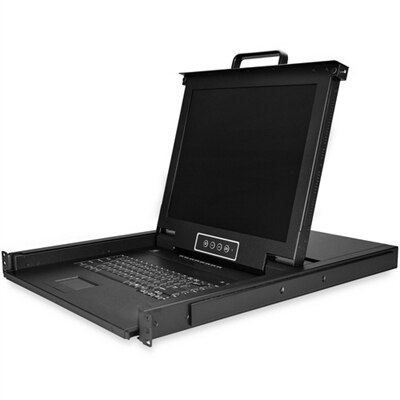
An all-in-one black rackmount console with 17" LCD, keyboard, touchpad, and 8-port USB/VGA KVM switch.
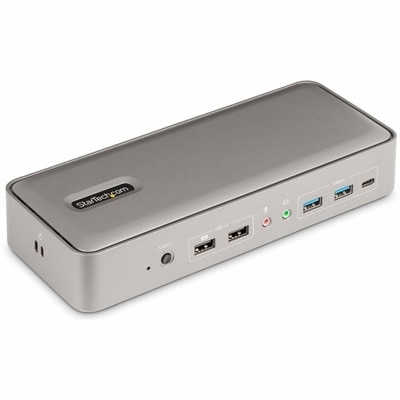
A black dual-laptop USB-C KVM dock enabling dual 4K 60Hz monitors, 5 USB ports, and simultaneous charging.
Navigating a modern workspace often means juggling multiple computers, each dedicated to a different project or task. For professionals like IT administrators, designers, engineers, and anyone managing several systems at once, a 4 port KVM switch can be a transformative addition to the desktop. These devices allow seamless control of up to four computers using a single keyboard, monitor, and mouse, streamlining workflow and reducing desktop clutter. Whether you’re in the midst of a busy season at work, setting up a hybrid workspace as the weather warms, or simply aiming to maximize efficiency during the quieter months, a kvm switch 4 port model offers a straightforward, reliable solution for multitasking across platforms. The convenience of toggling between machines with the press of a button means less time spent unplugging cables and more time focused on what matters most—whether that’s troubleshooting systems, editing high-resolution graphics, or managing sensitive data.
When considering a kvm switch, it’s important to think about the types of connections you’ll need. Many users seek compatibility with both legacy and modern hardware, so checking the available ports—such as USB, HDMI, or DisplayPort—can help ensure seamless integration with your existing setup. A dell kvm switch, for example, is often favored for its robust build quality and intuitive user interface, making it a dependable choice for both personal and professional environments. For those who appreciate peer insights, reading an arlo kvm switch review or similar user feedback can provide clarity about real-world performance, helping you select a model that matches your specific needs. Additionally, features like hotkey switching, audio support, and compact design can make a significant difference in daily use, especially in shared offices or home studios where space and speed are at a premium.
A 4 port kvm switch also makes a thoughtful gift for anyone who thrives on organization or enjoys tinkering with technology. Picture a college student balancing coursework and creative projects on separate machines, or a family member who works from home and needs to keep personal and professional systems distinct yet accessible. Even as routines shift with the seasons—from summer productivity sprints to fall’s return to regular schedules—a well-chosen KVM switch can adapt right along with you. For those interested in exploring a wider range of options, including different configurations and advanced features, Dell offers a comprehensive selection of KVM Switches designed to suit diverse needs and budgets. Investing in the right switch can bring lasting order to your workspace, reduce cable chaos, and help you get the most out of every device you own.
A 4 port KVM switch can typically connect desktop computers, laptops, and compatible workstations that support standard video and USB or PS/2 connections. Some models also support connecting servers or specialized devices, provided they have compatible ports.
Yes, most 4 port KVM switches are designed to be operating system agnostic, allowing you to switch between computers running Windows, macOS, Linux, or other platforms seamlessly, as long as the connected devices support the switch’s interface.
A 4k KVM switch is specifically designed to support ultra-high-definition displays, making it ideal for users who require crisp, clear visuals for tasks such as graphic design, video editing, or data analysis.
Many KVM 4 port switches feature USB hub functionality, which allows you to share peripherals such as printers, webcams, or external drives across all connected computers, reducing the need for unplugging and replugging devices.
Yes, in addition to physical push buttons, many KVM switches offer keyboard hotkey commands or even remote control options, allowing you to switch between connected computers quickly and conveniently from your workstation.
Add the products you would like to compare, and quickly determine which is best for your needs.