$403.99
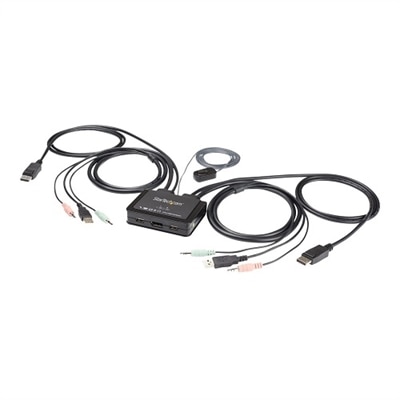
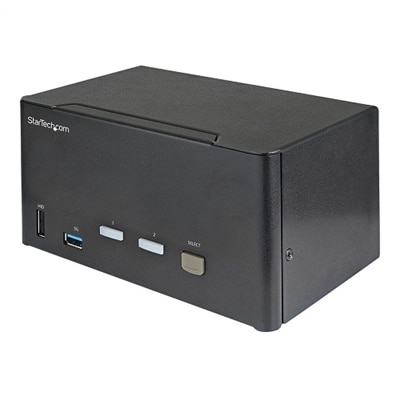
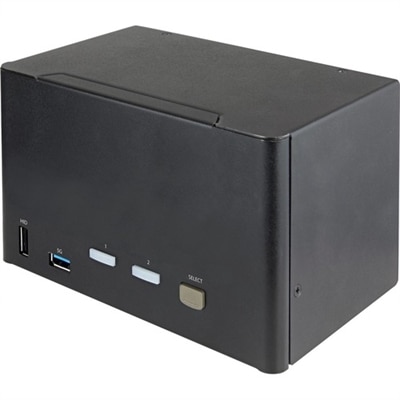
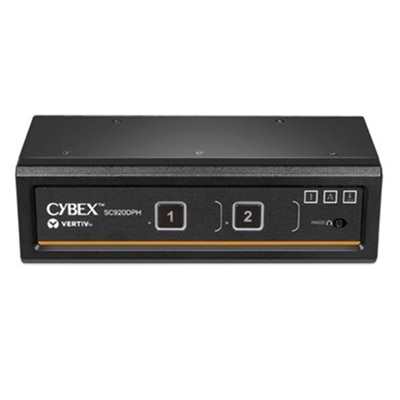
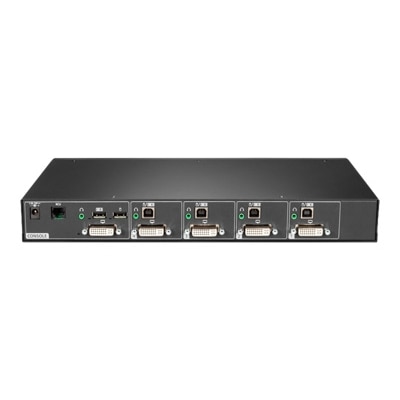
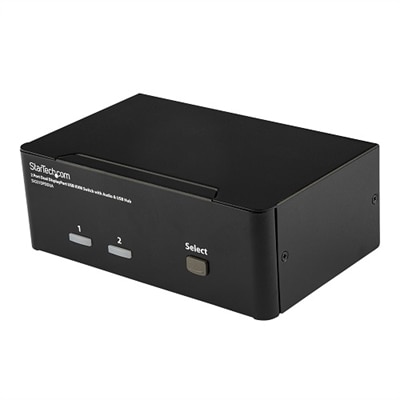
A black desktop KVM switch enabling seamless control of two dual DisplayPort systems with audio support.
DisplayPort KVM switches offer a streamlined solution for managing multiple computers or devices using a single monitor, keyboard, and mouse setup. Ideal for home offices, professional workstations, and gaming environments, these switches help reduce desktop clutter and improve workflow efficiency. Explore a wide selection of DisplayPort KVM switches designed to support seamless transitions and organized connectivity for all your devices.
A black desktop KVM switch enabling seamless control of two dual DisplayPort systems with audio support.
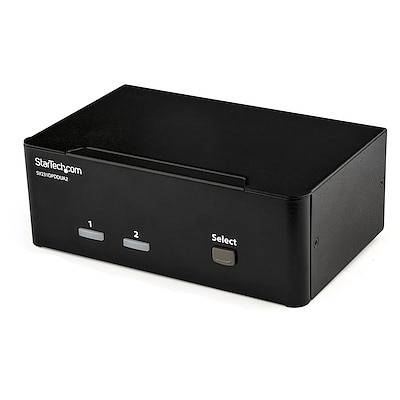
A black desktop KVM switch enabling control of two 4K60Hz DisplayPort computers with USB and audio support.
A black dual-monitor KVM switch supporting 4K 60Hz DisplayPort, USB peripherals, and independent audio sharing.
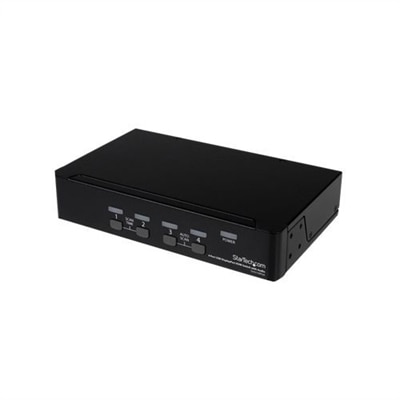
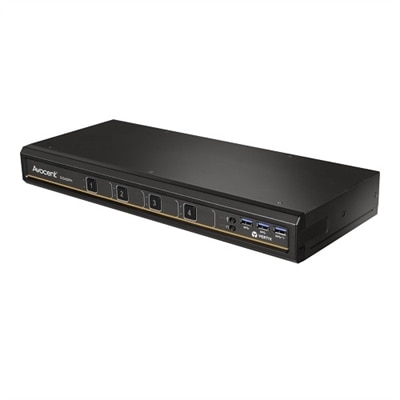
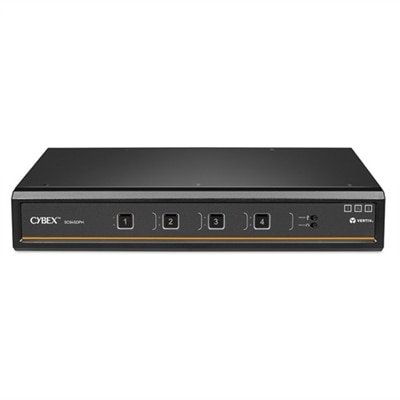
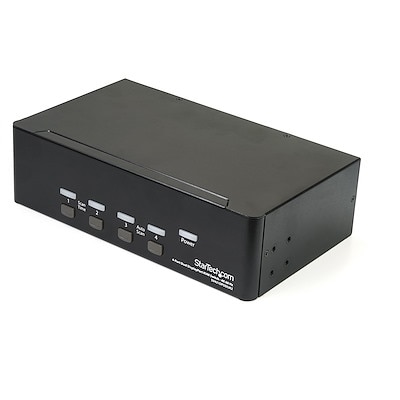
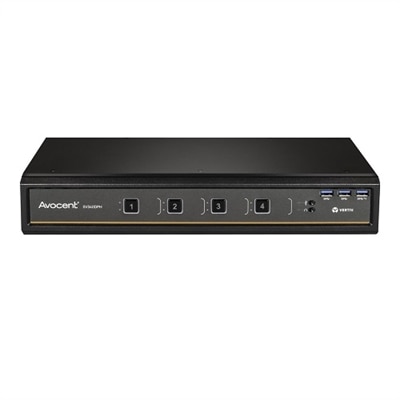
A black desktop KVM switch enabling control of four computers with DisplayPort, USB, and audio support.
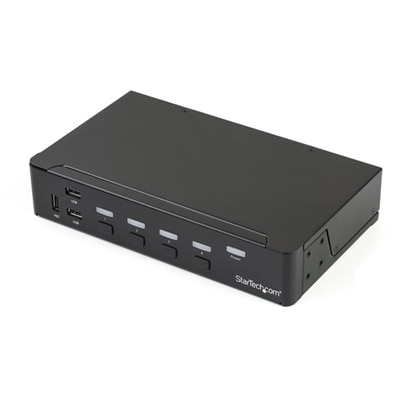
A 4-port DisplayPort KVM switch with built-in USB 3.0 hub, 4K 30Hz support, and 3.5mm audio.
A black desktop KVM switch enabling triple 4K 60Hz monitor control, USB 3.0 hub, and audio support.
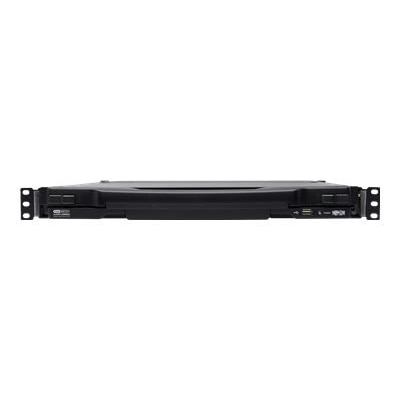
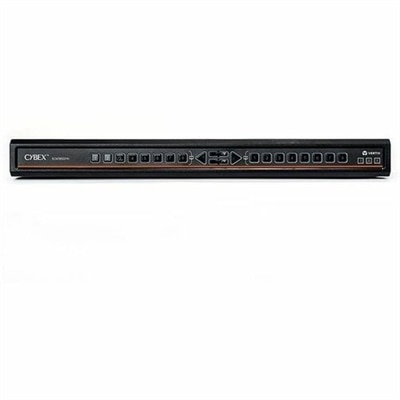
A black 1U rack-mount KVM switch with 17-inch LCD supports remote access for 16 DisplayPort devices.
A versatile 16-port desktop KVM switch offering seamless control and UHD 4K support with universal connectors.
A desktop KVM switch providing seamless control of up to four computers with UHD 4K support.
A 4-port KVM switch with audio, USB 3.0 hub, and support for resolutions up to 2560 x 1600.
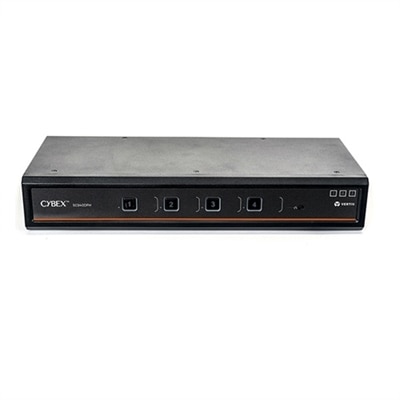
A secure KVM switch with dual-head, 4-port, UHD 4K support, and NIAP version 4.0 certification.
A secure MultiViewer KVM switch with eight ports, universal video support, and seamless cursor navigation switching.
A black desktop KVM switch enabling control of two computers with quad 4K60Hz monitors, USB 3.0, and audio.
A black dual DisplayPort KVM switch supporting 4K 60Hz, audio, and USB peripheral sharing for four computers.
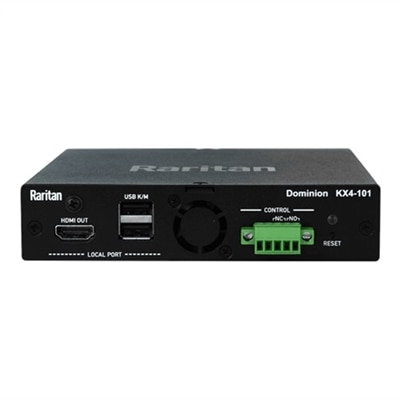
A high-performance KVM-over-IP switch offering 4K video resolution and Java-free remote server access.
A secure desktop KVM switch offering seamless multi-computer access with UHD 4K compatibility and NIAP certification.
A desktop KVM switch providing seamless control of up to four computers with dual head support.
A versatile 8-port desktop matrix switch supporting DP, HDMI, DVI-D, and UHD 4K resolutions.
An 8-port secure desktop KVM switch with touchscreen support, CAC authentication, and UHD 4K video compatibility.
A secure 8-port KVM switch with dual display, supporting 4K UHD and NIAP version 4.0 certification.
A desktop switch that controls four DisplayPort computers with 4K resolution, USB 3.1 hub, and audio support.
A rack-mountable KVM switch managing up to 256 servers with HD video and stereo audio support.
A secure KVM switch with dual-head, 2-port design, offering UHD 4K compatibility and intrusion detection.
A secure KVM switch allowing seamless switching between multiple computers with UHD 4K compatibility.
For anyone seeking a streamlined, efficient workspace—whether at home, in a studio, or in a bustling office—DisplayPort KVM switches offer a practical solution to the challenge of managing multiple computers with a single set of peripherals. These compact devices, often referred to as a kvm switch box or display port kvm, are designed to let users effortlessly toggle between computers while maintaining uninterrupted access to their favorite monitor, keyboard, and mouse. This is especially valuable for professionals who juggle several systems throughout the day, such as graphic designers working with high-resolution displays, software developers switching between test environments, or financial analysts needing to monitor multiple data streams. As the weather warms and projects ramp up, the ability to reduce desktop clutter and simplify your setup becomes even more appealing. For those with a passion for gaming, particularly on high-end systems like Alienware, the question "does DisplayPort support KVM" is top of mind. The answer is a resounding yes: modern KVM switches with DisplayPort support are engineered to handle ultra-high resolutions and refresh rates, ensuring that both creative workflows and immersive gameplay remain smooth and visually stunning.
When considering a KVM switch DisplayPort solution, it’s important to match the device to your specific needs. Refresh rate and resolution are crucial factors—DisplayPort 1.4 models, for example, support up to 8K at 60Hz or 4K at 144Hz, making them ideal for users who demand crisp visuals and fluid motion, whether editing video, rendering 3D models, or gaming at a competitive level. If your setup includes more than one monitor, keep in mind that standard switches will typically only mirror your display; for an extended desktop across multiple screens, a specialized dual-monitor or even triple-monitor KVM switch is required. USB sharing capabilities are another key consideration, especially if you rely on high-speed peripherals like external drives or webcams. Opting for a switch with USB 3.0 ports ensures fast data transfer and seamless device integration. Audio support is also a valuable feature—many switches route audio directly through the DisplayPort cable, while others provide dedicated 3.5mm jacks for those who need to connect microphones or external speakers. As you fine-tune your workspace during the cooler months or gear up for a busy season, a DisplayPort KVM switch can transform the way you interact with technology, making it a thoughtful gift for anyone who appreciates a tidy, high-performance setup.
Whether you’re upgrading your home office, enhancing a creative workstation, or helping a friend optimize their gaming rig, DisplayPort KVM switches are a versatile addition to any tech collection. Their ability to support advanced features like high-refresh gaming, multi-monitor productivity, and seamless USB and audio integration makes them suitable for a wide range of users—from remote professionals to dedicated hobbyists. For those looking to expand their connectivity options even further, exploring compatible DisplayPort Hubs can provide additional flexibility, especially in environments where multiple devices need to be linked or daisy-chained. Investing in the right KVM switch DisplayPort solution ensures that your workspace remains organized, efficient, and ready to adapt to whatever challenges or opportunities the season brings.
A DisplayPort KVM switch allows you to control multiple computers with a single keyboard, monitor, and mouse, reducing desk clutter and making it easier to switch between work and personal devices. It also supports high-resolution displays, ensuring crisp visuals and efficient multitasking, which is especially useful for professionals and remote workers.
Yes, DisplayPort KVM switches can support high refresh rate monitors, provided that both the switch and the connected devices are compatible with the required refresh rate and resolution. This makes them ideal for tasks that demand smooth visuals, such as gaming, video editing, or graphic design.
Display port KVM switches are popular among IT professionals, creative designers, software developers, gamers, and anyone who needs to manage multiple computers efficiently. They are also useful in collaborative workspaces and home offices where maximizing productivity and minimizing cable clutter are priorities.
Many KVM switches offer both DisplayPort and HDMI ports, allowing you to connect different types of devices, such as laptops, desktops, and gaming consoles. This versatility makes it easy to manage mixed-device environments without the need for multiple monitors or input devices.
When selecting a DisplayPort KVM switch, consider the number of computers you need to control, the supported resolutions and refresh rates, compatibility with your devices, and any additional features like USB peripheral sharing or audio support. These factors ensure a smooth and efficient workflow tailored to your needs.
Add the products you would like to compare, and quickly determine which is best for your needs.