$827.07
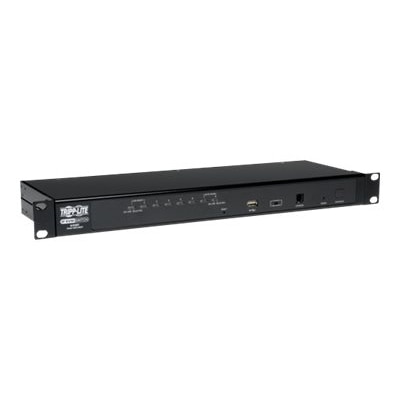
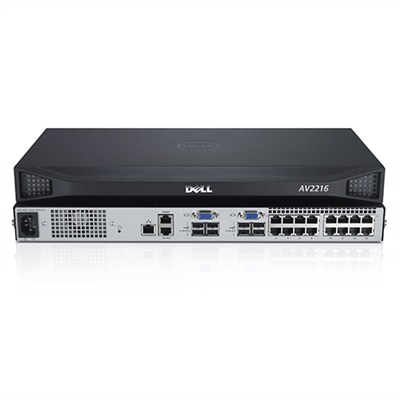
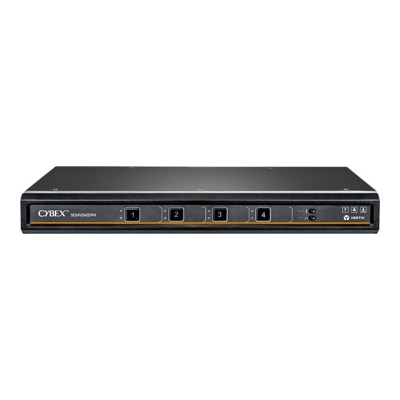
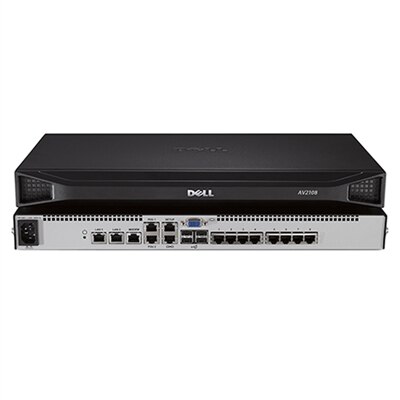
An 8-port KVM switch for secure, local access by two users, TAA compliant.
8 port KVM switches offer a streamlined solution for managing multiple computers from a single console, making them ideal for businesses, IT departments, and server rooms looking to maximize efficiency and organization. With the ability to control up to eight systems at once, these devices help reduce clutter and simplify workflow in multi-system environments. Explore a range of 8 port KVM switches designed to support seamless switching and improved productivity in your workspace.
An 8-port KVM switch for secure, local access by two users, TAA compliant.
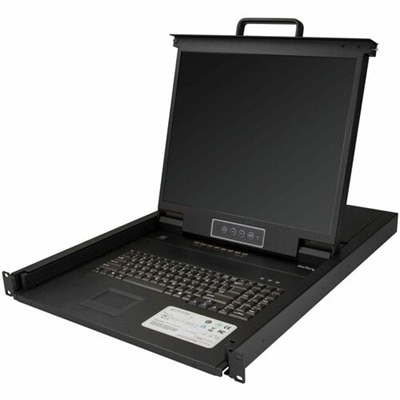
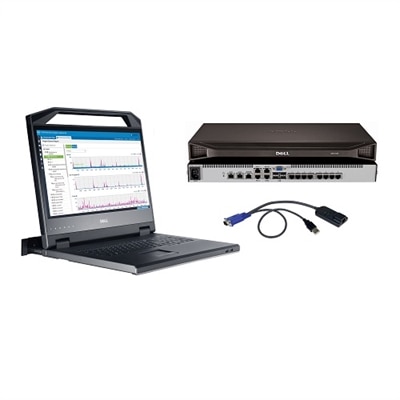
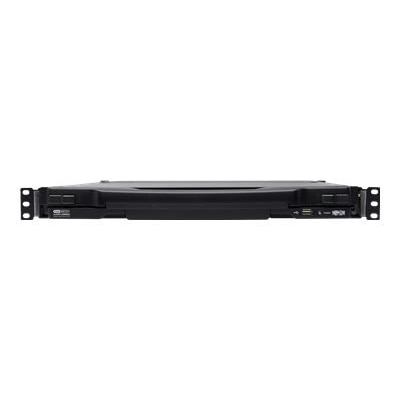
A black 8-port rackmount KVM console with 19" LCD, integrated keyboard, touchpad, USB, and VGA support.
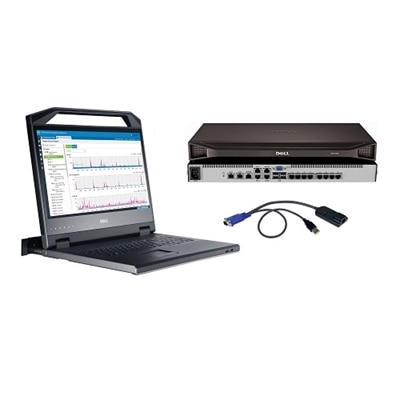
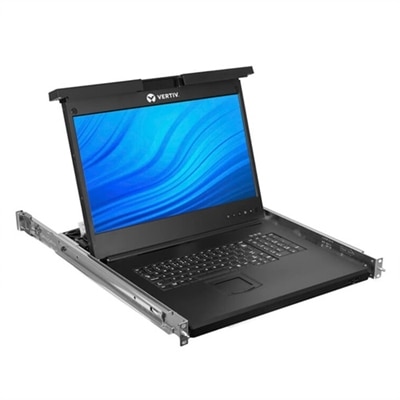
An all-in-one black rackmount console with 17" LCD, keyboard, touchpad, and 8-port USB/VGA KVM switch.
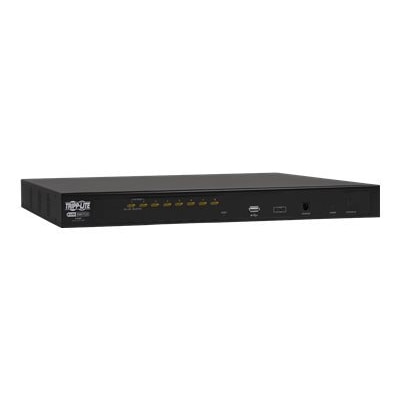
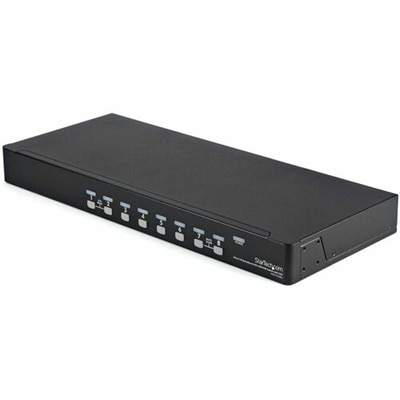
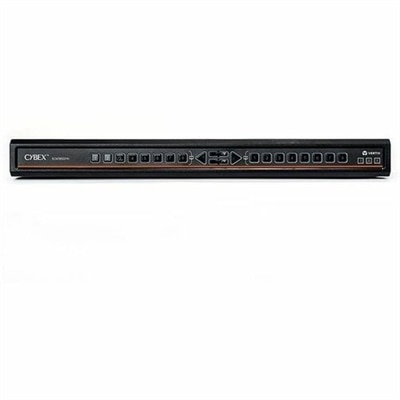
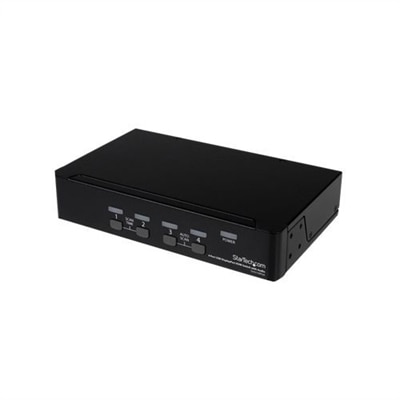
A rack-mountable KVM switch controlling up to eight computers with USB/PS/2 compatibility and multilingual OSD.
A secure KVM switch enabling seamless control of multiple systems for efficient network management.
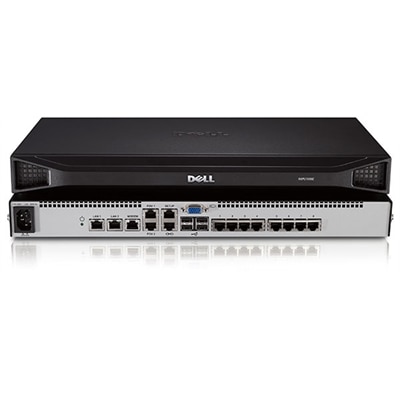
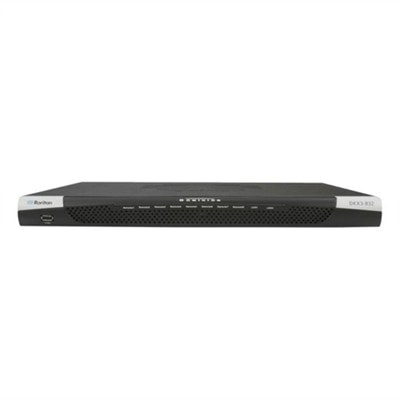
A black, rack-mountable IP KVM switch providing secure access to eight computers from one console.
A comprehensive 16-port KVM solution with 18.5" LED console and complete mounting hardware.
A comprehensive 8-port KVM switch bundle with an 18.5" LED console and 1U mounting bracket.
A black rack-mountable switch kit enabling control of up to 8 USB-connected computers with OSD.
An analog KVM switch offering high security and real-time video response for secure environments.
A secure MultiViewer KVM switch with eight ports, universal video support, and seamless cursor navigation switching.
A versatile 8-port desktop matrix switch supporting DP, HDMI, DVI-D, and UHD 4K resolutions.
An 8-port secure desktop KVM switch with touchscreen support, CAC authentication, and UHD 4K video compatibility.
A secure 8-port KVM switch with dual display, supporting 4K UHD and NIAP version 4.0 certification.
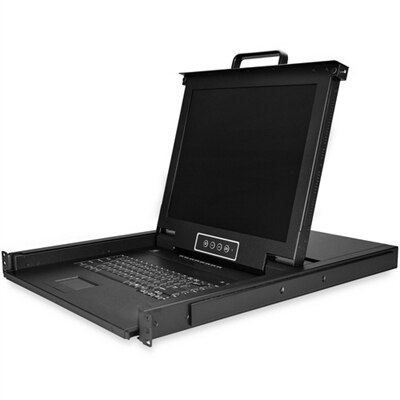
An 18.5" widescreen LCD rack console with an 8-port KVM switch and touchpad keyboard.
A rack-mountable KVM-over IP switch offering remote management with superior video performance and security features.
A black 1U rack-mount KVM switch with 17-inch LCD supports remote access for 16 DisplayPort devices.
A secure desktop KVM switch with 16 ports, dual AC, HDMI/DP support, and NIAP approval.
An 8-port KVM switch lets one keyboard, video display and mouse control up to eight connected computers from a shared workspace. The name comes from “keyboard, video and mouse,” and the central benefit is straightforward: instead of placing a separate monitor, keyboard and mouse at every station, you can connect several computers to one set of peripherals and move between them as needed. This arrangement can make a crowded desk feel calmer, with fewer cables crossing the floor and more room for notebooks, test equipment or creative tools. It can be useful for IT professionals, software developers, technical support teams, digital artists, financial analysts and anyone who works with multiple desktops or workstations throughout the day. A person troubleshooting one computer while monitoring another can switch between systems without repeatedly unplugging cables or reaching behind a desk. The same setup can also suit a home office where a single monitor and input set serves a personal computer, work computer, compact desktop and specialty workstation. When comparing options, start with the computers and display equipment already in use. Check whether the switch supports HDMI, DisplayPort or VGA, and verify the maximum resolution and refresh rate for each connected system. A switch designed for standard office displays may be perfectly suitable for documents, email and web applications, while a creative or gaming workstation may benefit from support for sharper 4K output, higher refresh rates or more capable video standards. It is also important to confirm the number and type of USB connections, whether audio can be shared, and whether the required cables are included or must be purchased separately. For an expanded selection of compatible accessories and related equipment, browse 8 Port Switches.
The way a KVM switch changes between connected computers can have a noticeable effect on everyday comfort. Front-panel buttons provide a direct method that is easy to understand when the switch sits within reach, while keyboard hotkeys make rapid changes convenient when the unit is placed beneath a desk or on a shelf. Many models also include an on-screen display, often called an OSD, that shows the active port and presents a menu for selecting another connection. This visual confirmation is helpful when several computers have similar desktop backgrounds or when a task requires moving between multiple systems in quick succession. Some switches offer programmable port names, allowing labels such as “design,” “accounting” or “testing” to appear instead of a simple number. Look for features that help preserve a smooth experience when changing ports, including automatic screen detection and settings that reduce the need to readjust resolution after each switch. Audio support can be valuable for video editing, training sessions, customer service work or any desk where speakers or headphones are connected through the shared setup. USB peripheral compatibility deserves equal attention: a basic keyboard and mouse may work with nearly any suitable model, but specialized input devices, storage-connected accessories and other USB equipment can require additional support. If more than one person needs access, consider the physical layout as well. An 8-port unit is designed for a sizable group of connected computers, yet it does not necessarily provide simultaneous independent control for eight users. Reviewing the port arrangement, cable length and placement of the connected equipment before installation can prevent a tangle of leads and make each port easier to identify. Keeping cables grouped by computer, using clear labels and leaving enough slack to move a device for maintenance can turn a complicated setup into one that feels almost as simple as using a single desktop.
Some 8-port KVM switches are intended for straightforward local control, while more advanced designs may include remote management features that allow an authorized user to view and operate connected computers through a secure network connection. This capability can help a support professional handle routine checks from another room or assist a colleague without moving between work areas, but it also introduces additional requirements for security, permissions and compatibility with the existing network environment. For a typical desk, local switching is often the more practical choice, especially when all of the computers are within arm’s reach and the main goal is to save display and input devices. For a shared office or technical workspace, remote access, password protection, activity controls and dependable recovery after a power interruption may deserve closer consideration. Resolution support should be evaluated across the entire signal path, since the switch, cable, display and computer output must all work together to deliver the desired image. A display capable of 4K output will not produce that resolution if the connected switch or cable supports only a lower specification. Likewise, a VGA-based computer may require a different KVM configuration than a modern desktop using HDMI or DisplayPort. Before choosing, make a short inventory of each computer’s video output, USB type, audio needs, operating system and intended use, then compare that list with the switch’s port layout and technical specifications. An 8-port KVM switch can be a practical addition for a growing office, a compact workstation or a home user who has accumulated several computers over time. With the right connection standards, switching method and video support, it can replace a crowded row of peripherals with one organized control point and make moving from one task to the next feel quick, deliberate and remarkably unobtrusive.
An 8 port KVM switch allows users to control up to eight computers from a single keyboard, monitor, and mouse, reducing desktop clutter and streamlining workflow. This setup is ideal for IT professionals, educators, and creative teams who need efficient access to multiple systems without constantly swapping cables or peripherals.
Yes, most 8 port KVM switches are compatible with a variety of operating systems, including Windows, macOS, and Linux. This makes them versatile solutions for mixed-OS environments, such as software development labs or testing facilities.
8 port KVM switches commonly support a range of video connections, including VGA, DVI, HDMI, and DisplayPort. It's important to choose a switch that matches the video outputs of your computers and the input of your monitor for optimal compatibility and performance.
Most 8 port KVM switches offer multiple switching methods, such as front-panel push buttons, keyboard hotkeys, or on-screen display (OSD) menus. These options provide flexible and convenient ways to access each connected system quickly.
Yes, many KVM switches support cascading, which allows you to connect multiple switches together. This enables centralized control of more than eight computers from a single console, making it easy to scale as your needs grow.
Add the products you would like to compare, and quickly determine which is best for your needs.