$179.99
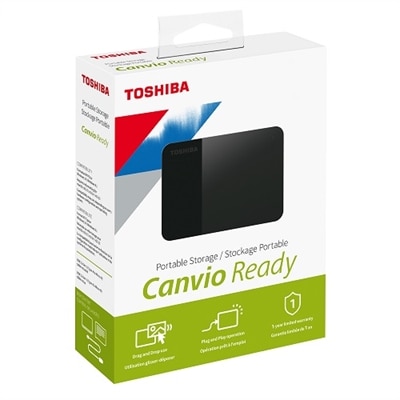
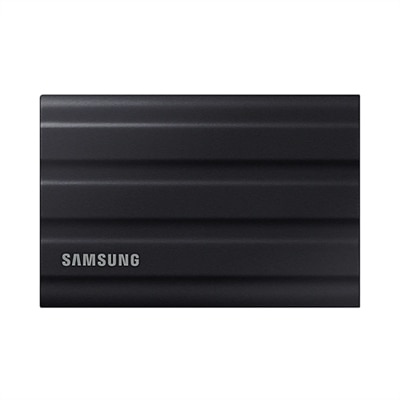
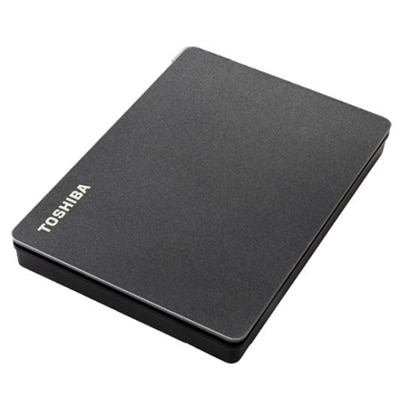
A sleek black portable hard drive offering 4TB storage, ideal for expanding your gaming library.
Upgrade your storage capacity and keep your data organized with 4TB SATA hard drives. Perfect for expanding space on desktops, workstations, or gaming setups, these drives provide ample room for files, applications, and multimedia content. Discover reliable options designed to help you manage large volumes of data efficiently while ensuring smooth performance for your everyday computing needs. Find the right 4TB SATA hard drives to support your workflow and optimize your digital environment.
A sleek black portable hard drive offering 4TB storage, ideal for expanding your gaming library.
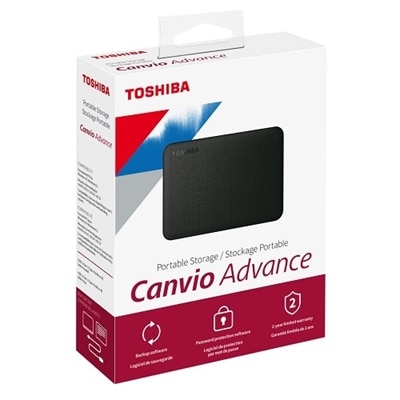
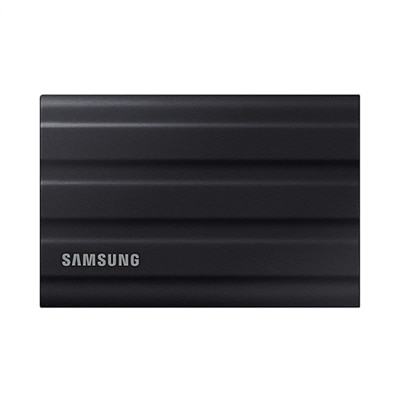
A compact 4TB portable hard drive with a stylish black two-tone finish for easy plug-and-play storage.
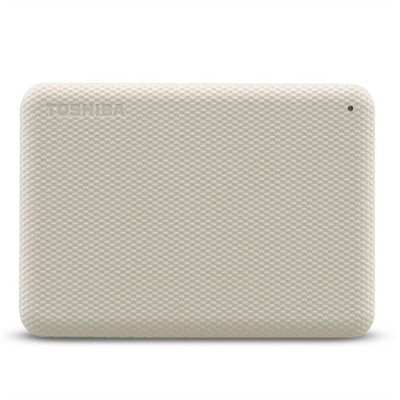
A stylish white 4TB portable hard drive with automatic backup and security software for data protection.
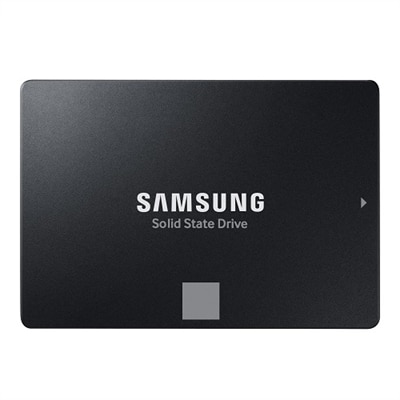
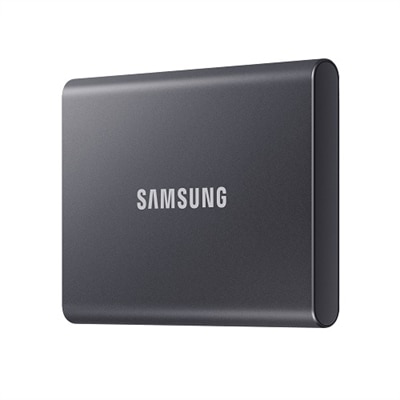
A 4TB SSD offering 560/530 MB/s speeds, ideal for creators and IT professionals with SATA compatibility.
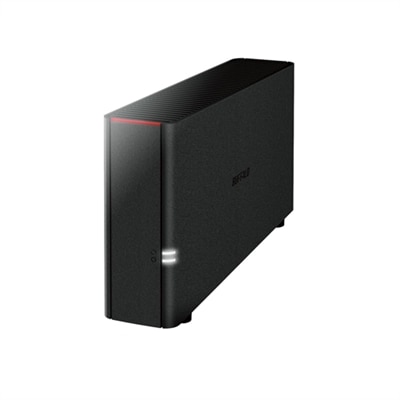
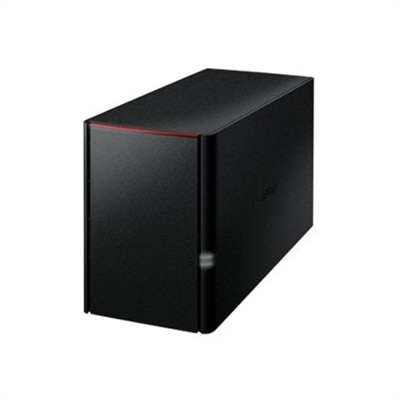
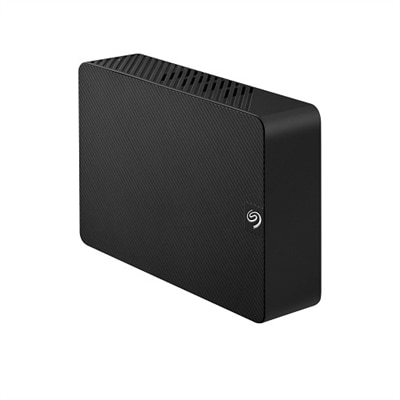
A black desktop storage solution offering 4TB personal cloud access and backup for multiple devices.
A black 4TB personal cloud storage device offering RAID protection and remote access via WebAccess.
A secure 2-bay network storage solution with 4TB capacity, 2GB memory, and personal cloud integration.
A 4 TB SATA hard drive gives compatible desktop computers and workstations generous room for large collections of photos, videos, music, documents, games and creative projects. SATA is a widely used internal connection, but compatibility still deserves attention before choosing a drive. Check whether the computer accepts a 3.5-inch desktop drive or a 2.5-inch drive, whether an open drive bay is available, and whether the system has the required SATA data and power connections. A desktop tower with an unused bay and a suitable power supply is usually the simplest installation environment. Some compact computers and all-in-one systems have limited internal space or use specialized mounting brackets, so reviewing the computer’s specifications can prevent an inconvenient return. A 4 TB capacity can hold years of personal files without requiring frequent cleanup, making it useful for a home office, a family computer, a digital media library or a gaming setup with a growing collection of installations and downloadable content. It can also serve as a practical companion to a laptop when large files need to be kept close at hand on a primary desktop computer. Shoppers comparing capacities may also want to review Internal 2 TB Hard Drives when a smaller footprint or a lower-capacity option better matches their needs. As a general rule, choose capacity based on the kind of files you create and keep, rather than only the amount of space visible on a computer today. High-resolution photographs, raw video clips, design files and modern game libraries can grow quickly, especially when several people share one computer.
Performance specifications help distinguish one 4 TB SATA hard drive from another. Rotational speed is one important factor: a 5,400 RPM drive can be a sensible choice for everyday file access, personal archives and media collections, while a 7,200 RPM model may offer quicker responsiveness for frequent transfers, application use or larger working folders. Speed is only part of the experience. Cache size, sustained transfer performance, operating noise, power use and vibration characteristics can all influence how a drive feels in a real computer. A quiet drive may be more comfortable in a bedroom office or family room, while a model designed for heavier workloads may be a better fit for a workstation that spends long stretches moving photographs, recorded video or project folders. Pay attention to the drive’s intended duty cycle and recording technology as well. Conventional magnetic recording, often identified as CMR, is commonly valued for predictable performance during repeated writing and rewriting, while specifications should be read carefully when a drive is intended for a particular workload. Warranty length and manufacturer support can also provide useful insight into the expected service life, although no internal drive should be treated as the only copy of important material. A thoughtful setup keeps irreplaceable photographs, financial documents and creative work in at least one additional location. Before installation, back up existing files, shut down the computer completely, disconnect power and handle the drive by its edges. After mounting it securely, connect the SATA data and power cables, then use the computer’s disk-management tools to initialize and format the new volume according to the operating system’s requirements.
These drives suit people who need practical capacity without moving every large file to an external accessory. A photographer returning from a weekend trip may use one to keep original images and edited exports together, while a student or remote professional may dedicate a portion of the drive to course materials, research, recorded meetings and project revisions. Families can use the available space for scanned documents, home videos and shared music collections, and PC gamers may appreciate having room for a broad library while reserving a faster drive for the operating system and frequently played titles. A 4 TB SATA hard drive can even make a considerate gift for a relative who has accumulated years of pictures or for a creative friend whose laptop is crowded with footage, illustrations and audio sessions, provided the recipient’s computer has an open compatible bay. For a desktop that remains powered for long periods, compare expected workload, temperature range and reliability ratings rather than focusing on capacity alone. For a quieter room, check published acoustics and consider how the drive will be mounted, since vibration can become more noticeable against a thin metal panel or a lightly built desk. For a computer used mainly for occasional access, lower power consumption and modest operating noise may matter more than maximum transfer speed. For regular editing or large file movement, sustained performance and a longer warranty may deserve greater weight. The best choice is the 4 TB SATA hard drive that matches the computer’s physical connections, the user’s daily habits and the importance of the files being kept on it. With those details confirmed, this capacity offers a balanced way to organize a substantial digital collection through changing routines and the cooler months ahead.
Add the products you would like to compare, and quickly determine which is best for your needs.