$49.99
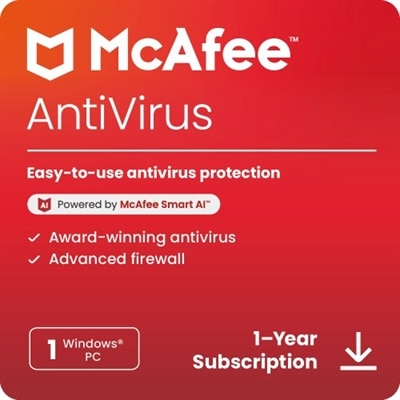
An advanced antivirus software offering AI-driven threat detection and comprehensive online protection for one Windows PC.
In today's digital landscape, safeguarding your devices from online threats is more crucial than ever. Antivirus protection serves as a vital shield against malicious software, ensuring your personal information and data remain secure. Whether you're browsing the web, shopping online, or managing sensitive work files, robust antivirus protection provides peace of mind by detecting and neutralizing potential threats before they can cause harm. Explore a range of solutions designed to keep your digital world safe and secure, so you can focus on what truly matters.
An advanced antivirus software offering AI-driven threat detection and comprehensive online protection for one Windows PC.
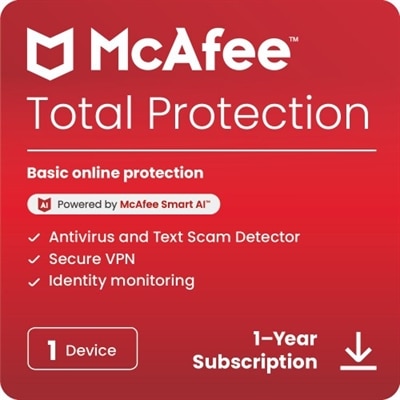
A comprehensive security solution offering antivirus, identity monitoring, and VPN for one device across multiple platforms.
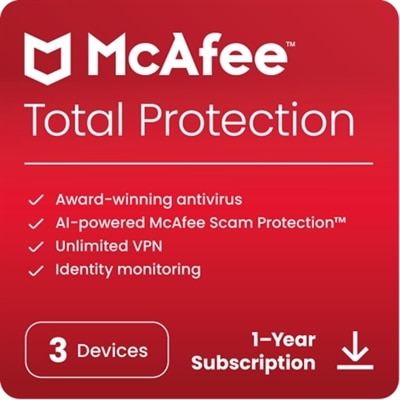
A comprehensive security solution offering antivirus, identity monitoring, and VPN for three devices across multiple platforms.
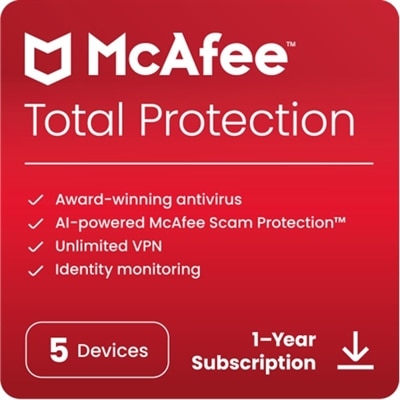
A comprehensive security solution offering antivirus, identity monitoring, and VPN for five devices over one year.
An all-in-one security solution offering antivirus, identity monitoring, and VPN for unlimited devices.
A comprehensive security software suite protecting five devices from viruses, scams, and online threats for one year.
A comprehensive security software offering antivirus, identity monitoring, and parental controls for unlimited devices.
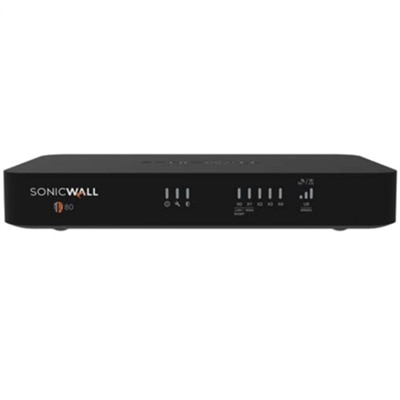
A compact desktop firewall appliance offering advanced threat protection, intrusion prevention, and simplified remote management.
An all-in-one software suite offering security, privacy, and optimization to protect against modern digital threats.
A comprehensive software suite that enhances PC speed, stability, and security with advanced data protection tools.
An award-winning software suite that enhances PC speed, stability, and security with advanced data protection.
An award-winning software suite that enhances PC speed, stability, and security with comprehensive performance tools.
A subscription-based NGFW offering enterprise-grade security for small offices and IoT environments.
A comprehensive security service suite offering two years of protection against known and unknown threats.
A comprehensive security service offering real-time protection against advanced threats and application-level controls.
A comprehensive security suite providing advanced network protection with essential cloud services for two years.
A comprehensive 2-year subscription license providing advanced network security with essential cloud services.
A subscription service providing advanced multi-layer sandboxing for zero-day threat protection on one appliance.
A comprehensive 2-year subscription license offering essential security services for SonicWall TZ270W.
A comprehensive 2-year subscription license providing advanced cloud security services for enhanced network protection.
A comprehensive security service suite offering essential protection against known and unknown threats for two years.
A comprehensive security suite providing advanced network protection with cloud essential services for two years.
An all-in-one security suite offering comprehensive protection and support for your network.
A comprehensive two-year subscription license providing advanced network security with essential cloud services.
Antivirus protection helps create a safer everyday experience on laptops and desktops by monitoring activity, identifying suspicious files and blocking common malware before it can cause damage. A well-designed antivirus program typically works in the background while you browse, work, study, stream or manage personal tasks, allowing protection to stay active without interrupting everything you do. It can scan local drives, memory, applications and new downloads for known threats, then compare file code with regularly updated databases of malicious software. Many security tools also use behavior-based analysis to recognize unusual activity that may not match a previously identified signature, such as an application attempting to alter system files, access protected folders or communicate with an unfamiliar source. When a threat is found, the software may block it, quarantine the file so it cannot run, or remove it according to your selected settings. This layered approach can help protect against viruses, spyware, trojans, ransomware and other forms of malware that may arrive through email attachments, downloaded files, compromised websites or removable media. Antivirus protection is useful for a wide range of people, from students completing assignments and remote workers handling documents to families sharing a home computer and anyone who keeps financial, medical or personal records on a device. It can also be a thoughtful technology gift for someone setting up a new laptop, replacing an older desktop or learning to manage more of their life online. During the cooler months, when more time may be spent indoors catching up on projects, organizing photos or using a computer for entertainment, dependable security can add reassurance to ordinary routines without requiring constant attention.
When choosing antivirus protection, begin by checking compatibility with the operating system and device type you plan to protect. Some software is designed for a single platform, while other options support laptops, desktops and mobile devices through one account. Confirm the supported versions of Windows, macOS, Android or iOS, as well as the number of devices included in the subscription. A household with several computers may benefit from broader coverage, while an individual with one primary laptop may prefer a simpler license. Consider whether you need basic malware scanning or additional tools such as real-time monitoring, email attachment checks, ransomware safeguards, password assistance, privacy controls or identity protection features. Web browsing protection is especially useful for people who frequently shop, bank, research or open links from messages. It can warn about suspicious websites, block known phishing pages and help identify potentially unsafe downloads before they reach the device. Explore Antivirus Software With Web Protection Features for options that emphasize safer browsing alongside core antivirus capabilities. Performance is another practical consideration. Security software should provide regular scanning and active protection while using system resources responsibly, particularly on an older laptop or a compact desktop with limited memory. Look for clear controls that make it easy to schedule scans, review alerts, manage quarantined files and adjust notification preferences. Automatic updates are important because new threats appear continually; protection based only on an old database may not recognize newer variations. It is also helpful to review the subscription length, renewal terms, installation process and support resources before making a purchase. A straightforward setup can make a meaningful difference for someone who is less comfortable with technology, while centralized account management may be valuable for a household supporting several users.
Antivirus software works best as one part of a broader set of sensible security habits. Keep the operating system, browser and installed applications updated, since updates often address security weaknesses as well as adding features. Use unique, difficult-to-guess passwords and consider a password manager when many accounts are involved. Turn on multifactor authentication wherever it is available, especially for email, financial services, cloud storage and shopping accounts. Treat unexpected messages with care, even when they appear to come from a familiar person or organization. Hover over links when possible, check the sender address closely and avoid opening attachments that you were not expecting. Antivirus protection can help detect malicious content, but cautious decisions remain an important line of defense. Backing up important documents and photographs can also reduce the impact of ransomware, hardware failure or accidental deletion; keep at least one backup separate from the computer so it is less exposed if the device is compromised. Families may want to discuss safe browsing, downloads and account privacy with children, while remote workers can use separate profiles and keep personal and work files organized. For a home office with a laptop, desktop, monitor and connected accessories, security settings should be reviewed on each computer rather than assuming one protected device covers the rest. Before installing new software, download it from a reputable source and read the permissions it requests. Antivirus protection does not guarantee that every threat will be stopped, but it can provide continuous scanning, faster warnings and an additional barrier between everyday activity and harmful code. Choosing coverage that fits the devices, operating systems and habits in your household makes protection easier to maintain and more likely to remain active when it matters.
When choosing antivirus protection for your home computer, consider features like real-time threat detection, automatic updates, anti-phishing tools, a firewall, and web protection. Some solutions also offer parental controls, identity theft monitoring, and multi-device compatibility for added peace of mind.
Yes, many antivirus software packages offer multi-device licenses that allow you to protect several devices, including desktops, laptops, and mobile devices, under a single subscription. This is especially useful for families or individuals with multiple devices.
Most modern antivirus programs automatically update their virus definitions and software to protect against the latest threats. You can usually check the update status within the software dashboard or settings menu to ensure your protection is current.
Yes, some antivirus protection suites include anti-spam features, such as a dell anti-spam desktop tool, which helps filter out unwanted or malicious emails and keeps your inbox secure from phishing attempts.
Most antivirus software allows you to schedule scans at regular intervals, such as daily, weekly, or monthly. This ensures that your system is regularly checked for threats without interrupting your workflow.
Add the products you would like to compare, and quickly determine which is best for your needs.