1. All-in-One Functionality
2. Print Speed and Volume
3. Wireless Connectivity
4. Cost of Ink or Toner
Choosing the right printer can make homework, projects, and everyday tasks much easier for your family.
1. All-in-One Functionality
2. Print Speed and Volume
3. Wireless Connectivity
4. Cost of Ink or Toner
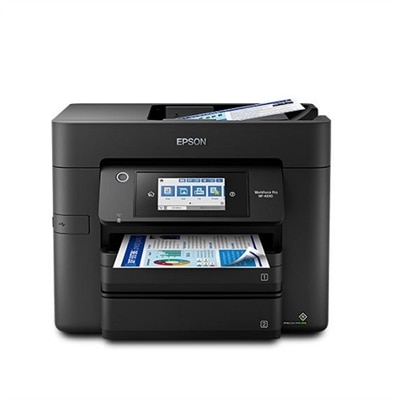
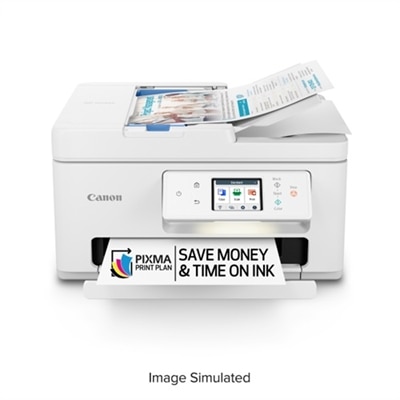
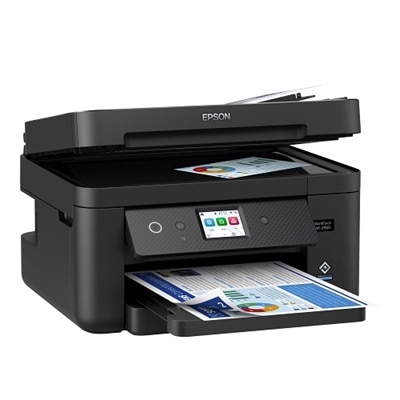
An efficient all-in-one printer with wireless connectivity, auto 2-sided functions, and a 4.3" touchscreen.
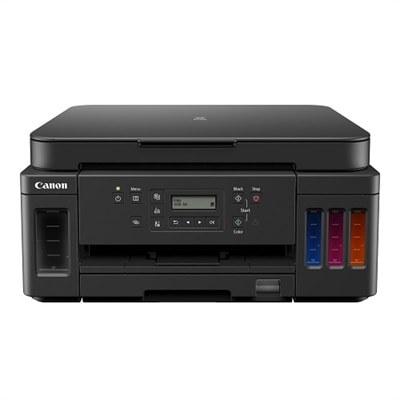
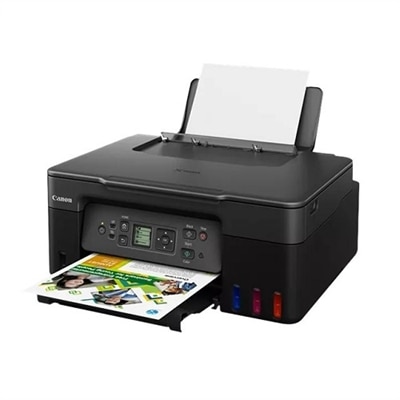
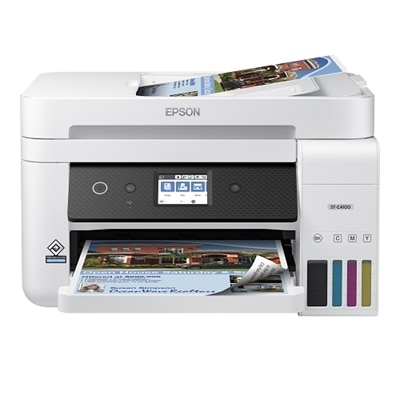
A versatile all-in-one printer offering high page yield, wireless connectivity, and significant ink savings.
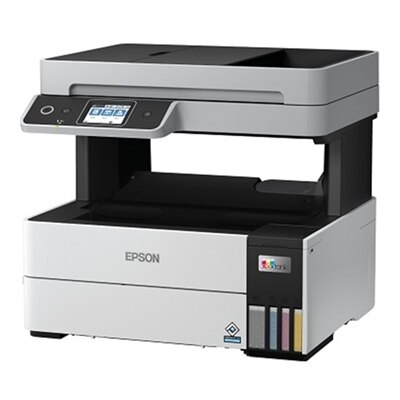
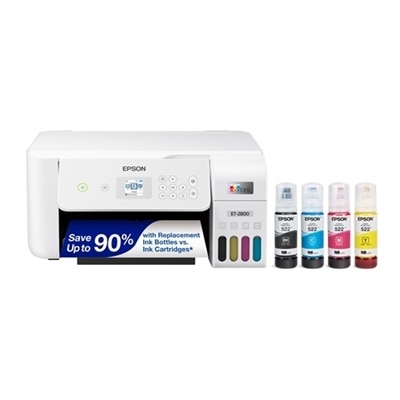
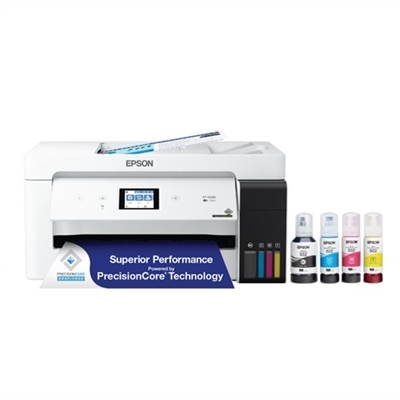
An efficient white all-in-one inkjet printer offering cartridge-free printing, scanning, copying, and faxing.
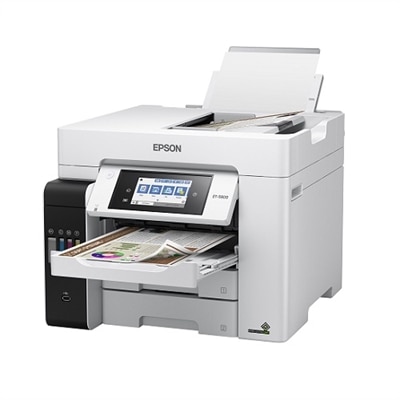
An all-in-one inkjet printer with cartridge-free printing, vibrant borderless prints, and voice-activated functionality.
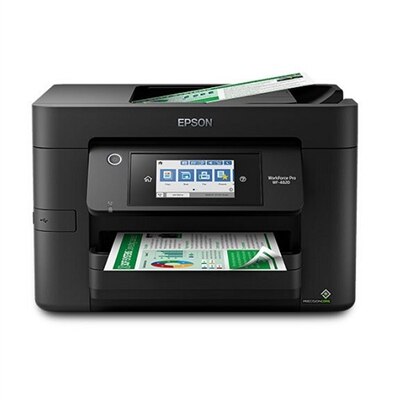
An ultra-fast all-in-one printer with a 4.3" touchscreen, wireless connectivity, and auto 2-sided printing.
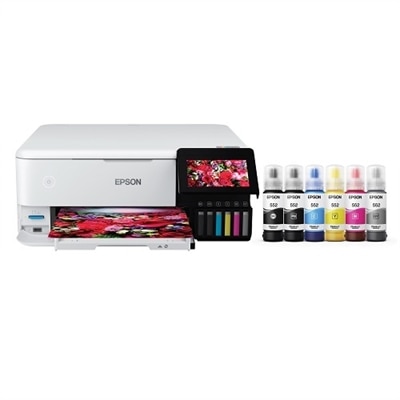
An all-in-one inkjet printer offering lab-quality photos and graphics with cost-effective, cartridge-free ink.
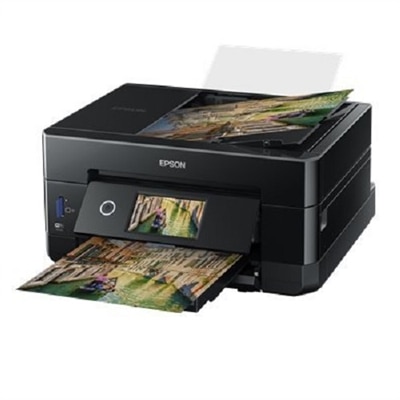
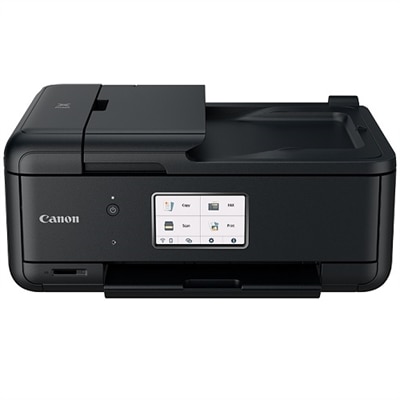
An all-in-one wireless inkjet printer with 5-color inks, 4.3" touchscreen, and mobile printing capability.
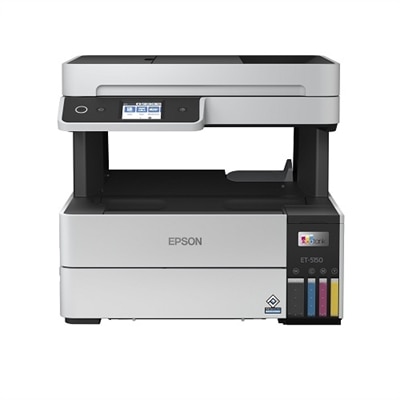
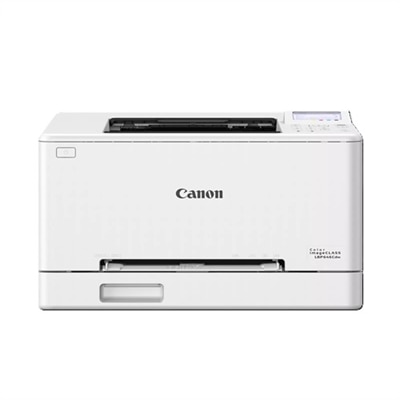
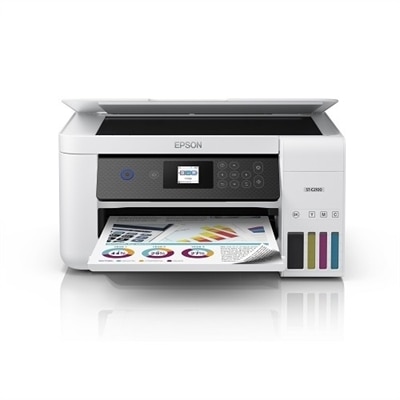
An efficient white all-in-one inkjet printer offering cartridge-free, high-volume, professional-quality color prints.
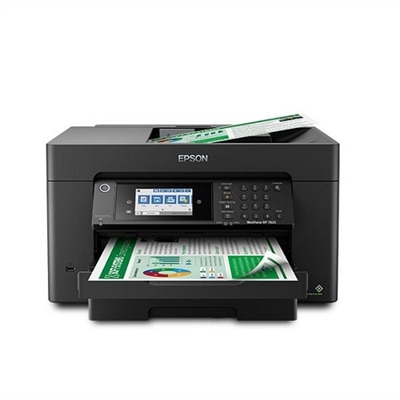
An ultra-productive all-in-one printer with wide-format capabilities, auto duplexing, and a 4.3" touchscreen.
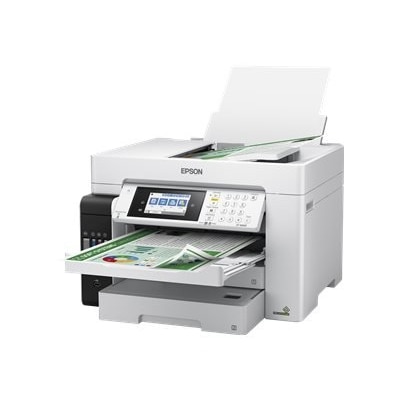
An all-in-one printer with cartridge-free printing, vibrant wide-format output, and a 4.3" touchscreen.
Families should consider printers with wireless connectivity, easy setup, mobile printing capabilities, and versatile functions like scanning and copying. Look for models that support multiple users and offer reliable print quality for both documents and photos.
Yes, many modern printers support mobile printing through apps or wireless connections, allowing you to print directly from smartphones and tablets. This is especially convenient for families with multiple devices.
All-in-one printers combine printing, scanning, and copying in a single device, making them ideal for families who need to handle school assignments, work documents, and personal projects efficiently.
Regularly updating the printer’s software, keeping it clean, and using recommended ink or toner can help maintain print quality. Running occasional print head cleaning cycles can also prevent clogs and ensure consistent performance.
Yes, most modern printers offer wireless or networked connectivity, enabling multiple family members to print from different devices such as laptops, desktops, and mobile devices throughout the home.
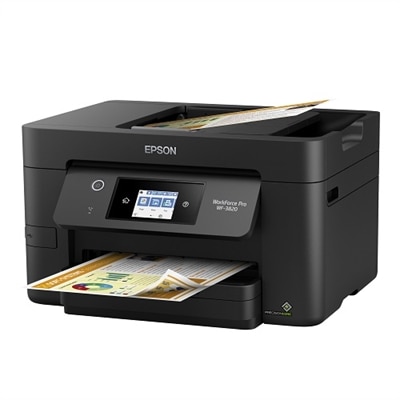
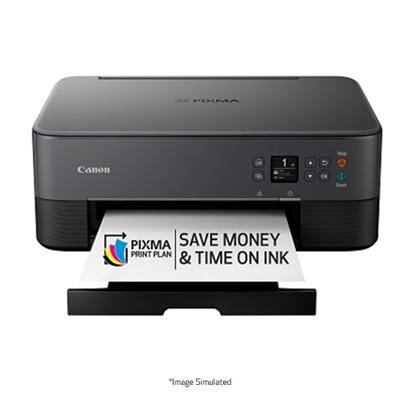
Add the products you would like to compare, and quickly determine which is best for your needs.