1. Print Speed and Volume
2. Cost of Consumables
3. Wireless Connectivity and Mobile Printing
4. All-in-One Functionality
Choosing the right printer can help teachers save time, reduce costs, and produce high-quality classroom materials.
1. Print Speed and Volume
2. Cost of Consumables
3. Wireless Connectivity and Mobile Printing
4. All-in-One Functionality
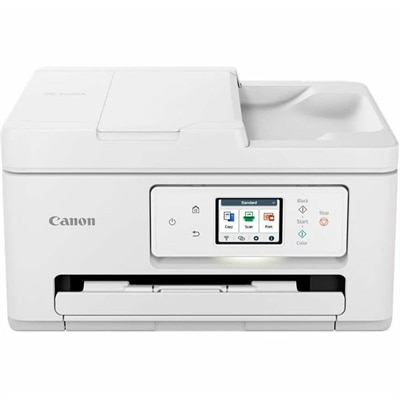
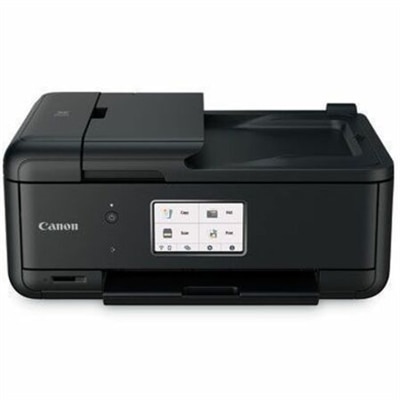
A wireless all-in-one inkjet printer for color printing, copying, scanning, and efficient 35-page automatic document feeding.
Teachers should consider printers with wireless connectivity, fast print speeds, reliable color accuracy, and the ability to handle a variety of paper types. Features like duplex (double-sided) printing and easy-to-use interfaces can also help streamline classroom tasks.
Yes, many modern printers offer wireless and cloud printing options, allowing teachers to print from laptops, tablets, and smartphones. This flexibility helps educators manage their workflow more efficiently.
Laser printers and high-capacity inkjet printers are well-suited for classrooms with heavy printing needs. These models are designed for durability and can handle large volumes of documents without frequent maintenance.
Many all-in-one printers include built-in scanning and copying functions, making it easy for teachers to digitize handouts, create duplicates, and organize classroom resources.
Wireless printers enable teachers to print from anywhere in the classroom, reducing the need for cables and allowing for greater flexibility in classroom setup and resource sharing.
Add the products you would like to compare, and quickly determine which is best for your needs.