1. Print Quality and Speed
2. Connectivity Options
3. Cost of Ink or Toner
4. Size and Portability
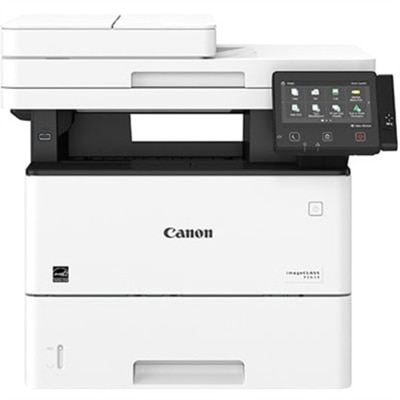
Selecting the right printer can help students stay productive and keep up with assignments. Here are key aspects to consider when shopping for a student-friendly printer.
1. Print Quality and Speed
2. Connectivity Options
3. Cost of Ink or Toner
4. Size and Portability
Check out the following recommendations.
Students should consider printers that offer wireless connectivity, easy setup, and compatibility with laptops and mobile devices. Additional helpful features include duplex (double-sided) printing, reliable print speeds, and compatibility with a variety of paper types for assignments and projects.
Yes, many all-in-one printers are designed to handle printing, scanning, and copying tasks. These models are ideal for students who need to digitize documents, make copies of notes, or scan assignments directly to their devices.
Most modern printers support a wide range of operating systems, including Windows, macOS, and Chrome OS. Be sure to check the product specifications to confirm compatibility with your device before purchasing.
Wireless printing is highly convenient for students, allowing them to print directly from laptops, tablets, or smartphones without needing to connect via cables. This flexibility is especially useful in shared spaces like dorm rooms or study areas.
Many printers now offer cloud printing capabilities, enabling students to print documents directly from services like Google Drive, Dropbox, or OneDrive. This feature simplifies access to assignments and notes stored online, making it easier to manage coursework.
Add the products you would like to compare, and quickly determine which is best for your needs.