1. Cost of Ink or Toner
2. Print Quality and Speed
3. Wireless Connectivity
4. Size and Portability
Choosing the right printer can make a big difference in a student’s productivity and budget. Here are key factors to consider when shopping for an affordable student printer.
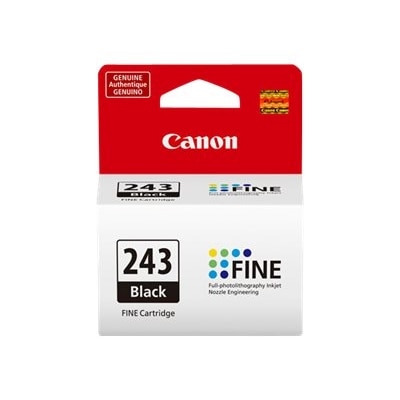
1. Cost of Ink or Toner
2. Print Quality and Speed
3. Wireless Connectivity
4. Size and Portability
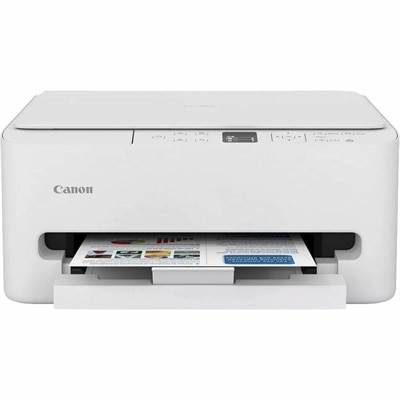
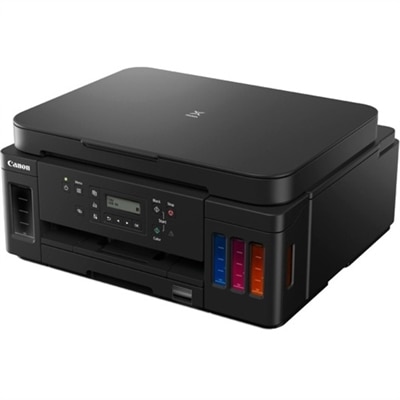
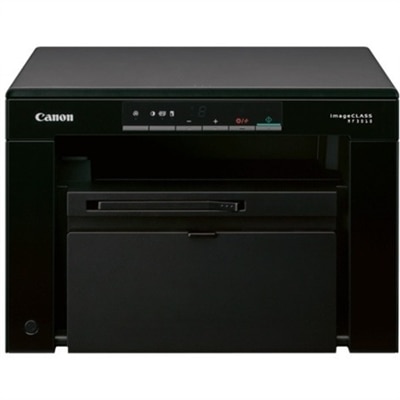
Check out the following recommendations.
Students should look for features such as wireless connectivity, easy setup, compatibility with laptops and tablets, and the ability to print documents and assignments efficiently. Additional features like scanning and copying can also be helpful for school projects.
Yes, many affordable printers offer both black-and-white and color printing options, making them suitable for printing essays, reports, charts, and images required for schoolwork.
Most modern affordable printers support wireless connections, allowing students to print from laptops, smartphones, or tablets. This makes it easy to print assignments from different devices as needed.
Many affordable printers are compatible with popular mobile printing apps, enabling students to print directly from their smartphones or cloud storage services for added convenience.
Affordable printers are designed with user-friendly setup processes, often including guided instructions and software that make it simple for students to get started quickly without technical expertise.
Add the products you would like to compare, and quickly determine which is best for your needs.