1. Print Quality and Resolution
2. Media Compatibility
3. Ink Type
4. Connectivity and Ease of Use
Choosing the right printer can make a big difference in the quality and versatility of your art projects.
1. Print Quality and Resolution
2. Media Compatibility
3. Ink Type
4. Connectivity and Ease of Use
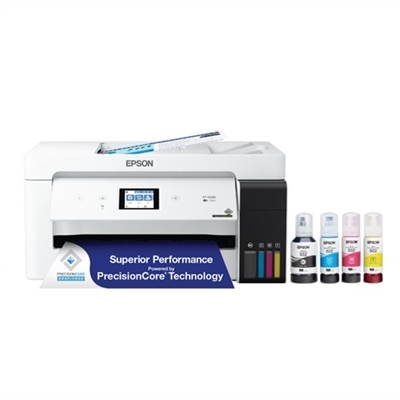
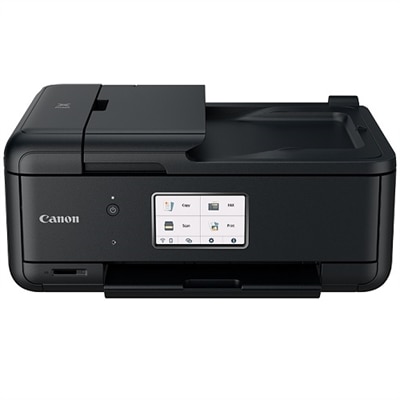
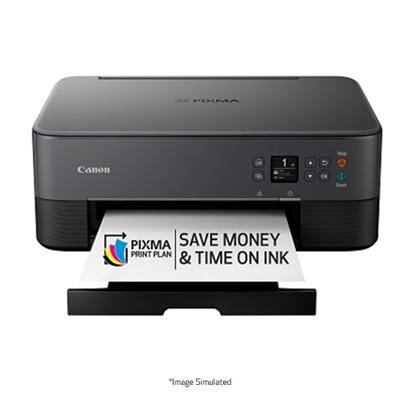
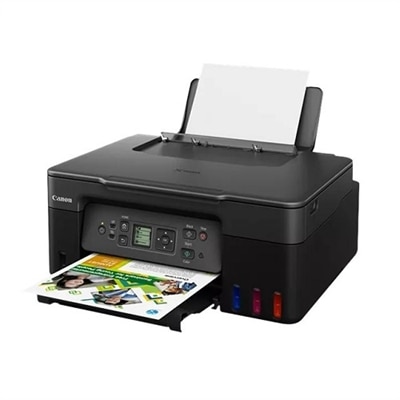
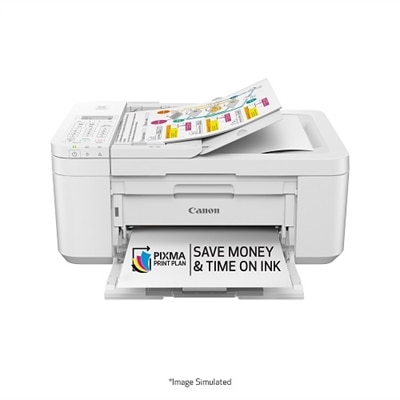
An efficient all-in-one inkjet printer with cartridge-free printing, vibrant color output, and voice-activated features.
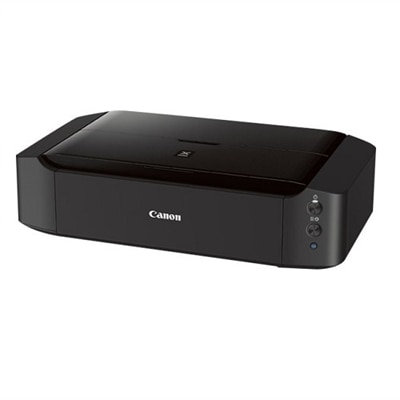
A black wireless inkjet printer offering stunning borderless photos up to 13" x 19" with 6-color ink.
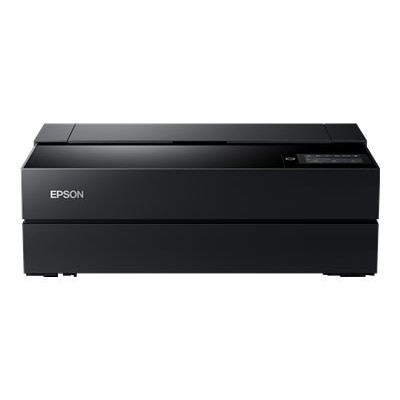
A compact desktop inkjet printer offering exhibition-quality color prints with a 4.3-inch touchscreen.
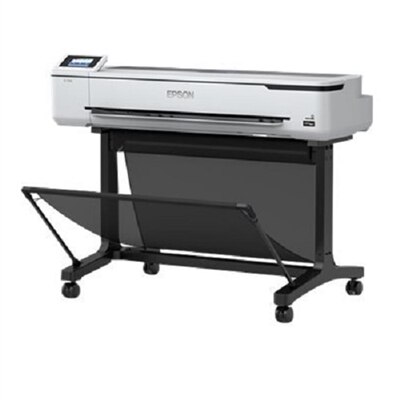
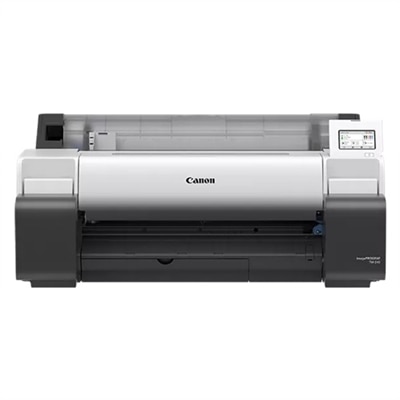
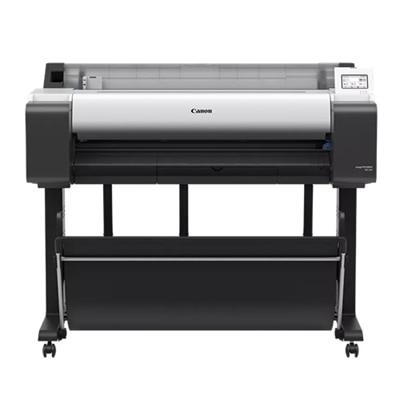
A compact, high-speed inkjet printer offering vibrant, precise 36" prints with wireless connectivity and touchscreen.
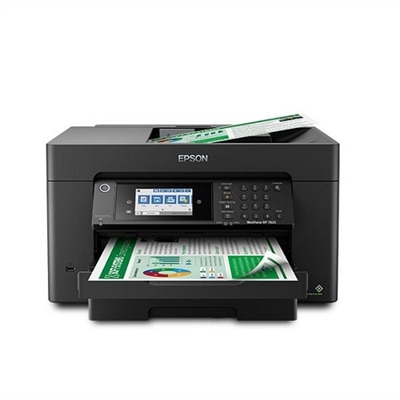
An ultra-productive all-in-one printer with wide-format capabilities, auto duplexing, and a 4.3" touchscreen.
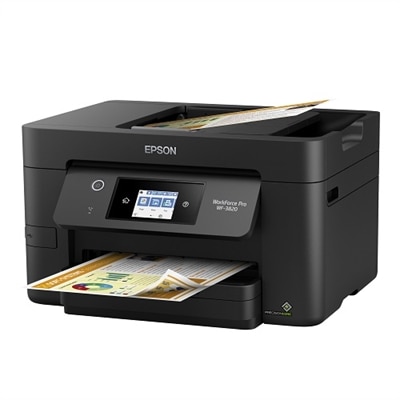
An efficient all-in-one printer with fast speeds, vibrant inks, and a 2.7" color touchscreen.
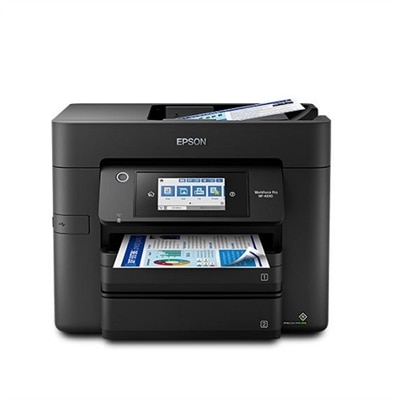
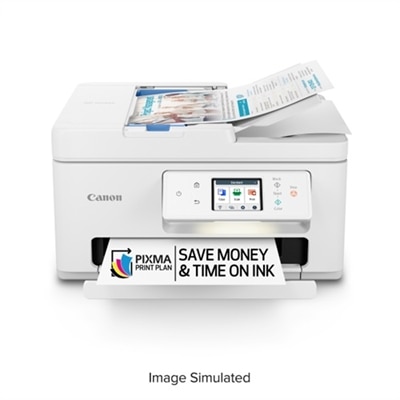
An efficient all-in-one printer with wireless connectivity, auto 2-sided functions, and a 4.3" touchscreen.
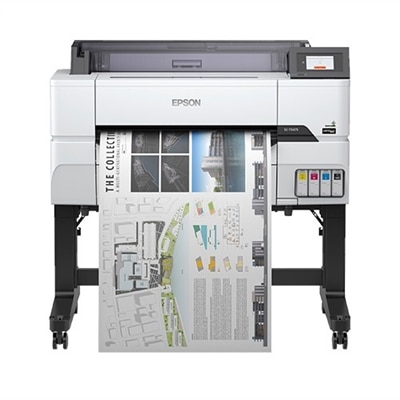
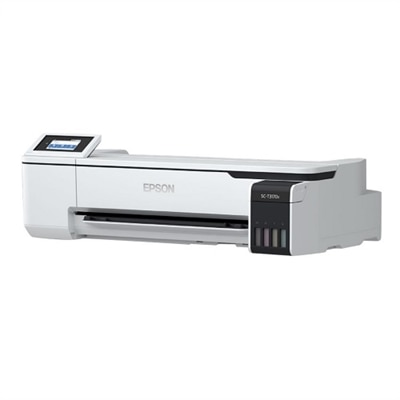
A compact 24" inkjet printer delivering vibrant, precise prints with advanced security and a color touchscreen.
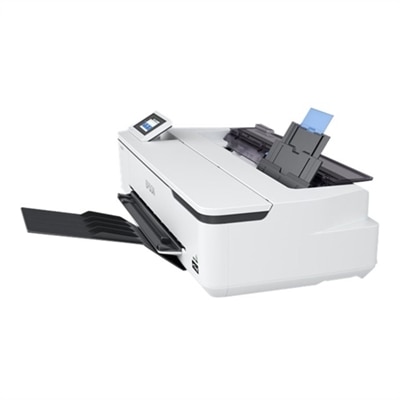
A compact 24" inkjet printer offering fast, precise printing with vibrant UltraChrome XD2 pigment inks.
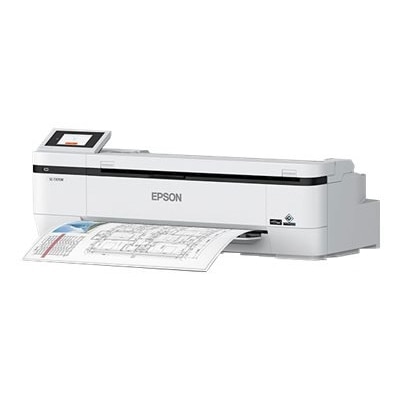
A sleek 24" wide multifunction printer with integrated scanner, ideal for CAD and corporate graphics.
Art students should look for printers that offer high color accuracy, support for various paper types, and the ability to print at high resolutions. Additional features like wireless connectivity and compatibility with creative software can also enhance the printing experience.
Inkjet printers are generally preferred for art projects because they produce vibrant colors and can handle a wide range of paper textures. Laser printers, while fast and efficient, are typically better suited for text-heavy documents rather than detailed artwork.
Many of the printers featured on this page are designed to support specialty media such as cardstock and photo paper. This flexibility allows art students to experiment with different materials for their creative projects.
Yes, most modern printers are compatible with popular design software such as Adobe Photoshop and Illustrator, making it easy for art students to print their digital creations directly from their favorite applications.
Many of the best printers for art students offer wireless and mobile printing options, allowing users to print from laptops, tablets, or smartphones for added convenience and flexibility in their creative workflow.

Add the products you would like to compare, and quickly determine which is best for your needs.