$248.99
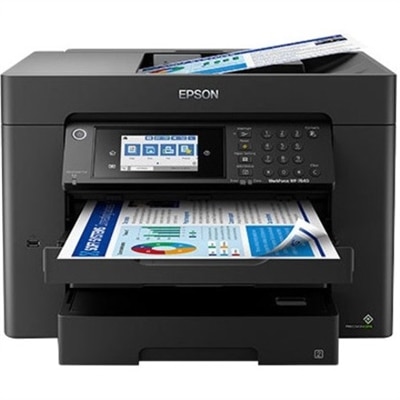
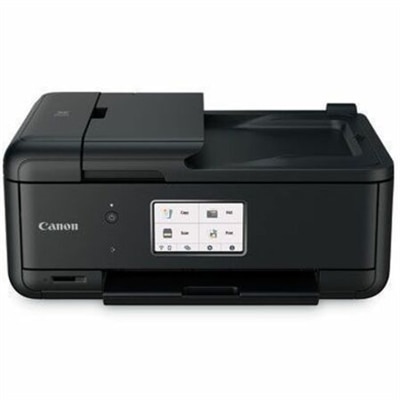
A wireless inkjet printer delivering detailed color output with five individual ink tanks, versatile connectivity, and automatic paper feeding.
Discover the convenience and efficiency that desktop printers bring to your home or office setup. Whether you're printing important documents, school assignments, or vibrant photos, desktop printers offer reliable performance for a wide range of tasks. Explore options designed to fit seamlessly into your workspace while delivering consistent results. Find the ideal desktop printer to meet your everyday printing needs and streamline your workflow with ease.
A wireless inkjet printer delivering detailed color output with five individual ink tanks, versatile connectivity, and automatic paper feeding.
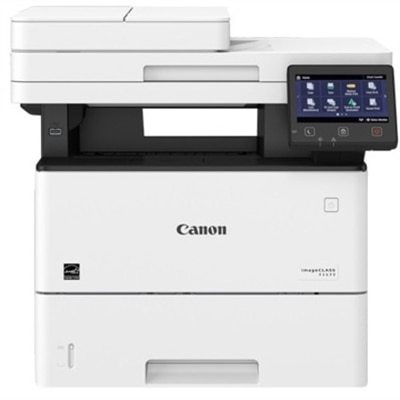
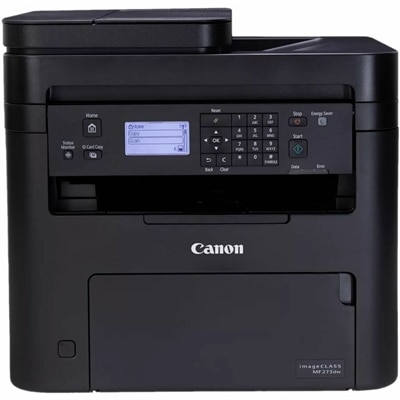
A monochrome laser multifunction printer delivering 45 ppm, 600x600 dpi, duplex scanning, and 2,300-sheet capacity.
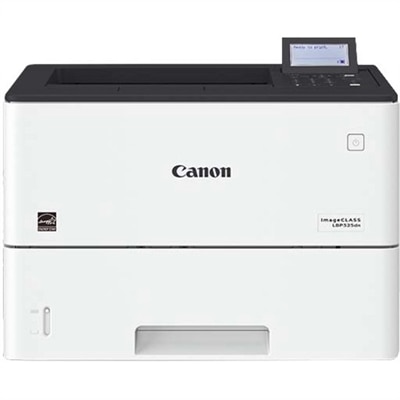
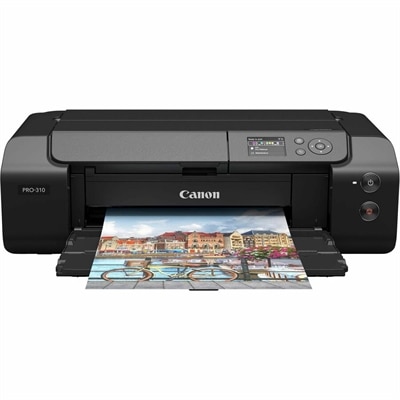
A monochrome laser printer delivering speedy performance, minimal maintenance, and expandable paper capacity for enterprise workgroups.
Desktop printers are compact printing solutions designed to fit comfortably beside a desktop computer, laptop, monitor or other home-office essentials. Because they occupy far less space than larger office equipment, they work well on a writing desk, a dorm-room shelf, a kitchen counter or a small-business workstation. The right choice depends on what you print, how often you print and whether you need more than basic document output. Single-function models are suited to people who primarily print forms, receipts, schoolwork, shipping labels or everyday correspondence, while all-in-one printers add scanning and copying for a more flexible workspace. Wireless connectivity can make printing easier across a household or small office, allowing compatible computers, tablets and phones to send documents without a direct cable connection. For people who regularly print from a phone, look for support for the mobile operating systems and apps used by your household; options such as iPhone Printers can help narrow the search. A compact printer may also be a thoughtful practical gift for a student moving into a residence, a remote worker arranging a home office or a family preparing for a new school term. It can turn a quiet corner into a useful command center, where permission slips, recipes, travel documents and handwritten notes are ready when needed instead of waiting for a trip to a print shop.
Printer technology has a direct effect on speed, image quality, maintenance and long-term operating costs. Inkjet printers are often a versatile fit for homes and small offices because they can produce crisp text along with colorful charts, school projects and photos on compatible paper. They are especially useful when printing needs vary from a few pages one day to a creative project the next. If the printer may sit unused for long periods, review manufacturer guidance about ink handling and routine maintenance, since ink-based systems can require occasional cleaning to maintain consistent output. Laser printers use toner and are commonly chosen for frequent text printing, quick page output and sharp black-and-white documents. They can be a practical match for invoices, reports, applications and other paperwork where speed and legibility matter more than photo color. Refillable ink-tank models may appeal to households or small businesses with steady color-printing needs because their larger reservoirs are designed to reduce the frequency of cartridge replacement, though their purchase price and maintenance process should be considered together. Before choosing, estimate the number of pages printed in a typical month and compare the expected yield of replacement ink or toner. A printer with a low initial cost may not be the most economical fit for heavy use, while a model with a higher upfront price can make more sense when it offers efficient page yields, automatic two-sided printing or a larger paper supply. Monochrome output is usually sufficient for text-heavy work, but color capability is valuable for presentations, diagrams, invitations and visual materials that need emphasis.
Convenience features can make the difference between a printer that becomes part of the daily routine and one that gathers dust. Automatic duplex printing can reduce paper use by printing on both sides without manually turning each sheet. An automatic document feeder is helpful for scanning or copying multipage documents, while a flatbed scanner is better for books, photographs, identification documents and delicate originals. Check the input tray capacity if you print in batches, and consider the available paper sizes if your work includes envelopes, index cards, labels or heavier stock. A simple display and clearly arranged controls can be reassuring for shared spaces, especially when several people use the same device. Compatibility with Windows, macOS, ChromeOS or mobile devices should be verified before purchase, as should the available connection types, including Wi-Fi, USB and any supported mobile-printing standards. Placement matters as well: leave room to open the paper tray, lift the scanner lid and replace supplies, and keep the printer near a reliable power source with enough ventilation. During the cooler months, a desktop printer can support a comfortable home workspace for remote work, studying and household organization, while its compact footprint keeps the desk open for a laptop, monitor and everyday accessories. With the right combination of print technology, connectivity, paper handling and supply efficiency, a desktop printer can provide dependable output for light personal use, busy home offices, creative projects and the steady document demands of a small business.
Add the products you would like to compare, and quickly determine which is best for your needs.