$971.99
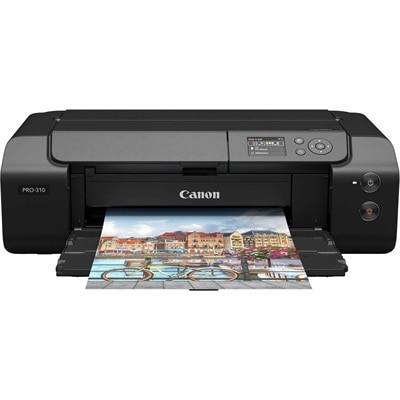
A professional photo printer delivering gallery-quality color and monochrome prints with nine-color inks and Chroma Optimizer.
Explore digital printers for home or office, and compare options by print quality, speed, and connectivity. Consider your typical print volume, paper size requirements, and ongoing ink or toner costs to find a printer that fits your workspace and budget.
A professional photo printer delivering gallery-quality color and monochrome prints with nine-color inks and Chroma Optimizer.
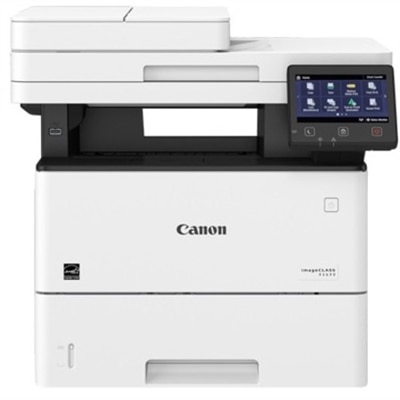
A monochrome laser multifunction printer delivering 45 ppm, 600x600 dpi, duplex scanning, and 2,300-sheet capacity.
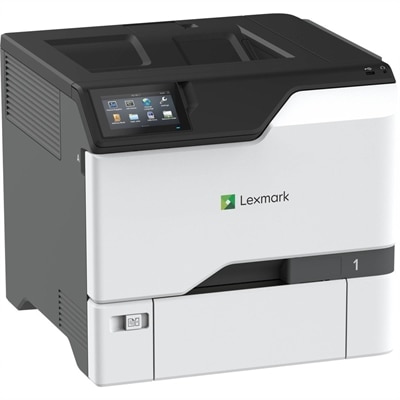
A color laser printer with steel construction, touchscreen controls, automatic duplexing, robust security, and IoT-enabled monitoring.
Digital printers turn electronic documents and images into printed pages without the printing plates used in traditional offset printing, making them a practical choice for everyday tasks at home, school, or the office. From reports and homework to color presentations and family photos, the right digital printer depends on what you print most often and how much you print each month. Inkjet printers are often a good fit for households that need a mix of text, graphics, and photo printing, while laser printers are commonly chosen for sharp text and efficient document production. A monochrome laser printer can suit primarily black-and-white printing, while a color printer adds flexibility for charts, illustrations, and other visual content. For a home office or shared workspace, an all-in-one printer can combine printing, scanning, and copying, with fax capabilities available on some models. Comparing these printer types helps you focus on features that support your routine rather than paying for capabilities you rarely use. Choosing a digital printer also means looking beyond print speed to consider connectivity, paper handling, print quality, and ongoing operating costs. Wireless printers can support convenient printing from compatible computers, smartphones, and tablets, but available features depend on the printer, device, and software. Check operating system compatibility and supported mobile printing options before choosing a model. Automatic duplex printing can reduce manual paper handling for two-sided documents, while an automatic document feeder can simplify scanning or copying multipage files. Paper capacity, supported paper sizes, and recommended monthly print volume are especially useful comparisons for frequent printing. For photos and detailed graphics, review output samples where available rather than relying on print resolution alone. Also compare replacement ink or toner costs, cartridge yield estimates, and any maintenance requirements to better understand long-term expenses. Balancing these factors can help you find a home printer or office printer that delivers the convenience, output quality, and everyday functionality you need.
Add the products you would like to compare, and quickly determine which is best for your needs.