1. Compact Size
2. Wireless Connectivity
3. Cost of Ink and Paper
4. All-in-One Functionality
Choosing the right printer for a dorm room ensures you can handle assignments, projects, and personal printing needs efficiently.
1. Compact Size
2. Wireless Connectivity
3. Cost of Ink and Paper
4. All-in-One Functionality
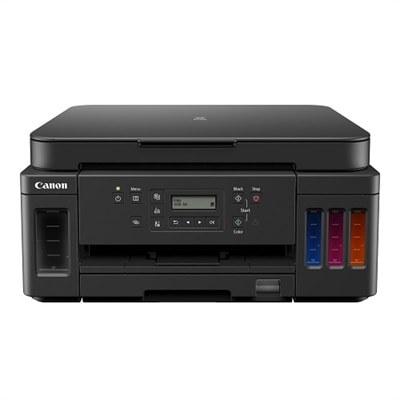
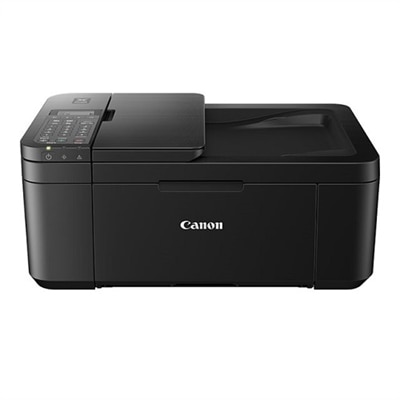
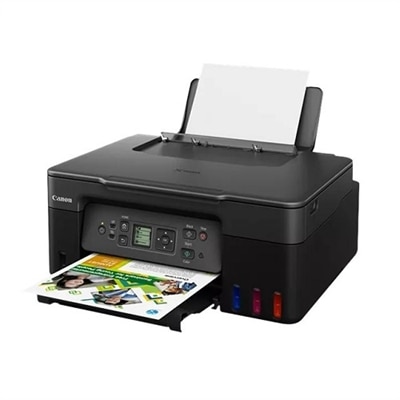
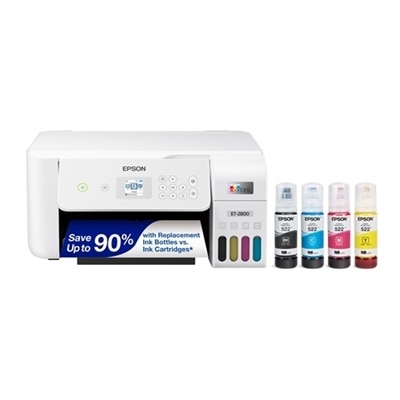
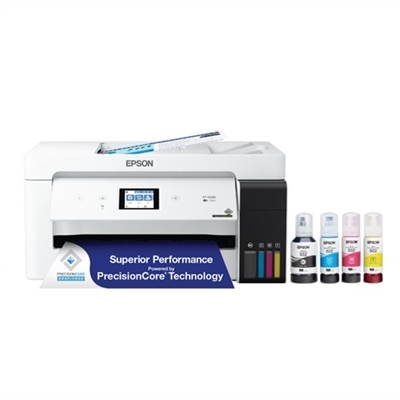
A versatile all-in-one printer offering high page yield, wireless connectivity, and significant ink savings.
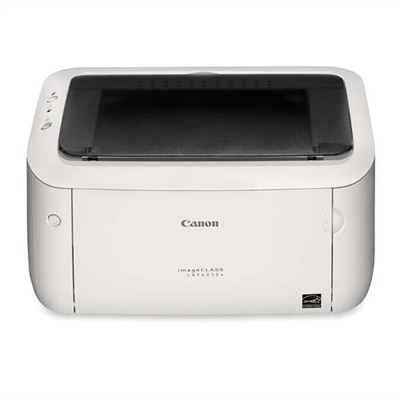
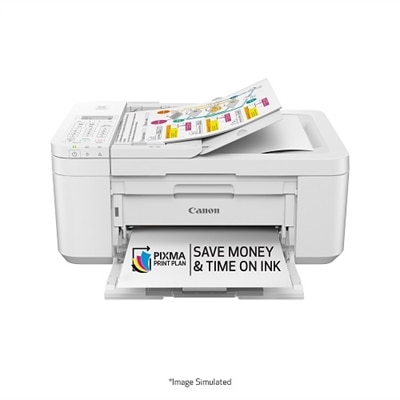
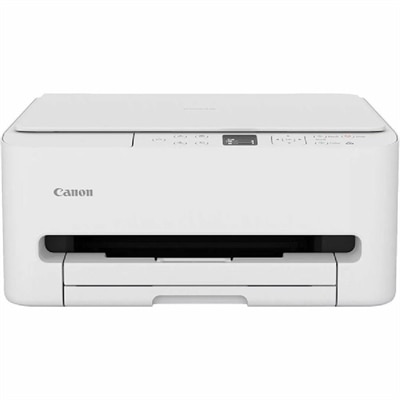
A compact white laser printer offering speedy performance and minimal maintenance for home use.
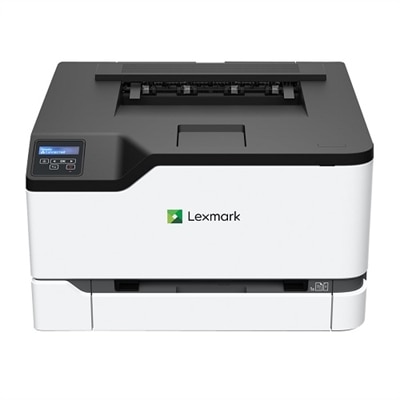
A compact color laser printer offering 26 ppm, Wi-Fi, Ethernet, and 250-page tray capacity.

A sleek, portable inkjet printer with wireless connectivity, perfect for on-the-go, high-quality document printing.
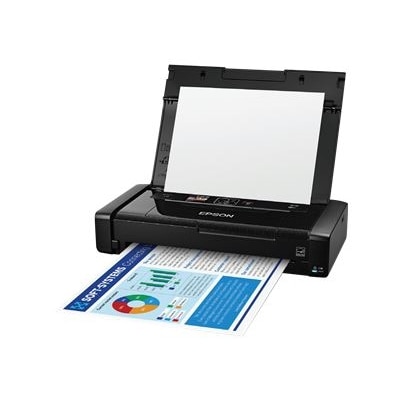
An ultra-light portable printer with wireless connectivity, rechargeable battery, and 5760 x 1440 dpi resolution.
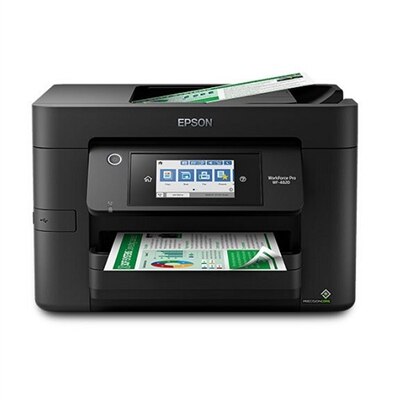
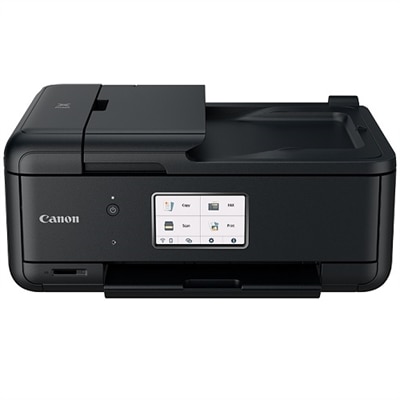
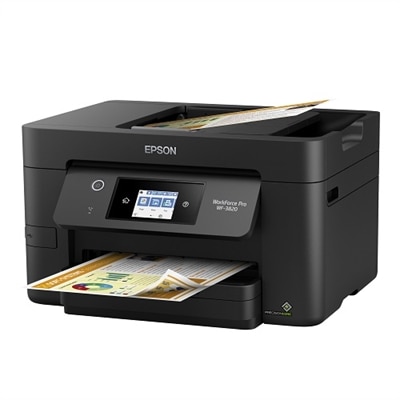
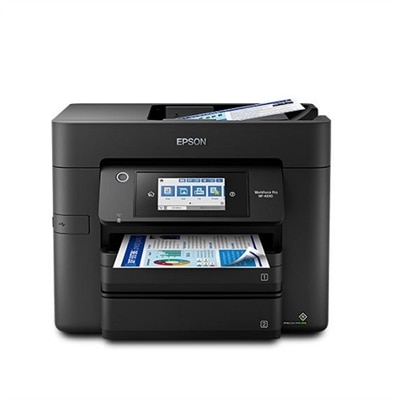
An ultra-fast all-in-one printer with a 4.3" touchscreen, wireless connectivity, and auto 2-sided printing.
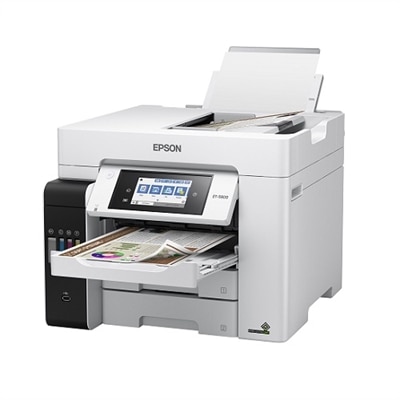
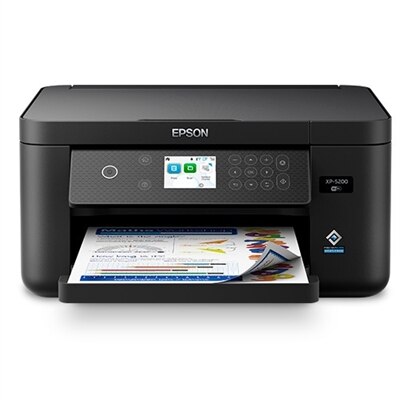
An all-in-one inkjet printer with cartridge-free printing, vibrant borderless prints, and voice-activated functionality.
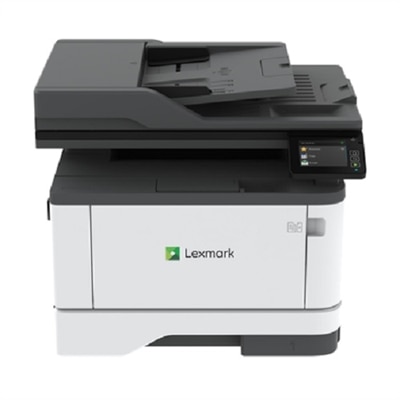
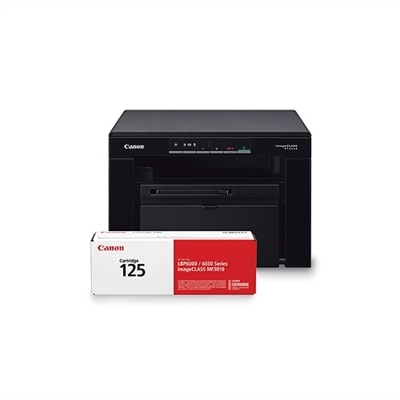
A compact all-in-one laser printer with 42 ppm output, double-sided scanning, and cloud connectivity.
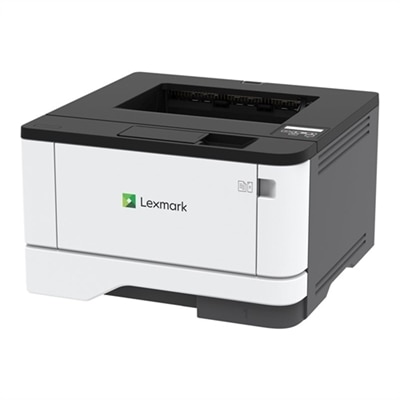
A compact black & white laser printer with 42 ppm speed, Wi-Fi connectivity, and robust security features.
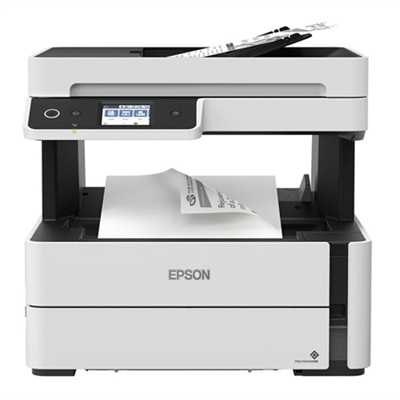
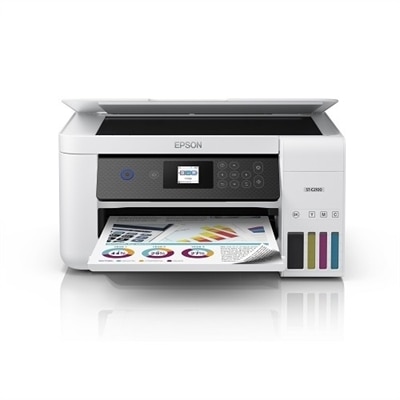
An efficient monochrome all-in-one printer with cartridge-free ink tanks, wireless connectivity, and energy-saving features.
When selecting a printer for a dorm room, consider features like wireless connectivity, compact design, easy setup, and compatibility with laptops and mobile devices. Look for printers that offer convenient functions such as scanning and copying to meet a variety of academic needs.
Yes, many modern printers support mobile printing through Wi-Fi, Bluetooth, or dedicated apps. This allows you to print documents and photos directly from your smartphone or tablet, making it easy to manage assignments and projects on the go.
Absolutely. Many printers designed for dorm rooms offer high-quality printing for both text documents and color images. They are versatile enough to handle essays, presentations, and vibrant graphics for school projects.
Most printers come with user-friendly installation guides and often include the necessary software. Many models also support plug-and-play functionality or can be set up using downloadable drivers from the manufacturer’s website.
To keep your printer running smoothly, regularly check ink or toner levels, clean the print heads as recommended, and keep the printer free from dust. Using the printer at least once a week can help prevent ink from drying out and ensure consistent print quality.
Add the products you would like to compare, and quickly determine which is best for your needs.