1. Performance and Speed
2. Portability and Battery Life
3. Display Quality
4. Connectivity and Ports
Choosing the right computer can help teachers stay organized, deliver lessons effectively, and manage classroom tasks with ease.
1. Performance and Speed
2. Portability and Battery Life
3. Display Quality
4. Connectivity and Ports
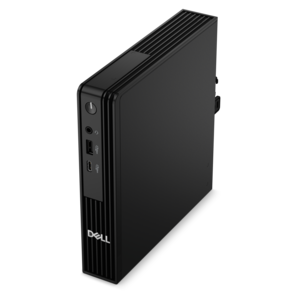
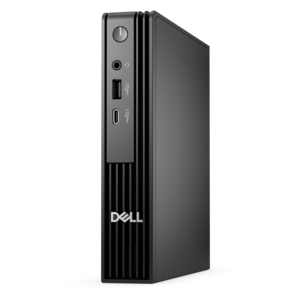
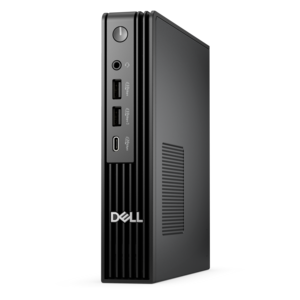
A compact desktop delivering reliable performance and security for everyday productivity.
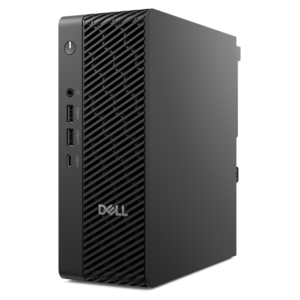
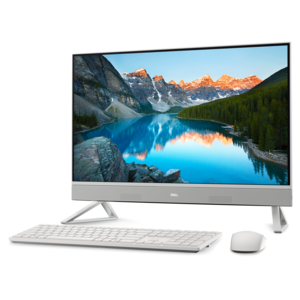
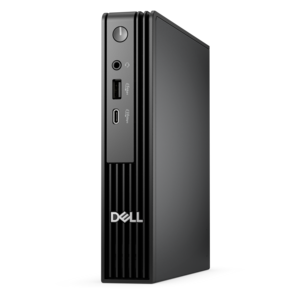
A space-saving desktop engineered for exceptional speed and efficiency in a sleek, compact design.
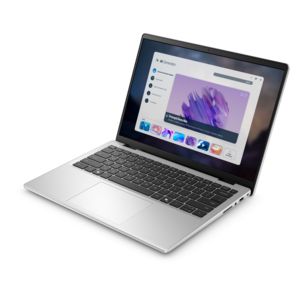
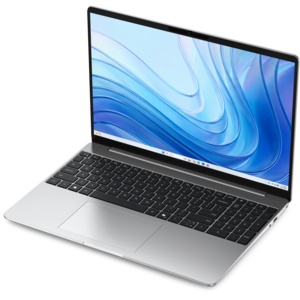
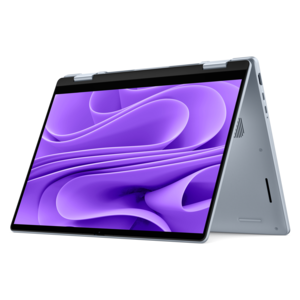
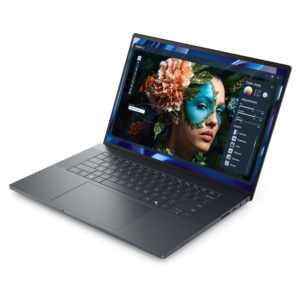
A portable laptop with a sleek design, 16:10 display, and AI PC options for productivity anywhere.
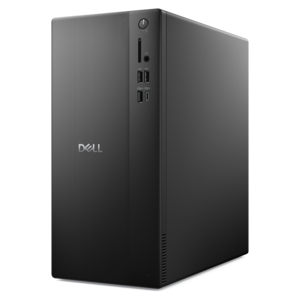
A business-ready tower desktop delivering reliable everyday performance with essential security features for productive workflows.
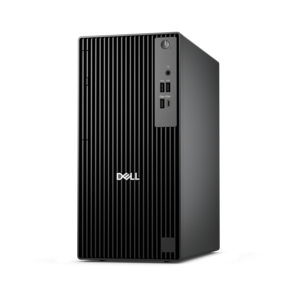
A business-ready tower desktop with AI-enhanced productivity, robust security, seamless manageability, and expandable performance.

A durable, serviceable Chromebook designed specifically for education environments.
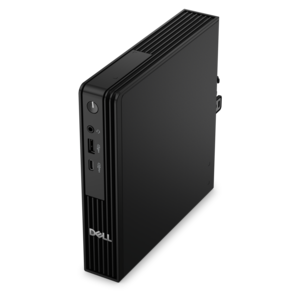
An AI-powered Copilot+ PC featuring Series 3 Intel Core Ultra processors for efficient performance.
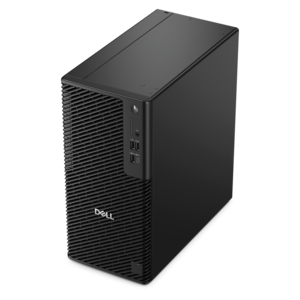
A reliable workstation desktop delivering excellent performance with professional graphics for demanding productivity and creative workloads.
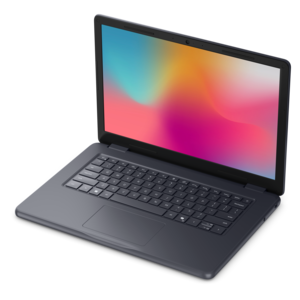
A durable, serviceable laptop designed specifically for demanding education environments.
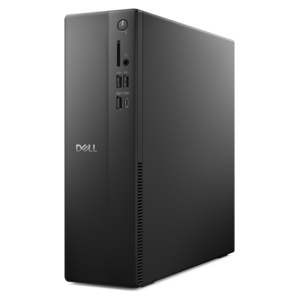
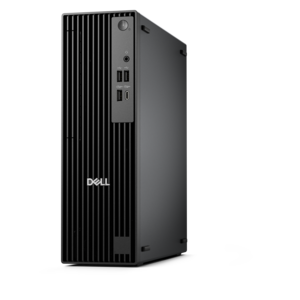
A space-saving business desktop delivering reliable everyday performance with essential security features for productive work.
Teachers should prioritize computers with reliable performance, long battery life, lightweight design for portability, ample storage, and strong connectivity options such as Wi-Fi and Bluetooth. A comfortable keyboard and clear display are also important for extended use.
Laptops are generally preferred by teachers due to their portability, allowing easy movement between classrooms or remote teaching environments. However, desktops can be a good choice for those who primarily work from a single location and require more power or larger screens.
For most teaching tasks such as running educational software, video conferencing, and multitasking with multiple tabs or applications open, at least 8GB of RAM is recommended. For more demanding tasks like video editing or running specialized programs, 16GB may be beneficial.
The best operating system depends on personal preference and school requirements. Windows offers broad compatibility with educational software, while Chrome OS is known for simplicity and security. macOS is favored by some for its intuitive interface and integration with Apple devices.
Long battery life allows teachers to work throughout the school day without needing to recharge frequently. This is especially important when moving between classrooms or working remotely where access to power outlets may be limited.
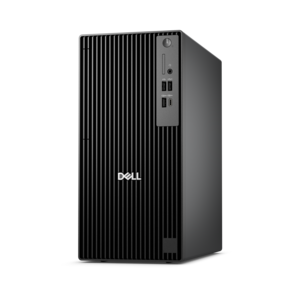
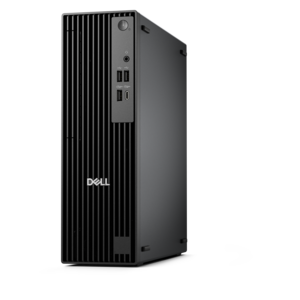
Add the products you would like to compare, and quickly determine which is best for your needs.