1. Performance and Speed
2. Display Quality
3. Webcam and Audio
4. Portability and Battery Life
When it comes to online classes, having the right computer can make all the difference in your learning experience. Whether you're a student attending virtual lectures or an educator delivering lessons from home, having a reliable and efficient computer is essential. Our curated list of Dell computers for online classes highlights laptops and desktops designed to meet the demands of online learning, providing the performance, connectivity, and convenience you need to excel in your virtual classroom.
Choosing the right computer can make a big difference in your online learning experience. Here are some important factors to keep in mind when shopping for a computer for virtual classes.
1. Performance and Speed
2. Display Quality
3. Webcam and Audio
4. Portability and Battery Life
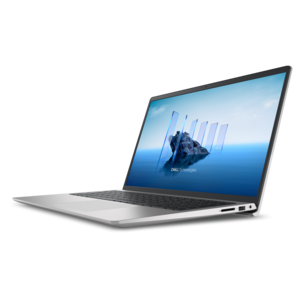
A durable productivity laptop featuring an expansive 16:10 display and convenient numeric keypad.
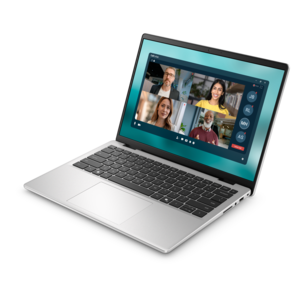
A slim, lightweight laptop with Intel® Core™ processors and graphics for productive work anywhere.
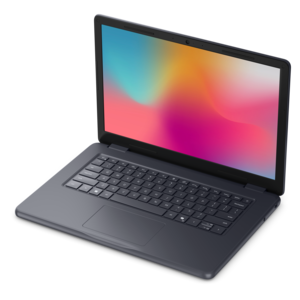
A durable, serviceable laptop designed specifically for demanding education environments.

A durable, serviceable Chromebook designed specifically for education environments.
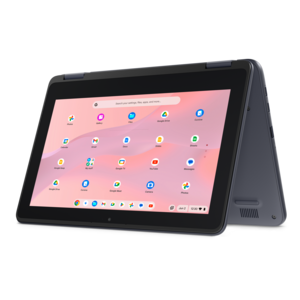
A durable, serviceable Chromebook designed for K–12 learning environments.
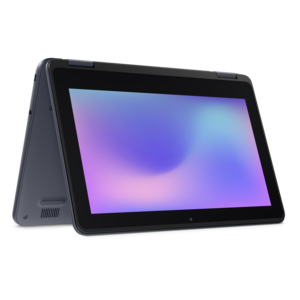
A durable, serviceable laptop or 2-in-1 designed specifically for demanding education environments.
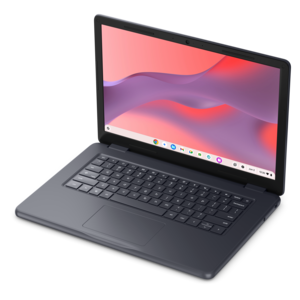
A durable, serviceable Chromebook designed specifically for education environments.
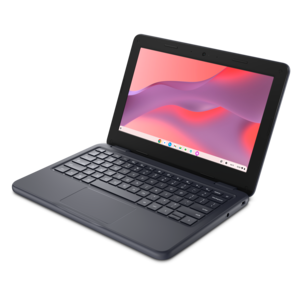
A durable, serviceable laptop or 2-in-1 designed specifically for K-12 learning environments.
When choosing a computer for online classes, look for features such as a reliable processor (like Intel Core i5 or AMD Ryzen 5), at least 8GB of RAM, a webcam and microphone for video conferencing, and a battery life that can last through several hours of classes. A lightweight design and good Wi-Fi connectivity are also important for portability and seamless online learning.
Both laptops and desktops can be suitable for online learning, but laptops offer greater flexibility and portability, allowing students to attend classes from different locations. Desktops may provide more power and larger screens, which can be beneficial for certain tasks. The best choice depends on your specific needs and study environment.
For most online classes, a computer with at least 256GB of storage is sufficient to store documents, assignments, and essential software. If you plan to save large files like videos or use specialized programs, consider opting for more storage or using cloud-based solutions.
While many computers come with built-in webcams and microphones, you may want to invest in accessories like noise-cancelling headphones, an external webcam with higher resolution, or an ergonomic keyboard and mouse to enhance your comfort and participation during online classes.
Yes, Chromebooks can be effective for online classes if your coursework primarily involves web-based applications like Google Classroom or Microsoft Teams. However, if your courses require specialized software that only runs on Windows or macOS, you may need a traditional laptop or desktop.
Add the products you would like to compare, and quickly determine which is best for your needs.