1. Performance and Processing Power
2. Portability and Battery Life
3. Storage Options
4. Connectivity and Compatibility
Choosing the right computer can help students excel in their studies and stay productive throughout the school year.
1. Performance and Processing Power
2. Portability and Battery Life
3. Storage Options
4. Connectivity and Compatibility

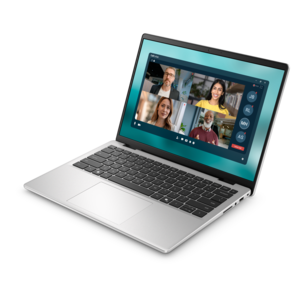
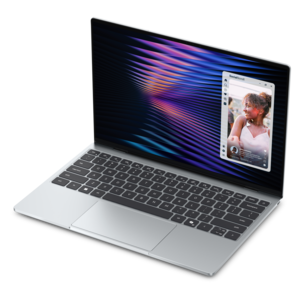
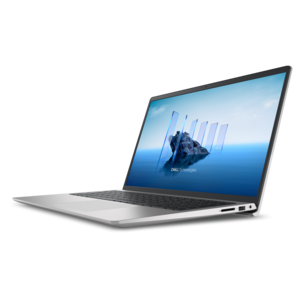
A lightweight AI-powered laptop designed for creative professionals and small businesses.
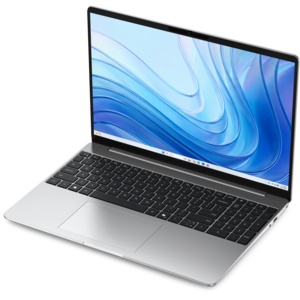
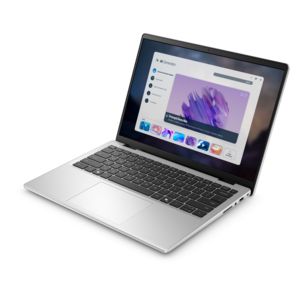
A thin, lightweight laptop crafted from eco-friendly materials with Series 3 Intel Core processors for productivity.
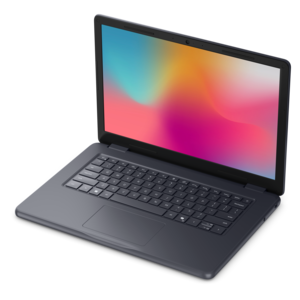
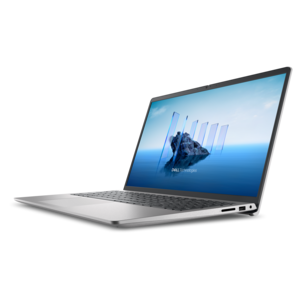
A durable, serviceable laptop designed specifically for demanding education environments.

A durable, serviceable Chromebook designed specifically for education environments.
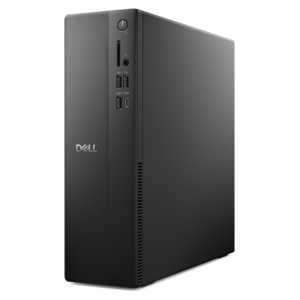
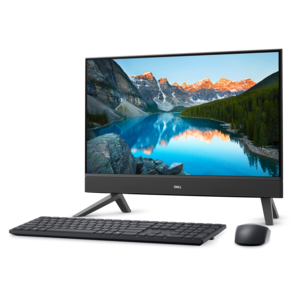
A versatile desktop for everyday productivity and creative tasks.
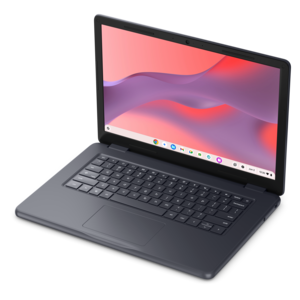
A durable, serviceable Chromebook designed specifically for education environments.
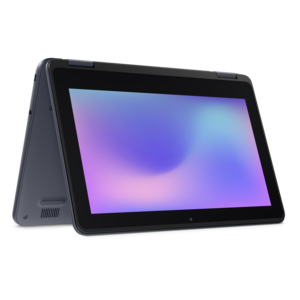
A durable, serviceable laptop or 2-in-1 designed specifically for demanding education environments.
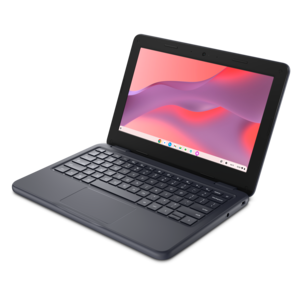
A durable, serviceable laptop or 2-in-1 designed specifically for K-12 learning environments.
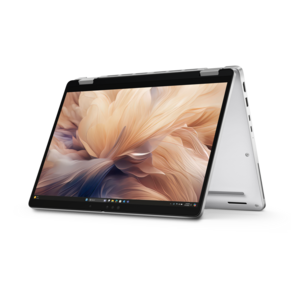
A secure, scalable commercial AI PC with a durable aluminum body for multitasking on the go.
When choosing a computer for students, consider features like a reliable processor, sufficient memory (RAM), long battery life, lightweight design for portability, and a durable build. A comfortable keyboard and a clear display are also important for extended study sessions.
Both laptops and desktops offer unique advantages. Laptops provide portability, making them ideal for students who need to work in different locations. Desktops can offer more power and larger screens, which are great for tasks that require multitasking or graphic-intensive work. The best choice depends on your study habits and space requirements.
For most students, a computer with at least 256GB of storage is sufficient for documents, assignments, and essential applications. If you plan to store media files or large projects, consider a model with higher storage or the option to expand storage with external drives.
The choice of operating system depends on personal preference and software requirements. Windows is widely compatible with educational software and offers a familiar interface. Chrome OS is lightweight and ideal for web-based tasks, while macOS is preferred by some for its design and creative tool support.
Yes, most modern student computers are equipped with built-in webcams, microphones, and speakers, making them suitable for video conferencing and online classes. Look for devices with HD webcams and reliable Wi-Fi connectivity for the best virtual learning experience.
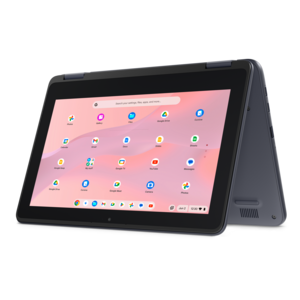
Add the products you would like to compare, and quickly determine which is best for your needs.