1. Processing Power
2. Graphics Capability
3. Display Quality
4. Memory and Storage
Choosing the right computer is essential for designers who need powerful performance and accurate visuals. Here are key aspects to consider when selecting a computer for design work.
1. Processing Power
2. Graphics Capability
3. Display Quality
4. Memory and Storage
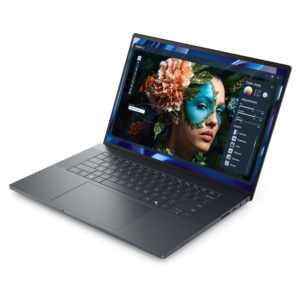
A sleek, lightweight laptop with Intel Core Ultra processors, NVIDIA graphics, and advanced on-device AI.
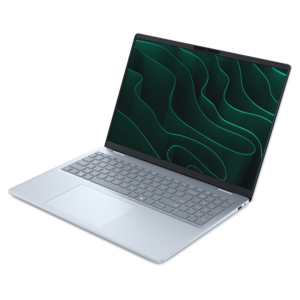
A stylish laptop with built-in AI and a spacious display for creators and developers.
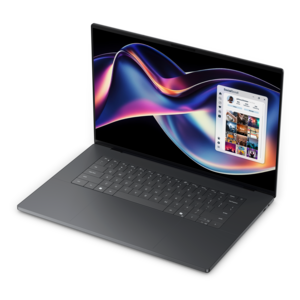
A thin, high-performance creator laptop delivering exceptional battery life for demanding creative work.

A lightweight AI-powered laptop designed for creative professionals and small businesses.
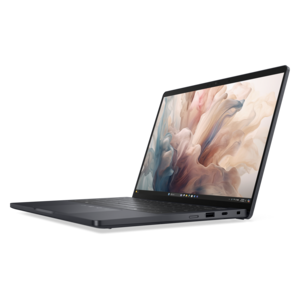
A lightweight AI PC delivering outstanding performance and battery life for highly mobile professionals.
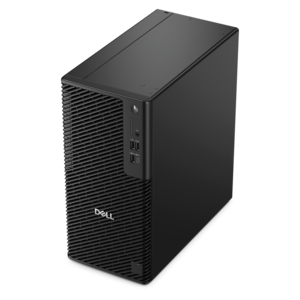
A reliable workstation desktop delivering excellent performance with professional graphics for demanding productivity and creative workloads.
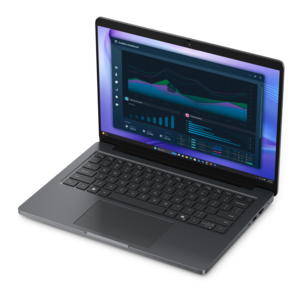
A workstation-class laptop delivering powerful performance in a modern design.
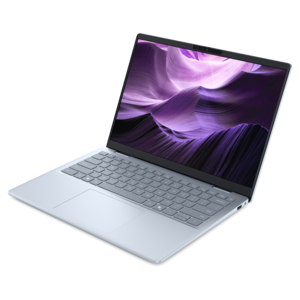
A lightweight AI-powered laptop with Intel Arc graphics, ideal for creative professionals and small businesses.
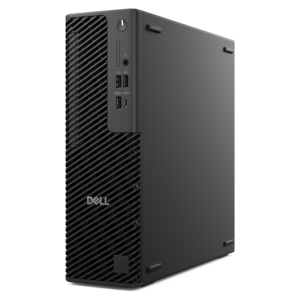
A slim desktop delivering exceptionally fast CPU and GPU performance for demanding professional workloads.
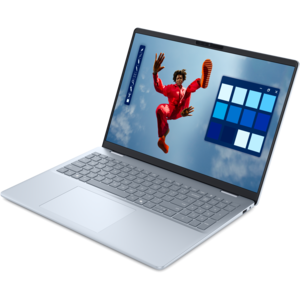
A creator-focused laptop with built-in AI, a spacious display, and Intel Arc graphics for demanding workflows.
Designers should prioritize computers with high-resolution displays, powerful processors, ample RAM, and dedicated graphics cards. These features ensure smooth performance when running demanding design software and allow for accurate color representation.
A high-resolution monitor provides greater detail and clarity, enabling designers to work with precision. It also supports accurate color reproduction, which is essential for tasks like photo editing, digital illustration, and graphic design.
For most graphic design tasks, at least 16GB of RAM is recommended. This allows for efficient multitasking and smooth operation of design software, especially when working with large files or complex projects.
A dedicated graphics card, such as those from the NVIDIA GeForce or AMD Radeon series, is beneficial for designers. These cards accelerate rendering, improve performance in 3D modeling, and support advanced visual effects.
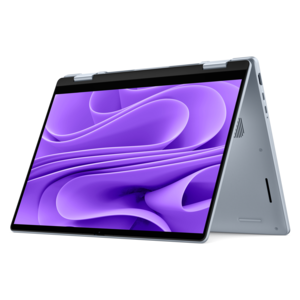
Touchscreen computers can be particularly useful for designers who work with illustration or digital art, providing a more intuitive and hands-on approach to creating and editing visuals.

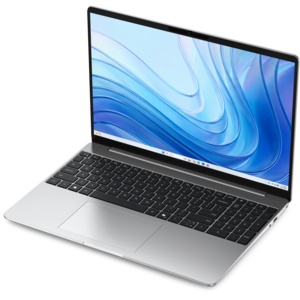
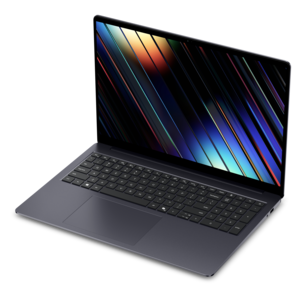
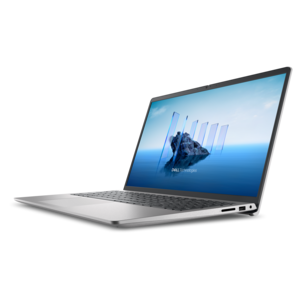
Add the products you would like to compare, and quickly determine which is best for your needs.