$3418.00
A sleek, lightweight laptop with Intel Core Ultra processors, NVIDIA graphics, and advanced on-device AI.
Find the best computer for rendering by matching processor performance, graphics capabilities, and RAM to your workflow. Compare laptop and desktop options with your 3D software’s CPU or GPU rendering requirements in mind, then consider scene complexity, portability, and available upgrade options.
A sleek, lightweight laptop with Intel Core Ultra processors, NVIDIA graphics, and advanced on-device AI.
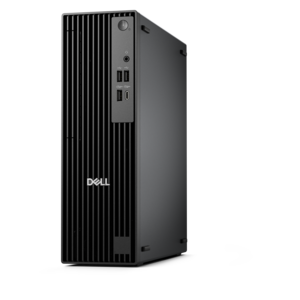
A powerful desktop designed to boost everyday productivity in a streamlined setup.
A high-performance AI-ready business desktop with security, seamless manageability, and expandable capabilities for demanding tasks.
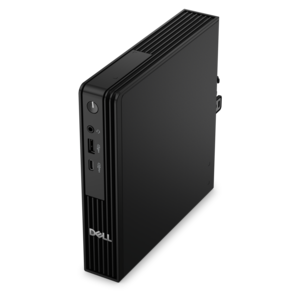
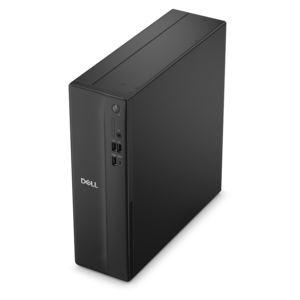
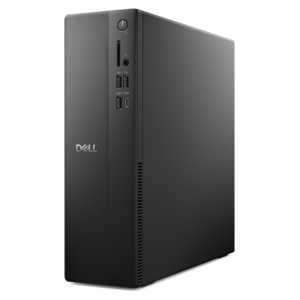
A space-saving desktop engineered for exceptional speed and efficiency in a sleek, compact design.
A lightweight AI-powered laptop designed for creative professionals and small businesses.
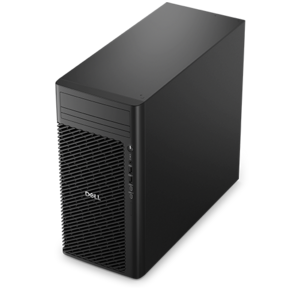
A scalable tower workstation delivering reliable, outstanding performance for demanding multi-threaded applications.
A sleek laptop delivering smooth AI experiences and accelerated creative workflows for demanding high-performance users.
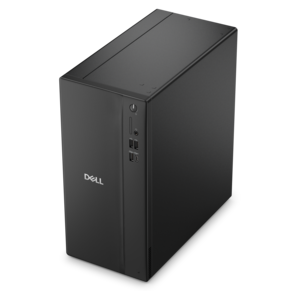
A business-ready tower desktop delivering reliable everyday performance with essential security features for productive workflows.
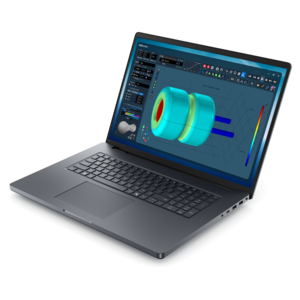
An AI-ready laptop with a spacious display, designed for creators and developers seeking high performance.
A business-ready tower desktop with AI-enhanced productivity, robust security, seamless manageability, and expandable performance.
A dense, powerful rack-ready desktop engineered to optimize demanding computing environments.
An AI-powered Copilot+ PC featuring Series 3 Intel Core Ultra processors for efficient performance.
A compact, high-performance business desktop for heavy workloads, featuring advanced security, manageability, and optional AI productivity.
A remarkably thin laptop powered by AMD Ryzen AI PRO 400 Series processors for professional performance.
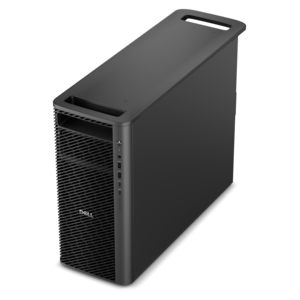
A reliable workstation desktop delivering excellent performance with professional graphics for demanding productivity and creative workloads.
A powerful productivity laptop with scalable performance and advanced on-device AI capabilities.
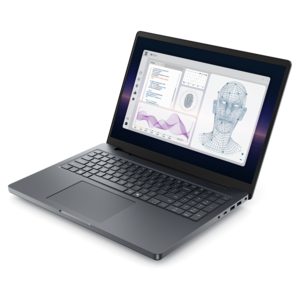
A powerful professional laptop delivering productivity, scalability, ease of use, and advanced on-device AI.
A sleek laptop powered by the latest AMD Ryzen™ AI 400 Series processors for demanding users.
A high-performance desktop combining Intel Xeon 6 processors and advanced graphics for demanding professional workloads.
A scalable professional desktop delivering elite computing power with massive expandability.
A business-ready tower desktop delivering dependable performance and security for everyday productivity workloads.
A space-saving desktop delivering reliable performance and security for everyday productivity.
A versatile desktop for everyday productivity and creative tasks.
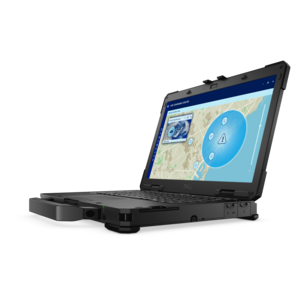
A lightweight semi-rugged laptop with Intel Core Ultra processors delivering AI performance for demanding fieldwork.
The best computers for rendering combine processing power, graphics performance, and memory capacity that match your creative software and project complexity. For 3D rendering, architectural visualization, animation, and product design, start by checking whether your preferred rendering engine relies primarily on the CPU, supports GPU acceleration, or can use both. A processor with more cores can shorten CPU-based rendering times in applications that distribute work across those cores, while strong per-core performance helps keep modeling and scene preparation responsive. For GPU rendering, prioritize a compatible dedicated graphics card with enough video memory to accommodate detailed geometry, high-resolution textures, and complex lighting. Hardware-accelerated ray tracing can improve performance in supported applications, but compatibility depends on the rendering engine and graphics hardware. System memory matters, too: 32GB of RAM is a practical starting point for many demanding creative workflows, while 64GB or more may be useful for larger scenes and heavy multitasking. Check the recommendations for your software, including Blender, Autodesk Maya, or Autodesk 3ds Max, before choosing a configuration. Choosing between a desktop computer and a laptop for rendering comes down to sustained performance, portability, and room to grow. A rendering desktop generally offers greater flexibility for cooling and component upgrades, making it a strong choice for lengthy rendering sessions and a dedicated creative workspace. A laptop for 3D rendering is better suited to creators who need to review designs, adjust scenes, and work across locations, though performance can vary with cooling capacity, power settings, and whether the system is plugged in. Compare Dell desktop and laptop configurations by their processor, supported graphics options, memory capacity, and upgradeability rather than relying on a model name alone. A fast solid-state drive can help projects load quickly and improve responsiveness while working with large assets, although final render times still depend heavily on the rendering engine and compute hardware. For a complete rendering setup, consider a monitor with suitable resolution, color accuracy, and connectivity for your workflow. The best computer for your needs should balance everyday responsiveness with the ability to handle your most demanding projects.
Add the products you would like to compare, and quickly determine which is best for your needs.