$3149.99
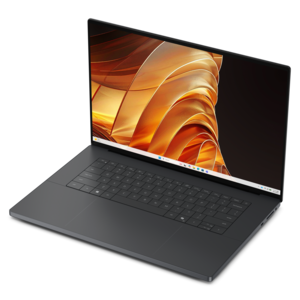
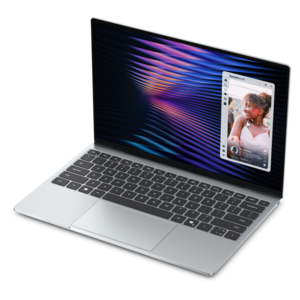
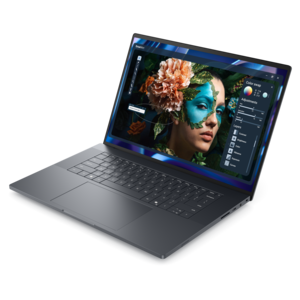
A thin laptop built for mobile creation with exceptional battery life.
A thin laptop built for mobile creation with exceptional battery life.
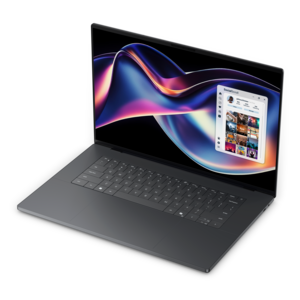
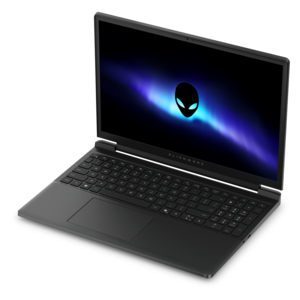
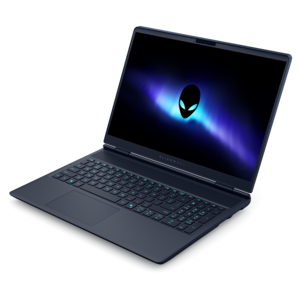
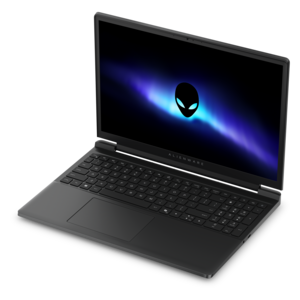
A high-performance creator laptop with NVIDIA RTX Spark™ graphics for AI, development, and gaming.
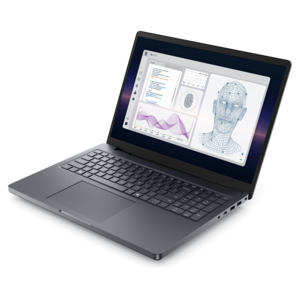
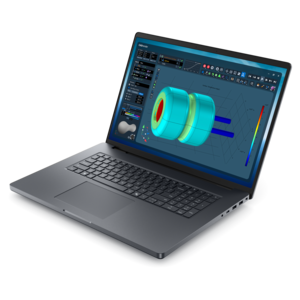
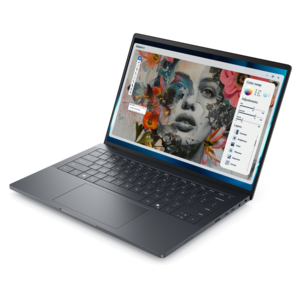
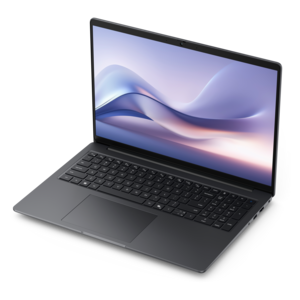
A powerful professional laptop combining exceptional performance, scalability, ease of use, and advanced on-device AI.
A thin, high-performance creator laptop delivering exceptional battery life for demanding projects.
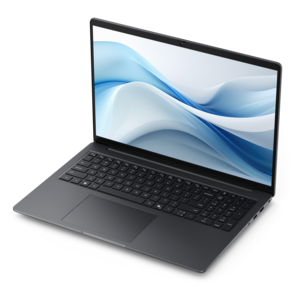
A workstation-class laptop delivering powerful performance in a modern design.
A powerful productivity laptop with scalable performance and advanced on-device AI capabilities.
A streamlined gaming laptop powered by AMD Ryzen 200 Series processors and NVIDIA GeForce RTX graphics.
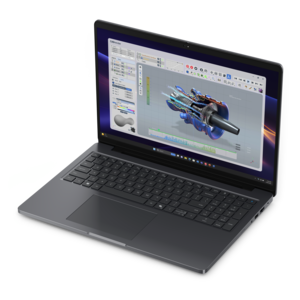
A modern workstation-class laptop delivering cost-effective performance for professional productivity.
A powerful Copilot+ PC combining Intel CPU, GPU, and NPU performance to enhance productivity.
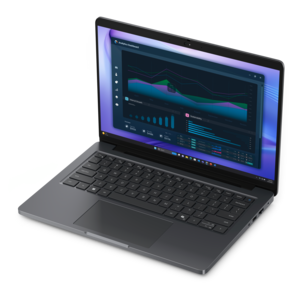
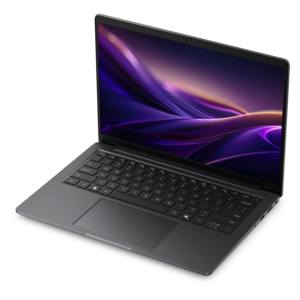
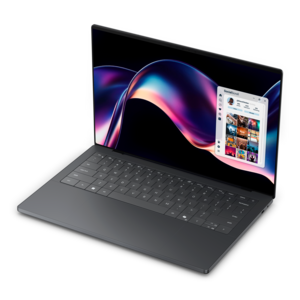
A slim, lightweight laptop designed for ultimate mobility.
A thin, lightweight Copilot+ PC with powerful AMD CPU, GPU, and NPU performance for productive multitasking.
A sleek workstation delivering exceptional performance with advanced on-device AI and exuberant style.
A streamlined gaming laptop delivering powerful performance with NVIDIA GeForce RTX 50 Series graphics.
A sleek, lightweight professional laptop with Intel Core Ultra processors, NVIDIA graphics, and advanced on-device AI.
A streamlined gaming laptop powered by Intel Core Series 2 processors and NVIDIA GeForce RTX graphics.
A thin, lightweight Copilot+ PC with powerful Intel CPU, GPU, and NPU performance for productive multitasking.
CPU rendering uses the laptop’s processor to calculate an image, while GPU rendering uses its graphics processor. Some rendering engines support both methods, while others require particular hardware or graphics technologies. Check the documentation for your preferred modeling software and rendering engine before choosing a laptop.
Review your applications’ supported operating systems, processor requirements, graphics technologies, and driver recommendations. Check requirements for any plug-ins and rendering engines you plan to use, too. Compatibility can vary between software versions, so refer to the documentation for the version used in your workflow.
System memory, or RAM, holds active application and project data. Graphics memory, or VRAM, holds data used by a dedicated graphics processor, such as textures and geometry. Integrated graphics typically share system memory. Modeling applications and rendering engines may list separate requirements for RAM and VRAM.
Review color gamut coverage, color accuracy specifications, calibration options, and support for color profiles. These details are relevant to workflows involving textures, materials, and lighting. If you also use an external monitor, check its specifications and color settings when planning your workspace.
Compare the laptop’s connections with those required by your external monitor, drawing tablet, mouse, and other accessories. Common connection types include USB-A, USB-C, HDMI, and Thunderbolt. USB-C features vary, so confirm whether a port supports video output, data transfer, or charging rather than relying on its connector shape alone.
Add the products you would like to compare, and quickly determine which is best for your needs.