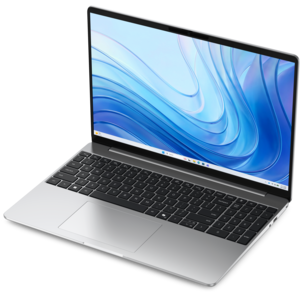
$699.99
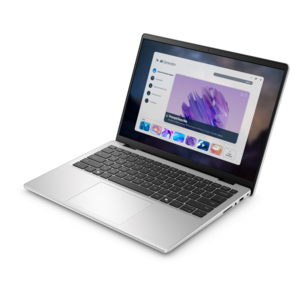
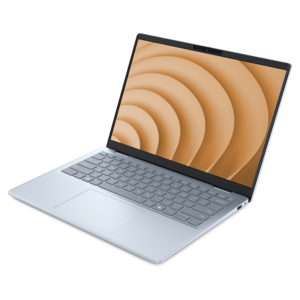
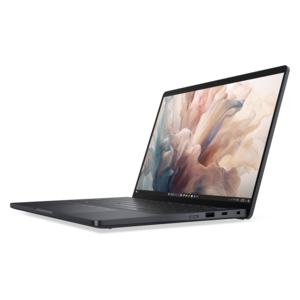
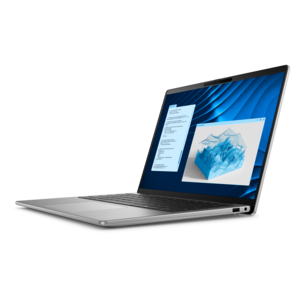
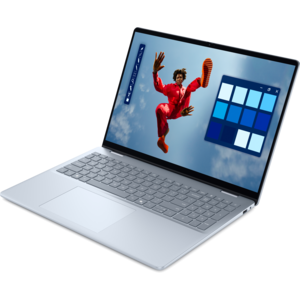
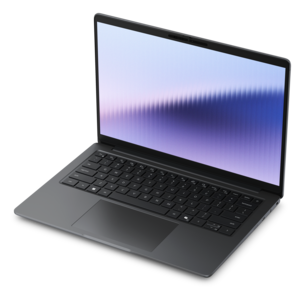
A thin, lightweight laptop crafted from eco-friendly materials with Series 3 Intel Core processors for productivity.
Explore laptops for web designers with your workflow in mind, from creating layouts and editing graphics to testing websites across browsers. Compare processor and RAM specifications against your design software’s requirements, then weigh screen resolution, display size, and portability to find a laptop that fits how and where you work.
A thin, lightweight laptop crafted from eco-friendly materials with Series 3 Intel Core processors for productivity.
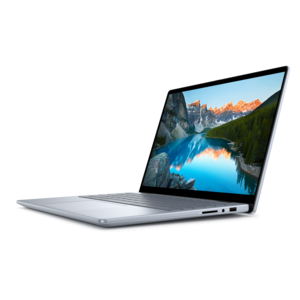
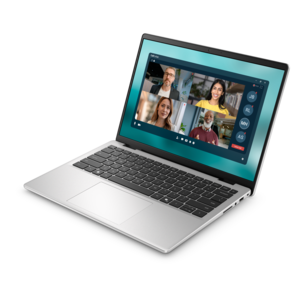
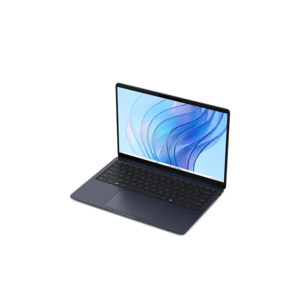
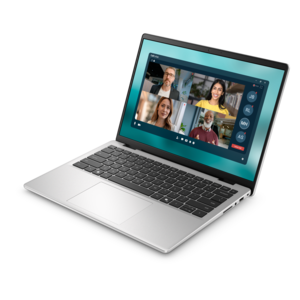
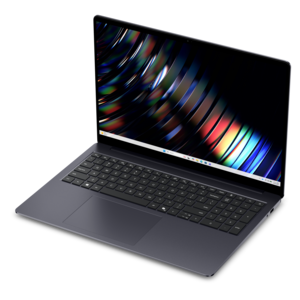
A portable laptop with a sleek design, 16:10 display, and AI PC options for productivity anywhere.
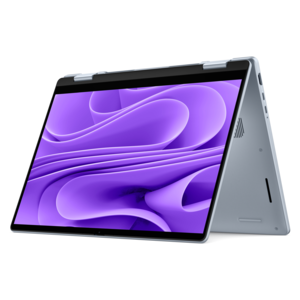
A versatile 2-in-1 laptop with Intel Core processors, DDR5 memory, and multiple modes for creative work.
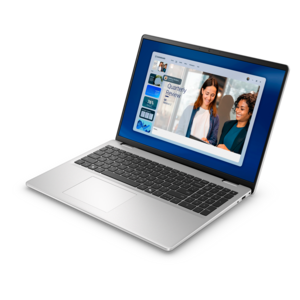
A laptop featuring an FHD camera, enlarged ergonomic keyboard, and AMD Ryzen™ processing.
A versatile 2-in-1 laptop with AI experiences, all-day battery life, and seamless multitasking.
A lightweight AI-powered laptop designed for creative professionals and small businesses.
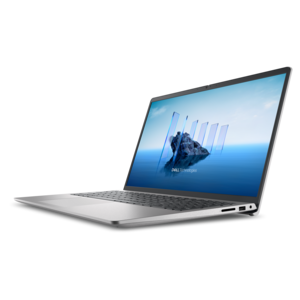
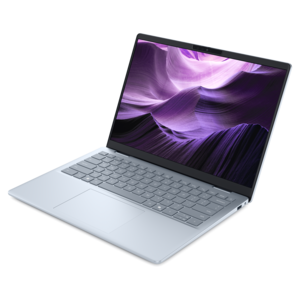
A slim, lightweight laptop with Intel® Core™ processors and graphics for productive work anywhere.
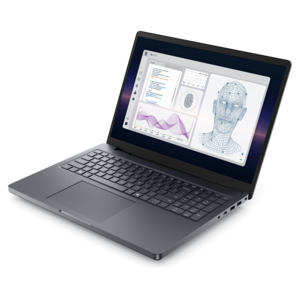
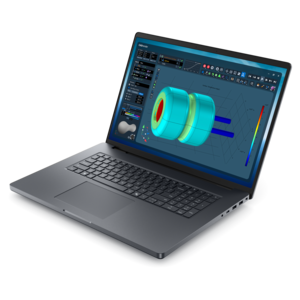
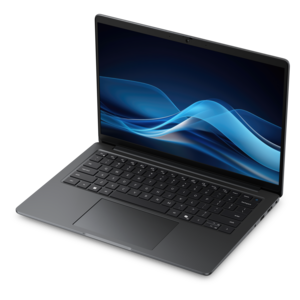
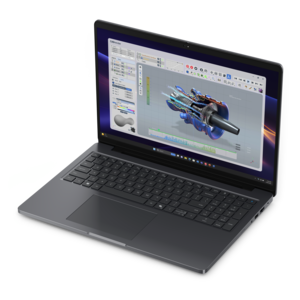
A powerful professional laptop delivering productivity, scalability, ease of use, and advanced on-device AI.
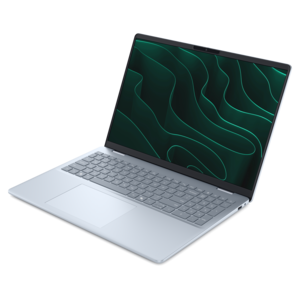
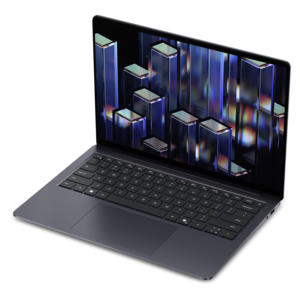
A stylish laptop with built-in AI and a spacious display for creators and developers.
A lightweight AI PC delivering outstanding performance and battery life for highly mobile professionals.
A thin, lightweight laptop made with eco-friendly materials and Series 3 Intel Core processors for productivity.
A remarkably thin, lightweight laptop designed for ultimate mobility and effortless everyday productivity.
A remarkably thin laptop powered by AMD Ryzen AI PRO 400 Series processors for professional performance.
A powerful productivity laptop with scalable performance and advanced on-device AI capabilities.
A professional laptop delivering powerful on-device AI, impressive unplugged performance, and groundbreaking battery life.
A modern laptop with AMD Ryzen™ processors delivers effortless productivity and captivating entertainment.
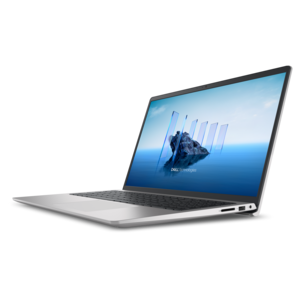
A sleek, portable laptop with an expansive 16:10 display for reliable productivity anywhere.
An AI-powered laptop with a spacious display and Intel Arc graphics for creators and developers.
A sleek laptop powered by the latest AMD Ryzen™ AI 400 Series processors for demanding users.
A productivity-focused Copilot+ PC powered by a capable AMD CPU, GPU and NPU combination.
A lightweight AI-powered laptop with Intel Arc graphics, ideal for creative professionals and small businesses.
A remarkably thin laptop delivering portable performance with Series 3 Intel Core Ultra processors.
A modern workstation-class laptop delivering cost-effective performance for professional productivity.
A sleek laptop with a stylish design, delivering powerful performance for modern multitasking.
Laptops for web designers bring together a color-accurate display, responsive everyday performance, and enough memory to keep creative applications and browser tabs working comfortably side by side. A capable multicore processor, at least 16GB of RAM, and a solid-state drive provide a practical foundation for layouts, image editing, interactive prototypes, and routine front-end work. The display deserves particular attention because it is where small decisions about typography, spacing, photography, and contrast take shape. Coverage close to 100% of the sRGB color space is useful for web-focused projects, while reliable color accuracy helps keep a neutral background from appearing warmer or cooler than intended. High resolution and accurate color are separate qualities: extra pixels can make text and interface details look sharper, but resolution alone does not guarantee faithful color. Display calibration can improve consistency, although finished work still needs checking across different screens and viewing conditions. Screen size also changes the working experience. A compact 13- or 14-inch laptop fits easily into a daily commute, while a 15- or 16-inch screen can give a design canvas, layers panel, and reference window more breathing room. Actual workspace depends on resolution and scaling settings as well as physical dimensions. A taller screen can show more of a webpage before scrolling, which is helpful when comparing navigation, content blocks, and calls to action within the same layout. Matte finishes can reduce distracting reflections near a window, while glossy screens may appear more reflective under overhead lighting. Comfortable brightness, readable text, and stable viewing angles matter during long sessions reviewing subtle borders or adjusting a type scale. For designers who move between a studio desk and client meetings, a laptop that works well with an external monitor offers flexibility without making the built-in screen an afterthought. Touch input and pen support can also suit early sketches or annotated feedback, provided those features match the applications and habits involved.
Web design workloads vary considerably, even when the finished result is a relatively simple website. A typical afternoon might involve a large interface file, several reference pages, a video call, an image editor, and a browser preview running at once. Memory helps keep that mix responsive: 16GB is a useful starting point for many workflows, while 32GB can provide more headroom for complex design files, extensive multitasking, and development tools running alongside creative software. Processor performance affects tasks such as exporting assets, applying image adjustments, and building a local project, but sustained performance also depends on cooling and power settings. A slim laptop may behave differently during a lengthy export than during a quick layout change, so chassis design and fan noise have a place in the overall experience. Integrated graphics can support many two-dimensional design and interface tasks; a dedicated graphics processor becomes more relevant when projects regularly include demanding three-dimensional content, motion graphics, or GPU-accelerated effects. Fast SSD performance helps with opening applications and accessing project files. Capacity matters separately, with room needed for source images, fonts, prototypes, exported assets, and archived revisions. A 512GB SSD can suit lighter local file collections, while 1TB provides more space for larger libraries and multiple active projects. Backup copies remain important regardless of drive capacity. Projects that extend from visual design into coding share many requirements with Laptops for Web Development, particularly when a code editor, local preview environment, and several browsers need to run together. Compatibility with required applications, plug-ins, font tools, and testing environments is just as important as headline specifications. Browser preview tools can reveal layout changes at different viewport widths, but they do not fully replace testing on actual phones, tablets, and other computers. Reliable connections to external displays and peripherals also support a more complete workspace, whether that means reviewing a homepage on a larger screen or using a separate keyboard for extended coding sessions.
The best fit for daily work also depends on how a laptop feels after several hours and how easily it travels between locations. Independent designers may carry a computer from a home office to a shared workspace, while students might move between classes, project meetings, and evening portfolio work. Weight, overall dimensions, and charger size all contribute to that routine. Battery life varies with screen brightness, application load, video calls, and power settings, so light browsing results may not reflect a full day of design work. Convenient charging can make short breaks more useful, but charging through a particular port depends on the laptop’s supported features and the adapter being used. Keyboard comfort matters for writing page copy, entering shortcuts, and editing code; a clear layout and comfortable key response can be more valuable than decorative features. A precise touchpad helps with navigation, although a separate mouse or pen may feel more natural for detailed adjustments. Materials and construction influence portability and durability without telling the whole story on their own. Aluminum, magnesium alloy, and engineered plastics can all serve different design goals, while hinge stability, chassis rigidity, and a protective carrying sleeve help support everyday handling. At a desk, an elevated display with an external keyboard and mouse can make longer sessions more comfortable. Clear ventilation space helps the cooling system work as intended, particularly during exports or other sustained tasks. Routine care includes removing dust with a soft cloth, keeping liquids away from the keyboard, and following the manufacturer’s cleaning directions for the display and finish. Software updates, organized project folders, and regular backups help protect the work itself. For design students, freelance creatives, and in-house teams alike, a suitable laptop supports the full rhythm of a project: gathering references, shaping a responsive layout, presenting revisions, and refining the details that make a website feel coherent. Balanced performance, dependable screen quality, and comfortable everyday handling keep the focus on that work rather than on the equipment.
Add the products you would like to compare, and quickly determine which is best for your needs.