$599.99
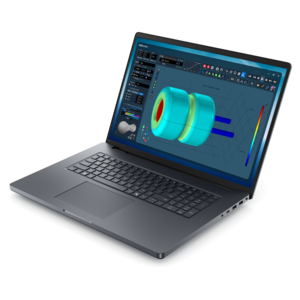
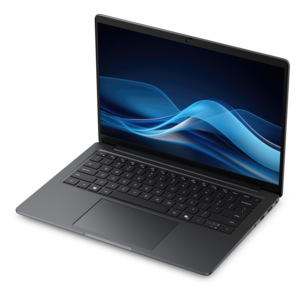
A laptop featuring Intel® 13th Gen processors, a built-in FHD camera, and an enlarged ergonomic keyboard.
Find laptops for web development that fit how and where you code. Compare processor performance and RAM for running code editors, testing in browsers, and using local development tools, then consider screen size, keyboard layout, and portability to choose a laptop for your everyday workflow.
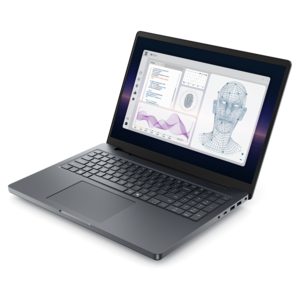
A laptop featuring Intel® 13th Gen processors, a built-in FHD camera, and an enlarged ergonomic keyboard.
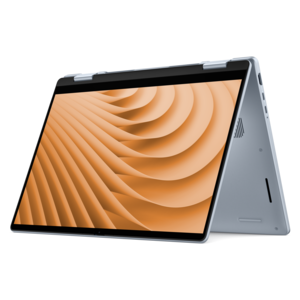
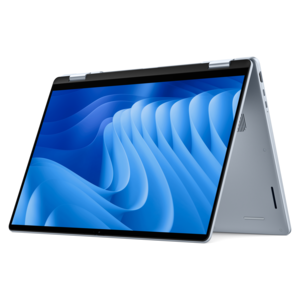
A versatile 2-in-1 laptop with AI experiences, all-day battery life, and seamless multitasking.
A sleek, lightweight laptop with Intel Core Ultra processors, NVIDIA graphics, and advanced on-device AI.
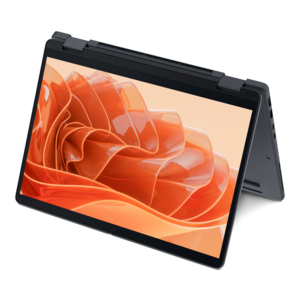
A versatile 2-in-1 laptop with Intel Core processors, DDR5 memory, and multiple modes for creative work.
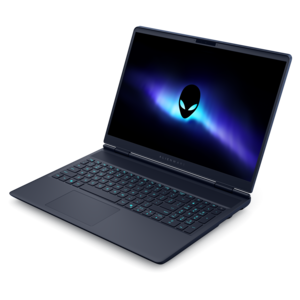
A stylish laptop with built-in AI and a spacious display for creators and developers.
A thin, high-performance creator laptop delivering exceptional battery life for demanding creative work.
A thin, lightweight laptop crafted from eco-friendly materials with Series 3 Intel Core processors for productivity.
A portable laptop with a sleek design, 16:10 display, and AI PC options for productivity anywhere.
A durable, serviceable Chromebook designed specifically for education environments.
A sleek laptop delivering smooth AI experiences and accelerated creative workflows for demanding high-performance users.
A remarkably thin laptop delivering portable performance with Series 3 Intel Core Ultra processors.
A laptop featuring an FHD camera, enlarged ergonomic keyboard, and AMD Ryzen™ processing.
A lightweight AI PC delivering outstanding performance and battery life for highly mobile professionals.
A slim, lightweight laptop with Intel® Core™ processors and graphics for productive work anywhere.
A thin 2-in-1 laptop powered by AMD Ryzen AI PRO 400 Series processors for versatile performance.
A powerful productivity laptop with scalable performance and advanced on-device AI capabilities.
A remarkably thin laptop powered by AMD Ryzen AI PRO 400 Series processors for professional performance.
A versatile 2-in-1 laptop designed for AI experiences and seamless multitasking on the go.
A remarkably thin 2-in-1 laptop powered by AMD Ryzen AI PRO 400 Series processors for performance.
A durable, serviceable Chromebook designed specifically for education environments.
A powerful professional laptop delivering productivity, scalability, ease of use, and advanced on-device AI.
A versatile 2-in-1 laptop with built-in AI and a spacious display for creative work.
A productivity-focused Copilot+ PC powered by a capable AMD CPU, GPU and NPU combination.
A durable, modular productivity laptop featuring robust security, a 16:10 display, numeric keypad and AI options.
Laptops for web development should deliver responsive performance for writing code, testing websites, and keeping essential tools running side by side. A modern multicore processor helps you move smoothly between a code editor, browser tabs, design references, and local development tools, while sufficient memory supports a more demanding workflow. For many developers, 16GB of RAM is a practical starting point; 32GB can provide additional headroom for larger projects, virtual machines, or multiple development environments. The best laptop for web development depends on the work you do, whether that means building responsive layouts with HTML and CSS, creating interactive experiences with JavaScript, or compiling complex applications. Integrated graphics are generally sufficient for everyday coding and browser-based testing, while projects involving intensive 3D graphics or GPU-accelerated tasks may benefit from dedicated graphics. Prioritize a configuration that matches your current development tools and leaves room for your workflow to grow, rather than choosing a laptop based on a single specification. A comfortable display, dependable keyboard, and practical connectivity are just as important as processing power in a web development laptop. A higher-resolution screen can make code and interface details easier to read, while a taller display aspect ratio provides more vertical space for reviewing files and documentation. Larger laptop screens offer more room for multitasking, whereas smaller designs can be easier to carry between a home office, shared workspace, and meetings. If you regularly compare layouts across multiple windows, check whether your chosen laptop supports the external monitors and connections you plan to use. Battery life, laptop weight, and charging options also deserve attention, especially if you frequently code away from a desk; actual battery runtime varies with configuration and workload. Before choosing a laptop for programming and web development, confirm compatibility with your preferred operating system, code editor, frameworks, and testing tools. A well-matched combination of performance, screen space, and portability can help make everyday development more comfortable, from your first prototype to your final browser checks.
Add the products you would like to compare, and quickly determine which is best for your needs.