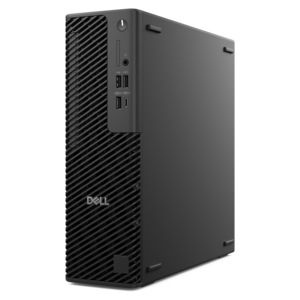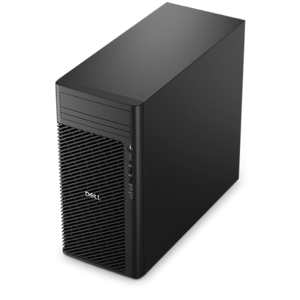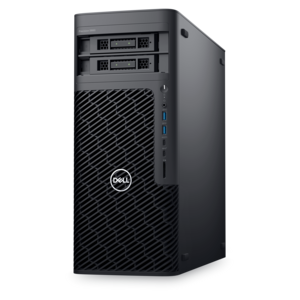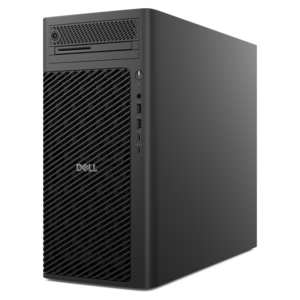
$1879.99
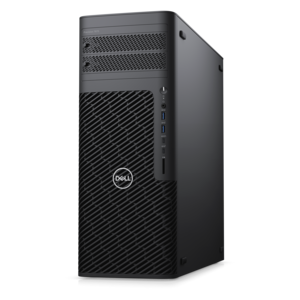
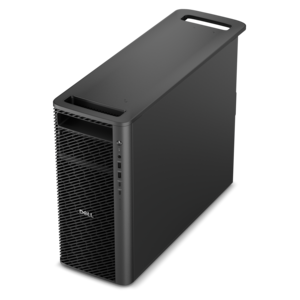
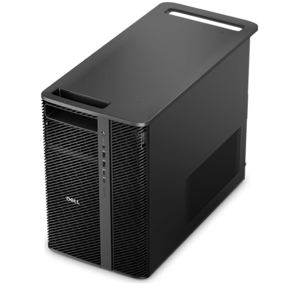
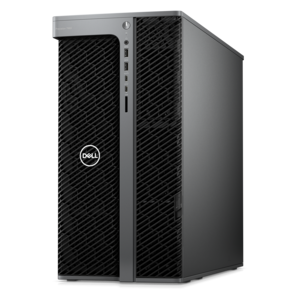
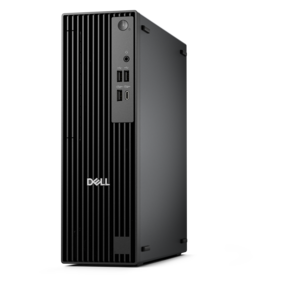
A powerful desktop featuring advanced graphics and expansive upgradeability for creative workflows, gaming, and demanding performance.
Shop desktops for designers with your creative workflow in mind, from graphic design and photo editing to 3D modeling. Compare processor, RAM, and graphics specifications against your design software’s requirements, and consider monitor connections and workspace fit to find a desktop PC that suits how you work.
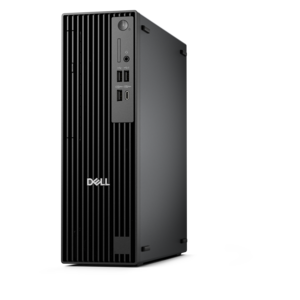
A powerful desktop featuring advanced graphics and expansive upgradeability for creative workflows, gaming, and demanding performance.
A scalable tower workstation delivering reliable, outstanding performance for demanding multi-threaded applications.
A high-performance AI-ready business desktop with security, seamless manageability, and expandable capabilities for demanding tasks.
A space-saving desktop engineered for exceptional speed and efficiency in a sleek, compact design.
A compact desktop designed for everyday productivity and creative tasks.
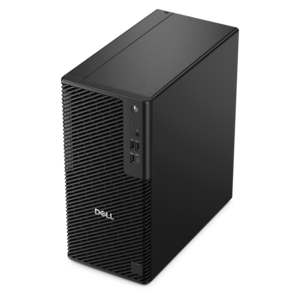
A business-ready tower desktop with AI-enhanced productivity, robust security, seamless manageability, and expandable performance.
A slim desktop delivering exceptionally fast CPU and GPU performance for demanding professional workloads.
A high-performance desktop combining Intel Xeon 6 processors and advanced graphics for demanding professional workloads.
A workstation with Xeon processing, dual 300W graphics, 56TB storage, 2TB memory, and Windows 11 Pro.
A scalable desktop delivering the world’s fastest single-threaded performance for demanding professional workloads.
A scalable professional desktop delivering elite computing power with massive expandability.
A business-ready tower desktop with Copilot+ PC options, robust security, manageable features, and expandable performance.
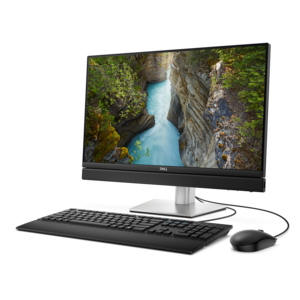
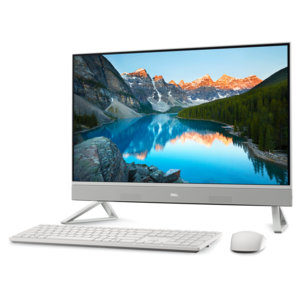
An AI-ready all-in-one desktop with an optional 5MP IR camera and streamlined security and manageability features.
A scalable, high-performance workstation designed to handle critical professional tasks and evolving workloads.
A scalable tower workstation with professional graphics and up to a 56-core Intel Xeon processor.
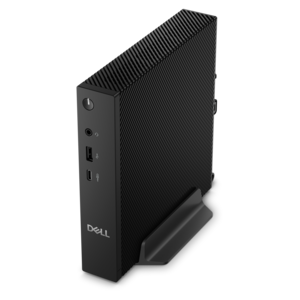
A compact, high-performance desktop with AI PC options, robust security, and streamlined manageability for demanding workloads.
A space-saving all-in-one desktop with AI options, enhanced productivity, robust security, and simplified manageability.
A space-saving all-in-one desktop designed for productive work and immersive entertainment.
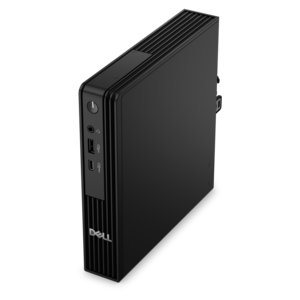
A compact, high-performance AI-ready desktop delivering secure, manageable performance for demanding business workloads.
A space-saving, business-ready desktop delivering reliable everyday performance with essential security features.
A compact desktop designed for everyday productivity and creative tasks.
A high-performance business desktop with Copilot+ PC options, AI-enhanced productivity, robust security, and manageability.
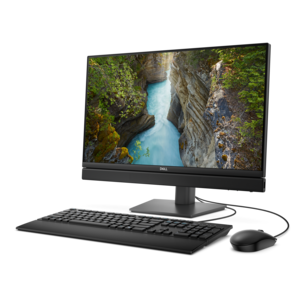
A space-saving 24-inch AI-ready all-in-one desktop with 65W performance, security, and manageability features.
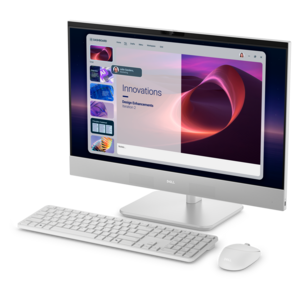
A sleek all-in-one desktop with a spacious display.
Desktops for designers bring processing power, graphics capability, and room for a comfortable workspace to projects that demand more than everyday computing. For graphic designers, illustrators, photographers, and digital artists, a well-matched desktop can make the difference between fluid editing and repeated pauses while files open, effects render, or previews refresh. The most useful configuration depends on the work: a page layout filled with linked photographs places different demands on a computer than a detailed architectural visualization or an animated product concept. Strong processor performance supports responsive tools and everyday editing, while additional processing cores can help with rendering, exporting, and other tasks designed to use them. Dedicated graphics can be especially valuable for 3D modeling, complex visual effects, and applications with graphics acceleration, though lighter illustration and layout work may run comfortably with integrated graphics. Memory matters when several creative applications remain open together. A designer moving between a layered image, a vector illustration, and a browser full of reference material benefits from enough memory to keep that workspace responsive. Around 16GB can suit lighter projects, while 32GB provides more breathing room for substantial multitasking and larger files; demanding 3D scenes, high-resolution compositions, or extensive video work may justify 64GB or more. These are useful starting points rather than guarantees, since application requirements, document complexity, and background tasks all affect performance. A solid-state drive helps applications launch and project files open quickly, and sufficient capacity leaves room for working files, reference images, fonts, and finished exports. Keeping adequate free space also accommodates temporary files created during editing. For a freelance illustrator preparing print-ready artwork, a student building a portfolio, or an in-house designer revising a presentation under a deadline, the right balance of these components supports the whole working day rather than just one demanding task. Hardware requirements published by the intended creative applications remain an important point of comparison, particularly when specialized features depend on compatible graphics hardware or a particular operating system.
A desktop design workspace is also a visual environment, and the display deserves as much attention as the computer behind it. Fine typography, subtle gradients, fabric textures, and delicate retouching are easier to evaluate when the screen provides sufficient resolution, consistent color, and comfortable viewing angles. A larger screen can leave room for an artboard, tool panels, and reference images without constant rearranging, while two displays can separate the working document from feedback, source material, or a preview. A 27-inch display with 4K resolution offers substantial detail, although interface scaling and viewing distance influence how comfortable text and controls feel. Resolution alone does not establish color accuracy. Color gamut coverage, calibration capability, brightness consistency, and the application’s color-management settings all contribute to a dependable view of the work. Designers creating primarily for websites and digital interfaces often prioritize accurate sRGB reproduction, while photographers and print-focused creatives may benefit from wider-gamut displays when their applications and output process support them. A wide color gamut is not automatically an accurate one, and screen appearance cannot guarantee an exact match to printed output. Paper, ink, lighting, and production settings still influence the finished piece. A matte screen surface can reduce distracting reflections in a bright studio, while adjustable height and tilt help position the image comfortably during extended sessions. Connections are another practical part of the setup. The desktop needs suitable display outputs for the intended resolution and refresh rate, along with enough compatible ports for a drawing tablet, keyboard, pointing device, and other creative tools. Connector shape alone does not establish a port’s capabilities; supported video modes, data speeds, and power functions can vary. Accessible front or side connections are convenient when a tablet or camera is connected frequently. With these details aligned, a designer can keep a reference photograph beside an illustration, inspect small spacing adjustments, and move between tasks without repeatedly rearranging the workspace.
Physical design shapes how a desktop fits into a studio, home office, classroom, or shared creative room. A tower typically offers more internal space for cooling and may provide greater flexibility for future component changes, depending on its construction. A compact desktop preserves desk space and can suit a tidy illustration corner, though its smaller enclosure may limit expansion. An all-in-one combines the computer and display in a single unit, reducing the number of separate pieces on the desk, but ties future display and computer changes more closely together. Metal and durable plastic enclosures are common, with long-term condition depending on construction, handling, and the working environment rather than material alone. Clear ventilation paths matter during sustained workloads: an enclosure squeezed into a closed cabinet may struggle to release heat effectively. Fan noise can also become noticeable during rendering or other intensive work, making acoustic behavior relevant in a quiet room used for concentration or recording. Routine care is straightforward but worthwhile. Keeping vents unobstructed, removing accumulated dust according to the manufacturer’s directions, and cleaning exterior surfaces with suitable materials help maintain the workspace without risking damage. Liquids should stay away from openings, and screen coatings require cleaning methods appropriate to that display. For designers expecting their projects to grow more demanding, documented support for memory upgrades, compatible graphics options, and accessible internal components can extend a desktop’s usefulness, although upgrade paths vary considerably. Reliable backup habits remain essential because a powerful computer does not protect unfinished work from accidental deletion or hardware failure. These practical considerations make desktops relevant to professionals handling daily client revisions, educators preparing visual materials, hobbyists developing digital art skills, and graduates establishing a dedicated workspace. As a gift for an aspiring designer, compatibility with their preferred applications and room setup matters more than an impressive specification in isolation. For a broader look at creative computing options, explore Best Computers For Designers. A desktop that fits the actual work, physical space, and expected project demands can remain a dependable part of the creative process as techniques and ambitions develop.
Add the products you would like to compare, and quickly determine which is best for your needs.