$639.99
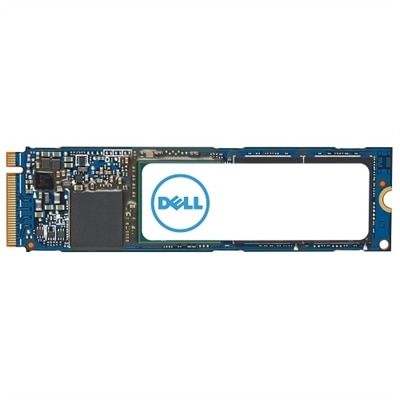
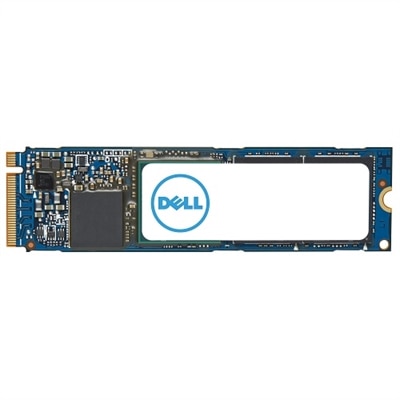
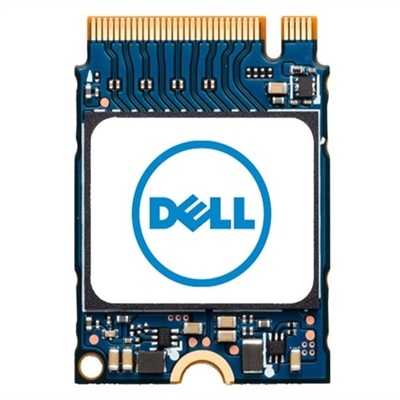
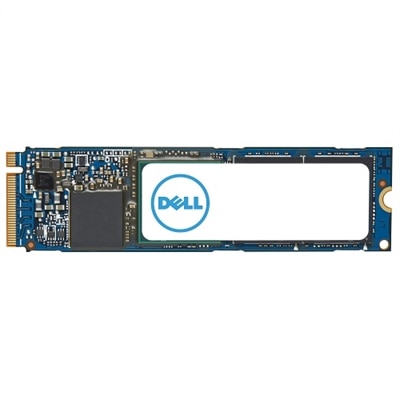
An M.2 PCIe NVME Gen 4x4 SSD offering 1TB storage and enhanced data transfer speeds.
Father’s Day Upgrades: RAM and SSD Performance Boosts is the perfect opportunity to help Dad get more out of his favorite devices. Whether he enjoys gaming, streaming, or tackling big projects, upgrading RAM and SSD can make a noticeable difference in speed and efficiency. Explore options designed to enhance performance and give his laptop or desktop the boost it deserves. Make this Father’s Day memorable with thoughtful upgrades that support everything he loves to do.
An M.2 PCIe NVME Gen 4x4 SSD offering 1TB storage and enhanced data transfer speeds.
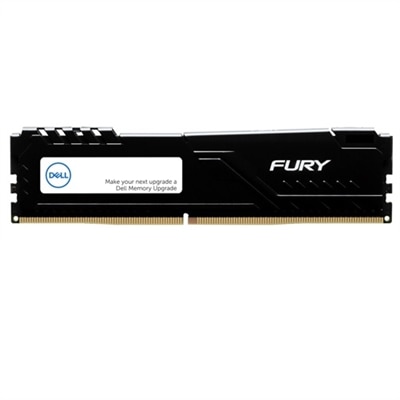
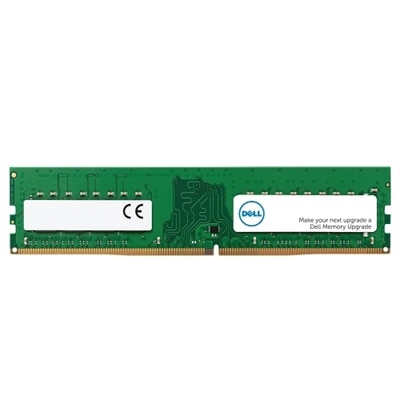
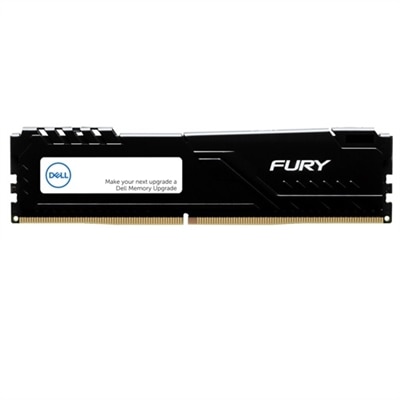
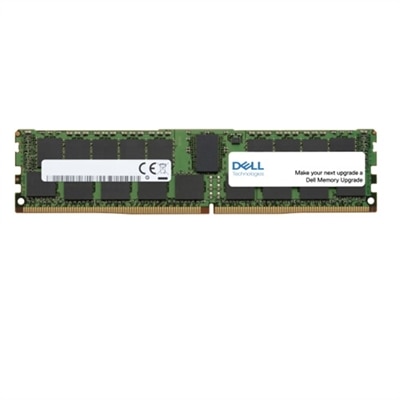
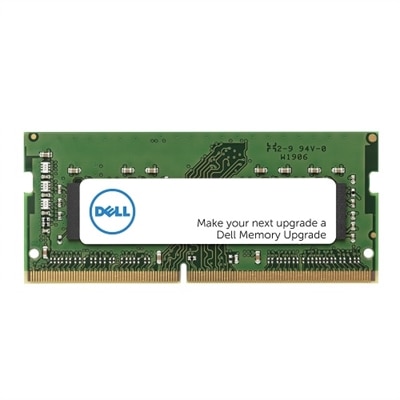
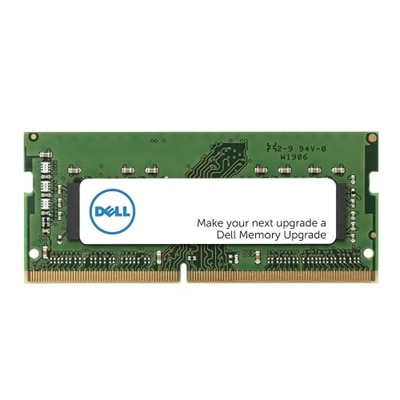
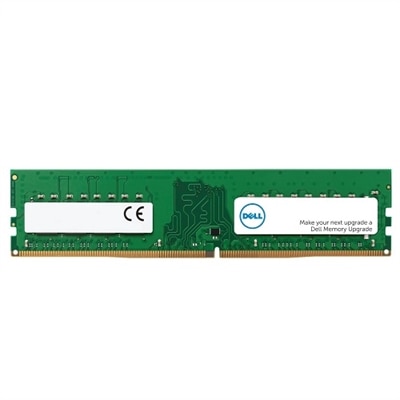
A 16 GB DDR5 UDIMM with 5600 MT/s speed, ideal for enhancing gaming desktop performance.
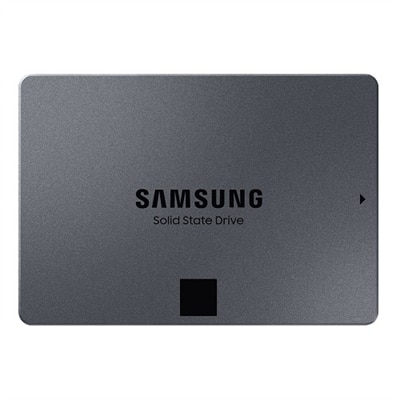
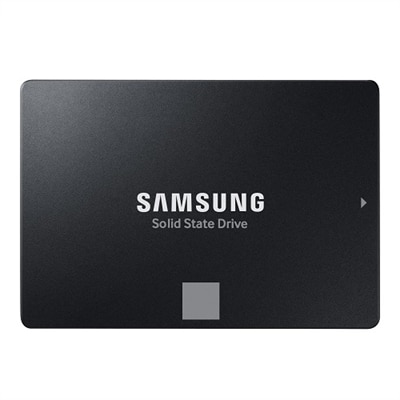
An 8TB SSD offering 560 MB/s read and 530 MB/s write speeds for enhanced PC performance.
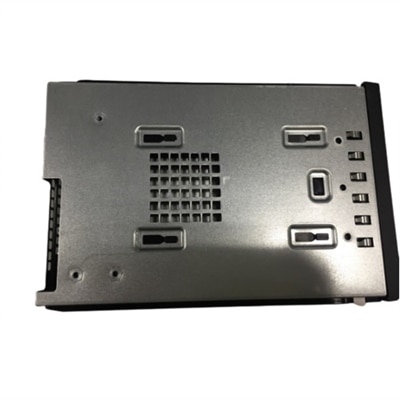
A reliable M.2 SSD module with bracket, designed for seamless integration in Precision Tower systems.
A high-capacity 2TB solid state drive offering enhanced data transfer speeds in a compact M.2 2280 form.
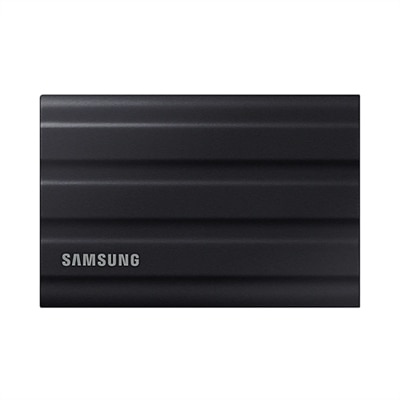
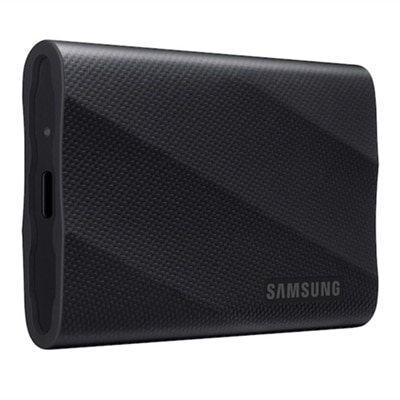
A rugged black 1TB SSD with IP65 rating, offering fast USB 3.2 Gen 2 speeds and durability.
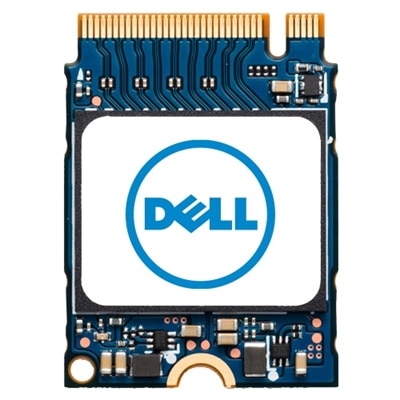
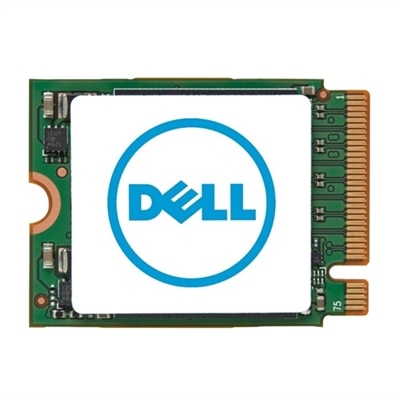
A compact M.2 2230 SSD offering 512GB storage for enhanced data capacity and performance.
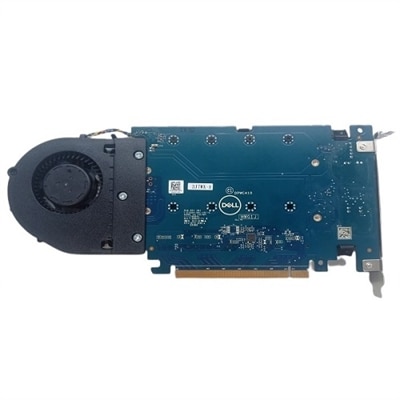
A versatile PCIe card enabling up to four M.2 NVMe SSDs for enhanced storage configuration.
A 4TB SSD offering 560/530 MB/s speeds, ideal for creators and IT professionals with SATA compatibility.
A high-capacity 2TB M.2 2230 SSD offering fast PCIe NVMe Gen 4x4 performance for data storage needs.
An 8 GB DDR5 UDIMM with 5600 MT/s speed, ensuring enhanced performance and compatibility for Dell systems.
A high-speed 512GB solid state drive offering enhanced data transfer with M.2 2280 form factor.
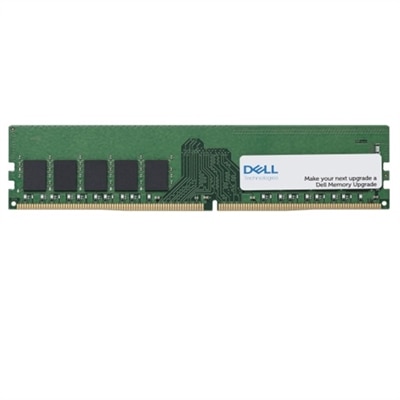
A 16 GB DDR4 UDIMM memory upgrade with 3200 MT/s speed, featuring ECC for enhanced reliability.
A 32 GB dual rank DDR5 UDIMM with 5600 MT/s speed, designed for gaming desktops.
A rugged 4TB portable SSD in black with PCIe NVMe and 2,000 MB/s transfer speeds.
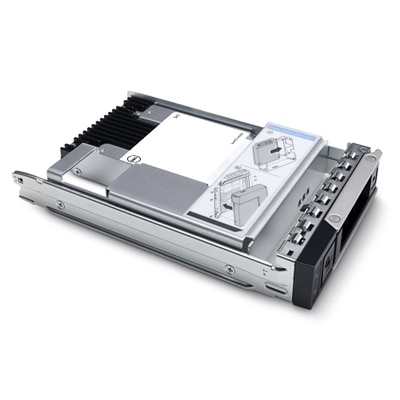
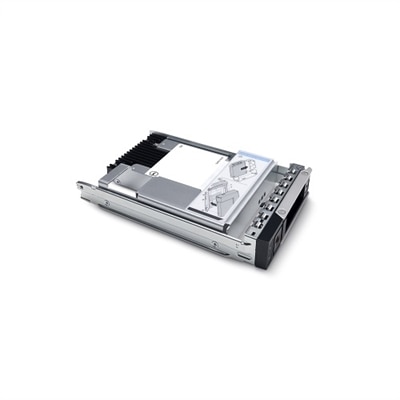
A 3.84TB SSD offering up to 24Gbps speed, ideal for read-intensive tasks with hybrid carrier.
A 64 GB DDR5 RDIMM offering 5600 MT/s speed, enhancing performance with rigorous quality assurance.
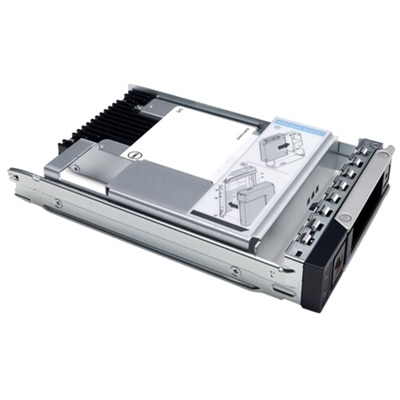
A 1.6TB SSD offering up to 24Gbps speed for efficient data storage and transfer.
A 16 GB dual rank DDR4 UDIMM memory upgrade with ECC for enhanced computer performance and reliability.
A high-speed 1TB NVME SSD offering enhanced data transfer and storage capacity in M.2 2280 form factor.
A 1.92TB SSD with 12Gbps speed and FIPS-140 encryption, featuring a 2.5in hybrid carrier.
A versatile PCIe card enabling dual NVMe SSD configuration for enhanced storage on Precision workstations.
A compact 512GB self-encrypting SSD offering enhanced storage with M.2 PCIe NVMe Gen 4x4 technology.
A 1.6TB SSD offering 12Gbps speed and 2.5-inch form factor for efficient data storage.
Whether you’re looking to surprise a loved one or treat yourself to a meaningful upgrade, enhancing a computer’s RAM or SSD can make a world of difference in everyday performance. These upgrades are especially thoughtful gifts for Father’s Day, offering practical benefits that last well beyond the holiday. RAM, or Random Access Memory, is the heart of multitasking—adding more RAM means smoother transitions between browser tabs, faster response times when editing photos, and the ability to run demanding programs without slowdown. For dads who enjoy gaming, manage large spreadsheets, or simply want to keep up with the latest software, a memory boost can eliminate frustrating stutters and keep everything running seamlessly. Whether it’s a desktop in a home office or a trusted laptop on the go, upgrading RAM is a straightforward way to breathe new life into a machine that’s starting to feel sluggish.
Equally transformative, a Solid State Drive (SSD) upgrade takes storage speed and reliability to the next level. SSDs replace older mechanical drives, slashing boot-up and loading times so files, games, and applications launch in a flash. This is particularly valuable for anyone who juggles work and play, from organizing family photos to managing digital projects or enjoying the latest entertainment. As the seasons shift from warm summer days to the cooler months of fall, a faster, more responsive device means less time waiting and more time spent on what matters—whether that’s video chatting with family, diving into creative hobbies, or getting ahead on work tasks. SSDs are also renowned for their durability and energy efficiency, making them an ideal upgrade for laptops and desktops alike. When choosing RAM or SSDs, it’s important to consider compatibility with your system, desired capacity, and the types of tasks you want to streamline, ensuring the upgrade delivers the performance boost you or your gift recipient will appreciate every day.
Selecting the right performance upgrade can be a rewarding experience, especially when it’s tailored to the unique needs and interests of the person receiving it. For those exploring Father’s Day gifting ideas, a RAM or SSD upgrade is both thoughtful and practical—perfect for dads who value efficiency, enjoy technology, or want to get the most out of their devices. Whether you’re helping a family member extend the life of a cherished computer or empowering someone to tackle new projects with confidence, these upgrades are an investment in productivity and enjoyment that can be felt with every use. For even more inspiration, explore our curated guide to Top Father’s Day Gifts: High Performance Dell Laptops and discover how the right technology can make every day more rewarding.
Upgrading your computer’s RAM allows it to handle more applications and tasks simultaneously, resulting in smoother multitasking and faster response times during everyday use, gaming, and creative projects.
Switching to an SSD can dramatically reduce boot times, speed up file transfers, and enhance overall system responsiveness, making your computer feel faster and more efficient.
Many desktops and laptops are designed for easy upgrades. With basic tools and a little guidance, installing RAM or an SSD can be a straightforward process for most users.
Upgrading RAM does not affect your data or programs. When installing a new SSD, you may need to transfer your operating system and files, which can be done using data migration tools.
While upgrading either component can provide noticeable improvements, combining a RAM upgrade with an SSD can maximize your system’s speed and efficiency, especially for demanding applications.
Add the products you would like to compare, and quickly determine which is best for your needs.