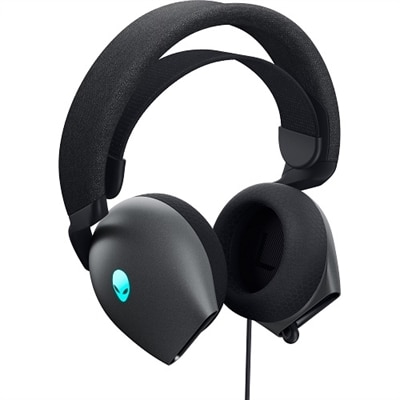
$79.99
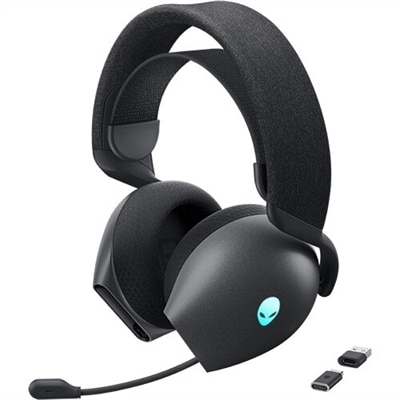
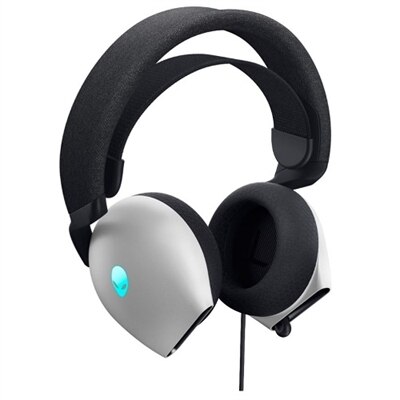
A comfortable gaming headset with Hi-Res drivers, Dolby Atmos, and customizable AlienFX RGB lighting.
Level up your play with gaming comfort accessories designed to enhance every session. Whether you're building a dedicated setup or looking to upgrade your current space, these essentials help create an environment where you can focus on performance and enjoy extended gaming marathons. Explore a variety of options tailored to support your comfort and keep you fully immersed in the action. Find the perfect gaming comfort accessories to transform your experience and make every moment count.
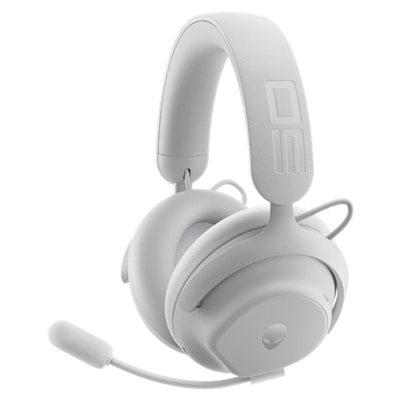
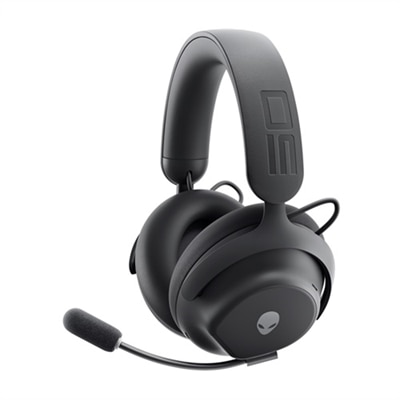
A comfortable gaming headset with Hi-Res drivers, Dolby Atmos, and customizable AlienFX RGB lighting.
A circumaural headset with Dolby Atmos, AlienFX lighting, and a retractable microphone for immersive gaming.
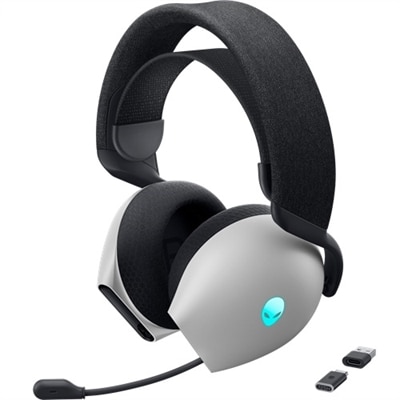
A circumaural wireless gaming headset with Dolby Atmos, AlienFX lighting, and a retractable microphone.
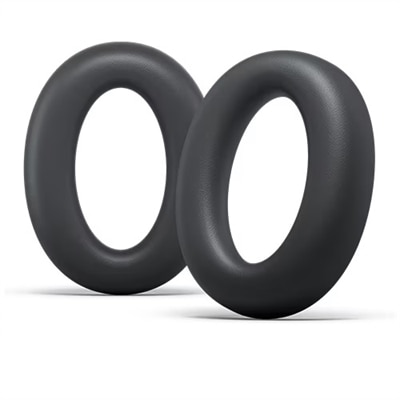
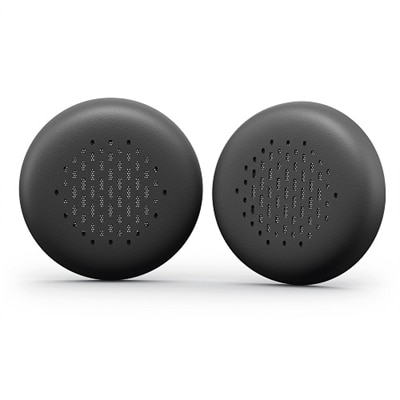
A pair of dark side of the moon leatherette memory foam cushions for enhanced gaming comfort.
A pair of lunar light leatherette memory foam cushions for enhanced comfort during extended gaming sessions.
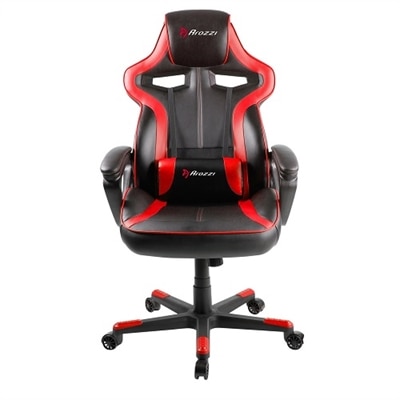
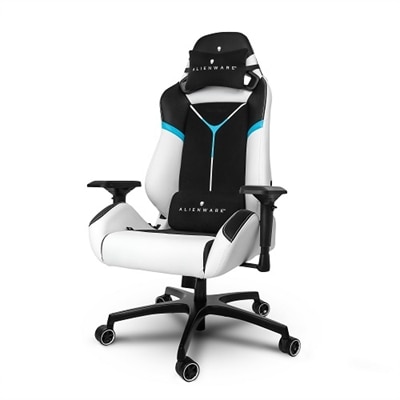
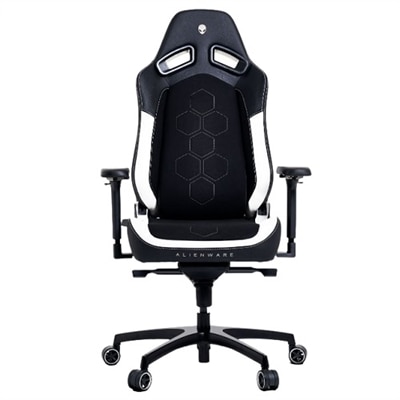
A red ergonomic gaming chair with adjustable lumbar support, 360° swivel, rocking function, and padded armrests.
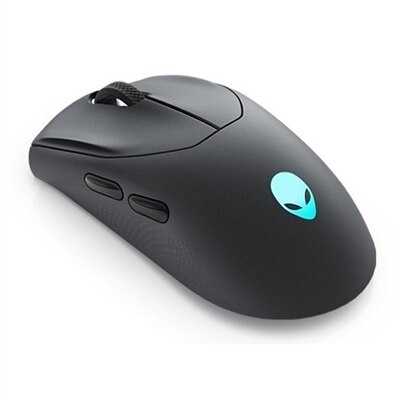
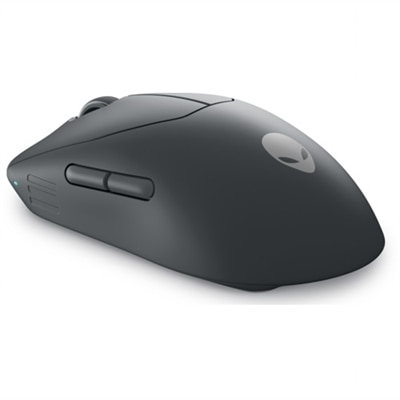
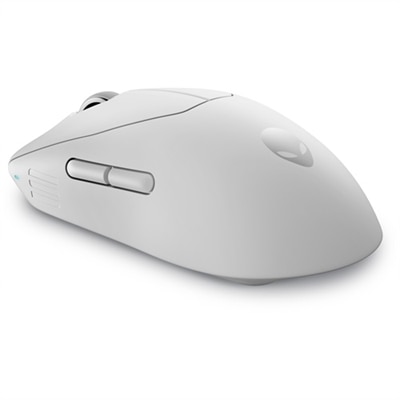
A competition-ready wireless gaming mouse with 26,000 DPI, ambidextrous design, and fast magnetic charging.
An ultra-lightweight gaming mouse with 6 programmable buttons and detachable nylon braided cord.
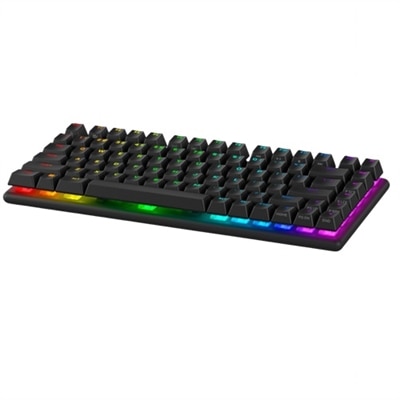
A wireless gaming keyboard with hot-swappable switches, PBT keycaps, and 16.8 million RGB lighting.
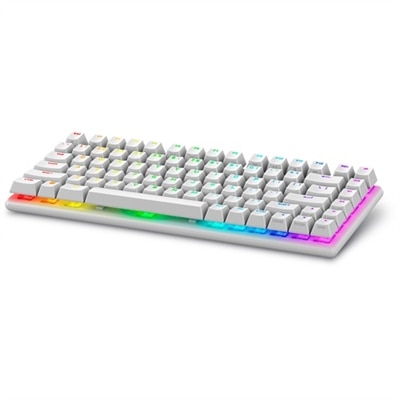
A wireless gaming keyboard with hot-swappable switches, PBT keycaps, and 16.8 million RGB lighting.
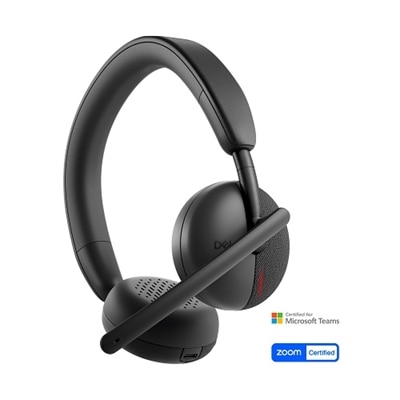
A wireless on-ear headset with AI-based noise cancellation for clear communication and all-day comfort.
A comfortable gaming headset with Hi-Res drivers, Dolby Atmos, and AlienFX 16.8 million RGB colors.
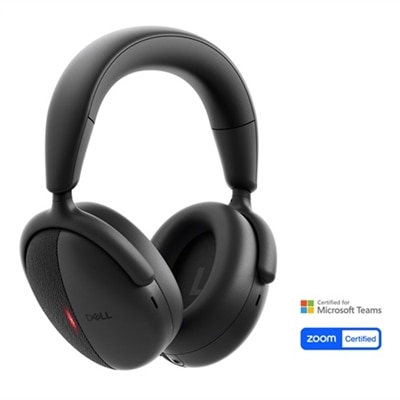
An intelligent over-ear wireless headset with dual-directional AI noise cancellation and Adaptive ANC.
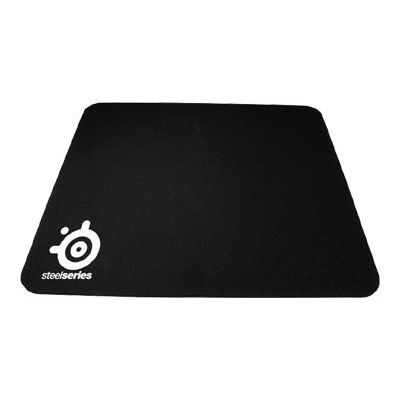
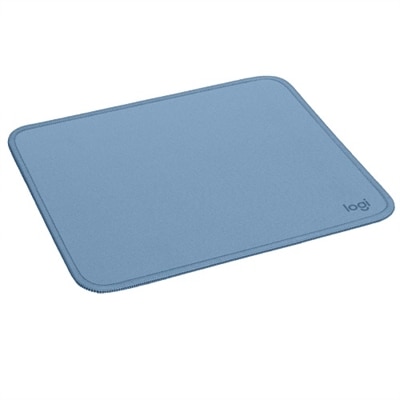
A slim mouse pad with a non-slip rubber base for precise and accurate control.
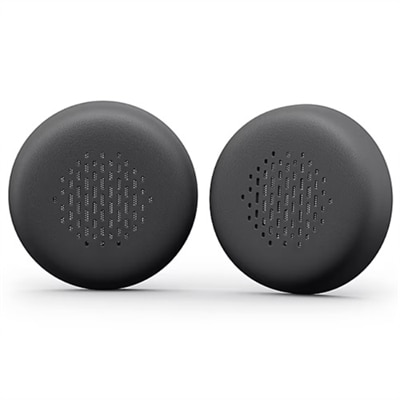
A pair of leatherette memory-foam ear cushions offering all-day comfort for your wireless headset.
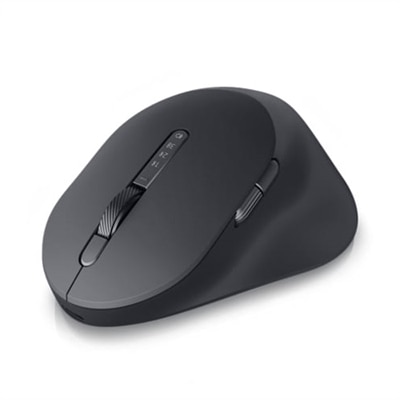
A premium mouse with sculpted curves, rechargeable battery, and track-on-glass sensor for ultimate comfort.
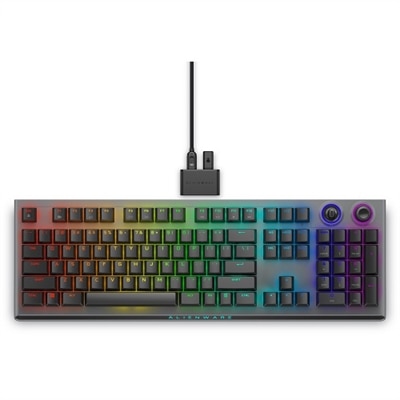
A wireless gaming keyboard with tri-mode connectivity, magnetic charging, and customizable controls for enhanced performance.
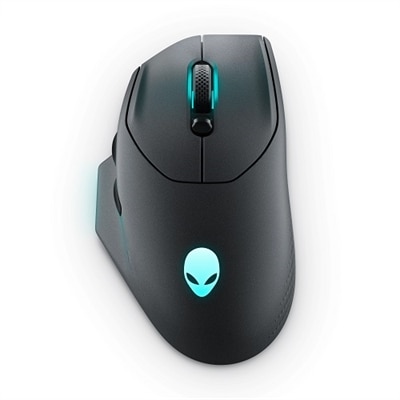
A wireless gaming mouse with 26,000 DPI, 7 programmable buttons, and 16.8 million AlienFX lighting.
An ultra-lightweight gaming mouse with 8KHz wired polling, 6 programmable buttons, and detachable nylon cord.
A pair of leatherette memory foam ear cushions offering all-day comfort for your wireless headset.
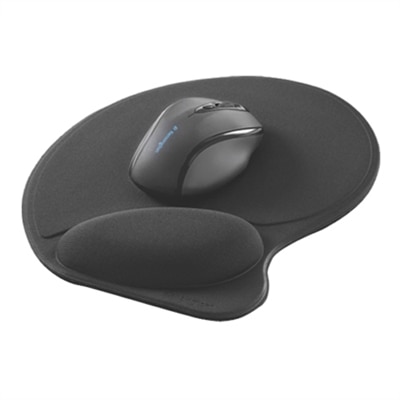
A black mouse pad with a super-soft wrist pillow and non-slip feet for all-day comfort.
A professional-grade wireless gaming headset with 50mm graphene-coated drivers and advanced noise cancellation.
A professional-grade wireless gaming headset with 50mm graphene-coated drivers and advanced noise cancellation.
A fresh pair of leatherette memory-foam ear cushions for all-day comfort on your headset.
Gaming comfort accessories help turn a basic play space into a setup designed for longer, more comfortable sessions. Whether someone plays on a laptop, desktop, console, or a combination of devices, small adjustments can make a noticeable difference in how the setup feels from the first match to the final level. Cooling ear pads can help limit heat buildup around the ears, while a lightweight suspended headband can distribute headset weight more evenly and reduce pressure in one concentrated spot. A wrist rest made with gel or memory foam can support a more neutral wrist position beside a keyboard or mouse, especially when a player spends hours managing menus, aiming, building, or entering commands. Ergonomic keypads with integrated palm support can bring frequently used controls closer to one hand and give the palm a stable place to rest. These accessories are useful for competitive players, casual gamers, streamers, and anyone who uses a gaming computer for schoolwork, creative projects, or everyday browsing. They can also make thoughtful gifts because comfort upgrades are easy to appreciate even when the recipient already has a favorite game or established setup. For shoppers comparing options, look for soft but supportive materials, breathable surfaces, durable stitching, and dimensions that match the user’s desk, chair, keyboard, mouse, or headset. A wrist rest should not force the hands upward, and a cushion should support the lower back without pushing the body too far forward. Headset accessories should fit the existing headset securely and leave enough room for glasses if the player wears them. People who move between rooms or travel with a gaming laptop may prefer compact accessories that pack easily, while a dedicated desk setup can accommodate larger supports and adjustable components. For additional ideas that pair well with comfort-focused upgrades, explore Laptop Gaming Accessories.
Good gaming ergonomics also depend on how screens, seating, and the surrounding space work together. An adjustable monitor arm can raise a display closer to eye level, encourage a more natural neck position, and open valuable room on a crowded desk for a keyboard, mouse, speakers, or a notebook. When choosing one, check display size and weight compatibility, mounting requirements, range of motion, and whether the arm allows the screen to tilt, swivel, or rotate. A lumbar pillow or memory-foam back cushion can add support to a standard chair and serve as a practical option for players who are not ready to replace their seating. A footrest beneath the desk can give the legs a comfortable place to rest, and a rocking design can allow gentle movement during loading screens or long stretches of play. For couch or console gaming, consider accessories that support relaxed posture without blocking access to controllers, charging cables, or nearby devices. A comfortable headset fit, a clear line of sight to the screen, and enough space to change position all matter just as much as the appearance of the setup. Comfort accessories are especially helpful during the cooler months, when players may settle in for longer indoor sessions, or as the weather warms, when breathable materials and cooling features can make a desk feel less confining. They are also useful for shared spaces: a portable cushion, adjustable support, or easy-to-store footrest can adapt to different users without requiring a permanent room makeover. The best choices address a specific point of contact or source of fatigue rather than adding unnecessary clutter. Start with the area that feels least supported, then consider whether improved screen height, better wrist alignment, reduced headset pressure, or more stable lower-back and foot support would create a smoother experience. With the right combination, a gaming space can feel more inviting, organized, and comfortable for short sessions, extended campaigns, online matches, and everyday computer use.
Add the products you would like to compare, and quickly determine which is best for your needs.