$179.99
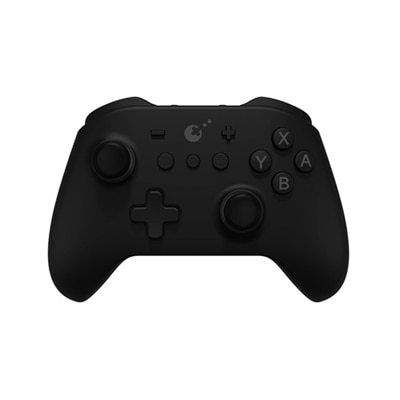
A comfortable haptic gaming pad with eight localized vibration zones and plug-and-play PC software.
Elevate your gaming experience with the perfect selection of PC gaming accessories that cater to both casual players and competitive gamers alike. Whether you're looking to enhance your precision, comfort, or overall setup aesthetics, our range of high-quality peripherals and gear is designed to meet every need. From immersive audio solutions to responsive input devices, these PC gaming accessories are crafted to help you gain an edge in your favorite games while ensuring a seamless and enjoyable experience. Discover the tools that can transform your gameplay, offering reliability and performance with every click and command.
A comfortable haptic gaming pad with eight localized vibration zones and plug-and-play PC software.
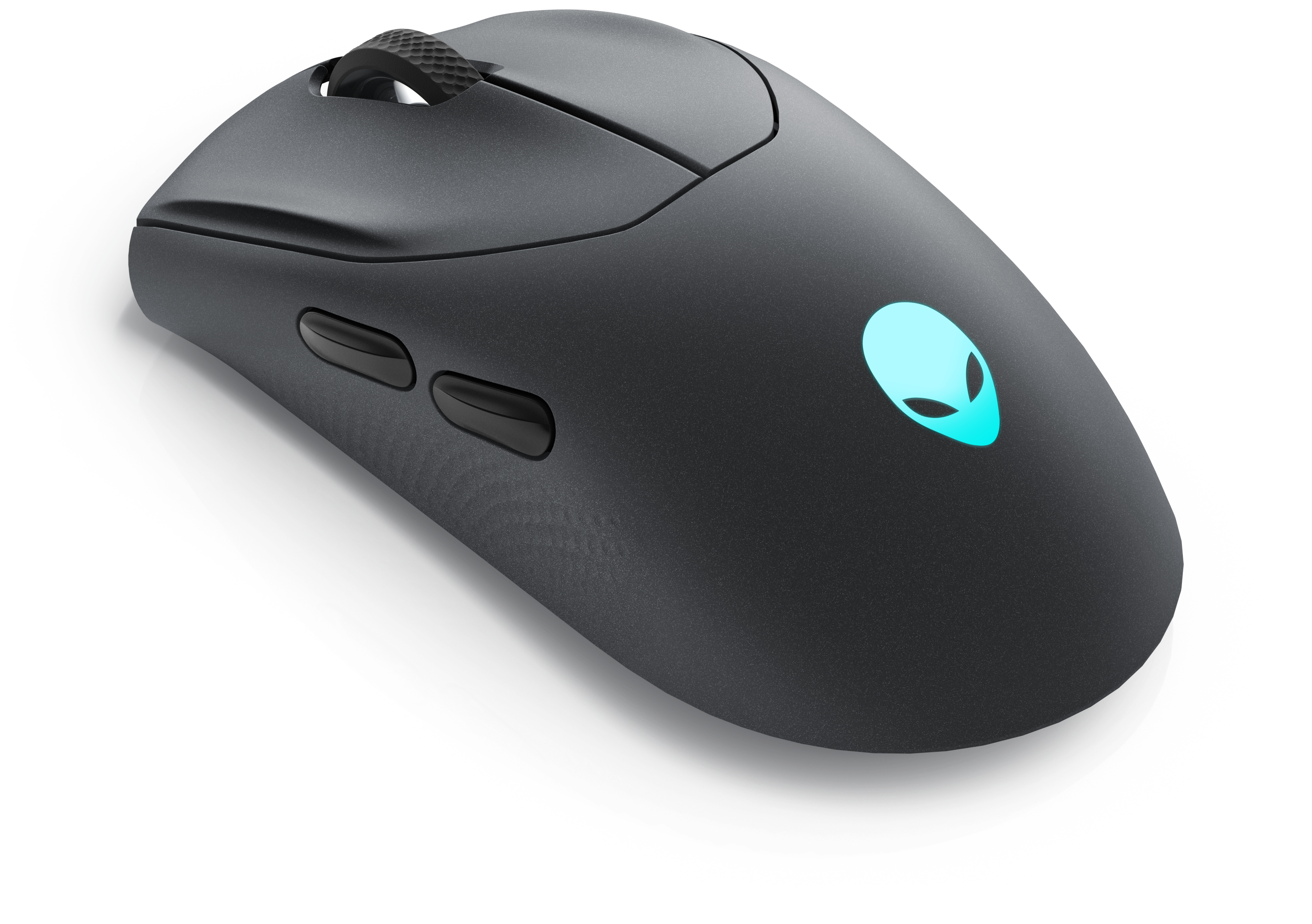
A wireless gaming mouse featuring tri-mode connectivity, 26,000 DPI, slim design, and magnetic-snap fast charging.
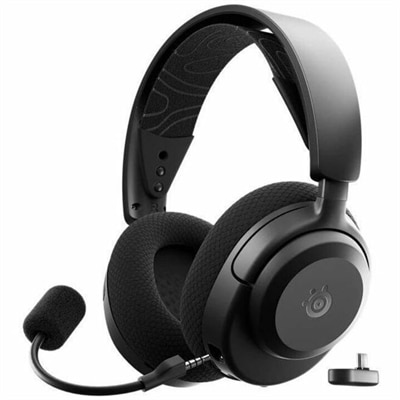
A comfortable tri-mode wireless gaming headset delivering tactile audio precision with Dolby Atmos® for immersive play.
A tri-mode wireless gaming keyboard with magnetic snap-on charging and customizable controls for enhanced performance.
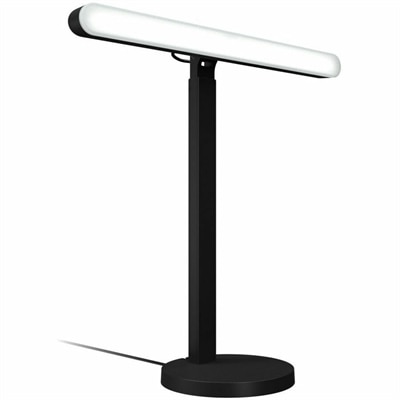
A desktop LED key light with TrueSoft technology, adjustable brightness, and color temperature for gaming illumination.
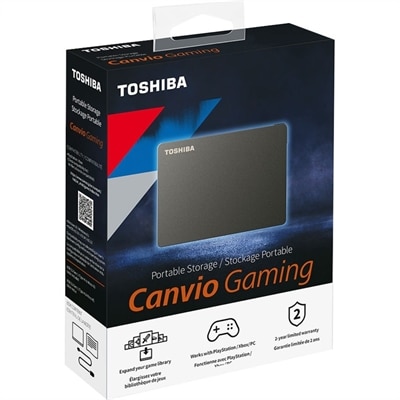
A black portable external hard drive offering 4TB capacity, console and PC compatibility, and gaming-optimized Always On mode.
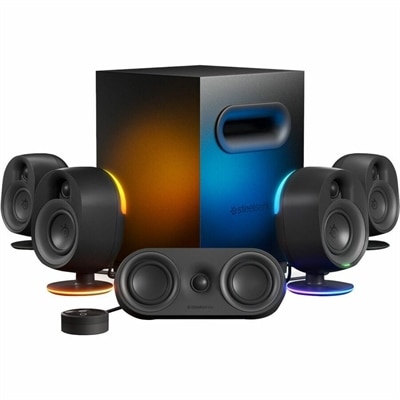
A 5.1 surround sound speaker system featuring Bluetooth, wireless rear speakers, USB connectivity, and a subwoofer.
A USB-C wireless dongle that pairs seamlessly with compatible gaming headsets for convenient cord-free audio.
A black wireless gaming headset with 40-hour battery life, Bluetooth 5.3, presets, and USB-C cross-platform connectivity.
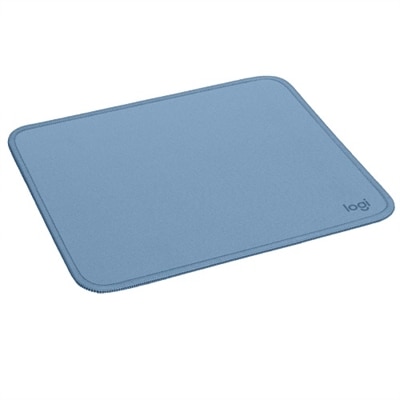
PC gaming accessories bring control, sound, comfort, and organization to the space around a gaming computer. Gaming mice, keyboards, headsets, controllers, mouse pads, and desk accessories each support a different part of the experience, from making small aiming adjustments to keeping voice chat clear during a cooperative match. The most useful combination depends on the games being played and the desk where those games happen. A fast-paced shooter often calls for room to sweep a mouse across a consistent surface, while a strategy game can make frequent keyboard shortcuts and easily reached buttons more important. For racing, platforming, and other controller-friendly games, a familiar handheld layout offers a different way to settle into play. Physical fit matters as much as a feature list. Mouse shape, weight, and button placement affect how naturally the hand rests, particularly when switching between a relaxed palm grip and a lighter fingertip grip. Keyboard width also changes the feel of a setup: a compact layout leaves more room beside it for mouse movement, while a full-size layout retains a number pad that can be useful when the same computer handles schoolwork or spreadsheets. Mechanical switches vary in sound, resistance, and tactile feedback, and quieter designs may suit a shared room better than sharply clicking keys. Keycap texture, readable legends, and a stable base contribute to everyday usability without requiring elaborate lighting or extra controls. Mouse surfaces deserve similar attention. Cloth offers a softer feel, while hard surfaces generally feel firmer and may provide a quicker glide, depending on the mouse feet and surface finish. A nonslip backing helps keep either style steady through repeated movement. Related Gaming Mouse Accessories can complement that connection between hand, mouse, and desk. For a small bedroom desk, a carefully sized pad may preserve room for a notebook; on a wider desktop, an extended mat can provide a continuous surface beneath both keyboard and mouse.
Gaming headsets and audio accessories shape both what players hear and how clearly teammates hear them. Stereo separation and well-balanced sound can make footsteps, dialogue, and environmental effects easier to distinguish, although positional accuracy also depends on the game, its audio settings, and the listener. Virtual surround features are not a substitute for a comfortable fit or clear reproduction. Over-ear cushions should surround the ears without concentrating pressure, and an adjustable headband helps distribute weight during longer sessions. Fabric-covered cushions often feel more breathable, while leatherette surfaces are typically easier to wipe clean but can feel warmer. Eyeglass frames, room temperature, and individual sensitivity to clamping pressure all influence comfort. A microphone that stays near the mouth can improve voice consistency, while accessible mute and volume controls make it easier to move between team conversation and activity elsewhere in the room. Separate microphones and speakers serve different routines, including streaming, casual listening, and gaming when a headset feels unnecessary. In a shared space, microphone pickup patterns and speaker volume affect how much background sound reaches a call. Connections matter across all these categories. Wired accessories avoid routine battery charging and can keep a permanent desk setup straightforward; wireless accessories reduce cable clutter and allow more freedom of movement. Wireless connection type, battery life, receiver placement, and compatibility should match the computer and intended use, since performance varies across devices and connection methods. Bluetooth and dedicated wireless receivers are not interchangeable in their behavior, and advertised features may depend on supported software or operating systems. A laptop used for both work and gaming may also have fewer open ports than a desktop, making connector types and cable reach practical considerations. Controllers add another layer of personal fit, with differences in grip shape, trigger resistance, stick placement, and remapping support. For someone who moves between genres, having more than one input style can make a desk feel flexible rather than built around a single kind of game.
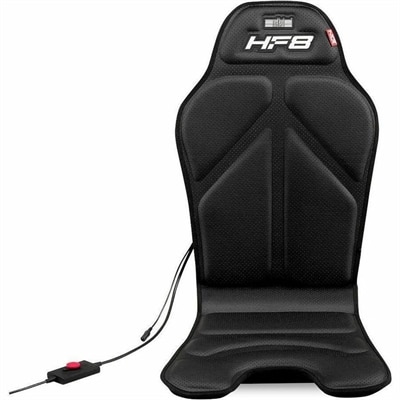
The surrounding gaming space influences how comfortably those accessories work together. Monitor arms can reclaim desk surface and allow screen positioning to change, but compatibility depends on the display’s mounting pattern, weight, and the arm’s supported range. Desk thickness and construction matter too, especially with clamp-mounted equipment. Keeping a keyboard and mouse within easy reach, leaving space for forearm movement, and positioning a display at a comfortable viewing distance can reduce awkward reaching without turning a bedroom or living area into a dedicated gaming room. Adjustable lighting adds atmosphere, whether that means a subtle glow behind a screen or illuminated keys that remain readable after dark. Brightness and placement matter more than the number of colors when reflections or exposed lights become distracting. Cable clips, headset rests, and other organizers help separate frequently used controls from loose cords and create a clear place to put equipment between sessions. Durability comes from both construction and care. Reinforced cable junctions, secure connectors, sturdy adjustment points, and replaceable wear components are useful details for accessories handled every day. Braided cable coverings can resist some surface wear, but they do not make a cord immune to sharp bends or repeated strain. Soft desk mats may develop worn edges, headset cushions can compress, and mouse feet gradually change with use. Cleaning methods should follow the manufacturer’s directions, particularly for coated surfaces, washable fabrics, and electronics. Disconnecting equipment before cleaning, removing crumbs gently, and keeping liquids away from openings help protect the parts that are hardest to reach. PC gaming accessories suit a wide range of people, including competitive players, weekend adventurers, students with multipurpose desks, and adults returning to favorite games. They can also make thoughtful birthday or graduation gifts when chosen around the recipient’s existing setup, preferred games, and comfort preferences. A quieter keyboard can be meaningful in a shared apartment, while a comfortably fitting headset may suit someone who regularly plays with distant friends. Across these different uses, the strongest setup is one whose pieces fit the person, the computer, and the room—not simply one with the most features.
Add the products you would like to compare, and quickly determine which is best for your needs.