$549.00
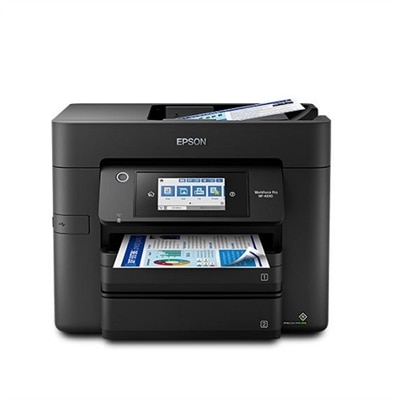
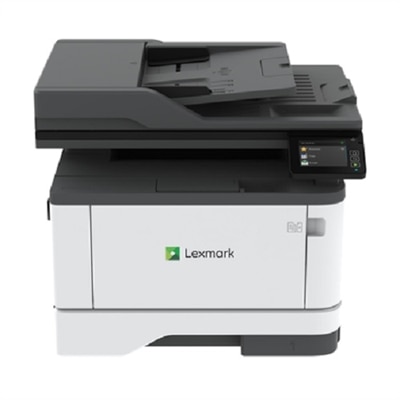
A compact all-in-one laser printer with 42 ppm output, double-sided scanning, and cloud connectivity.
Google Drive printers offer a seamless way to streamline your printing tasks by connecting directly with your cloud storage. Perfect for home offices, classrooms, or busy workplaces, these printers make it easy to access and print documents stored in Google Drive without extra steps. Discover a wide selection of google drive printers designed to help you stay organized and efficient, all while supporting your digital workflow needs.
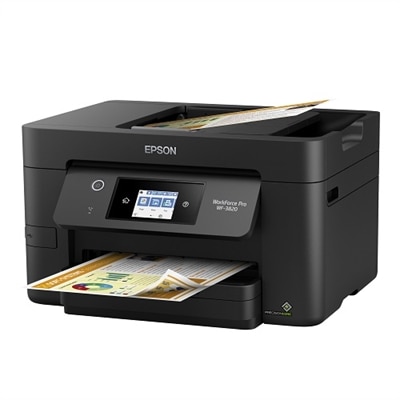
A compact all-in-one laser printer with 42 ppm output, double-sided scanning, and cloud connectivity.
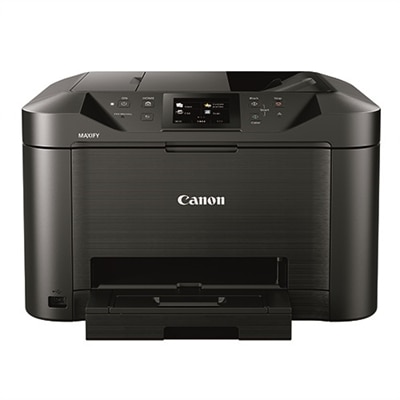
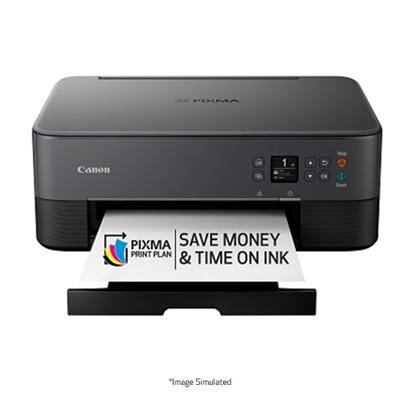
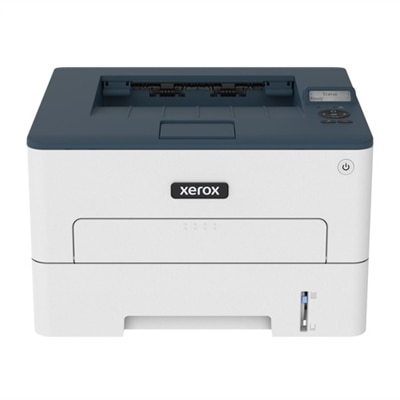
A compact color laser printer offering wireless connectivity, 26 ppm output, and a 2.8-inch touchscreen.
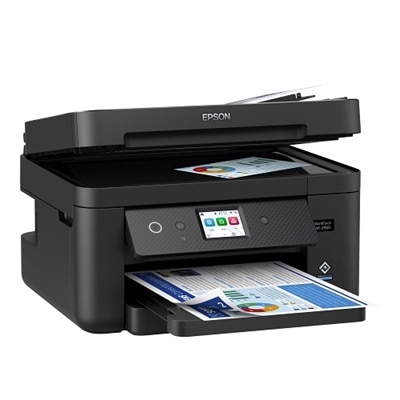
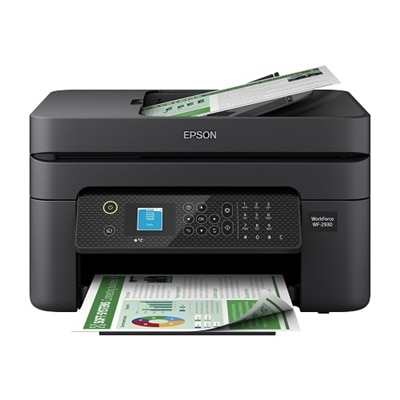
An efficient all-in-one printer with wireless connectivity, auto 2-sided functions, and a 4.3" touchscreen.
An all-in-one black printer with PrecisionCore technology, 2.4" touchscreen, and 150-sheet paper tray.
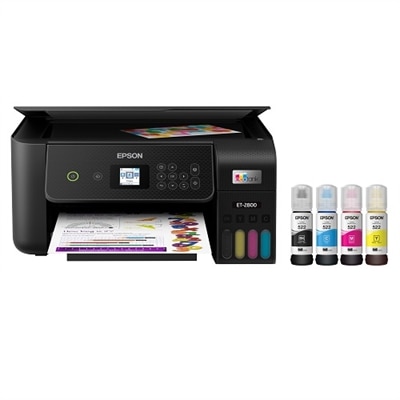
A compact all-in-one printer with wireless connectivity, 5-ink system, and 4.3" touchscreen.
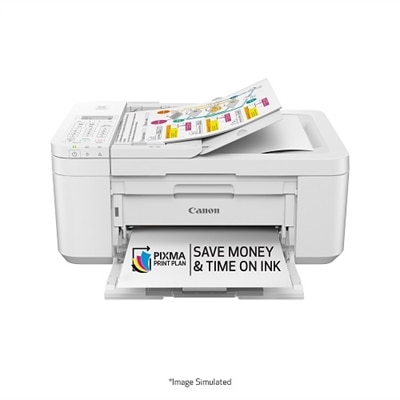
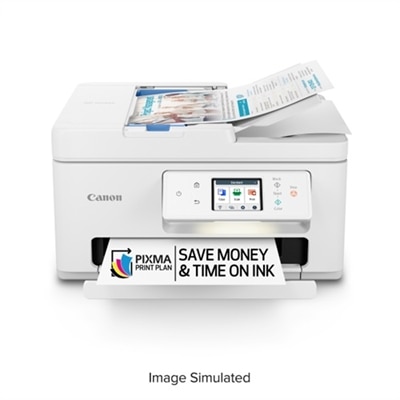
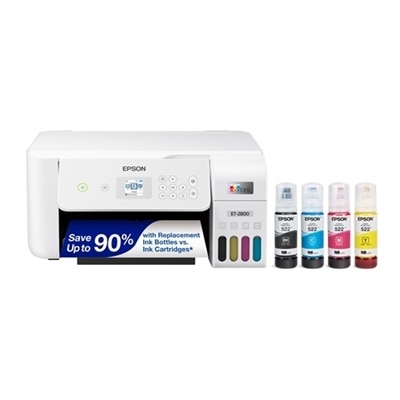
A compact white all-in-one printer with wireless connectivity, auto 2-sided printing, and fax functionality.
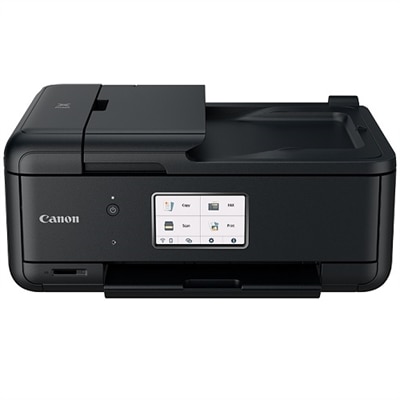
An all-in-one wireless inkjet printer with a 2.70-inch touchscreen and automatic document feeder for efficiency.
An efficient all-in-one printer with PrecisionCore technology, offering fast speeds and vibrant color printing.
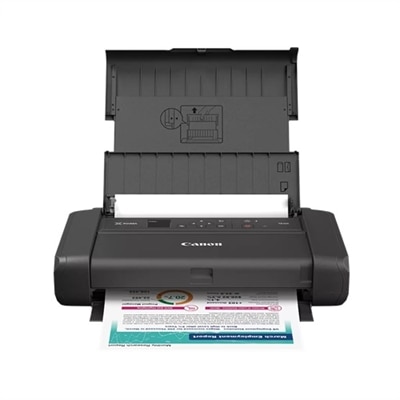
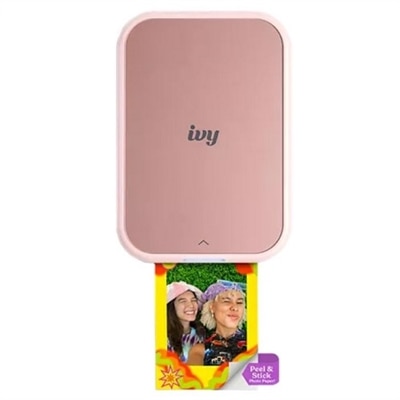
A compact wireless printer offering high-quality document and photo printing with an intuitive 1.44" OLED display.
A wireless all-in-one inkjet printer with fast 2-sided scanning and a 3.5-inch touchscreen.
In today’s fast-paced, interconnected world, the ability to print directly from cloud-based platforms like Google Drive has become more than just a convenience—it’s a necessity for many users across home, work, and educational settings. Whether you’re a busy professional frequently collaborating on shared documents, a teacher managing lesson plans, or a student working on group projects, having a printer that seamlessly integrates with Google Drive can streamline your workflow and save valuable time. Google Drive printers, often referred to as “google smart printers,” are designed with cloud connectivity at their core, enabling users to print, scan, and even fax documents from virtually anywhere, using a range of devices such as smartphones, tablets, and laptops. This flexibility makes them an ideal fit for modern households, home offices, or small businesses where multiple users might need to access the printer from different locations or devices. For families, these printers can be invaluable for printing homework assignments, permission slips, or cherished photos stored in the cloud, all without the need for complicated driver installations or a direct computer connection.
When considering which Google Drive printer to bring into your space, it’s important to look at features that enhance both ease of use and productivity. Many of today’s models are “google home compatible printers,” allowing for voice-activated printing and integration with other smart home devices, so you can queue up a document or photo hands-free while multitasking around the house. If you’re seeking the best place to buy laser printers with google cloud print support 2026 and beyond, prioritize options that offer robust wireless connectivity, intuitive touchscreen controls, and native support for cloud platforms. These features not only make everyday printing tasks faster but also help future-proof your setup as technology evolves. For those who juggle work and personal responsibilities, the ability to scan directly into Google Drive is a game-changer—imagine digitizing receipts, contracts, or handwritten notes with just a few taps, instantly storing them where you need them most. Around this time of year, as spring cleaning inspires a fresh start and organization is top of mind, a cloud-connected printer can help declutter your physical workspace by moving more documents into the digital realm.
A Google Drive printer also makes a thoughtful gift for tech-savvy friends, remote workers, or students heading off to college. The ease of printing from anywhere—whether it’s a dorm room, café, or home office—removes barriers and empowers users to stay productive on their own terms. While Google Cloud Print as a service has been discontinued, the latest wave of cloud-ready printers offers native integration with Google Drive and similar platforms, ensuring that users can continue to enjoy seamless cloud printing experiences. For those interested in exploring a broader range of options, including models tailored for desktop use, the curated selection at Desktop Printers provides a variety of choices to suit different needs and budgets. Whether you’re upgrading your own setup or searching for a practical, future-focused gift, choosing a printer with Google Drive compatibility is a smart investment in both convenience and productivity.
Google Drive printers are designed to connect directly to your Google Drive account, allowing you to print documents, photos, and PDFs from the cloud without needing a computer or complex drivers. This streamlines the process, making it easy to print from smartphones, tablets, or laptops, and ensures that your files are always accessible for printing wherever you are.
When choosing a printer for Google Drive integration, look for features such as built-in Wi-Fi, intuitive touchscreen controls, native cloud app support, and compatibility with smart home systems. These features enhance the user experience by enabling wireless printing, easy navigation, and seamless operation with other connected devices.
Many modern cloud-connected printers offer the ability to scan documents directly to your Google Drive account. This feature is especially useful for digitizing paperwork, organizing receipts, or storing important documents securely in the cloud with just a few taps on the printer’s interface.
Google Drive printers are ideal for remote workers, students, educators, and busy households. Their ability to print and scan directly from the cloud supports collaborative projects, distance learning, home office productivity, and everyday family needs, all while reducing reliance on traditional computer connections.
Yes, many Google Drive printers are also google home compatible printers, allowing you to use voice commands and integrate them with your broader smart home ecosystem. This makes it even easier to manage printing tasks hands-free, whether you're multitasking at home or optimizing your workspace.
Add the products you would like to compare, and quickly determine which is best for your needs.