$189.99
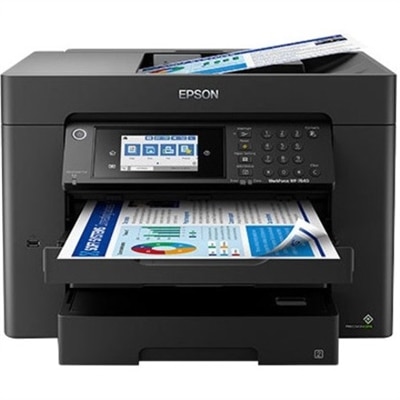
A compact wireless printer with Wi-Fi Direct, automatic two-sided printing, mobile compatibility, and 250-sheet capacity.
Mobile printing compatible printers offer seamless convenience for users who need to print documents, photos, and more directly from their smartphones or tablets. Whether at home, in the office, or on the go, these printers are designed to support flexible, wireless workflows that keep up with your busy lifestyle. Explore a wide range of mobile printing compatible printers to find the perfect solution for efficient and effortless printing from your mobile devices.
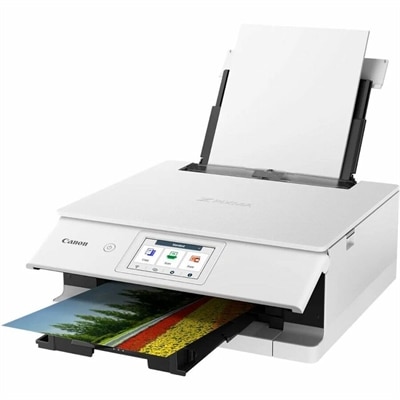
A compact wireless printer with Wi-Fi Direct, automatic two-sided printing, mobile compatibility, and 250-sheet capacity.
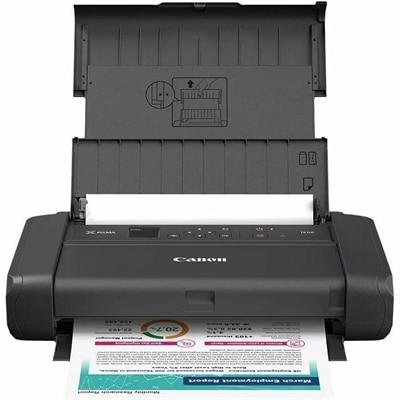
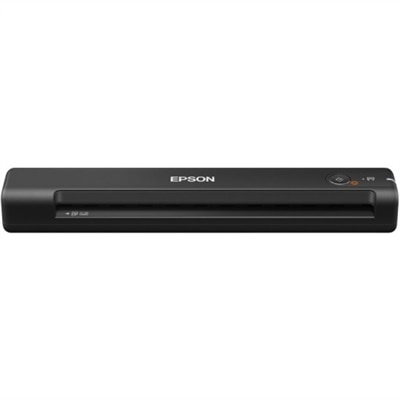
A portable wireless inkjet printer with five-color hybrid ink, borderless printing, OLED display, and optional battery.
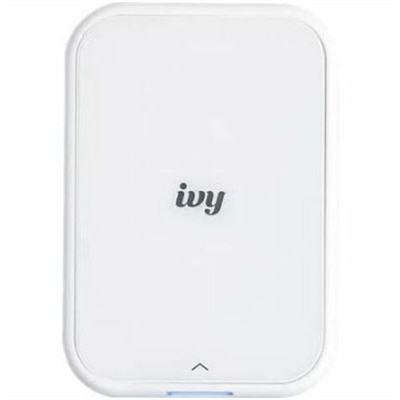
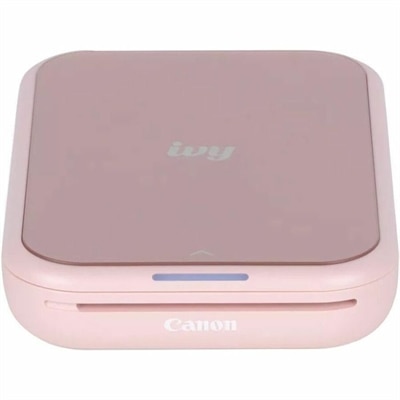
A portable, pure white zero-ink photo printer creating personalized stickers from your smartphone.
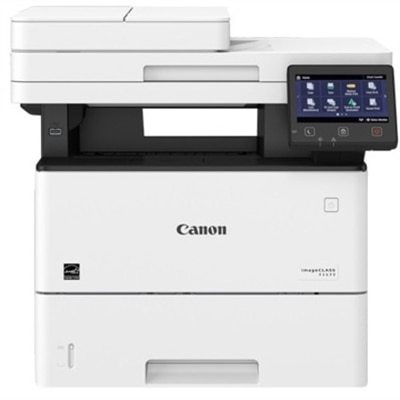
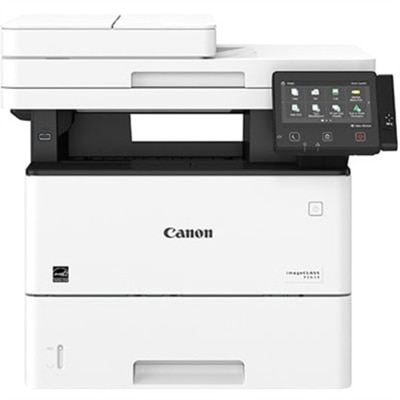
A monochrome laser multifunction printer delivering 45 ppm, 600x600 dpi, duplex scanning, and 2,300-sheet capacity.
Mobile printing compatible printers turn documents and images on a smartphone, tablet, or compatible laptop into physical pages without always requiring a desktop computer as an intermediary. Depending on the printer and mobile device, a print job may use Wi-Fi, a direct wireless connection, Bluetooth, or a supported USB connection. Compatibility depends on more than the presence of a wireless feature: the printer must support the device’s operating system, the intended connection method, and the application sending the file. Some models work with a phone’s built-in print menu, while others require a manufacturer’s app or a compatible print service. Bluetooth may support printing on certain models but serve only as a setup tool on others, making the stated mobile printing capabilities more useful than a wireless label alone. For everyday use, these printers can handle moments as simple as printing a permission slip from an email, producing a return label from a phone, or making a paper copy of a recipe before cooking. Mobile compatibility does not necessarily mean the printer itself is portable. A full-size multifunction printer can accept jobs from a tablet while remaining on a home office desk, and a compact mobile printer can travel in a work bag while requiring a particular app or cable. That distinction matters when matching a printer to its intended setting. A household sharing one printer may benefit from a stationary model with a generous paper tray, while someone working between locations may place more importance on weight, battery operation, and a small footprint. Direct wireless printing can be useful where a shared Wi-Fi connection is unavailable, although app setup, account requirements, and internet-dependent features vary. The most suitable combination brings together the devices already in use, the kinds of files being printed, and the practical space available for paper, power, and finished pages.
Print technology shapes both the output and the day-to-day experience. Inkjet printers are commonly suited to a mixture of text documents, color graphics, and photographs, with results influenced by ink type, print settings, and paper quality. Laser printers are often a practical fit for frequent document printing, particularly when crisp text and multipage output matter more than photographic detail. Direct thermal printers create an image on heat-sensitive media rather than using ink or toner, but their paper requirements and output characteristics make them a different choice from conventional document or photo printers. Many print in monochrome, and thermal pages may darken or fade with exposure to heat, sunlight, or certain chemicals, so they are not automatically suited to keepsakes or long-term records. Paper compatibility deserves equal attention across printer types. Standard letter-size documents, envelopes, adhesive labels, heavier card stock, and glossy photo paper place different demands on the feed path, and each printer has limits for media dimensions, thickness, and finish. A shipping label needs legible text and a cleanly rendered barcode; a family photograph benefits from compatible photo media and appropriate color settings. Automatic two-sided printing can make longer documents easier to carry, while a flatbed scanner or automatic document feeder can add usefulness for paperwork that starts on paper rather than on a screen. Those features are separate from mobile printing support, and mobile scanning capabilities may depend on the accompanying app. Physical fit includes more than the closed dimensions of the machine: an extended output tray, rear paper feed, open scanner lid, and access for replacing consumables all require room. Most desktop printers have molded plastic housings with moving trays and covers that benefit from careful handling. Regular use, recommended cleaning, and correctly stored paper help support dependable feeding and consistent output. Inkjet models may need printhead maintenance after periods of inactivity, while laser and thermal models have their own cleaning and consumable requirements. Following the manufacturer’s care directions is especially important around rollers, printheads, and internal surfaces.
A printer’s usefulness often becomes clearest in the small routines surrounding the printed page. A student reading course material on a tablet may want a paper copy to annotate beside a textbook. A remote worker may need a signed form ready before an afternoon appointment, while a small business owner might print packing documents from a mobile device near the workspace. For these settings, reliable app support, readable print previews, and straightforward paper-size controls can matter as much as speed. A document that looks right on a phone can still print with clipped edges or unexpectedly small text if its page dimensions do not match the loaded paper. Photos introduce a different set of considerations, including cropping, borderless support, and whether the selected paper size preserves the intended composition. Shared households may also appreciate a printer with clear status indicators and easy access to paper and consumables, particularly when several people send jobs from different devices. For work away from a fixed desk, the Travel Printers category is a related option for exploring printers designed around portability. A rechargeable battery, supported charging method, secure paper transport, and a protective carrying case can affect how comfortably a portable printer fits into a day of appointments or coursework. Battery endurance varies with settings, connection use, and the amount printed, and a lightweight body does not by itself indicate resistance to drops, dust, or moisture. Paper also needs protection from bent corners and damp conditions during transport. As a practical gift for a college student, a frequent traveler with document needs, or a relative who enjoys printed photographs, a mobile-compatible printer works best when its device support and media requirements match the recipient’s habits. Whether the printer stays beside a laptop or moves between locations, the lasting benefit is a convenient path from a digital file to a usable page, with the right balance of output quality, physical size, maintenance, and everyday functionality.
Add the products you would like to compare, and quickly determine which is best for your needs.