$12.99
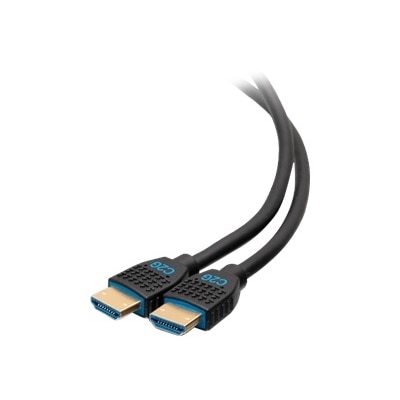
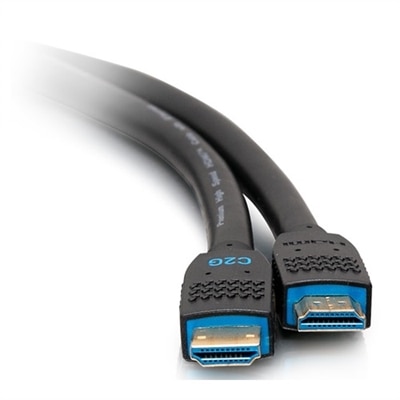
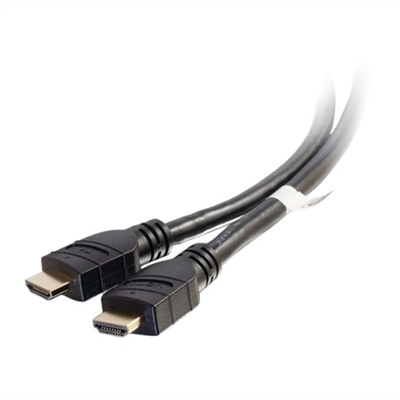
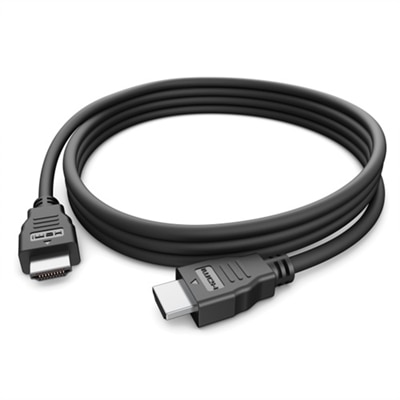
A black HDMI 2.0 cable offering up to 5K resolution at 60Hz with plug & play functionality.
Upgrade your home entertainment setup with high-quality HDMI cables for Apple TV 4K. Designed to deliver a seamless connection between your streaming device and display, these cables help you enjoy crisp visuals and immersive audio. Whether you're setting up a new system or replacing an old cable, find the perfect HDMI cables for Apple TV 4K to suit your needs and enhance your viewing experience. Explore a wide selection of reliable options to keep your favorite shows, movies, and games running smoothly.
A black HDMI 2.0 cable offering up to 5K resolution at 60Hz with plug & play functionality.
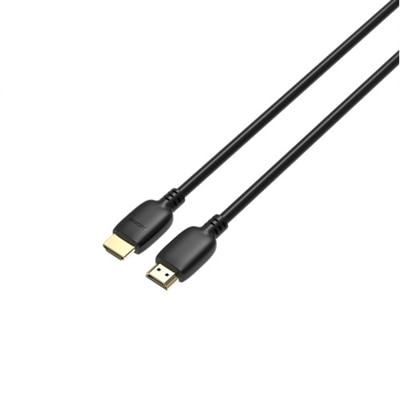
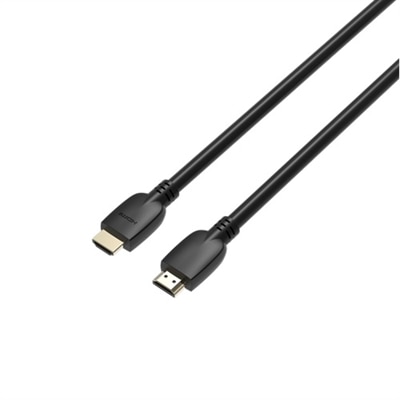
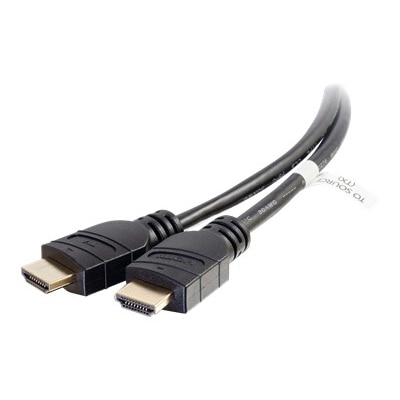
An ultra flexible black HDMI cable with gold-plated connectors, supporting 4K resolution and CEC commands.
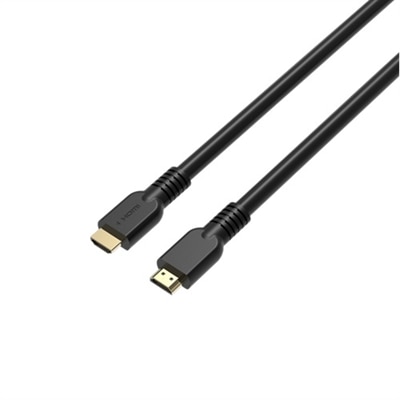
A high-speed HDMI 2.1 cable supporting 4K at 120Hz for superior video and audio clarity.
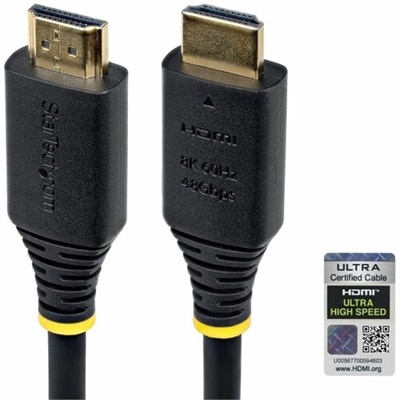
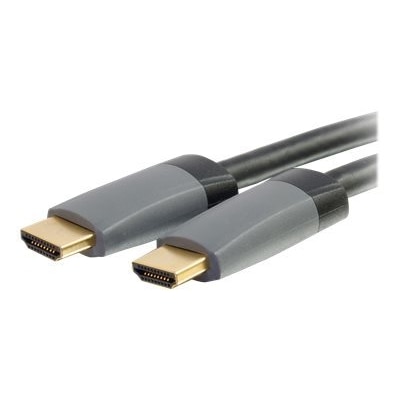
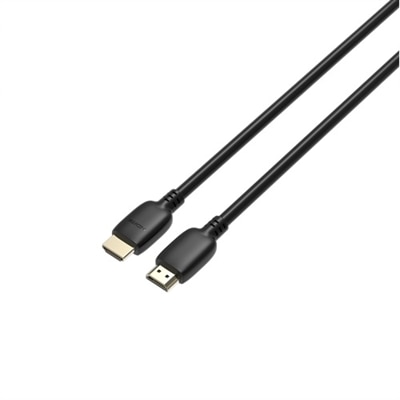
An ultra high speed HDMI 2.1 cable in black with gold-plated connectors, HDR10+ and Dolby Vision support.
A high-speed HDMI 2.1 cable supporting 4K at 120Hz for superior video and audio clarity.
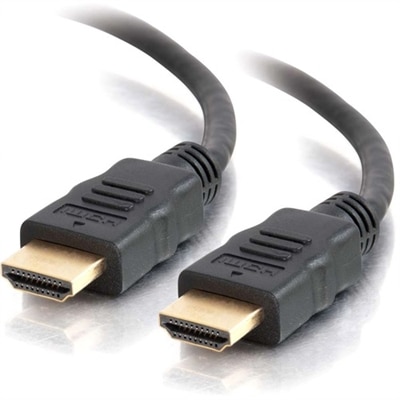
A high-speed HDMI cable with Ethernet, gold-plated connectors, 4K 60Hz support, and immersive audio features.
A 20ft black HDMI cable offering 4K resolution, HDR support, and 32 audio channels for superior performance.
A high-speed 15 ft HDMI 2.1 cable supporting 4K at 120Hz for superior video and audio clarity.
A high-speed HDMI 2.1 cable supporting 4K at 120Hz for superior video and audio clarity.
A 12ft black HDMI cable with Ethernet, ideal for in-wall high-speed multimedia connections.
A 35ft black HDMI cable with built-in signal booster, supporting 4K, HDR, and 18Gbps bandwidth.
A 50ft black HDMI cable offering 4K resolution, HDR support, and dual video streams for enhanced visuals.
A high-speed HDMI 2.1 cable supporting 4K at 120Hz for superior video and audio clarity.
A black 5ft HDMI cable offering 4K 60Hz video, 3D, deep color, and immersive audio features.
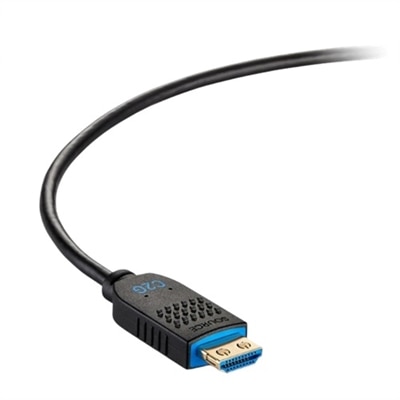
A black active optical HDMI cable delivering stable 4K 60Hz video with EMI/RFI protection for commercial use.
A black 6ft USB-C to HDMI cable delivers 4K 60Hz video for seamless connectivity to displays.
HDMI cables for Apple TV 4K help connect a streaming device to a television, monitor, soundbar, or audio-video receiver so video and sound can travel through one compact connection. For a dependable 4K home theater setup, look for a cable labeled Certified Ultra High Speed HDMI, which is designed to support bandwidth up to 48 Gbps. That capacity is useful for 4K video at up to 60 Hz, high dynamic range formats such as HDR and Dolby Vision, and high-bitrate surround sound formats such as Dolby Atmos when the rest of the entertainment system supports them. An older High Speed or Premium High Speed HDMI cable may work with many Apple TV 4K configurations, especially for standard 4K streaming, but a certified Ultra High Speed cable provides additional bandwidth and can help accommodate newer televisions, gaming features, and future equipment. Certification is more meaningful than a large resolution number printed on a package; look for the official Ultra High Speed HDMI certification label and, when available, a scannable verification label. A cable cannot create picture quality beyond what the Apple TV 4K, display, streaming service, and audio equipment can deliver, but the right cable helps maintain a stable connection between those components. Signs of an unsuitable or damaged cable can include intermittent black screens, flickering, audio dropouts, delayed sound, or a picture that disappears when a higher-quality video mode is selected. Choosing a properly rated cable from the start can make setup easier and reduce the need to troubleshoot an entertainment center after it has been arranged.
Cable length is another practical consideration. Measure the path from the Apple TV 4K to the display or receiver before choosing a cable, allowing enough slack for gentle bends and access to the ports. A short cable can keep a media console tidy, while a longer cable may be better for a wall-mounted television, a projector, or a setup in which the source device sits inside a cabinet. Avoid sharply folding an HDMI cable behind furniture, and leave room around connectors so they are not pressed sideways by a wall or cabinet. Standard passive HDMI cables are typically a straightforward choice for shorter runs. For extended distances, an active or optical HDMI cable may be worth considering, especially when the cable must run through a wall, along a large room, or behind a mounted display; confirm that the cable has the required direction and that its connectors can reach both devices. HDMI cables use the same familiar connector shape for many home entertainment connections, but features vary by cable, so check support for the bandwidth, refresh rate, HDR format, and audio return features required by the system. If a soundbar or receiver is part of the setup, connect the Apple TV 4K and display according to the equipment manufacturer’s instructions, then verify that the television’s HDMI port supports the desired audio return function when applicable. A cable with eARC support can be useful in a broader home theater arrangement, although eARC capability also depends on the television and audio device. Keeping the cable run accessible is helpful for swapping displays, adding a gaming console, or rearranging the room during the cooler months when movie nights and extended streaming sessions become part of the household routine. For another entertainment setup that benefits from high-bandwidth HDMI connections, browse HDMI Cables For Xbox Series X.
These cables can suit a wide range of viewers, from someone replacing a missing cable in a new apartment to a family refreshing the television area for shared movie nights. They are also a practical gift for a student setting up a first living space, a relative upgrading to a 4K display, or a home theater enthusiast who appreciates small improvements that make the room easier to use. A thoughtful choice begins with the equipment already in place: identify the Apple TV 4K generation, check the television’s available HDMI inputs, note whether a soundbar or receiver sits between the streaming device and display, and select a length that keeps the installation neat without stretching the cable. A braided exterior may offer added flexibility and resistance to everyday scuffs, while a smooth jacket can slide more easily through a narrow space; neither exterior style alone determines video quality, so bandwidth and certification remain the priorities. Gold-colored contacts may help resist surface corrosion, but they do not automatically indicate better performance. Features such as Ethernet support, reinforced connectors, a compact plug housing, or included cable management can make installation more convenient, particularly when ports are recessed or closely spaced. After connecting everything, select the television input associated with the cable, confirm that the Apple TV 4K is recognized, and review the video and audio settings if the system does not automatically select the desired format. For the clearest result, every part of the signal path should support the intended resolution and refresh rate, including the receiver, switch, wall plate, and display. With the right length, certification, and compatibility, an HDMI cable can disappear neatly behind the console while helping deliver a smooth, detailed picture and synchronized sound for streaming, live programming, music, and family entertainment.
For Apple TV 4K, a Certified Ultra High Speed HDMI (2.1) cable is recommended. This ensures support for 4K video at up to 120Hz, Dolby Vision, HDR, and advanced audio formats, delivering the best possible viewing and listening experience.
While older HDMI cables, such as HDMI 2.0, can work with Apple TV 4K, they may not support all features like higher frame rates, advanced HDR, or enhanced audio. For optimal performance and to take full advantage of the device’s capabilities, an HDMI 2.1 cable is strongly advised.
Anyone who enjoys high-definition movies, fast-paced gaming, or immersive streaming experiences will benefit from upgrading to a high-quality HDMI cable. It’s especially valuable for households with 4K TVs, home theater setups, or those who frequently use Dolby Vision and HDR content.
Look for features such as 48Gbps bandwidth, support for 4K resolution at 60Hz or 120Hz, HDR compatibility, and sturdy construction. Braided cables offer extra durability, and slim designs are ideal for tight spaces or wall-mounted TVs.
You can explore a curated selection of high-quality HDMI cables designed for 4K resolution and advanced audio features by visiting the 4K Cables collection at Dell.
Add the products you would like to compare, and quickly determine which is best for your needs.